One Login for Billing, Payroll and Leads: What Changes When a Multi-Outlet Retailer Stops Juggling Separate Tools
11 min read | By Lokesh A
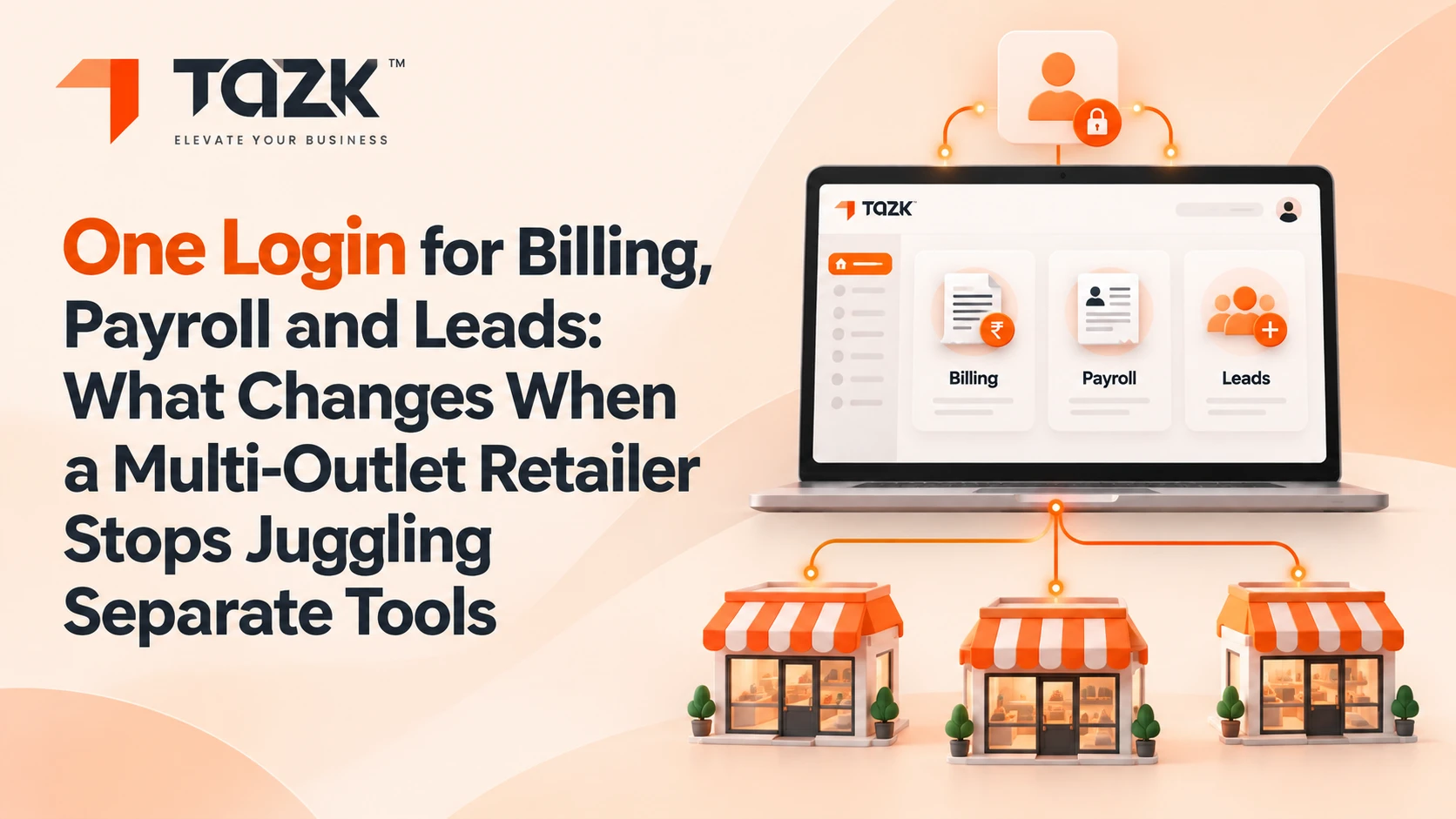
Table Of Contents
Social Media


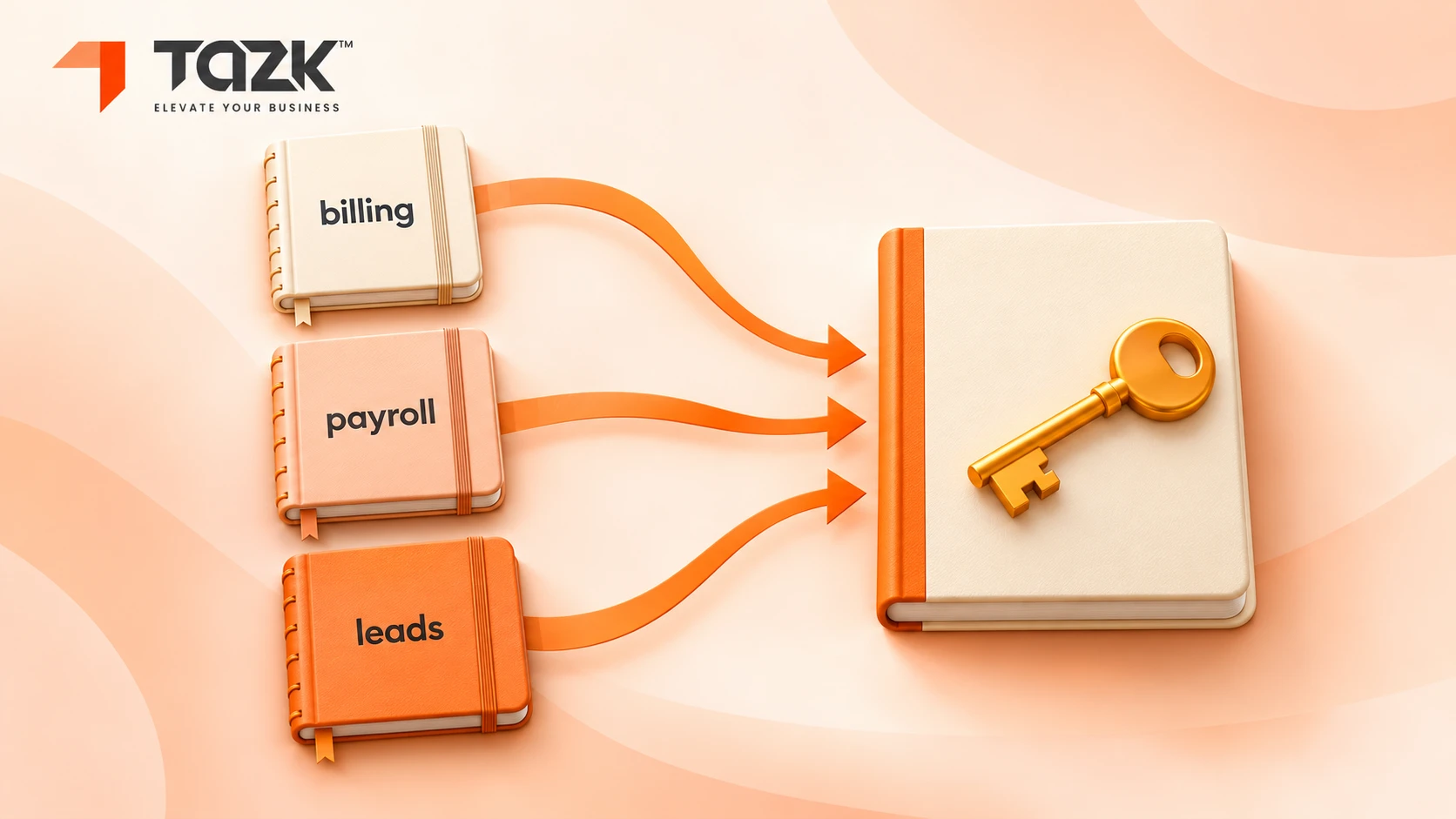
Picture a shop with four notebooks. The cashier writes bills in the first. The stock man writes counts in the second. The manager works out salaries in the third. The sales person keeps customer names in the fourth. When the owner asks, “How did we do this month, outlet by outlet?”, someone has to read all four notebooks side by side, and they never quite agree.
That is what running billing, payroll and leads on separate tools feels like for a multi-outlet retailer. This guide explains what changes when the three move onto one platform with one login. It covers what gets easier, what does not change, how long the move takes, what it costs against separate tools, and what to leave until later.
A note on honesty. Software stories are often polished, so we will not invent a retailer's numbers. Instead you get the measures to capture and the arithmetic to do with your own figures, so you can build a before-and-after that is true for your shops.
The short answer
- Yes, one platform can run billing, payroll and lead follow-up for a multi-outlet shop, if the three share one list of outlets, one list of people and one list of customers.
- Plan for weeks, not days. Start billing at one outlet first, and run payroll in parallel for a month.
- One platform helps most with errors you can control, such as stock transfers, discounts and “who changed what”. It cannot stop shoplifting.
- Attendance from every outlet can flow into payroll, with state-wise professional tax and outlet-wise reports.
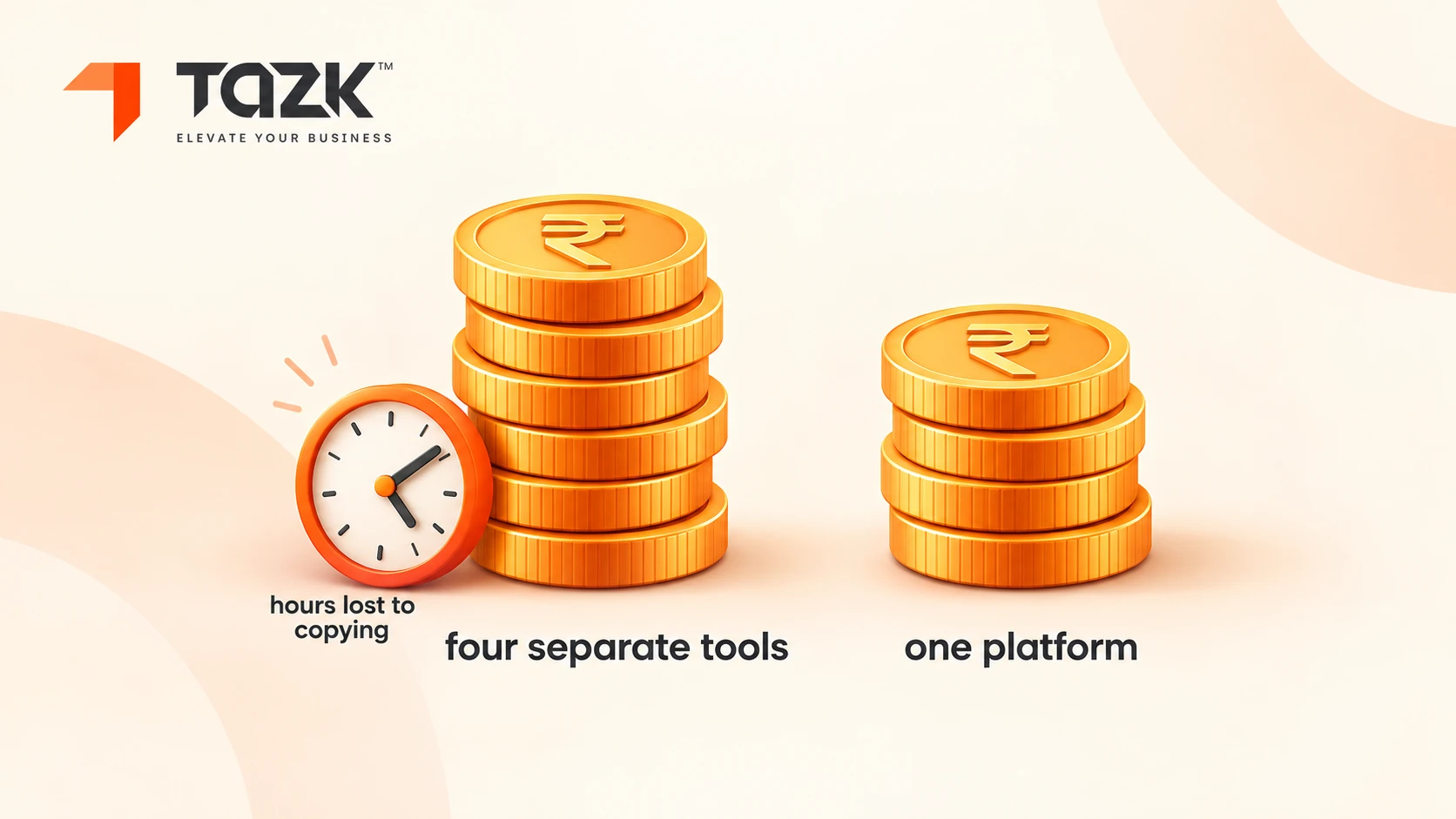
- Compare cost over a year, including the hours lost to exports and double entry, not only the licence price.
- Do not move everything on day one. Keep festival peaks, old history and your accounting link for later.
Under each heading you will find In simple words. Read only those lines and you will still understand the story.
Can one software run billing, payroll and lead tracking for a multi outlet shop?
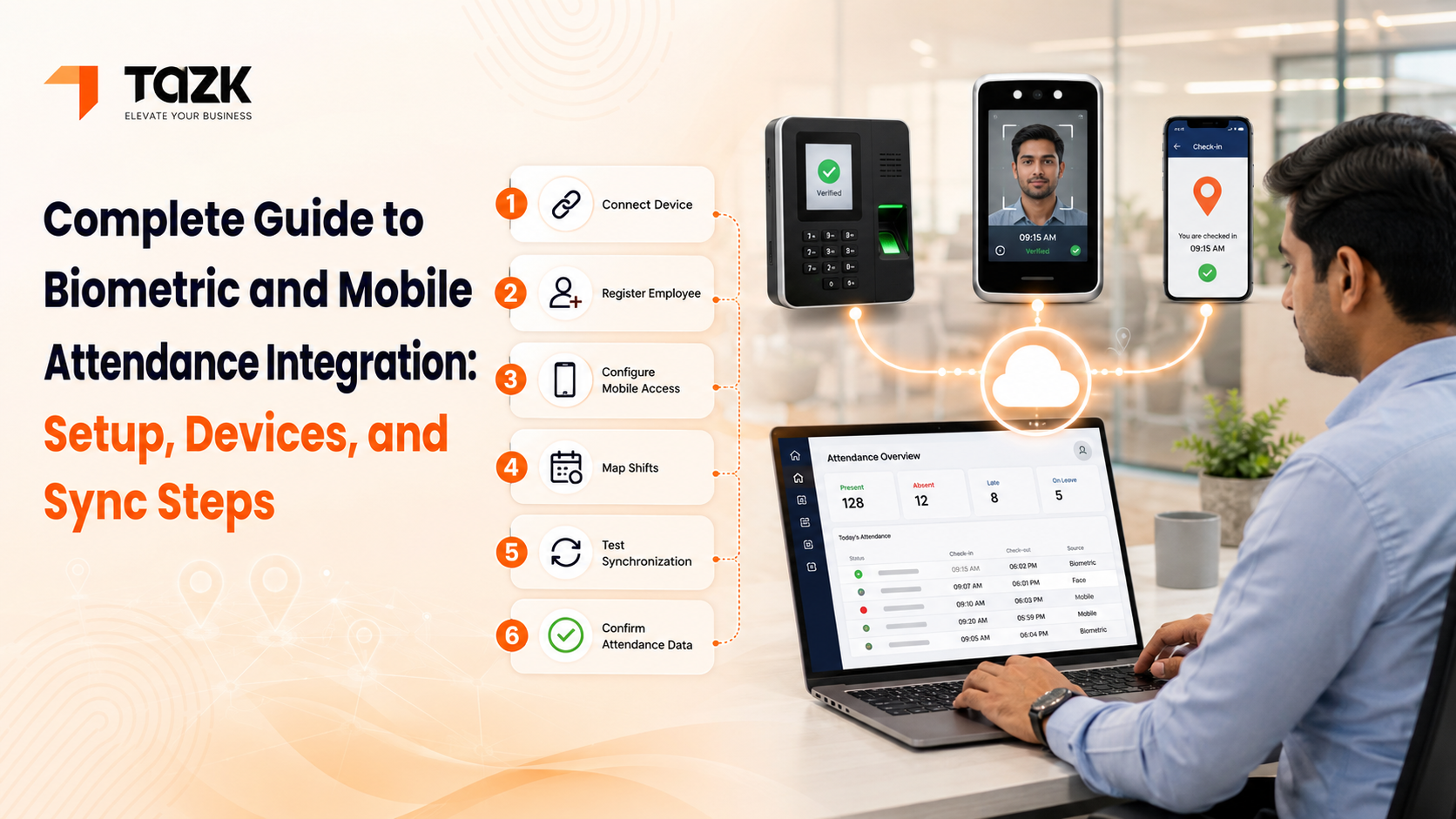
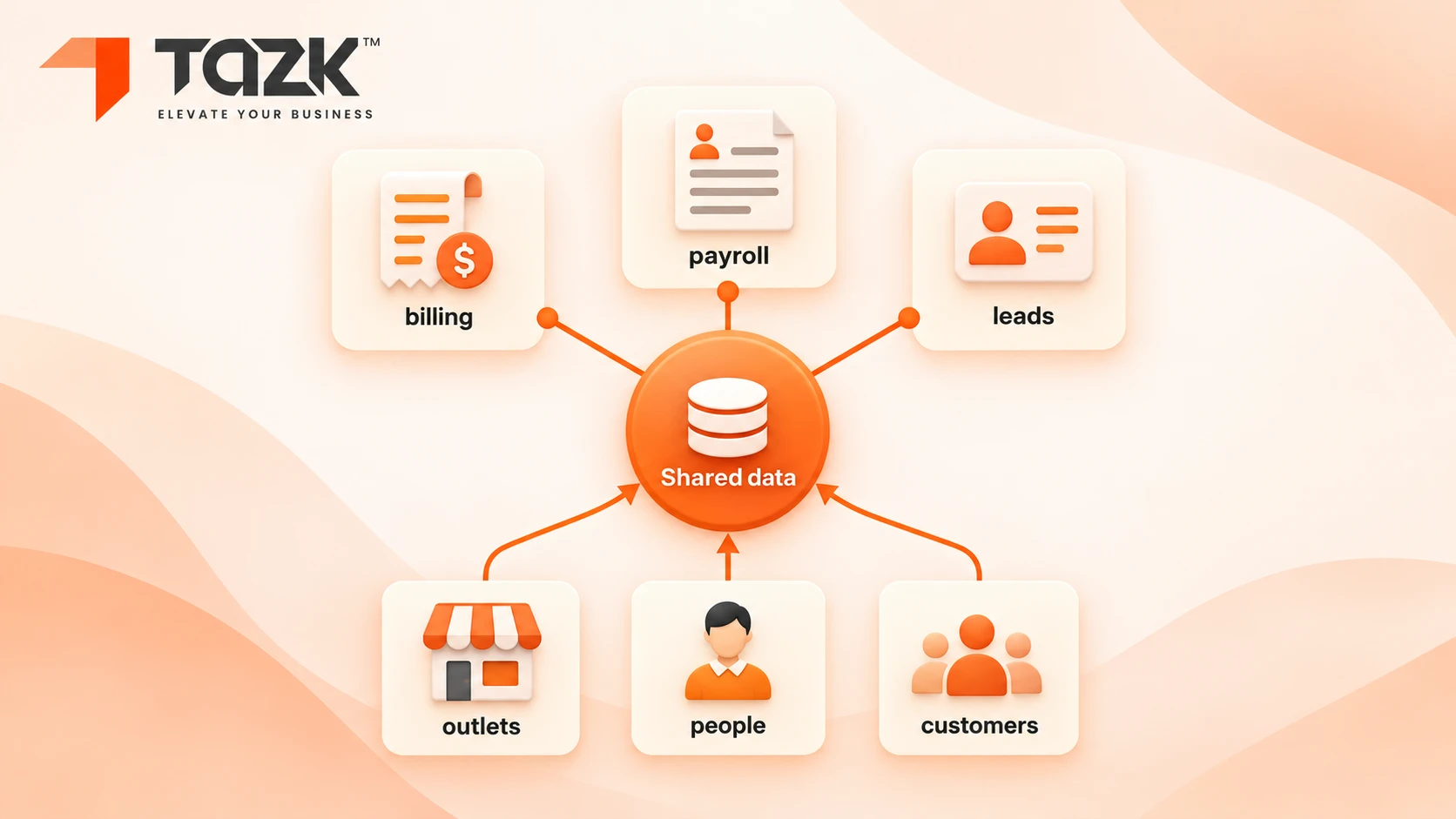
Yes, if the three parts share the same basic lists: your outlets, your people and your customers. That is also the test to apply when you compare POS and payroll software for retail stores. When billing, payroll and leads each keep their own lists, someone has to copy data between them, and every copy is a chance for a mistake. On one platform, the outlet you bill in is the outlet your staff work in and the outlet that receives the lead. Tazk is described as an all-in-one cloud platform covering sales, POS, payroll, CRM, projects and assets, according to its Techjockey listing, and Capterra lists Tazk POS for Indian retail with billing, inventory, GST compliance and accounting.
In simple words: One address book instead of four.
| Part | What it does | What it shares with the others |
|---|---|---|
| Billing and stock (POS) | Bills, GST invoices, stock, transfers between outlets and discounts | The outlet list, the staff list (who billed) and the customer list |
| Payroll and attendance | Attendance, shifts, salary, PF, ESI and professional tax | The outlet list and the staff list, with outlet-wise cost |
| Leads and follow-up | Enquiries, bulk and corporate orders, and reminders | The customer list and the staff list (who owns the lead) |
| One login | Roles and permissions by person and by outlet, and a record of who did what | Everything above |
What one platform does not do: replace your accountant, or remove the need to count stock. Keep your accounting link until you are sure it works (more on that in the last question). One payroll vendor's guide notes that standalone payroll tools need attendance exports every cycle, a hidden monthly cost. That kind of repeat work is what a shared login removes.
Ask any vendor to show one outlet's sales, staff cost and lead count on a single screen. That is what retail POS with payroll integration should look like in practice. Read more about Tazk POS software, https://tazk.in/point-of-sale-software , Tazk for retail and our lead management Software.
How long does moving from separate tools take?
Plan for weeks, not days. Usually a few weeks get billing live at the first outlet, and a few more bring in every outlet and your first full payroll. We do not promise a fixed number, because it depends on your outlets, items, staff and how clean your data is. Published ranges for payroll alone, which come from vendors and partners, say small businesses go live in about one to six weeks, with one parallel cycle ( HROne, Techimply ). The pace is set by your data more than by the software.
In simple words: Moving house takes longer when the boxes are not labelled.
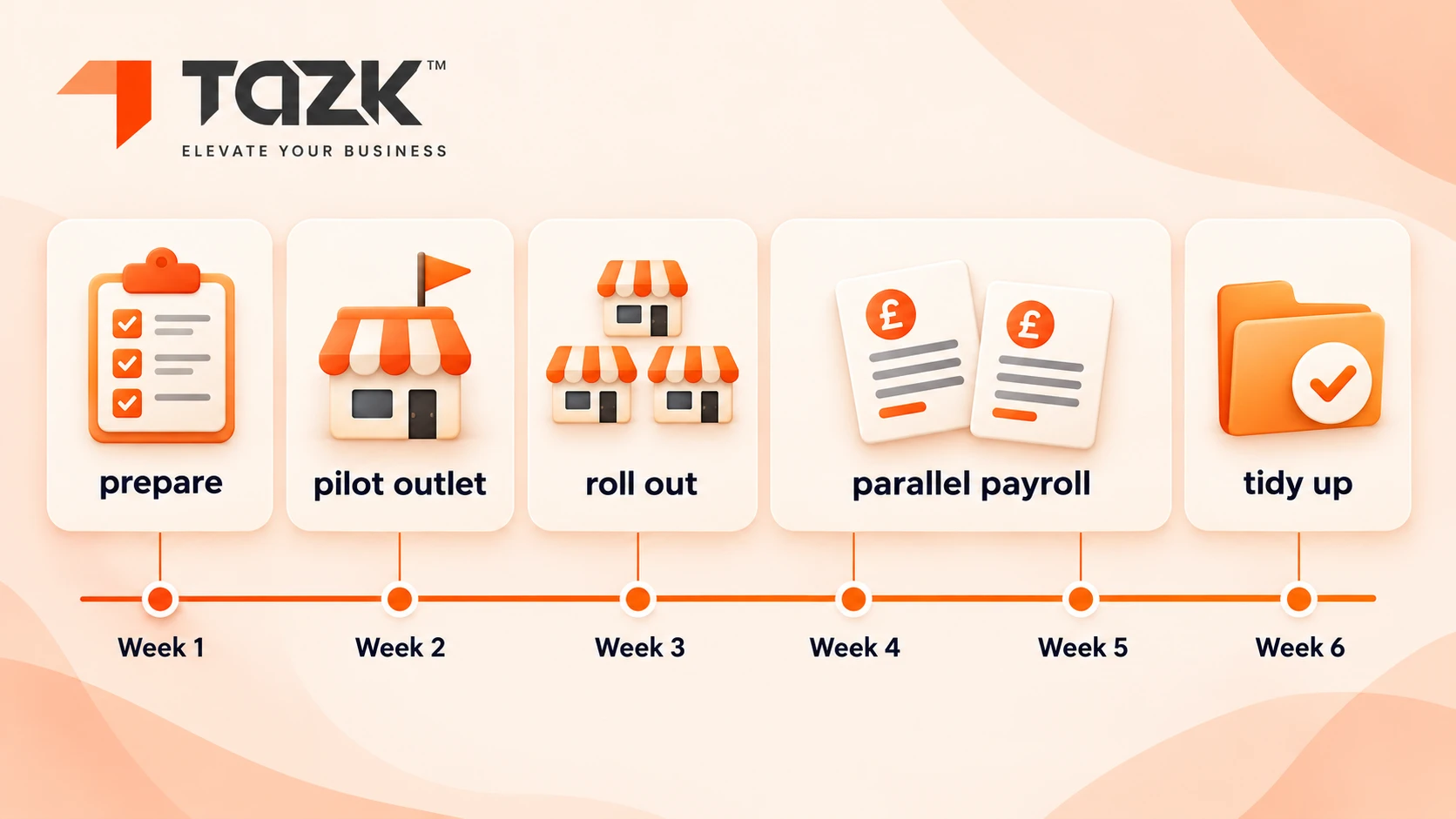
Here is a planning outline of our own. Adjust it to your size:
| Stage | What happens | What you have at the end |
|---|---|---|
| Week 0: prepare | List outlets, items and prices, opening stock, staff, salary structures and customers. Clean duplicates and count stock | Clean files |
| Weeks 1 to 2: pilot | Move one outlet's billing and stock, train its staff, and run old and new side by side for a few days | One outlet live |
| Weeks 2 to 4: roll out | Add outlets one by one, move leads, and set roles and discount limits | All outlets billing |
| Weeks 3 to 6: payroll | Import staff, link attendance, run one parallel payroll cycle and compare payslips | First live payroll |
| After: tidy up | Retire the old tools, keep old data read-only and review the reports | One login |
The Tazk site currently shows an offer of free migration help with its POS and Payroll bundle. Read the terms on the live banner, and ask for a dated plan on a free 20-minute planning call.
What happens to stock accuracy and shrinkage after switching?
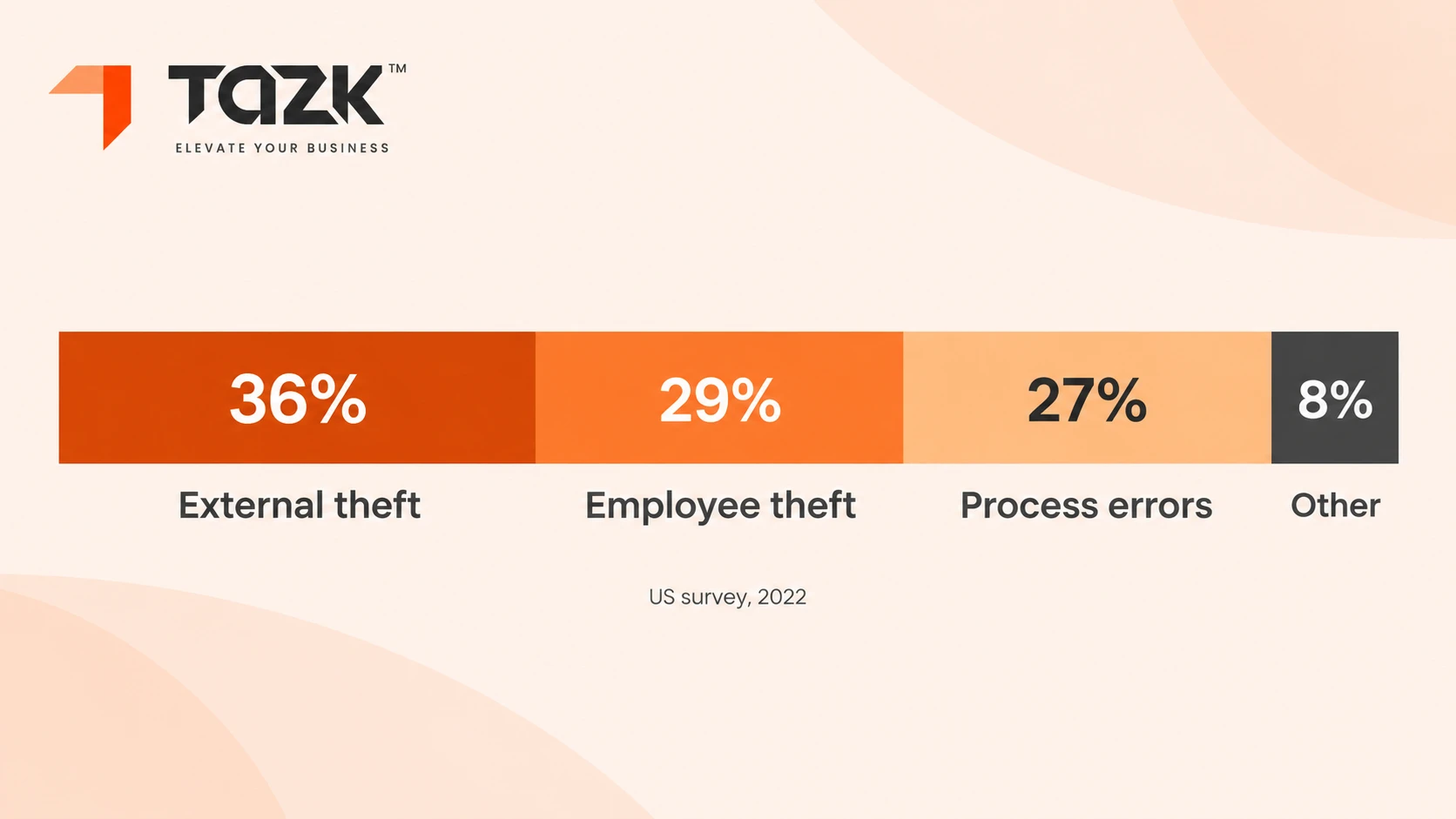
Some of it improves and some of it does not. Shrinkage is the gap between the stock your records say you have and the stock on the shelves. In the US, retailers lost about 1.6% of sales to shrink in the National Retail Federation's survey for 2022, and the causes were spread out. WhiteBox summarises it as 36% external theft, 29% employee theft and 27% process and control failures such as paperwork and receiving errors. India's numbers differ, so treat these as a guide to the mix and not as a target. One platform can act only on the parts that are about records and permissions.
In simple words: A good till cannot catch a shoplifter. It can catch a transfer that nobody wrote down.
| Cause of shrink | Can one platform help? | How |
|---|---|---|
| External theft (shoplifting) | Little | Shop-floor measures: layout, tags, cameras and staff presence |
| Employee theft and discount abuse | Some | Roles and limits for discounts and voids, and a log of who did what |
| Transfer and receiving errors | A lot | Record every transfer between outlets in one system, with sent and received counts |
| Data entry and paperwork errors | A lot | Fewer copies, less re-keying and one item list |
| Unknown loss | Measure it | Regular counts |
Measure it yourself. Shrink % = (recorded stock value − counted stock value) ÷ sales over the same period. Count stock before the switch and again after 90 days. Here is the arithmetic, not a result: at ₹10 crore of yearly sales, a 1.6% shrink is ₹16 lakh a year, and every 0.1 percentage point is ₹1 lakh. For billing-counter habits that protect stock and queues in the festive weeks, see our Diwali rush checklist.
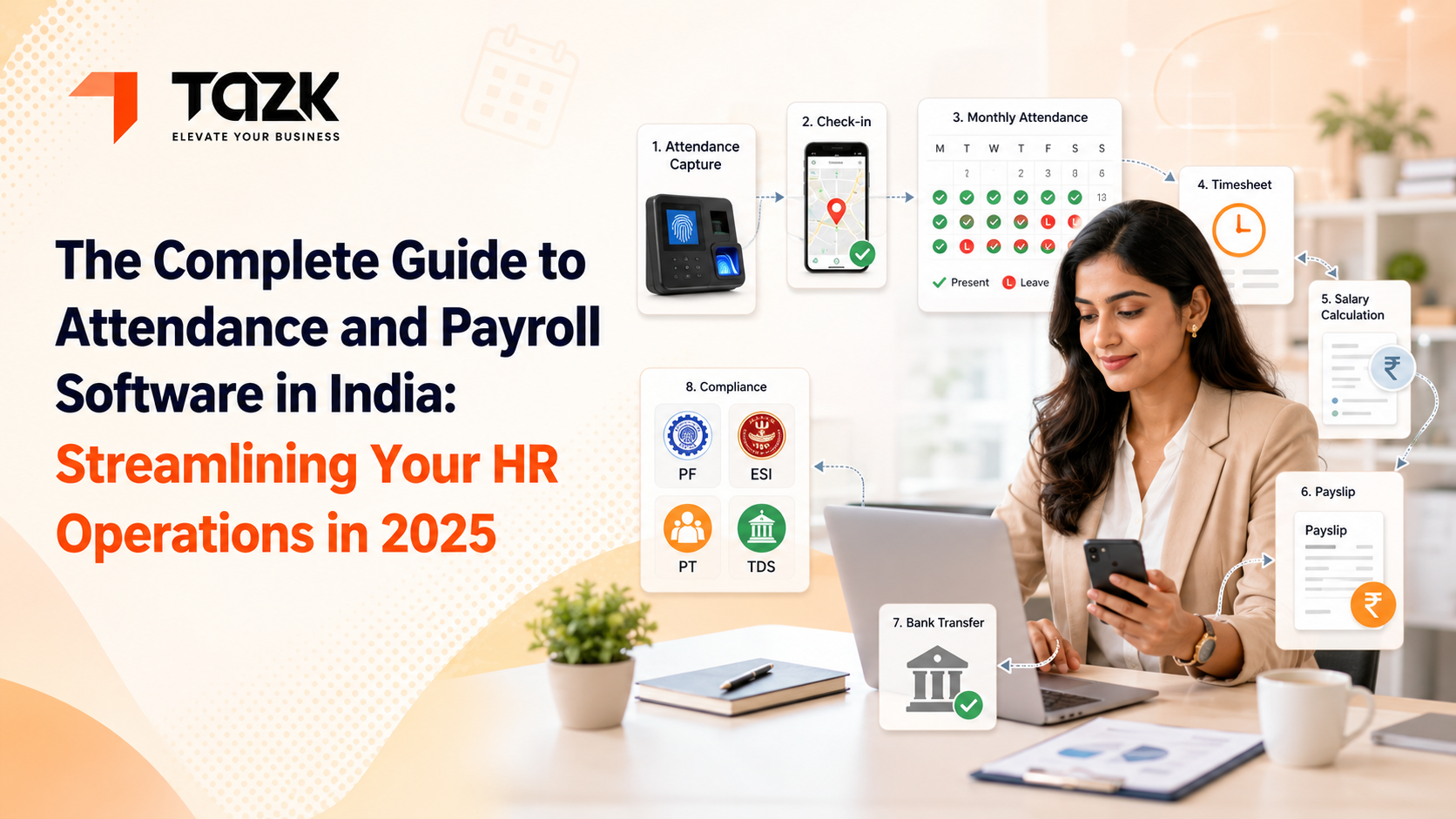
Will attendance from each outlet flow into payroll automatically?
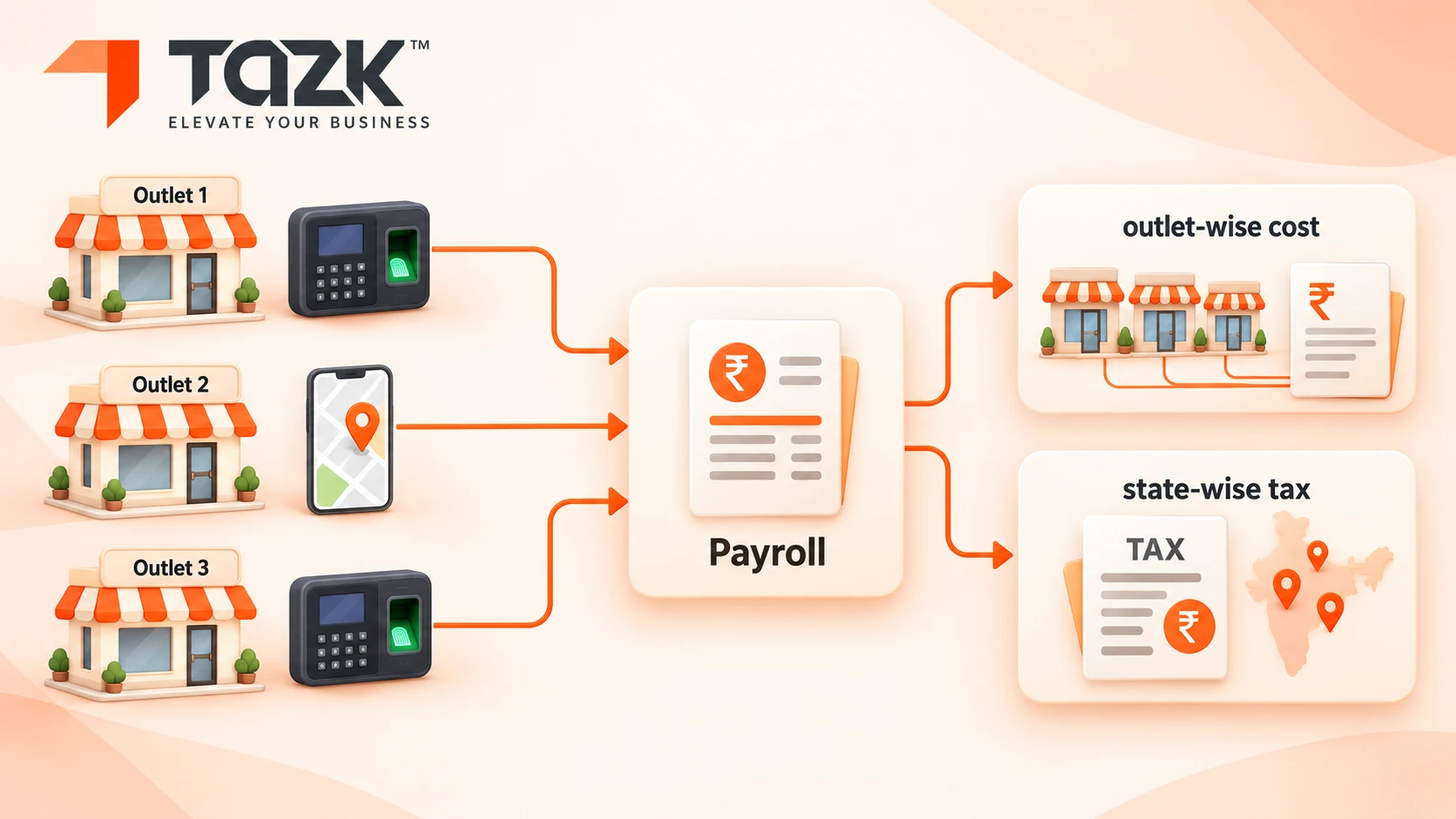
In a retail chain, HR and POS data meet at the outlet. It can, as long as each outlet's attendance, whether from a biometric device, a phone or a manager's entry, lands in one record per person per day, and payroll reads that record. For retail, the hard part is not the flow. It is that outlets differ in state rules, shift rosters and holidays. Professional tax is a state tax, so outlets in different states follow different slabs and due dates. A franchise payroll guide gives the example of a chain with outlets in Mumbai and Ahmedabad that must deduct professional tax for one and not the other in the same payroll run. The Labour Welfare Fund varies too: HROne notes contributions range from ₹6 a year in some states to ₹62 in others.
In simple words: Each shop has its own clock and its own rules, but one payroll has to speak to all of them.
| For each outlet | What can differ | What payroll needs |
|---|---|---|
| Attendance source | A device in one outlet and phone punches in another | One merged record per person per day |
| Shifts and rosters | Opening hours, split shifts and weekly offs | A roster per outlet that feeds payroll |
| State rules | Professional tax slabs, LWF, minimum wages and holidays | Rules applied by work location |
| PF and ESI | Registration details for each establishment | The right codes and returns |
| Cost view | Staff cost for each outlet | An outlet-wise payroll report |
Central control matters here. FactoHR lists a centralised dashboard with location-wise control and multi-location attendance and leave integration among the features to look for. State rules change, so verify them with your CA. Our guide to multi-location payroll and attendance covers what breaks at the fourth outlet, and our biometric FAQ explains what happens when an outlet's device loses internet.
How does an all-in-one platform compare in cost with separate tools?
When you compare multi-outlet retail software in India, compare the yearly total, not the sticker price. Add up the POS for each outlet, payroll for each employee, a CRM for each user, the hours spent copying data between them, and the extras: setup, devices, integrations and training. One 2026 price comparison puts retail billing software in India from ₹399 a year for mobile-only invoicing to a ₹22,500 one-time licence, with most single outlet stores in the ₹3,000 to ₹9,000 a year band. For payroll, HROne says most Indian teams pay ₹40 to ₹180 per employee per month. Posbytz adds that pricing depends on outlet count, hardware needs and add-ons such as payroll or CRM.
In simple words: Four small things bought from four shops cost more than they look. Add up the walking.
This example uses made-up inputs, so it shows the arithmetic and not a result. Use your own numbers. Imagine 5 outlets and 40 staff:
| Item | Calculation | Yearly cost |
|---|---|---|
| POS, 5 outlets, at the top of the single-outlet band | 5 × ₹9,000 | ₹45,000 |
| Payroll, 40 staff | 40 × ₹40 to ₹180 × 12 | ₹19,200 to ₹86,400 |
| CRM, 5 users | Your quote | Add your number |
| Time copying data between tools, 2 days a month | 24 days × ₹1,500 | ₹36,000 |
| Subtotal, before CRM | ₹1,00,200 to ₹1,67,400 |
Now ask for one quote that covers all three over three years, and compare. Ask for the price per outlet, per employee and per user, plus setup and migration, devices, support and renewal increases. See Tazk's payroll pricing page for payroll plans, and ask about the POS and Payroll bundle and the free migration help, whose terms sit on the live banner.
One honest limit: one platform is not always cheaper. A single outlet with three staff may do well with small separate tools. The savings come from fewer errors and less rework, and you have to measure those yourself.
What should we not move on day one?
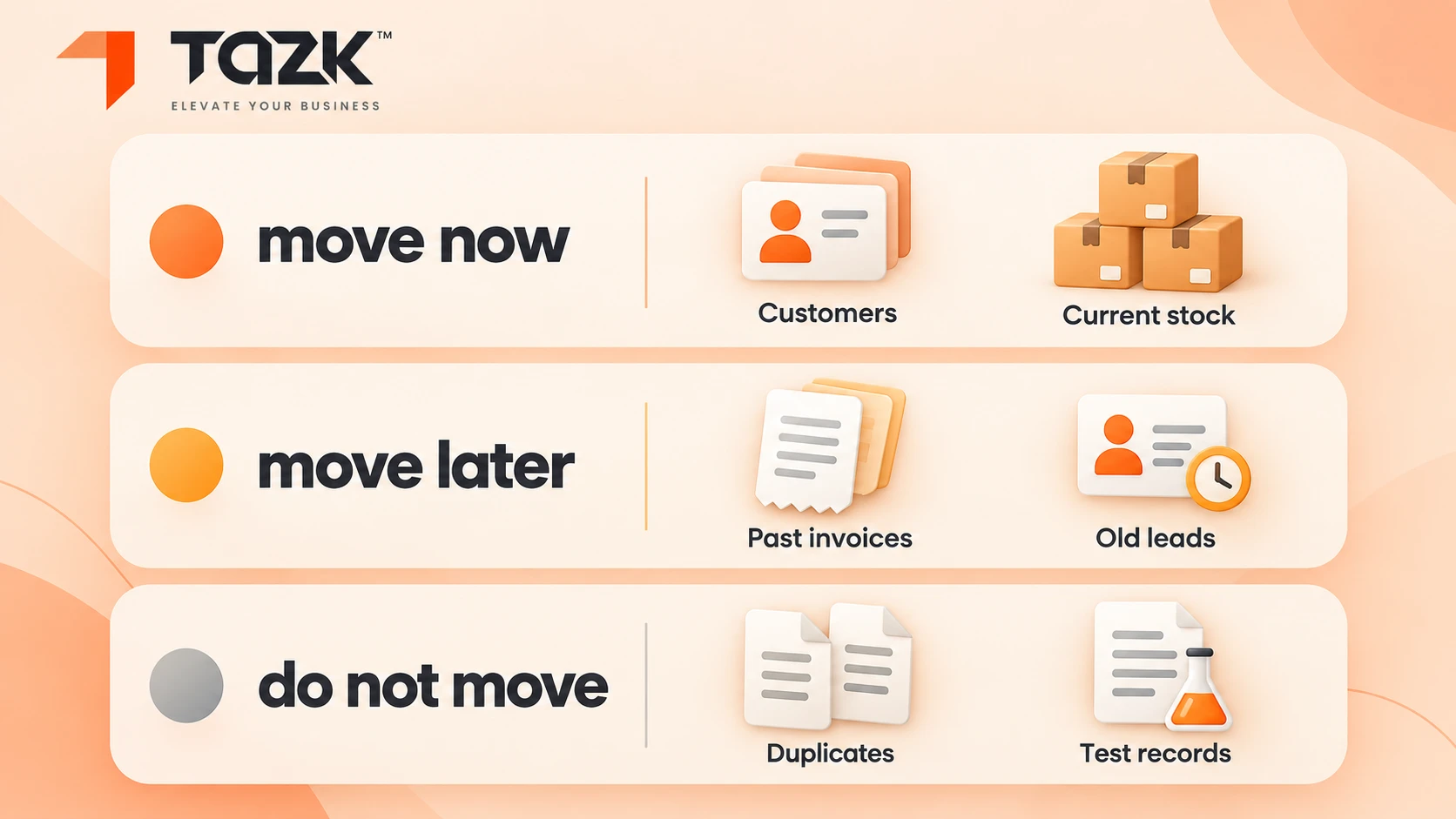
Do not move everything at once. Start small, prove it, then widen. Leave festival peaks, old history, your accounting link and tricky payroll cases until the basics are steady. Move first what is simple and valuable: one outlet's billing and stock, then the staff list.
In simple words: Learn to ride the new bike on a quiet lane before you take it onto the main road.
| Move now | Move later | Do not move |
|---|---|---|
| One outlet's items, prices and opening stock | The other outlets, one by one | Old, unreconciled stock. Count it first |
| The staff list and salary structures | Payroll for a full cycle, after a parallel run | Payroll in the middle of a month. Switch at a month's start |
| Open leads and follow-up dates | Old closed leads | Years of closed history that nobody uses |
| Discount limits and user roles | Custom reports and special rules | Anything you do not yet understand |
| Reports for the pilot outlet | The accounting link, once everything is steady | A switch in the week before a festival peak |
Keep the old system read-only for a while after go-live. A Payroll migration guide suggests 60 days. If your busiest weeks are close, pilot at your quietest outlet and widen after the peak.
Your before-and-after scorecard, and 6 mistakes to avoid
A real before-and-after needs real numbers from your own shops. Fill the “before” column this week, even if you never switch, because it shows where time and stock leak today. Check the same measures again 90 days after you go live. Bring the sheet to your planning call.
In simple words: If you do not write down the starting score, you cannot tell whether you won.
| Measure | How to capture it | Before | After 90 days |
|---|---|---|---|
| Time to bill | Seconds per bill at a busy counter | ||
| Stock variance | (Recorded value − counted value) ÷ sales | ||
| Transfers waiting | Transfers older than 7 days with no receipt | ||
| Month-end consolidation | Hours spent joining reports from different tools | ||
| Payroll corrections | Corrections after payslips go out | ||
| Attendance fixes | Manual fixes in a month | ||
| Lead response time | Hours from enquiry to first reply | ||
| Tools and logins | Number in daily use | ||
| Month-end close | Days to close the books |
Six mistakes to avoid
- Switching in a festival week.
- Moving every outlet on the same day.
- Skipping the parallel payroll run.
- Giving everyone full access instead of roles.
- Not counting stock before the switch.
- Measuring nothing, so you cannot tell whether it worked.
What happens next: retail billing, payroll and leads, 2026 to 2027
The next six months have a busy calendar for retailers. Here is what we know, then expectations that we label as expectations.
| When | What happens | What to do |
|---|---|---|
| Now to early November 2026 | The Diwali buying weeks | Do not switch tools. Fill the scorecard and plan the pilot for after the peak |
| 15 Nov 2026 | The PF and ESI return for October, the first full month at the ₹25,000 PF ceiling | Check that outlet payslips match the return. See our guide to the take-home effect of the new ceiling |
| 30 Nov 2026 | A bonus deadline many owners miss, as our Diwali bonus guide explains | Confirm who qualifies in each outlet |
| Mid-May 2027 | India's data protection duties on notice and consent become enforceable, as Legal 500 explains | Treat customer lists and loyalty data as personal data, and record consent |
What may come next (expectations, not promises):
- More retailers will ask for one login across billing, payroll and leads, because the work of joining separate tools is easy to see and hard to defend.
- Roles and logs will matter more. Owners will want to see who changed a price, a discount or a stock count.
- Customer data rules will tighten. Lead and loyalty records will need clear consent.
- Reports will get simpler. Outlet-wise sales, staff cost and leads on one screen will become the normal ask.
Ready to plan your move? Get free migration help: book a 20-minute planning call and bring your scorecard. Explore Tazk POS software and Tazk payroll software, or visit the Tazk home page to see every module.