Payroll and Attendance Software in Chennai: What Tamil Nadu Businesses Should Check Before Choosing
12 min read | By Lokesh A
Table Of Contents
Social Media


Payroll and Attendance Software in Chennai: What Tamil Nadu Businesses Should Check Before Choosing
Choosing payroll software is like choosing a school bus for your office. It must know your route, which here means Tamil Nadu's rules. It must stop at every stop, which means attendance from every place your people work. The driver must pick up the phone when something goes wrong. And the fare must match what you were told.
This guide is for businesses in Chennai and across Tamil Nadu, from IT firms on the OMR corridor to factories in Ambattur and Guindy. We are a Chennai team based in Velachery, so we write as neighbours. But the checklist works for any vendor, including us, and you should test every vendor against it.
We cover nine checks, the Tamil Nadu rules your software must handle, cloud versus local support, how long going live takes, how biometric and phone attendance can feed one payroll, and what software costs for 20, 50 and 100 people.
The short answer
- Pick software that handles Tamil Nadu's half-yearly professional tax, the Labour Welfare Fund, PF and ESI, and make the vendor show it with your numbers.
- Check attendance first. Biometric, phone GPS and manual punches should feed one payroll.
- You do not have to choose between cloud and local. Cloud software with a local team gives you both.
- A small business with clean data can often go live in a few weeks, and you should always run one parallel cycle.
- Ask for an all-in price for your headcount, including setup, devices and extra runs.
- Rules and slabs change, so verify every figure here against the official notice before you act.
Under each heading you will find In simple words. Read only those lines and you will still understand the story.
Which payroll software should a small business in Chennai choose?
In simple words: Do not buy the shiniest bus. Ride it once, on your own route.
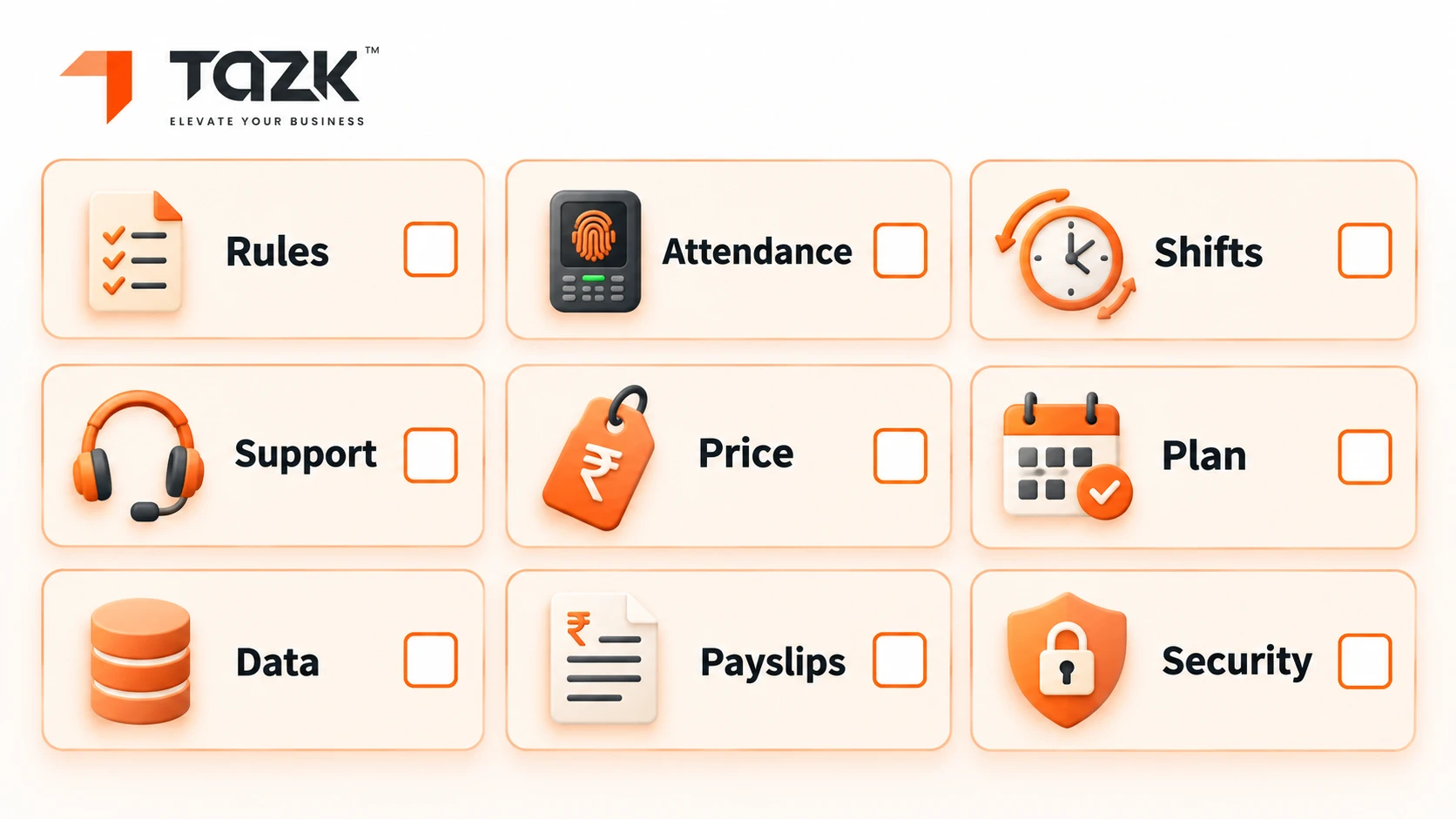
| # | Check | How to test it in a demo |
|---|---|---|
| 1 | Tamil Nadu compliance built in | Ask them to run an employee on ₹25,000 and show the half-yearly professional tax, LWF, PF and ESI lines |
| 2 | Attendance from every source | Ask to see biometric, phone GPS and manual punches landing in one record |
| 3 | Shift and overtime rules | Give them your real shift pattern and overtime rule, and check the result |
| 4 | Local support | Call the support number during the demo, and ask about Tamil-language help and a Chennai visit |
| 5 | Clear pricing | Ask for an all-in three-year price for your headcount, in writing |
| 6 | A dated go-live plan | Ask for week-by-week dates, including a parallel run |
| 7 | Your data stays yours | Ask how you export everything, and what happens if you leave |
| 8 | Payslips and returns | Ask to see your payslip format and the PF and ESI return files |
| 9 | Security and consent | Ask how biometric data is stored and who can see it |
Several of these match the red flags in a list of payroll software red flags for Indian SMEs: per-head pricing that grows as you hire, missing built-in compliance, hidden charges after onboarding and phone support that is missing or not in your language.
Two Chennai patterns shape your answers. IT and services firms on the OMR corridor are mostly salaried, so they need easy payslips, phone attendance and reimbursements. Factories and workshops in places like Ambattur and Guindy need shifts, overtime, ESI covered wages, the Labour Welfare Fund and devices at the gate. Tell every vendor which pattern is yours.
What Tamil Nadu rules must payroll software handle (PT, LWF, PF and ESI)?
Four sets of rules matter most: professional tax (PT), the Labour Welfare Fund (LWF), PF and ESI. Tamil Nadu is unusual because it collects professional tax twice a year, not monthly, through local bodies such as the Greater Chennai Corporation. Your software must work out the half-yearly slab, deduct it in the right month and show it on payslips and reports.
In simple words: Most states take a small tax slice every month. Tamil Nadu takes two bigger slices a year.
| Rule | What to know (verify before you act) | What the software should do |
|---|---|---|
| Professional tax | Half-yearly. Greater Chennai Corporation slabs on half-yearly pay: up to ₹21,000 nil; ₹21,001 to ₹30,000 ₹180; ₹30,001 to ₹45,000 ₹425; ₹45,001 to ₹60,000 ₹930; ₹60,001 to ₹75,000 ₹1,025; above ₹75,000 ₹1,250. Deducted in August and January, due 30 September and 31 March, and capped at ₹2,500 a year | Pick the slab from six months' pay, deduct in the right month and give a report for the local body |
| Labour Welfare Fund | One guide says ₹20 a year from the employee and ₹40 a year from the employer, for establishments with five or more employees. Guides differ on due dates | Add the amounts to deductions and employer cost, and keep a record for the board |
| PF | 12% from the employee and 12% from the employer on PF wages. The ceiling is ₹25,000 from 17 September 2026. The return is due by the 15th of the next month | Apply the new ceiling and the 50% wage rule, and generate the return file |
| ESI | 0.75% from the employee and 3.25% from the employer, for gross wages up to ₹21,000. Due by the 15th | Switch ESI on or off by the ₹21,000 test, and generate the file |
Registration matters too. PF registration generally applies once an establishment has 20 or more employees, and ESI registration from 10 or more, but check your own case with your CA. Here is an example for professional tax. An employee earning ₹25,000 a month earns ₹1,50,000 in a half-year, which is above ₹75,000, so the top slab of ₹1,250 applies for each half-year, or ₹2,500 a year. Anyone earning more than ₹12,500 a month lands in the top slab (₹75,000 ÷ 6).
A warning: sources disagree. HR Engage gives the slabs above as the Greater Chennai Corporation rates notified on 6 March 2025, and CalcGuru confirms the August and January deduction months and the two due dates. But other pages still show older slabs of ₹135, ₹315 and ₹690, and one guide gives different Labour Welfare Fund due dates. Check the Greater Chennai Corporation notice and the Tamil Nadu Labour Welfare Board before you set anything, and treat this as information, not legal advice. OurPF, ESI, PT and TDS compliance guide covers the national rules, and our post on the PF wage ceiling change covers the new PF limit.
Is cloud payroll better than a local vendor with on-site support?
You do not have to choose. For most Chennai businesses the best setup is cloud payroll software backed by a local team. Cloud software receives rule changes, such as the new PF ceiling, once for every customer, and you can run payroll from anywhere. One vendor guide notes that cloud systems also grow with you without extra infrastructure. A local team gives you what the cloud cannot: a person who speaks your language, visits your gate to fix a device and answers the phone. Ask for both.
In simple words: The cloud is the bus. The local team is the driver who lives on your street.
| Setup | Strong points | Watch out for |
|---|---|---|
| Cloud software, remote only support | Rule updates arrive automatically, access from anywhere, no server to look after | Ticket-only support, English-only help and nobody to visit |
| Local vendor, software on your own computer | Someone nearby, and a fit for unusual setups | You carry updates, backups and security, and rule changes can arrive late |
| Cloud software with a local team | Automatic updates plus phone support, device help and Tamil language help | Confirm the local team's hours and what a visit costs |
Ask every vendor four questions. Who updates the software when a rule changes, and how fast? Can I reach a person by phone, and in which languages? Can someone visit my site to set up devices? Where is my data stored, and who can see it? The red-flag list we mentioned earlier puts it simply: ask whether the vendor offers phone support or only ticket-based email.
How long does it take to go live with payroll and attendance?
For a small business with clean data and one state of operation, a few weeks is realistic, and one parallel payroll cycle is the safe rule. Published ranges come from vendors and partners, so treat them as claims. A greytHR partner's implementation guide says smaller businesses can be live in one to three weeks, and 100 to 300 employees in six to twelve weeks including a one-month parallel run. Techimply says a small single-entity company with clean data and one state can go live in five to six weeks. HROne says startups under 200 people go live in three to six weeks. The common thread is that the bottleneck is data, not software.
In simple words: Moving to a new bus is quick when all your passengers' names are already on a clean list.
Here is a four-week plan for a 20 to 100 person firm, adapted from a Payroll migration guide:
| Week | What happens | What you provide |
|---|---|---|
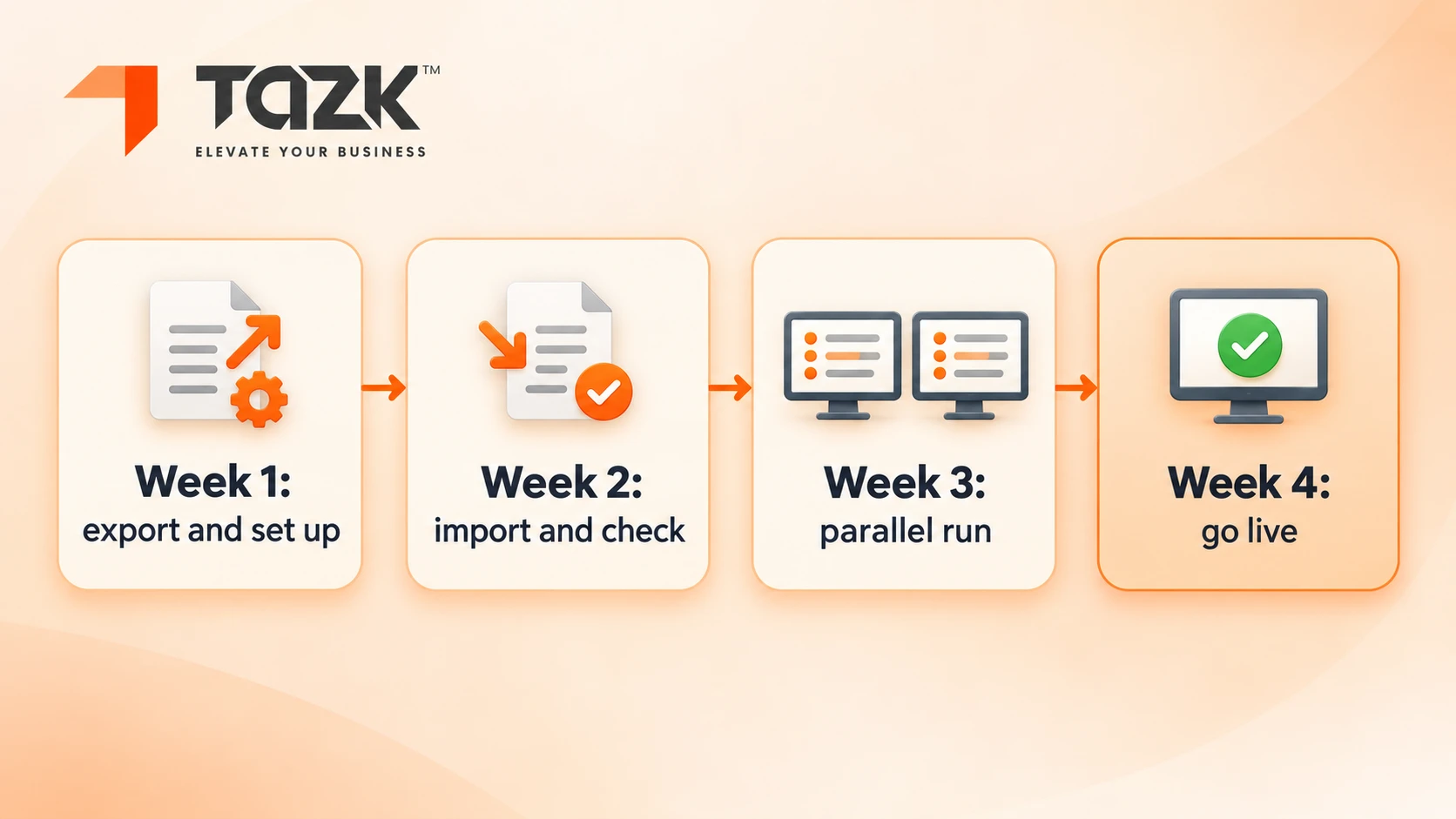
| 1 | Export data from your old method and set up the new system: statutory settings, salary structures and shifts | Employee list, salary structures and PF and ESI numbers |
| 2 | Import into a test setup and check 15 to 20 employees by hand | Last month's payslips as a sample |
| 3 | Run a parallel cycle: calculate payroll both ways and compare payslip lines | Attendance and leave for the month |
| 4 | Go live, and keep the old records read only | Sign-off from finance |
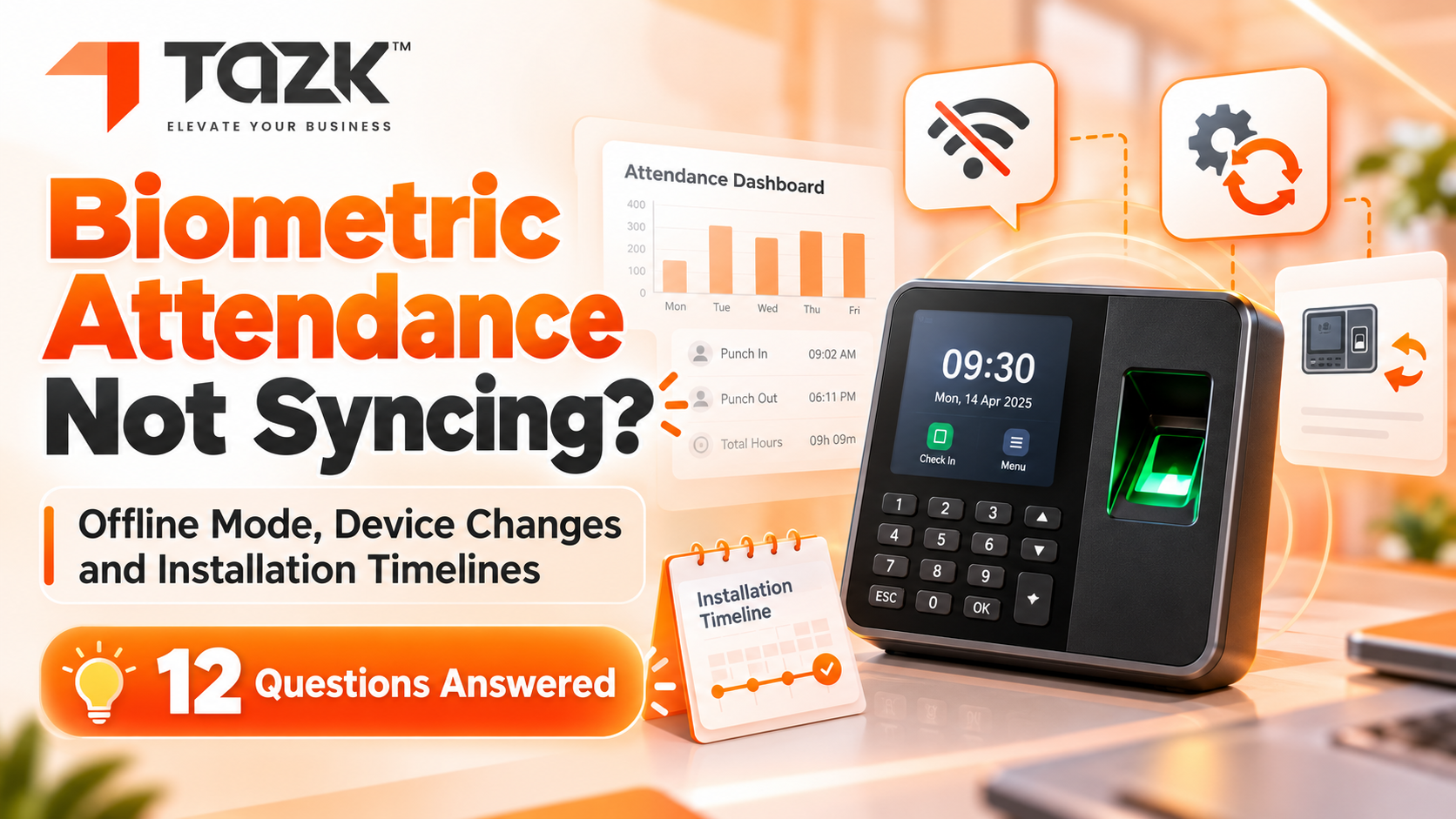
Prepare six groups of data: employee master, salary structure, attendance and leave, PF and ESI details, year-to-date tax figures, and loan and advance balances. What slows a go live down is messy employee data, missing year-to-date tax, several locations, devices not yet installed, no named owner, and going live right before payday. Our rule of thumb: start the parallel run in a month when nothing unusual happens, and go live at the start of a month. For device installation, see our guide to biometric attendance offline sync, device changes and installation.
Can attendance from biometric devices and mobile GPS feed one payroll?
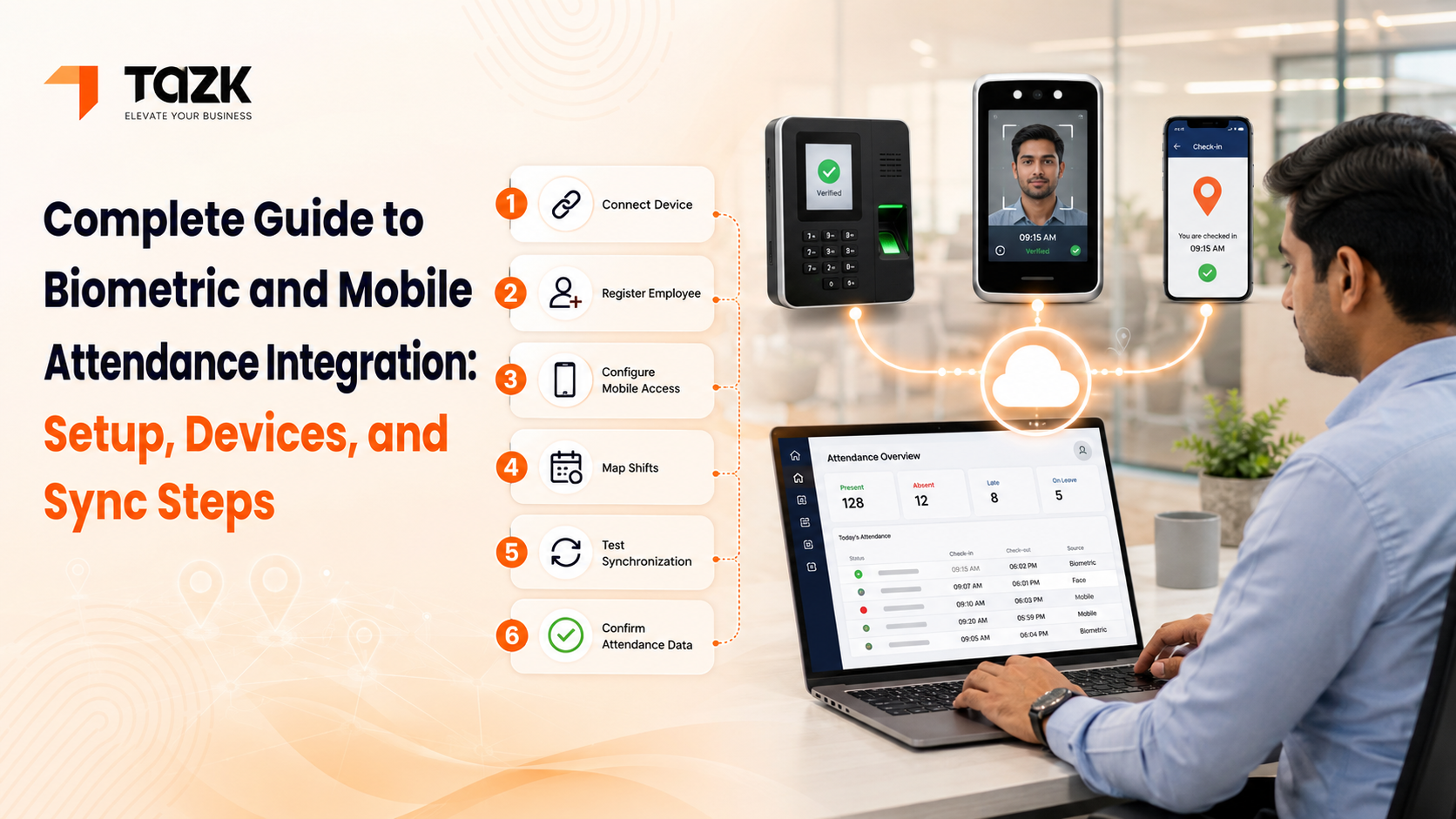
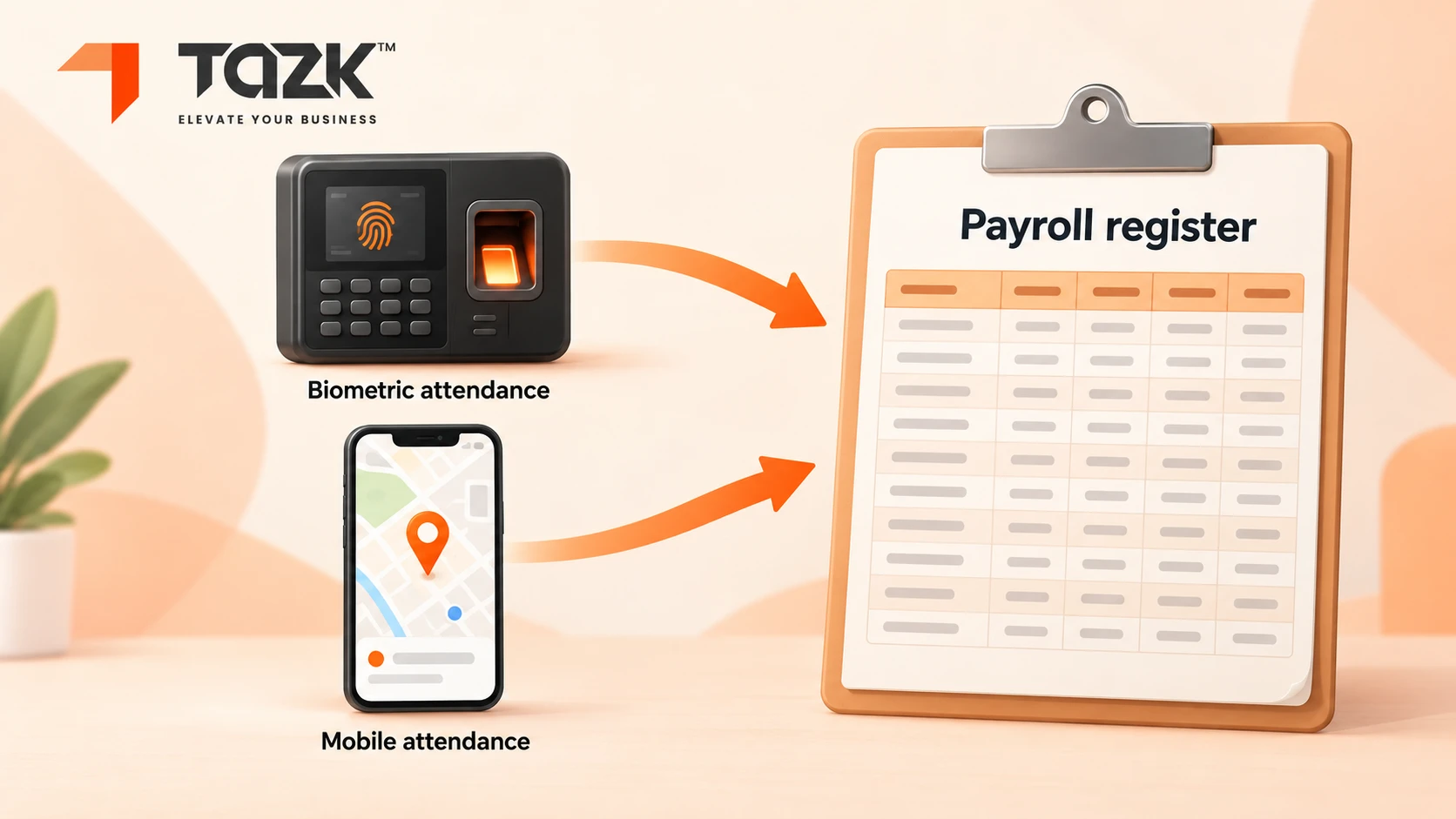
Yes, when the software merges every source into one record per person per day. Tazk Payroll is listed on GoodFirms with GPS and selfie attendance, biometric integration and shift management, and a Techjockey listing shows time, attendance and leave management feeding payroll. But the question to ask any vendor is not “do you support both?”. It is “what happens when both punch for the same person on the same day?”
In simple words: Two doors, one register. Everyone who walks through either door is written in the same book.
Set four rules before you start:
| Rule | Example |
|---|---|
| Main source | Office staff use the biometric device. Field staff use phone GPS and a selfie |
| Backup source | A phone punch at the office is allowed only when the device is down, with a manager's approval |
| Duplicates | A punch within a few minutes of the last one is ignored, and you set the gap |
| Corrections | A manual correction needs a reason and an approval, and the original punch is kept |
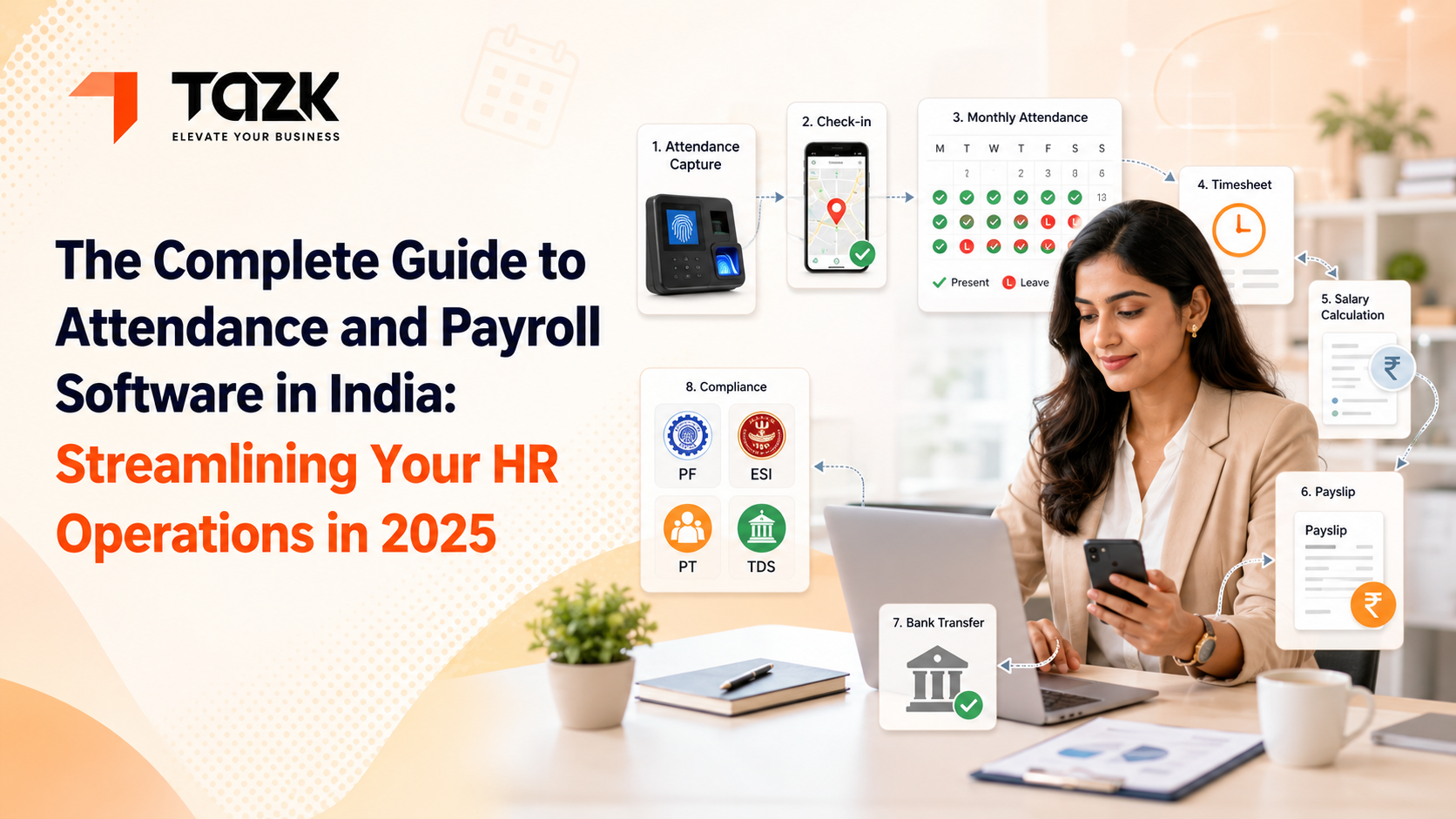
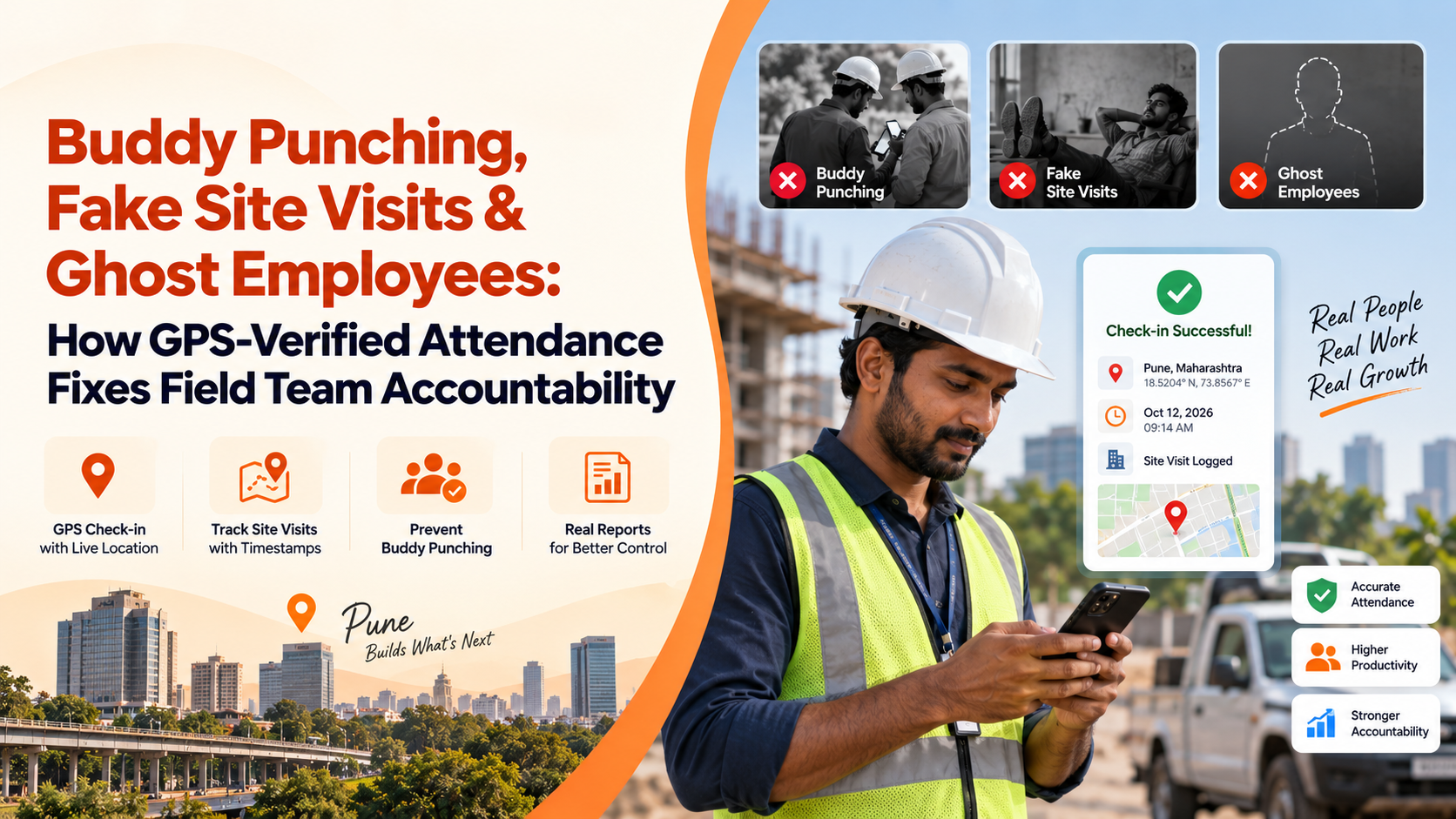
This also answers a common question: can employees punch by mobile app and by biometric at the office, with both feeding the same payroll? Yes, as long as the system links both to one employee ID and one day, applies your priority rule and shows both punches to the manager. For more, read our attendance and payroll software guide and our guide to GPS-verified attendance.
What does payroll software cost for 20, 50 or 100 employees?
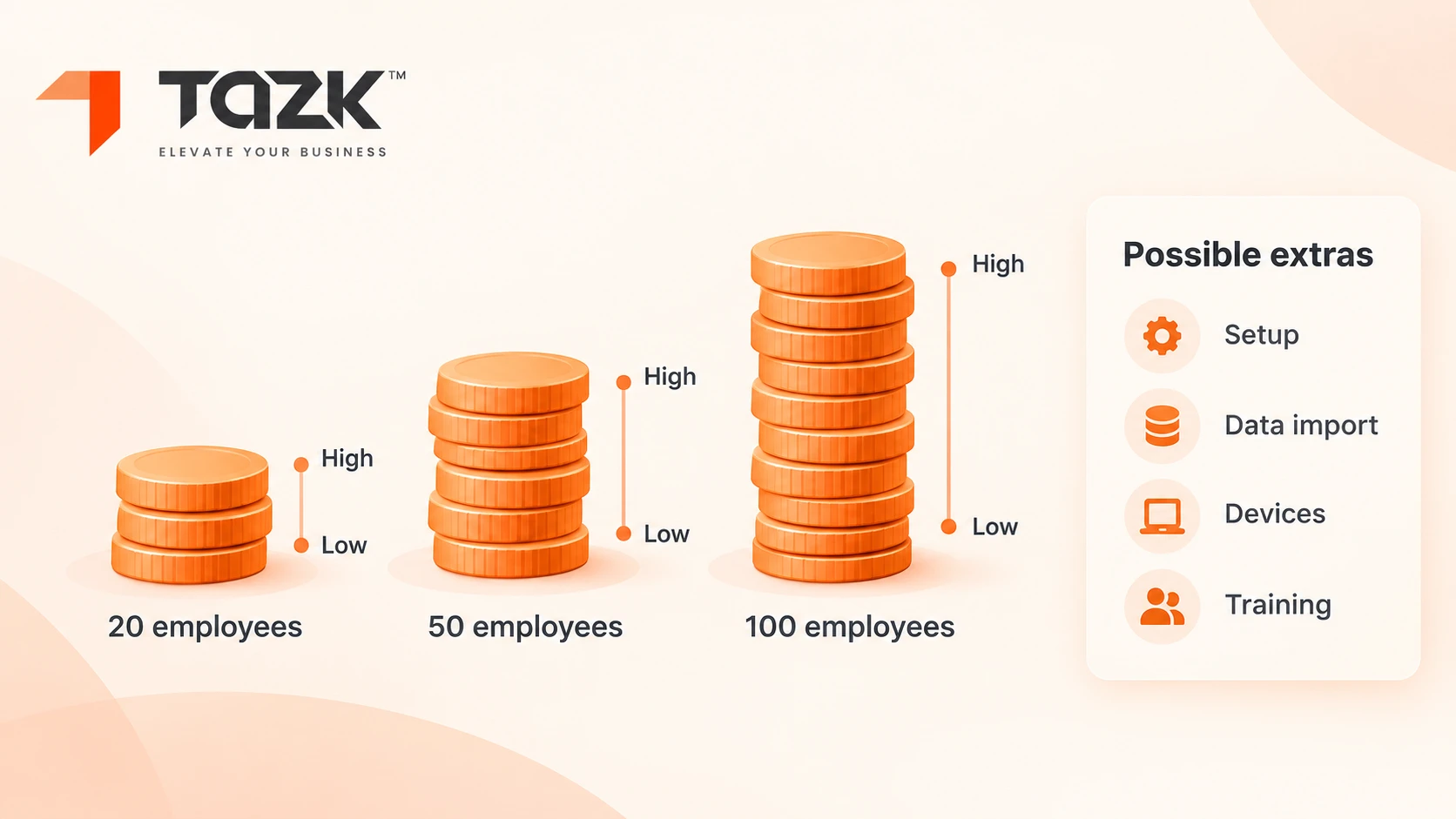
Work it out as employees × price per employee per month, then add the extras. One 2026 pricing guide from HROne puts paid per-employee plans at about ₹30 to ₹180 per employee per month, with most Indian teams paying between ₹40 and ₹180. Some vendors charge a flat monthly fee for a headcount band instead, and the same guide shows a hybrid: a base fee plus a per-employee charge. The table shows what ₹40 and ₹180 mean for three team sizes. It is a market range from one guide, not a Tazk price. See our payroll pricing page for Tazk's own plans.
In simple words: Price per person, times the number of people, times twelve months. Then ask what is not included.
| Employees | At ₹40 per employee per month | At ₹180 per employee per month |
|---|---|---|
| 20 | ₹800 a month, ₹9,600 a year | ₹3,600 a month, ₹43,200 a year |
| 50 | ₹2,000 a month, ₹24,000 a year | ₹9,000 a month, ₹1,08,000 a year |
| ₹9,000 a month, ₹1,08,000 a year | ₹4,000 a month, ₹48,000 a year | ₹18,000 a month, ₹2,16,000 a year |
Six extras change the total: setup or onboarding; off-cycle runs, which HROne notes some vendors charge per extra run; attendance devices and their installation, which are priced separately; app, WhatsApp or SMS add-ons; the support tier; and yearly price increases. Per-head pricing also grows as you hire. A competitor's guide warns that per-employee pricing can reach ₹1.2 to ₹3 lakh a year for 50 staff, and recommends comparing it with a flat fee. Our rule of thumb: ask every vendor for an all-in price over three years, at your headcount and at 20% more.
Your Chennai buyer checklist, ten demo questions and 6 mistakes to avoid
Copy this section into a document and take it to every demo. It holds a Tamil Nadu payroll calendar, ten questions to ask, and six mistakes we see most often.
In simple words: A good bus ride is easy to judge if you bring a list.
| When | What happens |
|---|---|
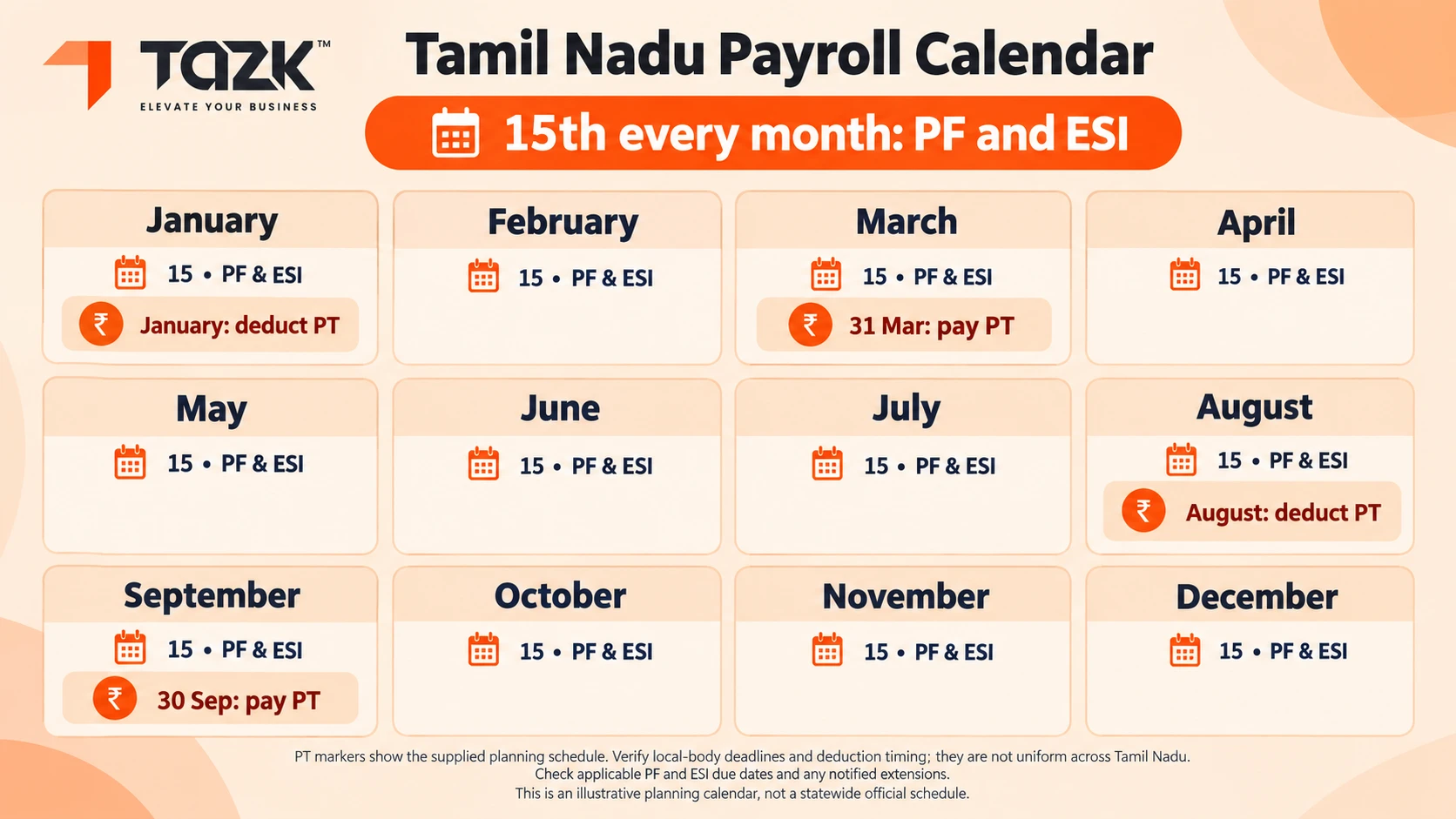
| Every month, by the 15th | PF and ESI contributions and returns |
| August | Deduct the first half-year's professional tax |
| 30 September | Pay the first half-year's professional tax (check for extensions) |
| January | Deduct the second half-year's professional tax |
| 31 March | Pay the second half-year's professional tax (check for extensions) |
| Once a year | Labour Welfare Fund (check the board's date) |
| Every quarter | Re-check slabs and rates against official notices |
Ten demo questions
- Show me half-yearly professional tax for an employee on ₹25,000.
- Show me the Labour Welfare Fund in deductions and in employer cost.
- Show me PF with the ₹25,000 ceiling, and ESI switching off above ₹21,000.
- Show me biometric and phone punches in one record.
- Show me my own shift and overtime rule at work.
- Show me a payslip in my format.
- Show me the PF and ESI return files.
- What is the all-in price for my headcount over three years?
- Who do I call, in which languages, and at what hours?
- How do I export all my data if I leave?
Six mistakes to avoid
- Choosing on price alone.
- Skipping the parallel run.
- Trusting an old professional tax slab from a web page.
- Forgetting the cost of attendance devices and installation.
- Not naming one person who owns the data.
- Going live right before payday.
What happens next: Tamil Nadu payroll and attendance, 2026 to 2027
The next six months have a clear calendar, and then a few things to watch. We label what is known and what is only expected.
| When | What happens | What to do |
|---|---|---|
| 15 Oct and 15 Nov 2026 | PF and ESI returns | Check that the new ₹25,000 PF ceiling shows correctly |
| January 2027 | Deduct the second half-year's professional tax | Confirm the slab for each employee before payday |
| 31 March 2027 | Second half-year professional tax is due, unless extended | Pay on time, and keep the receipt |
| Mid-May 2027 | India's data protection duties on notice and consent become enforceable, as Legal 500 explains | Record consent for biometric and GPS attendance, and limit who can see it |
What may come next (expectations, not promises):
- More state rules under the labour codes. Check how Tamil Nadu applies them, and re test your software when they arrive.
- Tamil-language payslips and help will matter more as vendors compete for local customers.
- Phone and face attendance will sit beside devices. One payroll should merge them, as the attendance section shows.
- Pricing will keep splitting between per-head and flat fees, so compare over three years.
Want to see it with your own numbers? Talk to Tazk's Chennai team about payroll and attendance. Book a demo and bring your headcount, your shifts and your device models. Read more about Tazk payroll software, or visit the Tazk home page to see every module.