
How do customers get updates, a portal and a satisfaction survey in Tazk Service Desk?
Automatic emails to customers, what happens when they reply, your customer portal, and “How did we do?”. Customers worry less when they hear from you. This tab decides which emails they get automatically, what a reply does, whether they can follow requests on your portal, and whether you ask how you did.
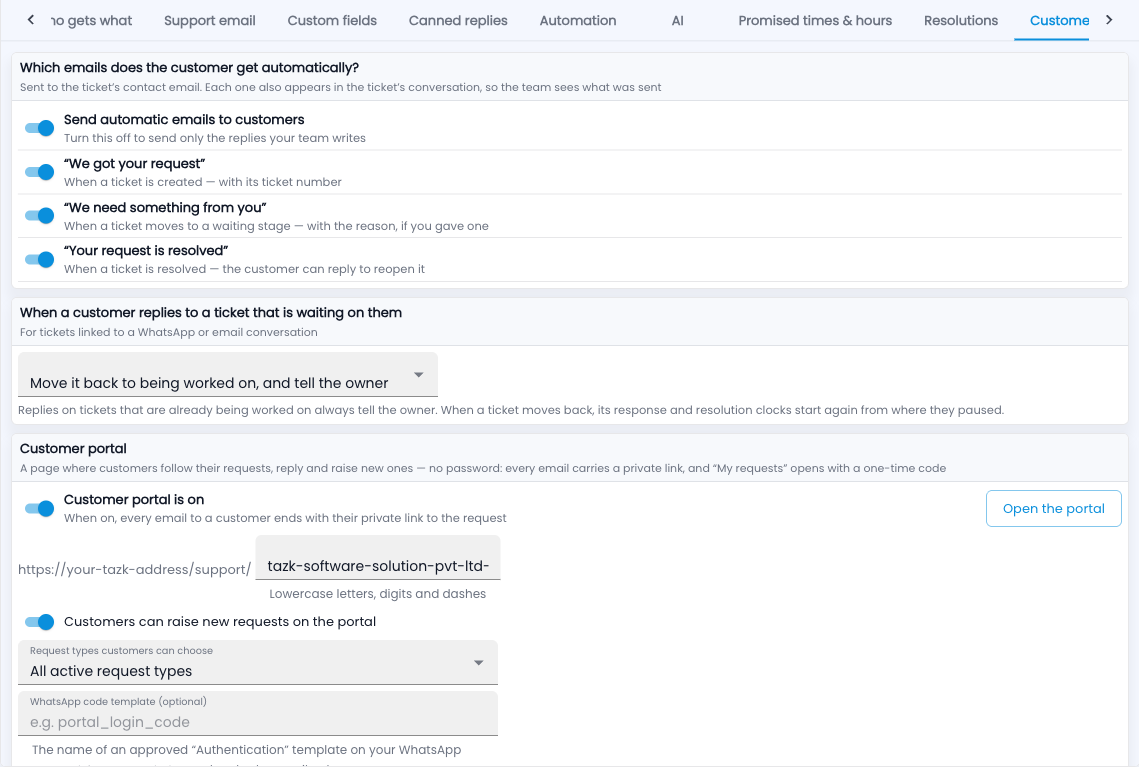
Automatic emails
- “We got your request” — when a ticket is created, with its number.
- “We need something from you” — when it moves to a waiting stage, with your reason.
- “Your request is resolved” — the customer can reply to reopen it.
The customer portal
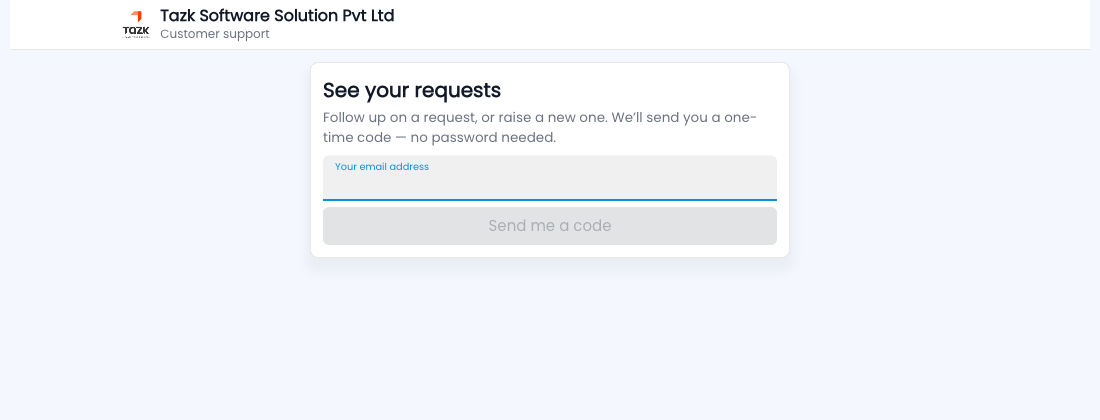
A page with your name and logo where customers follow their requests, reply and raise new ones. No password: every email carries a private link, and “My requests” opens with a one-time code. It also hosts your public help centre.
Satisfaction survey
- Switch on the survey. When a ticket is resolved, the customer is asked “How did we do?” — 😞 Not good, 😐 Okay or 😊 Great — with one tap, then an optional comment.
- Choose whether the question sits inside the resolved email or goes separately after a delay.
- Choose what a “Not good” does: alert the owner and team lead, flag the ticket, reopen it.
Common questions
Will customers get too many surveys?
No — each customer is asked at most once every 7 days.
Where do I see the ratings?
On each ticket, in the queue, on the customer’s account and in Reports.