What Happens to Your Billing When the Internet Goes Down? The Case for Offline-First POS in Tier 2 & Tier 3 India
12 min read | By Lokesh A
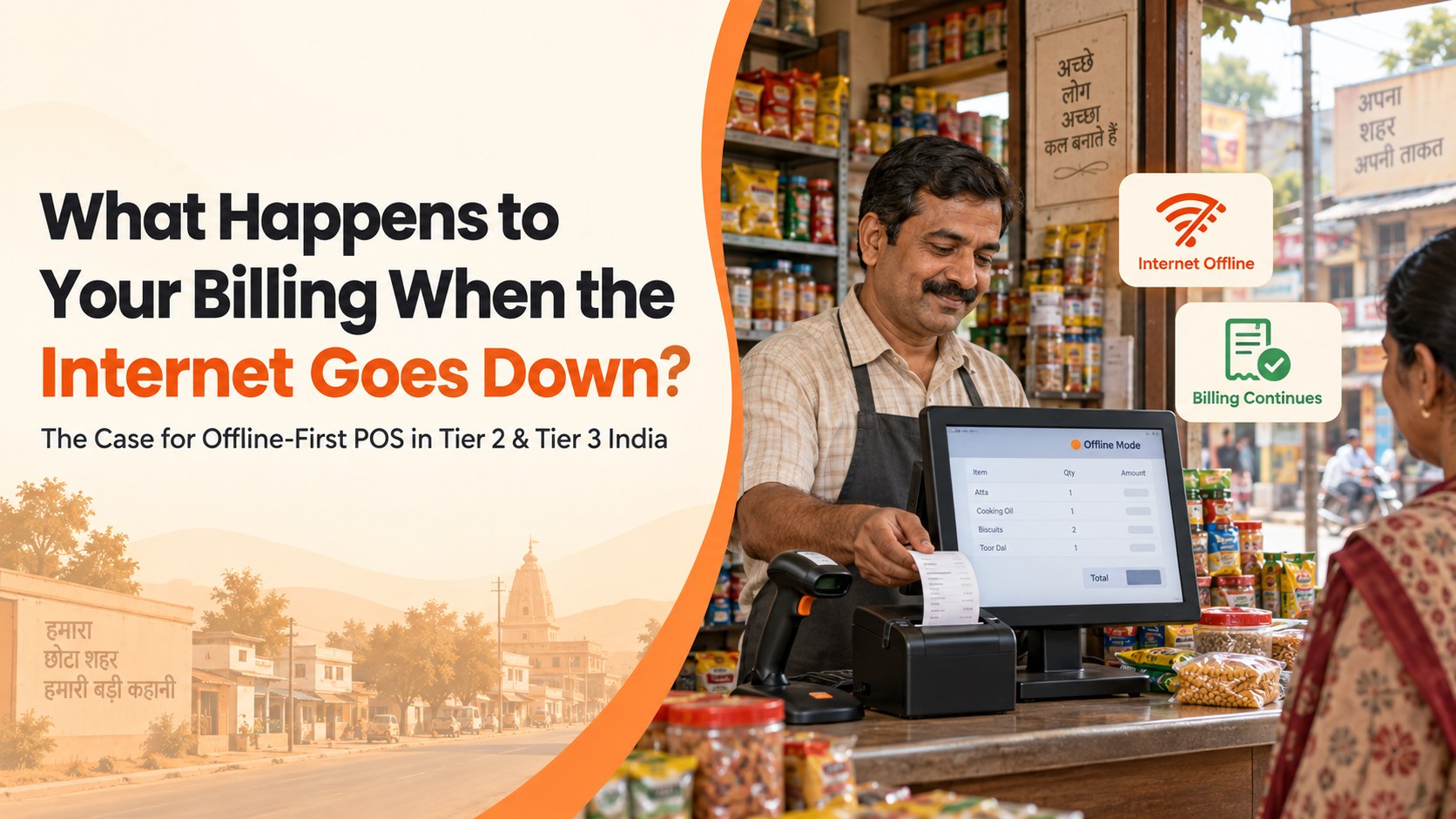
Table Of Contents
Social Media


The moment every shopkeeper dreads
Picture this. It's evening rush hour. Five customers are waiting at the counter. And the Wi-Fi light on the router just turned red.
For a shop running the wrong kind of billing software, this moment is a full stop. No billing. No GST invoice. Just an awkward apology and customers who might walk to the next shop instead of waiting.
For millions of retailers across India's smaller towns, this isn't a rare emergency. It's a Tuesday. The internet doesn't go down occasionally in many Tier 2 and Tier 3 areas — it goes down daily, sometimes for a few minutes, sometimes for hours. This article explains why that happens, what it actually costs a retailer, and how offline-first billing solves it properly.
What "Offline-First" Actually Means
Let's be clear about what this phrase means, because it gets used loosely.
Offline-first billing software is built to keep working normally even with no internet connection at all. This isn't a stripped-down emergency mode. It's the same billing screen, the same GST calculation, the same receipt printing — working exactly as it would if the Wi-Fi were perfect.
The key word is "first." Many billing systems technically claim to "support offline mode," but really mean the app crashes gracefully and shows an error, rather than actually letting you complete a sale. True offline-first design means the software was built assuming the internet would sometimes be missing — not treating that as a rare exception to patch around later.
When the connection comes back, a properly built offline-first system syncs automatically. It sends every offline sale up to the cloud. It updates inventory. And it reconciles everything without anyone needing to do it by hand.
Why This Matters So Much Right Now
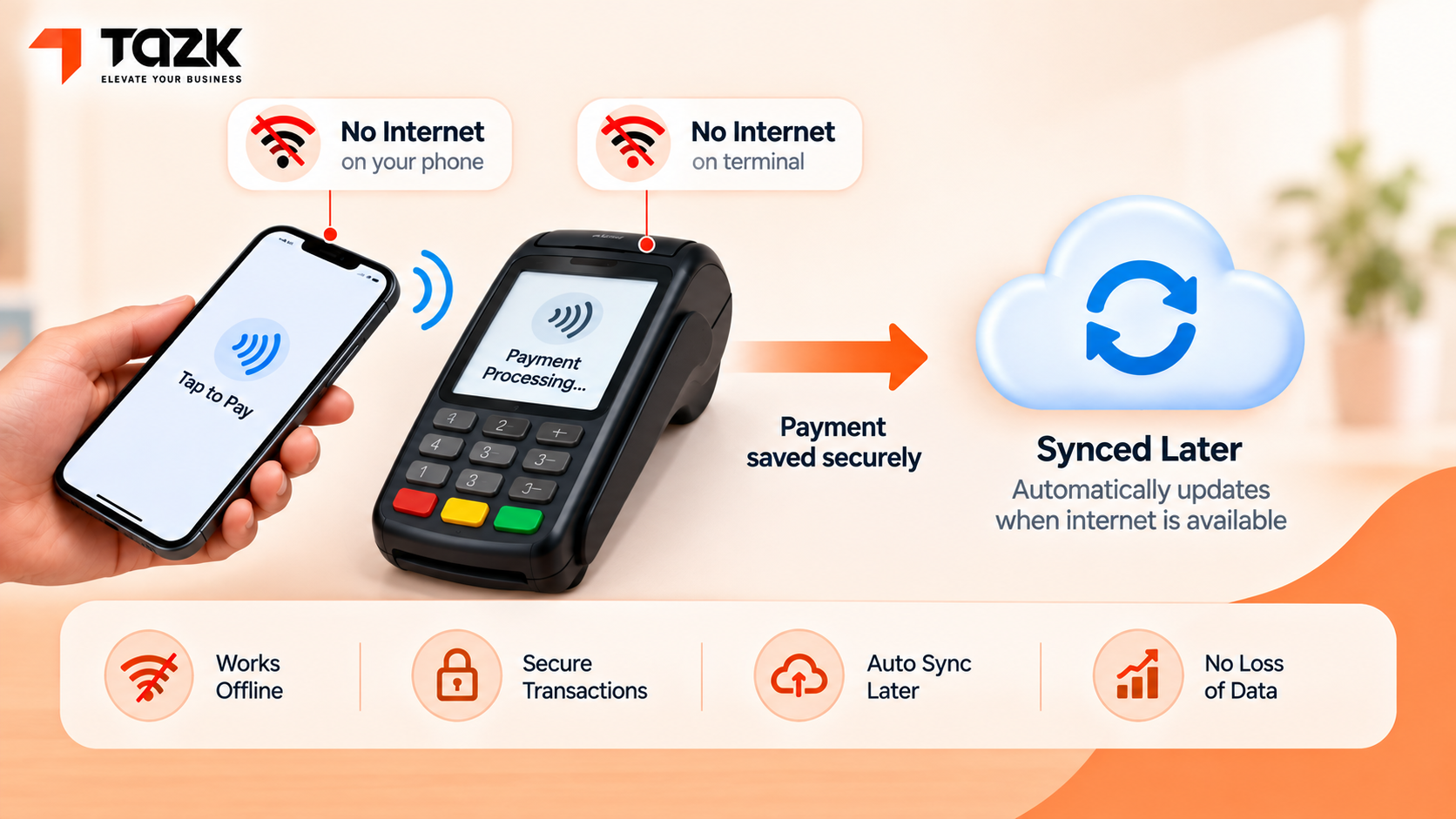
Here's something genuinely interesting happening at the national level that shows just how real this problem is: even India's own digital payment system is being redesigned specifically to work without the internet.
UPI, India's dominant digital payment method, already has an offline feature called UPI Lite X. It launched in September 2023. It uses NFC — a short-range wireless signal, not mobile data — to let two phones exchange a payment with zero internet connection. As of 2026, UPI Lite supports offline transactions up to a ₹5,000 total limit (source: Insightful Post, UPI Payments in 2026).
More recently, NPCI — the organisation that runs UPI — has been developing an even bigger step. It's an offline "Tap & Pay" feature. This would let a customer pay at a shop's card machine even when neither the customer's phone nor the shop's payment terminal has any internet connection at all. Reports suggest this could raise the offline transaction limit to ₹2,000 per transaction, with a public rollout targeted by the end of 2026 (source :Herald, NPCI developing offline UPI feature).
Think about what that really tells you. If the organisation running India's entire digital payments backbone thinks offline capability is important enough to build specifically for it, that's a clear signal. Every retailer relying on connectivity for their own billing should be paying attention.
Power Cuts Are a Different Problem — And Retailers Often Confuse the Two
It's worth being precise here, because "connectivity problems" and "power problems" are actually two separate issues that need two separate solutions.
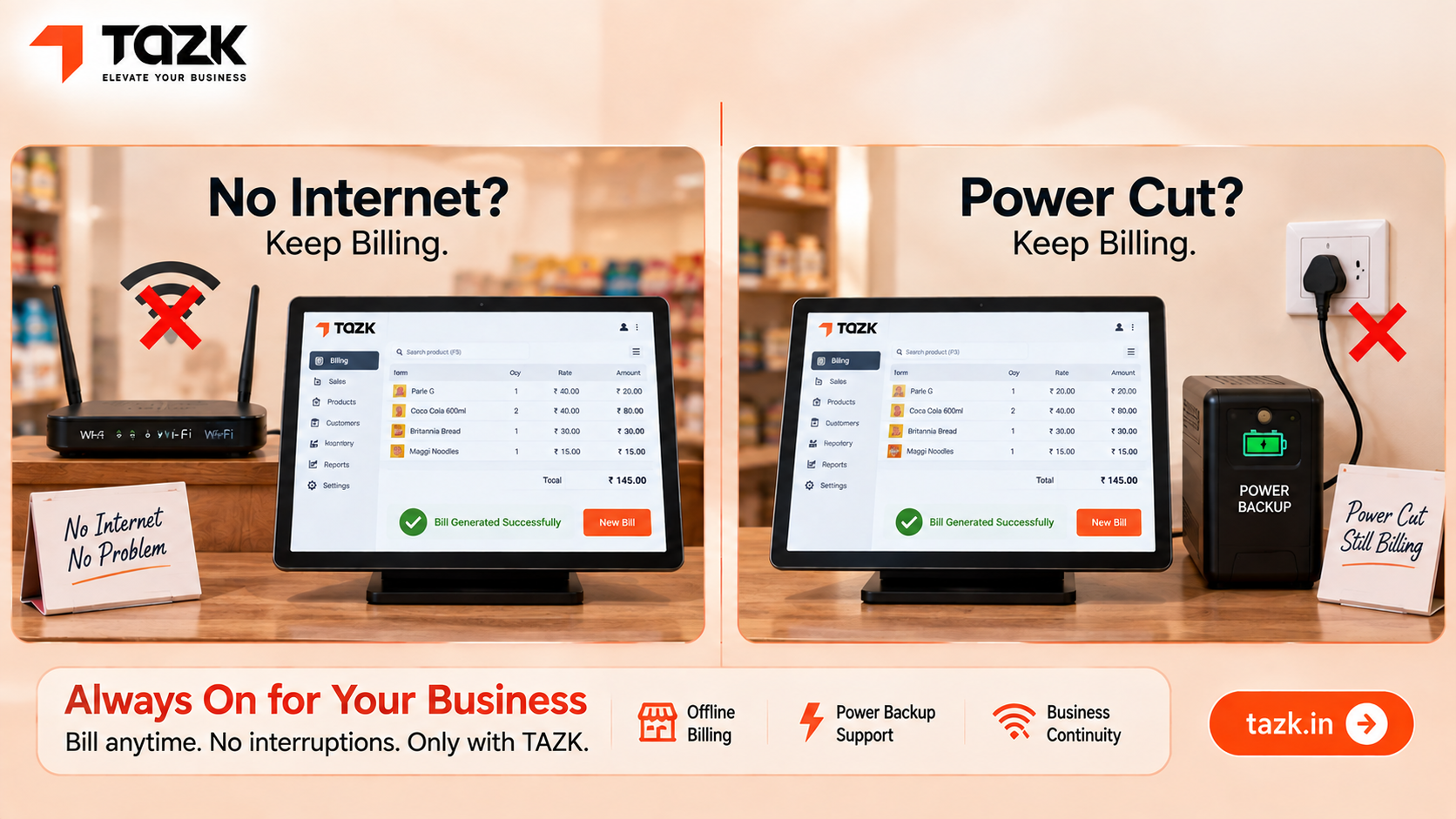
An internet outage means your device still has power, but can't reach the cloud. Offline first software handles this by continuing to work locally and syncing later, exactly as described above.
A power cut is a bigger problem — if the billing device itself loses power, no software feature can help until power returns. This is why many Tier 2 and Tier 3 retailers pair offline-first software with a simple backup power source. A basic inverter or a charged tablet can be enough, so the counter itself never fully stops even during a blackout.
The practical lesson: ask two separate questions when planning for reliability. First, does my billing software keep working without internet? Second, does my hardware keep working without grid power, even briefly? Solving only one of these leaves a real gap.
How Big Is This Problem, Really?
According to RBI data from 2025, India now has more than 80 million active UPI merchants — and roughly 20% of them operate in low-network zones (source: Billcut, Offline Merchant Fintech). That's not a small edge case. That's tens of millions of shopkeepers dealing with unreliable connectivity as a regular part of running their business.
For a retailer, this shows up as a specific, recurring set of problems:
- Lost sales during outages, when customers simply leave rather than wait.
- GST invoices that can't be generated, creating compliance gaps that show up awkwardly at filing time.
- Manual paper billing as a fallback, which then needs to be re-entered into the system later — doubling the work and multiplying the chances of errors.
- Inventory records that fall out of sync, since sales made during downtime don't update stock counts until someone manually fixes it.
What to Check Before You Trust a POS System With This
Not every system that claims "offline support" actually delivers it well. Here's what to genuinely test before you rely on one.
1. Does billing continue exactly the same, or does it switch to a limited mode? Ask specifically: can you generate a full GST invoice offline, with correct tax calculation, or does offline mode only let you record a basic sale to fix later?
2. What happens to inventory during downtime? A good system should keep deducting stock locally during an outage, then reconcile automatically once you're back online — not simply freeze inventory tracking until connectivity returns.
3. How does syncing handle conflicts? If two staff members made offline sales on different devices, does the system merge them correctly when both come back online, or does one set of sales risk getting lost?
4. Is offline mode a real, tested feature, or a side effect nobody designed for? Ask the vendor directly how long a device can stay offline before problems start, and what happens to receipts and printing during that time.
5. Is this an NPCI-certified payment terminal, if you also want offline UPI acceptance? As offline UPI features roll out, point-of-sale hardware will need specific certification to accept these payments — worth asking your POS provider whether their hardware roadmap accounts for this.
How Tazk Handles This
Tazk's POS module is built with offline billing as a core capability, not an afterthought:
- Full GST-ready billing continues during an outage — barcode scanning, tax calculation, and receipt generation all work exactly as they would online.
- Sales sync automatically the moment connectivity returns, with no manual re-entry required.
- Inventory updates locally during downtime and reconciles cleanly once you're back online.
- Works across mobile, tablet, and desktop, so a shop isn't dependent on one specific device staying connected.
If your shop is also managing staff across multiple counters or locations, our payroll and attendance guide covers how the same reliability principle applies to tracking staff time, not just sales.
What Staff Should Actually Do During an Outage
Good offline-first software removes most of the manual work, but staff still need to know a few things to handle outages smoothly.
They shouldn't need to announce anything to customers. If the system is genuinely offline-first, billing looks identical whether the connection is up or down — there's no special "offline mode" screen that confuses a cashier mid-transaction.
They should know not to force a manual workaround. Sometimes staff who've dealt with unreliable systems in the past develop a habit of writing sales on paper "just in case," even when the software already handles this reliably. This duplicate effort is unnecessary with a properly built system, and it actually increases the risk of mismatched records.
They should know roughly how syncing works, even if they never need to trigger it manually. A staff member who understands that offline sales will appear automatically once connectivity returns is far less likely to panic and start improvising a workaround that creates more problems than it solves.
A short, five-minute training conversation covering these three points is usually enough — the software should be doing the hard work, not the staff.
A Realistic Example
Picture a general store in a small town in interior Tamil Nadu, where the local internet provider has outages most evenings between 7 and 8 PM — exactly when the shop is busiest.
Before switching to offline-first billing, the shop kept a paper notebook specifically for this hour, writing down sales by hand and entering them into the computer the next morning. Beyond being tedious, this created a real risk: numbers occasionally didn't match, and GST filing at month-end always took longer than it should have because of small discrepancies between the notebook and the system.
After the switch, the daily outage stopped being an event at all. Billing continued exactly as normal on the tablet at the counter. When the connection returned around 8 PM, the day's offline sales synced automatically, with inventory and GST records already correct. The notebook simply became unnecessary.
What's Changing Next
Offline payment infrastructure is about to get a major upgrade nationally. With NPCI's offline Tap & Pay feature targeted for a 2026 rollout, retailers who already have offline capable billing systems will be positioned to adopt offline UPI acceptance quickly, while others scramble to catch up.
Rural and Tier 2/3 digital adoption keeps climbing regardless of connectivity gaps. As more first-time digital customers come from smaller towns, the businesses that can serve them reliably — connectivity or not — have a real, durable advantage over those that can't.
GST compliance is becoming less forgiving of "the internet was down" as an excuse. As e-invoicing and digital reporting requirements broaden over time, having a system that keeps compliant records automatically, even offline, moves from a convenience to a genuine safeguard.
An internet outage shouldn't mean a closed shop. With offline-first billing, the connection dropping becomes a non-event instead of a crisis — sales continue, GST stays compliant, and everything quietly syncs the moment the Wi-Fi light turns green again.
See Tazk POS offline billing in action — sync happens automatically when you're back online. Try it free for 14 days or book a demo today. Visit tazk.in to explore all connected business modules.
Ready to upgrade your retail billing?
Tazk Point of Sale handles billing, inventory, GST invoices, and multi-store management. 14-day free trial — no credit card required.
14-day free trial. No credit card required. Go live in hours.