Point of Sale Software in India: Features, Pricing, and How to Choose
15 min | By Lokesh A
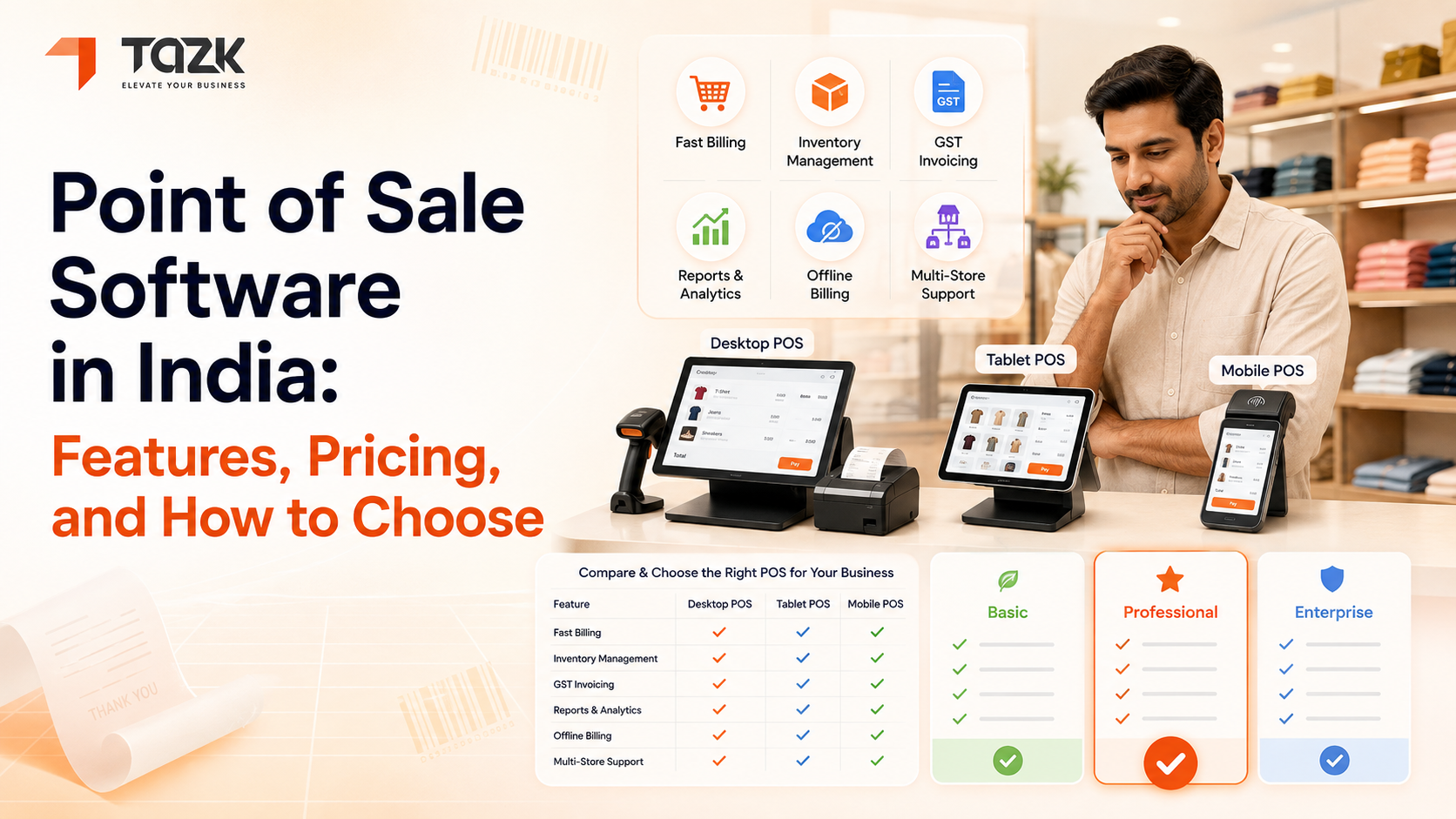
Table Of Contents
Social Media




Running a retail store, restaurant, or service business in India today means dealing with countless daily transactions, managing inventory across multiple locations, tracking sales patterns, and keeping customers happy. If you're still relying on traditional cash registers or manual billing methods, you're probably spending hours on tasks that modern technology can handle in minutes. This is where point of sale software comes into play, transforming how Indian businesses operate and serve their customers.
Point of sale software India has evolved dramatically over the past few years. What started as simple billing systems have now become comprehensive business management platforms that handle everything from inventory tracking to customer relationship management. Whether you run a small grocery store in Chennai, a fashion boutique in Mumbai, or a chain of restaurants across Delhi, the right POS system can streamline your operations and give you insights you never knew you needed.

Understanding Point of Sale Software
At its core, a point of sale system is where your business and customer meet to complete a transaction. But calling modern POS software just a billing tool would be like calling a smartphone just a phone. Today's pos software in india does so much more than process payments. It manages your inventory in real-time, tracks which products are selling fastest, identifies your most loyal customers, generates detailed business reports, and even helps you make smarter purchasing decisions.
Think about the last time you bought something from a modern retail store. The cashier scanned your items, you paid using your preferred method (maybe UPI, card, or cash), and you received a digital or printed receipt. Behind that simple interaction, the POS system was updating inventory counts, recording the transaction details, applying any applicable discounts, updating customer purchase history if you're a member, and generating data that helps the business understand buying patterns. All of this happens in seconds.
For Indian businesses specifically, POS software needs to handle unique requirements. It must support multiple payment methods including UPI, Paytm, PhonePe, card payments, and cash. It should generate GST-compliant invoices automatically. Many businesses need multilingual support for staff who may be more comfortable with regional languages. The software should work reliably even when internet connectivity is patchy, which is still a reality in many parts of India.
Essential Features of Modern POS Software
When you're evaluating different point of sale system india options, certain features separate basic billing software from comprehensive business management tools. Understanding these features helps you make an informed decision rather than just picking the cheapest or most heavily advertised option.
Billing and invoicing form the foundation. Your POS should process transactions quickly, support multiple payment methods, and generate GST-compliant invoices automatically. Look for systems that can handle complex scenarios like split payments where a customer pays partly by card and partly by cash, or situations where you need to apply multiple discounts to a single transaction. The billing interface should be intuitive enough that new staff can learn it within hours, not days.
Inventory management capabilities determine how much time you'll spend on stock-related tasks. Good POS software tracks inventory levels in real-time, alerts you when stock runs low, helps you manage variations like different sizes or colors of the same product, and even predicts when you'll need to reorder based on sales patterns. If you operate multiple locations, the system should give you a consolidated view of inventory across all stores while letting you manage each location separately.
Sales reporting and analytics transform raw transaction data into actionable insights. Your POS should show you which products are bestsellers, which are gathering dust, what times of day see the most traffic, and how your sales compare month-over-month or year-over-year. Advanced systems offer customizable reports so you can analyze exactly what matters to your business. To explore these capabilities in depth, you can explore our comprehensive POS software solution that includes advanced analytics tailored for Indian businesses.
Customer relationship management helps you build loyalty and increase repeat purchases. The system should track customer purchase history, support loyalty programs, enable targeted promotions for specific customer segments, and make it easy to communicate with customers about new products or special offers. Some advanced systems even integrate with WhatsApp for customer communication, which is hugely popular in India.
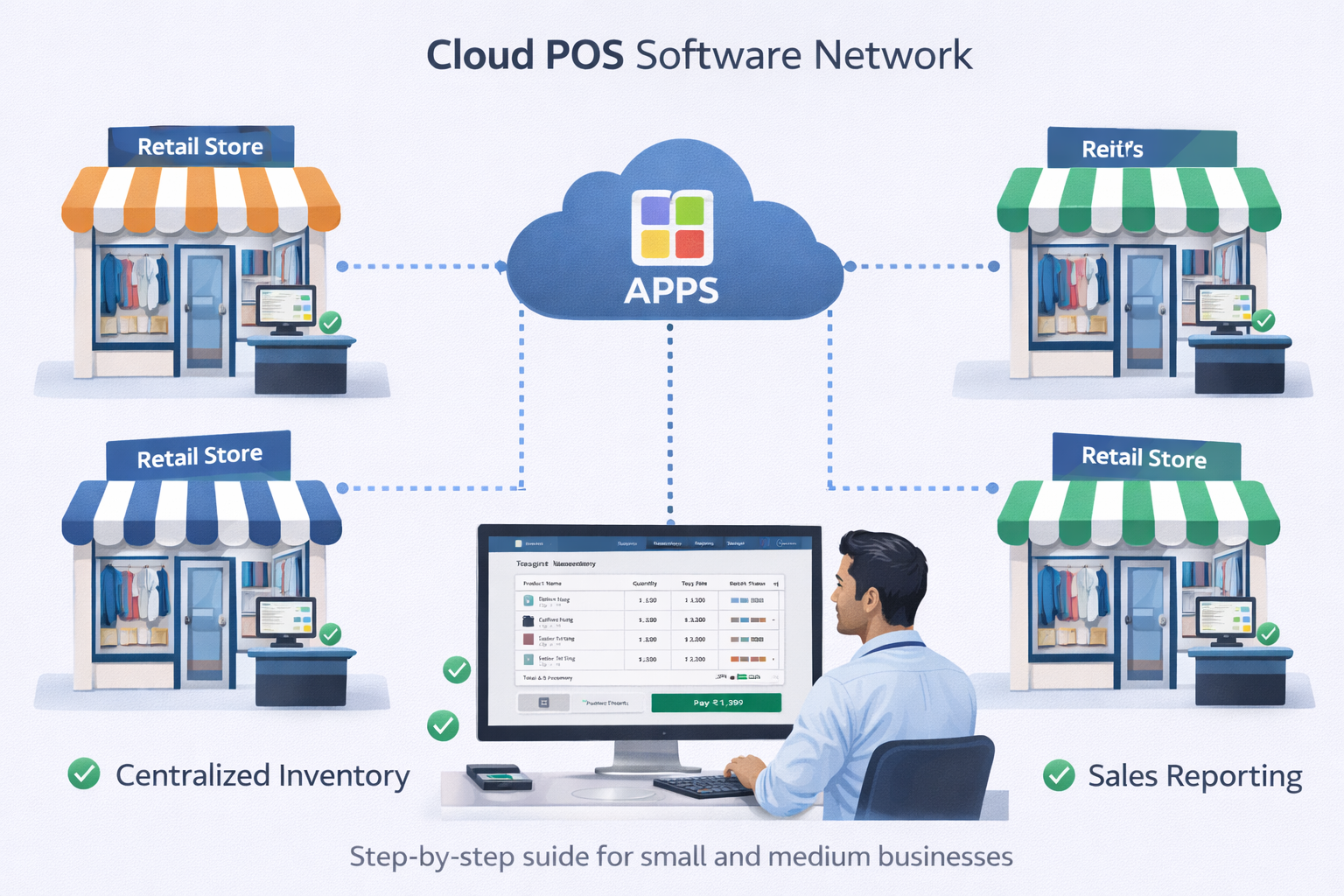
Multi-location support becomes essential as your business grows. Cloud-based systems let you manage multiple stores from a single dashboard, transfer inventory between locations, compare performance across stores, and maintain consistent pricing and promotions everywhere. You can check sales at your Mumbai store while sitting in your Bangalore office.
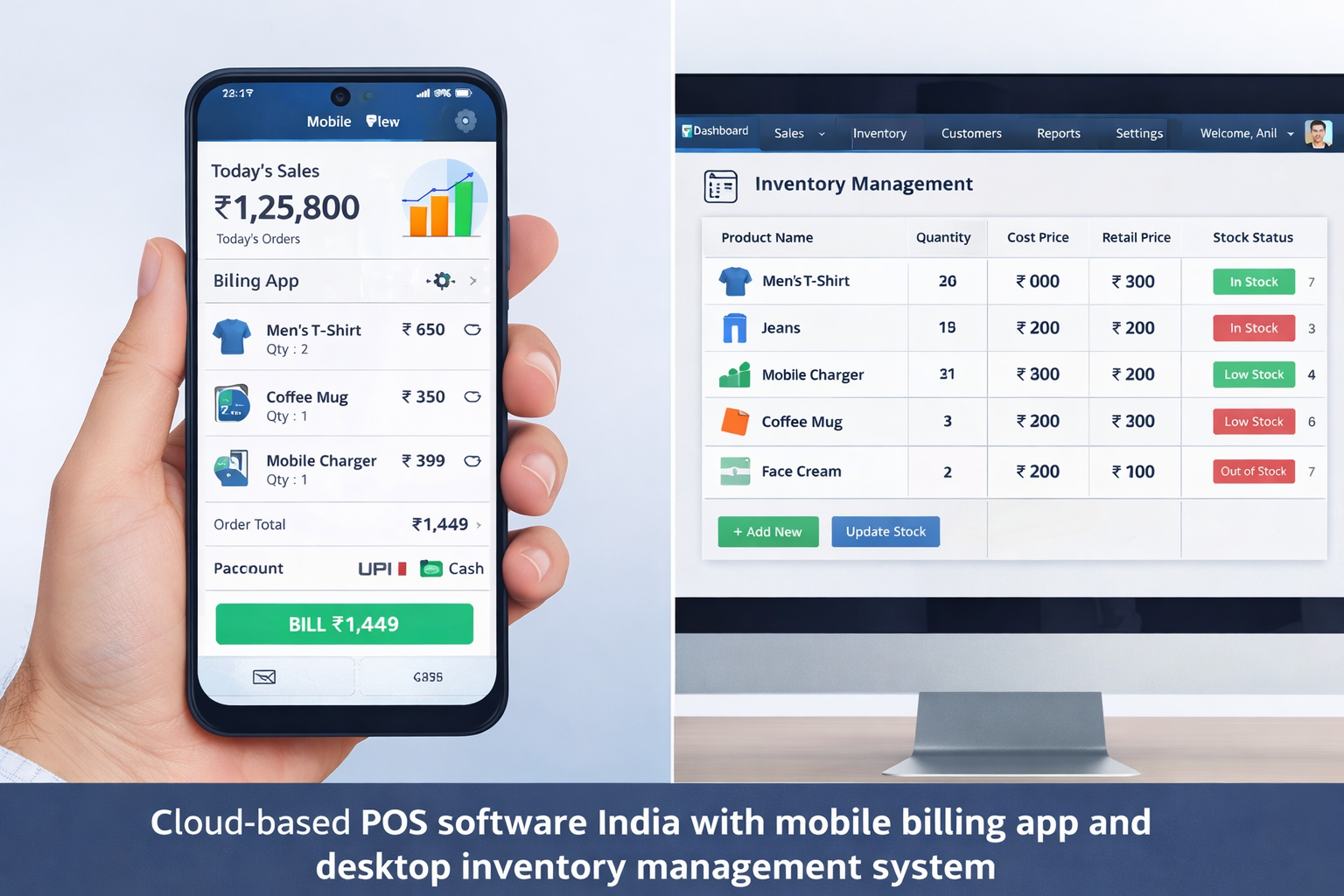
User management and security protect your business from both external threats and internal issues. Look for POS software that offers role-based access control, meaning your sales staff can process transactions but can't modify prices or view detailed financial reports. The system should maintain detailed logs of all activities, so you can identify who did what and when. Integration with CCTV systems adds another layer of security.
Integration capabilities determine how well your POS plays with other business tools. The best pos software india options integrate with accounting software like Tally, e-commerce platforms if you sell online, email marketing tools, and various payment gateways. These integrations eliminate duplicate data entry and ensure information flows smoothly across your entire business operation.
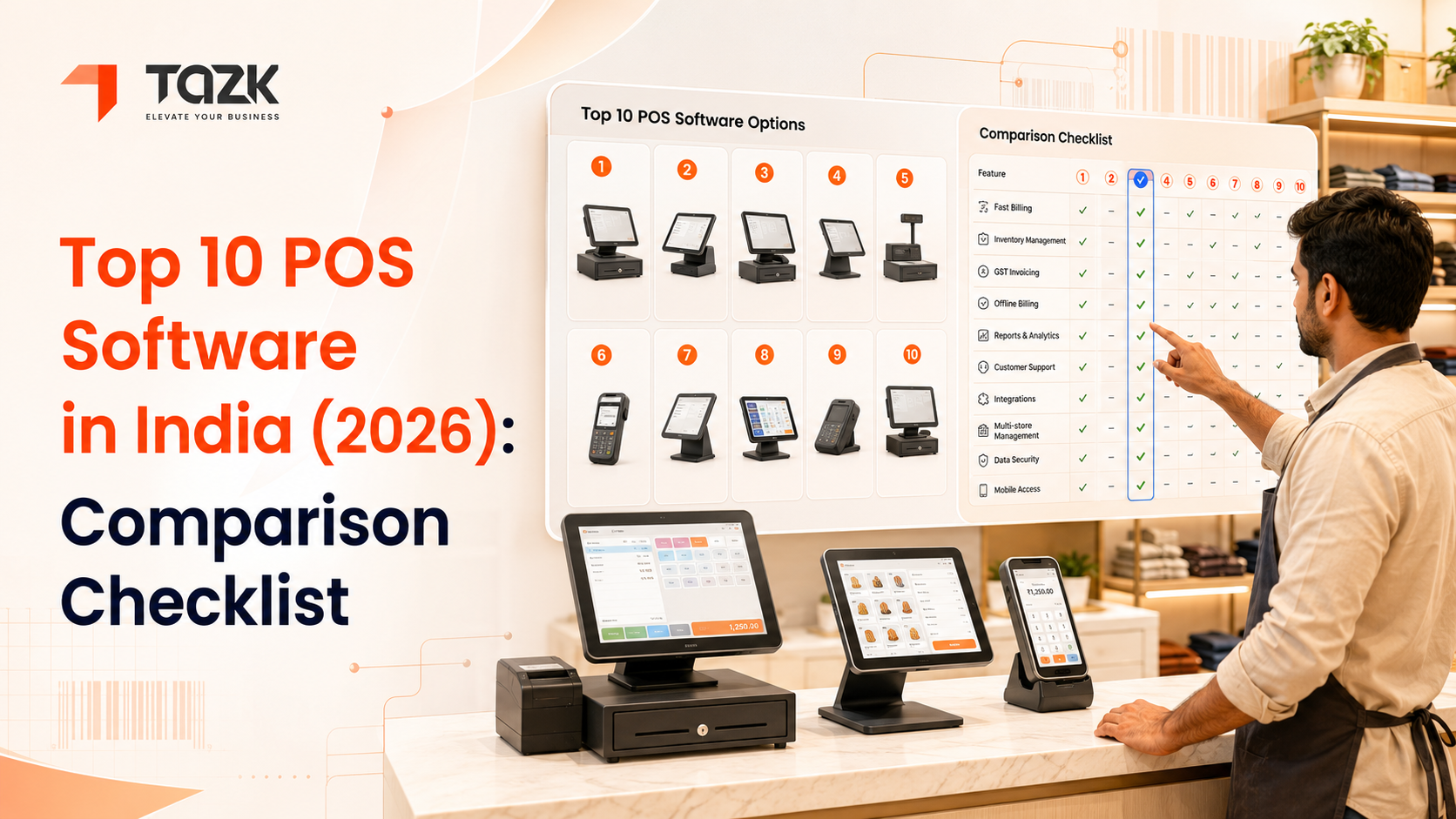
If you're trying to decide between different options, checking out the top 10 POS software solutions in India can help you understand how various providers stack up against each other in terms of features and capabilities.
Pricing Models Explained
Understanding how POS software is priced in India helps you budget appropriately and avoid unpleasant surprises. Different vendors use different pricing models, and what seems cheaper initially might end up costing more over time, or vice versa.
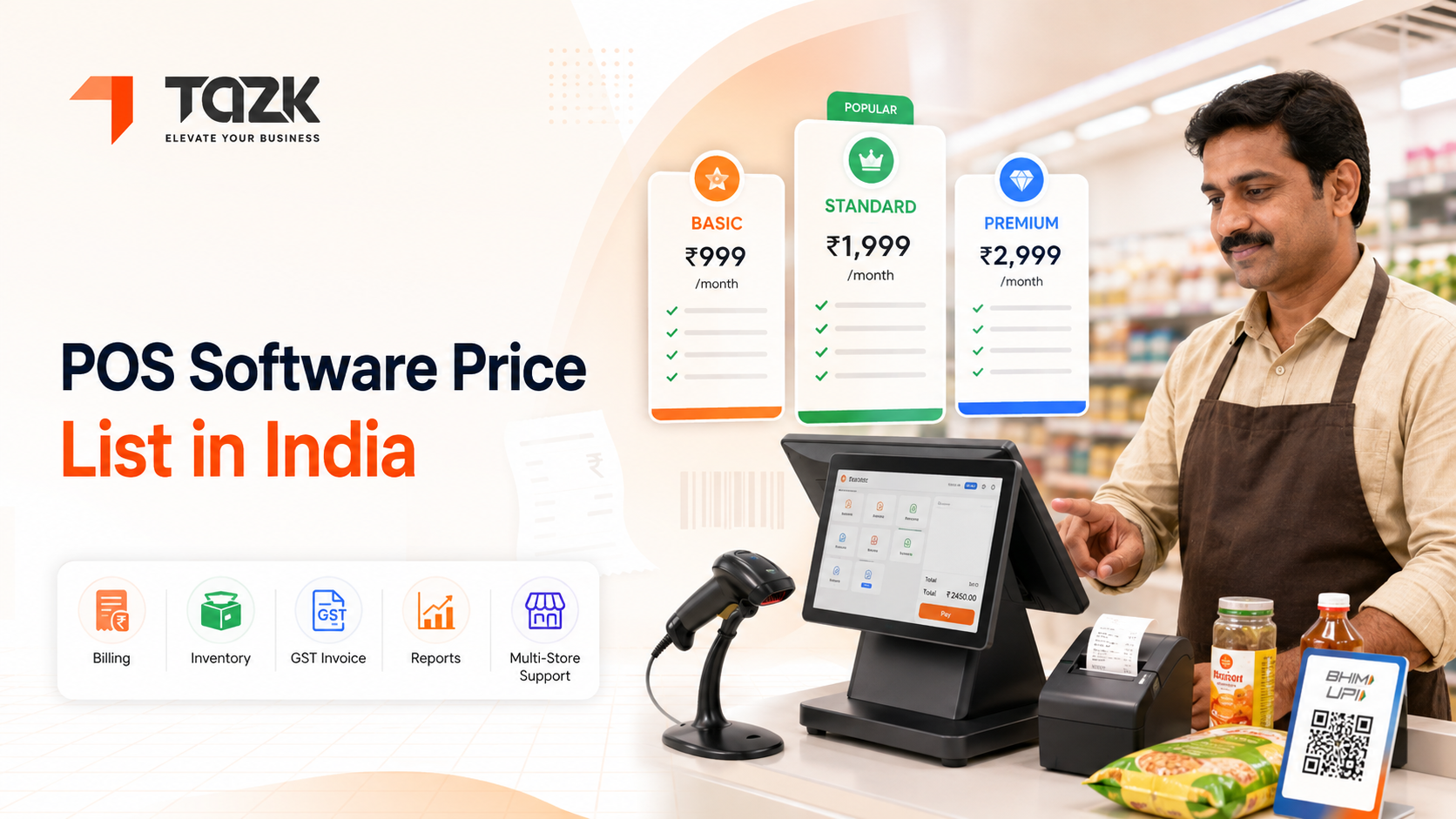
Subscription-based pricing is the most common model for cloud-based POS systems. You pay a monthly or annual fee per location or per terminal. This model typically includes software updates, customer support, and cloud storage. Monthly subscriptions usually range from ₹999 to ₹5,000 per month depending on features and scale. Annual subscriptions often come with discounts of fifteen to twenty-five percent compared to paying monthly. The advantage here is predictable costs and no large upfront investment. The downside is that you're committed to ongoing payments as long as you use the system.
One-time purchase models involve paying a larger amount upfront to own the software permanently. Prices typically range from ₹15,000 to ₹75,000 depending on features and number of users. You might still pay for annual maintenance or support contracts, but these are usually much lower than monthly subscriptions. This model works well if you have the capital available and want to avoid ongoing expenses. However, you might need to pay extra for major version upgrades, and the software might not include cloud features.
Freemium models offer basic features for free with the option to pay for advanced capabilities. Some vendors provide free POS software for very small businesses with limited transactions per month, then charge once you exceed those limits. This can be an excellent way to test a system before committing financially, but make sure you understand exactly what features are restricted in the free version.
Transaction-based pricing means paying a small percentage or fixed amount per transaction instead of a flat monthly fee. Some payment gateway providers bundle POS software with their services and charge ₹2 to ₹5 per transaction or 1-2% of transaction value. This can work well for low-volume businesses but becomes expensive as your sales grow.
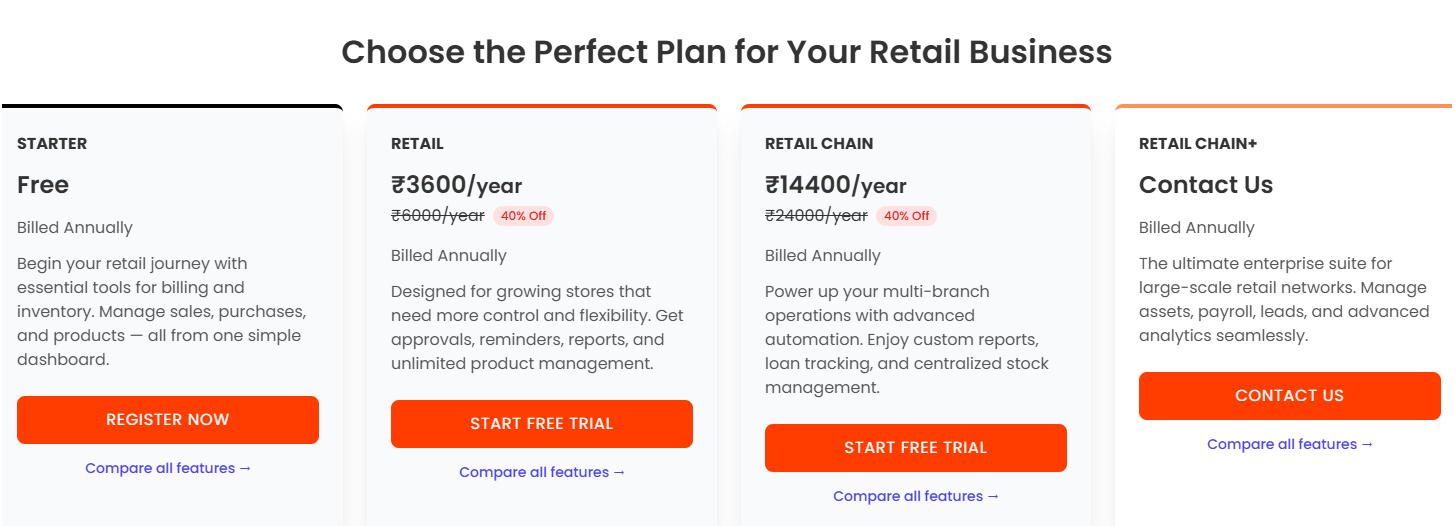
Hidden costs deserve attention when comparing options. Hardware costs for tablets, barcode scanners, receipt printers, and cash drawers can add ₹20,000 to ₹100,000 to your initial investment depending on your setup. Implementation and training fees might be charged separately, particularly for complex installations. Payment gateway charges apply on top of software costs if you accept digital payments. Some vendors charge extra for additional users, locations, or premium support.
For a comprehensive understanding of what different POS systems cost and what you get at each price point, refer to our detailed pricing breakdown of POS software in India that includes real examples from popular vendors.
Benefits of Implementing POS Software
Installing point of sale software delivers tangible benefits that justify the investment, often within the first few months of use. Let me walk you through the real-world advantages businesses across India are experiencing.
Time savings might be the most immediately noticeable benefit. Manual billing takes two to three minutes per customer during busy periods. A good POS system reduces this to under thirty seconds. For a store serving a hundred customers daily, that's saving nearly four hours every single day. That time can be redirected to customer service, merchandising, or business planning instead of punching numbers into calculators.
Inventory accuracy improves dramatically when you move from manual tracking to automated systems. Manual inventory management typically results in five to ten percent shrinkage due to theft, damage, or counting errors. POS software with real-time tracking reduces this to under two percent in most cases. You'll know exactly what you have, where it is, and when you need more. No more discovering you're out of stock on your bestselling item only when a customer asks for it.
Better decision making comes from having accurate data at your fingertips. Instead of guessing which products to order more of, you can see sales trends over weeks or months. You can identify slow-moving inventory that's tying up capital and discount it to free up space for better-selling items. You can spot seasonal patterns and prepare accordingly. Many Indian retailers have discovered products they didn't realize were popular or identified dead stock that was eating into profits.
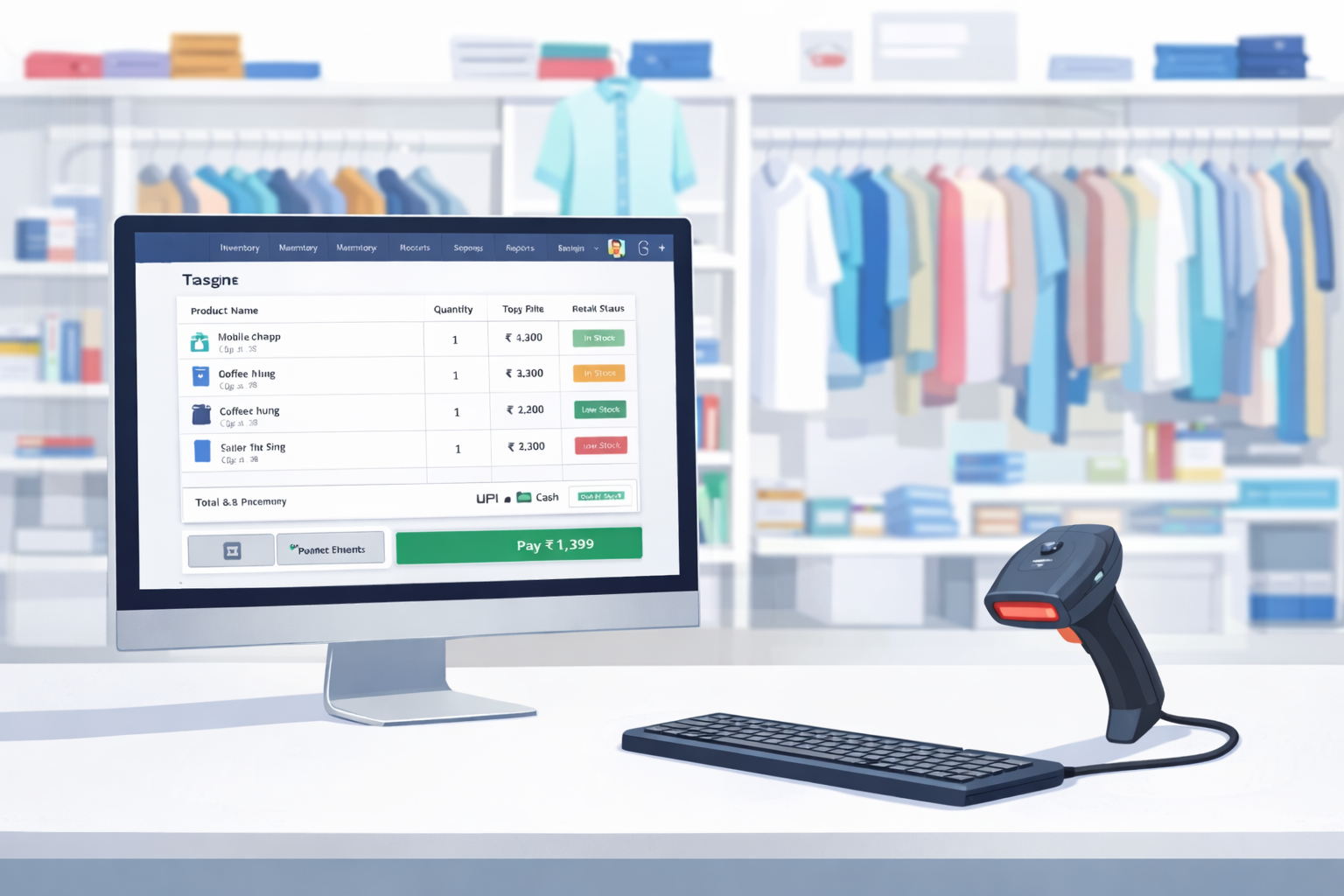
Reduced errors save money and preserve customer relationships. Manual billing errors cost businesses between three and seven percent of revenue on average through undercharging, calculation mistakes, or incorrect tax application. POS systems calculate everything automatically and consistently. GST calculations are always correct. Discounts apply properly every time. Customers receive accurate bills, reducing disputes and returns.
Customer insights enable targeted marketing and improved service. When you know that certain customers always buy specific product categories, you can alert them when new items arrive in those categories. You can identify your highest-value customers and treat them specially. Birthday or anniversary promotions become automated. Loyalty programs track and reward repeat purchases automatically, encouraging customers to return.
Regulatory compliance becomes simpler with POS software designed for the Indian market. GST reporting requirements are handled automatically. The system maintains the transaction records you need for audits. Sales data is organized and readily available when required by tax authorities. This saves countless hours during tax season and reduces the risk of penalties for non-compliance.
Business growth support means your POS system scales with you. When you're ready to open a second location, the same system that serves your first store can handle both locations with centralized management. If you decide to start selling online, many POS systems integrate with e-commerce platforms so your online and offline inventory stays synchronized.
Industry-Specific Considerations
Different types of businesses have unique POS requirements. Choosing software designed with your industry in mind ensures you get features you'll actually use rather than paying for unnecessary bells and whistles.
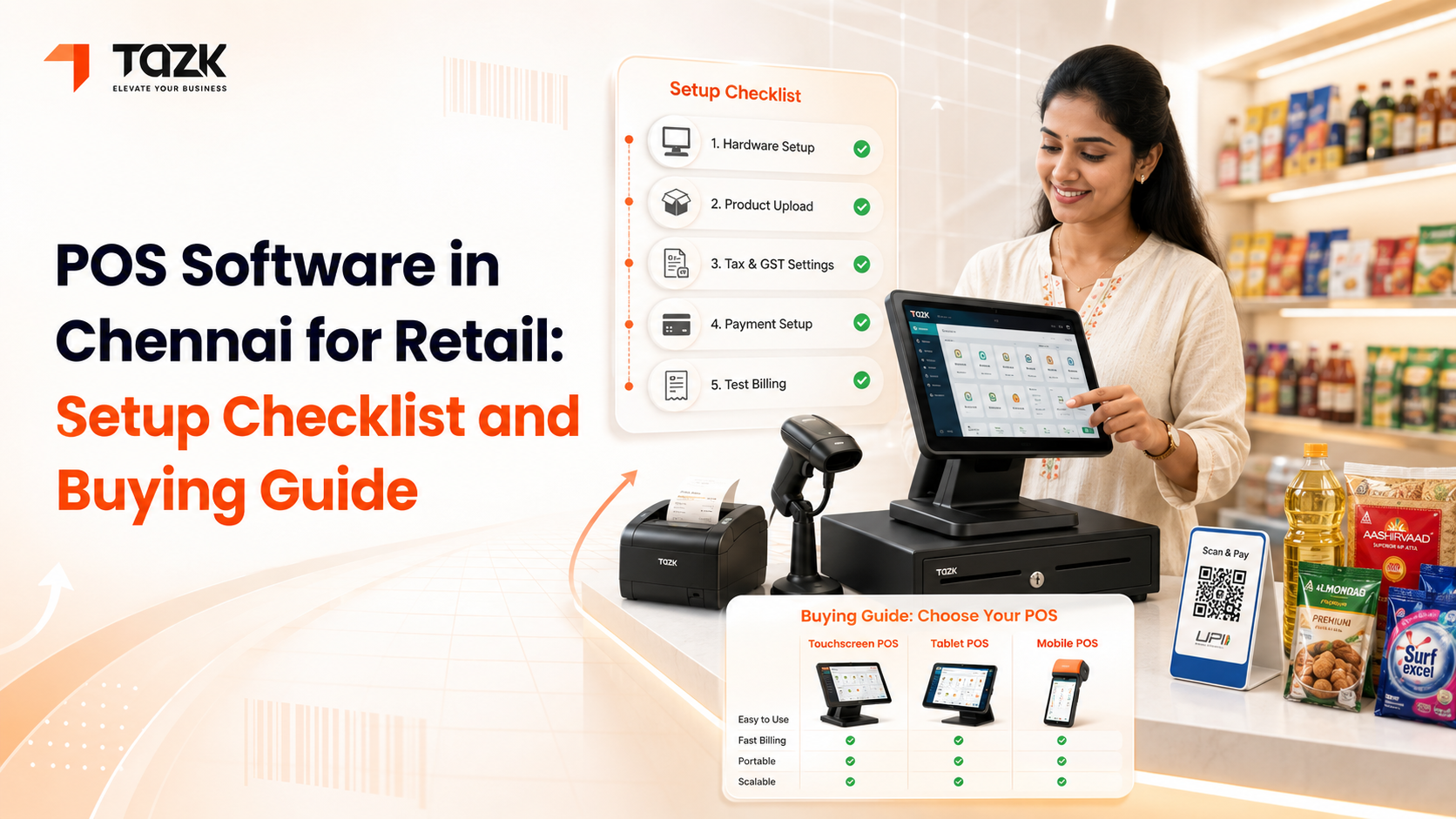
Retail stores need strong inventory management, support for product variations like sizes and colors, barcode scanning capabilities, and integration with e-commerce platforms. Fashion retailers particularly benefit from systems that can track inventory by size, color, and style. Grocery stores need systems that can handle weighted items priced by kilogram. Electronics retailers require serial number tracking for warranty management. For retailers specifically in Chennai looking to implement or upgrade their POS systems, our POS software implementation guide for Chennai retailers provides location-specific insights and vendor recommendations.
Restaurants and cafés require table management features, kitchen display systems to communicate orders to cooking staff, menu customization options for items like 'extra cheese' or 'no onions', integration with food delivery platforms like Swiggy and Zomato, and split billing for groups. Quick-service restaurants prioritize speed, while fine dining establishments need tableside ordering on tablets to enhance the customer experience
Salons and spas benefit from appointment scheduling integrated with the POS, staff commission tracking since many pay stylists a percentage of service revenue, service package management for things like six-session packages, inventory tracking for retail products sold alongside services, and customer history so stylists can remember client preferences.
Pharmacies need features like batch and expiry date tracking since medication has shelf life restrictions, prescription management to maintain records as legally required, integration with insurance systems for cashless transactions, and drug database connectivity to check for interactions or substitutes.
Service businesses like repair shops, dry cleaners, or tailors need job tracking to monitor the status of items being serviced, pickup and delivery management, custom pricing for non-standard services, and customer notification systems to alert clients when their items are ready.
How to Choose the Right POS Software
Selecting POS software for your Indian business requires evaluating multiple factors beyond just price and features. Here's a systematic approach to making the right choice.
Start by assessing your specific needs. List what you absolutely must have versus what would be nice to have. A small single-location store has very different needs from a growing chain. If you process hundreds of transactions daily, transaction speed is critical. If you manage thousands of SKUs, robust inventory management matters more. If you run promotions frequently, you need flexible discounting capabilities. Write down your top five requirements before you start looking at solutions.
Consider your budget realistically. Factor in not just software costs but also hardware, implementation, training, and ongoing support. If cash flow is tight, a subscription model might be better than a large upfront investment. Calculate total cost of ownership over three years for different options rather than just comparing monthly fees. Sometimes a slightly more expensive option delivers better value through included features that others charge extra for.
Evaluate scalability carefully. Even if you only have one location now, can the system grow with you if you open more stores? Will adding users or locations be simple and affordable? Some systems charge linearly for each addition while others have tiered pricing that becomes more economical at scale. Think about where you want your business to be in three to five years.
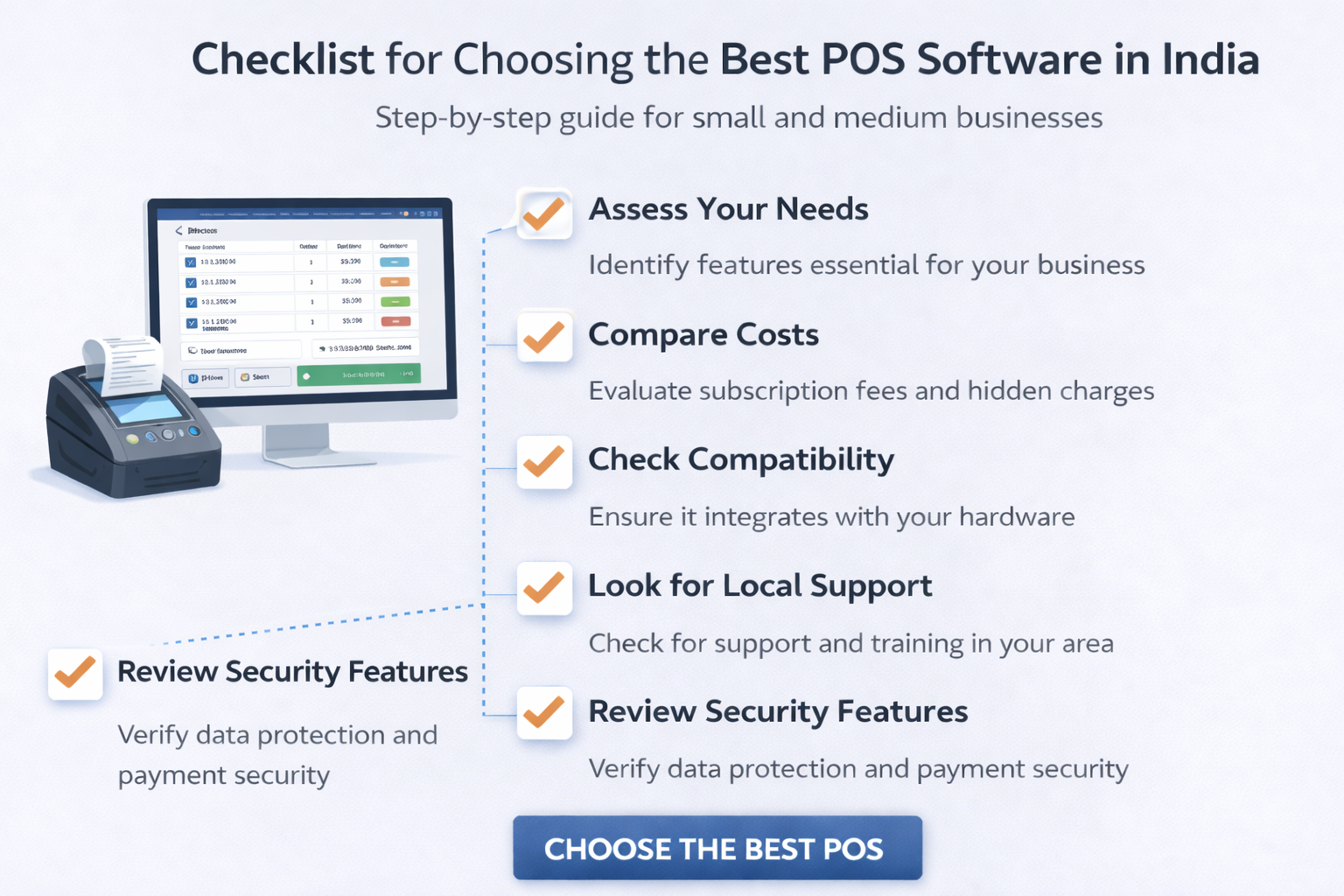
Test the user interface. Most vendors offer free trials or demos. Actually use the system for billing, inventory management, and reporting. Is it intuitive? Could your staff learn it easily? Some powerful systems are so complex that they require days of training, which might not be practical for businesses with high staff turnover. Others are simple but lack the depth you need. Find the sweet spot.
Check integration capabilities. List other software you use for accounting, e-commerce, email marketing, or specific industry tools. Verify that the POS integrates with these systems. Manual data transfer between disconnected systems wastes time and introduces errors. Strong integrations create a seamless technology ecosystem.
Investigate vendor reputation and support. Read reviews from actual users, not just testimonials on the vendor's website. How responsive is customer support? Is support available in languages your team speaks? Is there a local presence in your city or region, or will everything be handled remotely? For critical business systems, quality support can be worth paying more.
Understand implementation requirements. How long does setup take? Does the vendor handle data migration from your current system? Is training included or extra? What happens if you need customization? Some vendors assign dedicated implementation specialists while others just provide documentation and expect you to figure it out.
Verify compliance and security. Ensure the software is GST-compliant and regularly updated to reflect any regulatory changes. Check what security measures protect your business and customer data. Is data encrypted during transmission and storage? How often are backups created? What happens if the vendor's servers go down?
Read the fine print. What's included in the base price and what costs extra? Can you cancel the subscription if you're unhappy, or are you locked in for a period? Who owns your data if you switch providers? Are there limits on transactions, products, or users that might restrict you as you grow?
Implementation Best Practices
Once you've selected your POS software, proper implementation ensures you get maximum value from day one rather than struggling through a painful transition.
Plan your timeline realistically. Simple implementations might take a week while complex multi-location setups could require several weeks. Don't try to switch systems during your busiest season. Plan for the transition during a quieter period when you can afford some disruption and staff have time to learn.
Prepare your data before migration. Clean up your product database, removing discontinued items and correcting errors. Organize your data in the format your new POS requires. The cleaner your data going in, the smoother the migration. Many implementation problems stem from messy source data, not software issues.
Involve your team early. The people who will use the system daily should participate in selection and testing. They'll identify practical issues you might miss and will be more invested in making the transition successful if they had input. Resistance to change often comes from feeling imposed upon rather than being part of the decision.
Invest in thorough training. Don't just show staff how to process transactions. Make sure they understand inventory management, reporting, handling exceptions, and troubleshooting common problems. Record training sessions so new hires can watch them. Create quick reference guides for your specific workflows.
Run parallel systems initially. For the first week or two, use both your old and new systems simultaneously if possible. This provides a safety net and lets you verify that the new system is working correctly before fully committing. You can compare daily totals and catch any issues early.
Start simple then expand. You don't need to use every feature from day one. Get comfortable with basic billing and inventory management first, then gradually add loyalty programs, advanced reporting, and other features. Trying to do everything at once often leads to confusion and mistakes.
Monitor closely in the early days. Check reports daily for the first few weeks to ensure everything is working as expected. Stock levels should match physical counts. Sales reports should align with actual cash and card receipts. Customer feedback will tell you if billing is taking longer than it should.
Conclusion
Choosing the right point of sale software India offers is one of the most impactful decisions you'll make for your business. The right system transforms daily operations, saves countless hours, provides insights you'd never have otherwise, and positions your business for growth. The wrong system frustrates your team, confuses your customers, and becomes an expensive mistake you're eager to replace.
Take the time to evaluate your needs carefully, explore multiple options through demos and trials, and think beyond just the immediate present to where your business is heading. The best POS software isn't necessarily the cheapest or the one with the most features, but rather the one that fits your specific industry, scale, budget, and growth trajectory.
Modern POS systems have evolved far beyond simple cash registers into comprehensive business management platforms. They handle the routine tasks that used to consume your time, freeing you to focus on serving customers, developing your team, and growing your business. They provide the data you need to make informed decisions instead of relying on gut instinct.
Whether you're running a small shop looking to automate billing and inventory, a growing chain needing multi-location management, or an established business wanting deeper customer insights, there's a pos software in india designed for your situation. The investment in a quality POS system typically pays for itself within months through reduced errors, better inventory control, time savings, and improved decision-making.
Start by identifying your must-have features, set a realistic budget that includes hardware and implementation costs, test several options thoroughly, and choose a vendor with solid support and a proven track record. Your POS system will become the backbone of your daily operations, so invest the time to choose wisely. The right system will serve your business well for years, adapting as you grow and helping you build the successful enterprise you envision.
Ready to upgrade your retail billing?
Tazk POS handles billing, inventory, GST invoices, and multi-store management. Free plan available — no credit card required.
Free plan available. No credit card required. Go live in hours.