
What can employees do in the Tazk Payroll ESS Portal?
The ESS Portal (HRMS → ESS Portal, headed Employee Self-Service) lets employees request changes to their phone, email, address, date of birth, Aadhaar, PAN or bank details; see their salary structure; track their requests; upload documents HR has asked for; acknowledge HR policies; and apply for internal job postings. Administrators also get a Profile Change Approvals tab.
What tabs does the ESS Portal have?
Profile Changes · My Salary · My Requests · My Documents · HR Policy Acknowledgement · Job Postings · Profile Change Approvals (Administrators).
How do I request a change to my profile?

- Open Profile Changes and click Request Change.
- Choose the fields to change — phone number, email, residential address, date of birth, Aadhaar, PAN, bank account or IFSC — enter each new value and attach proof if asked.
- Submit. The request appears under My Profile Change Requests with the old and new value and its status — Pending approval, Approved, Rejected or Partly decided.
Where do I see my salary structure?
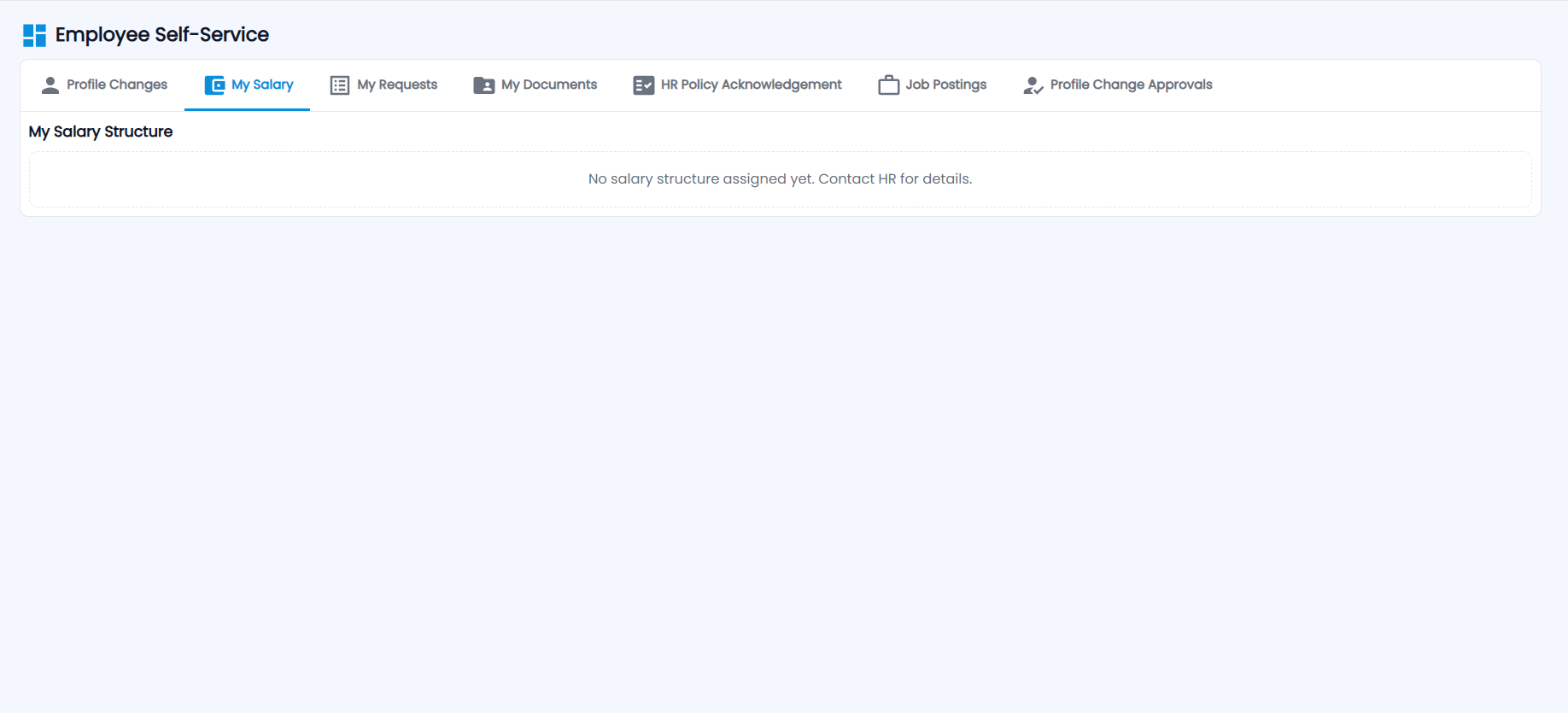
My Salary shows My Salary Structure — the active (or a previous) structure with its effective dates, total earnings, total deductions, net pay and each component. If none is assigned yet it says "No salary structure assigned yet. Contact HR for details."
How do I track my requests?
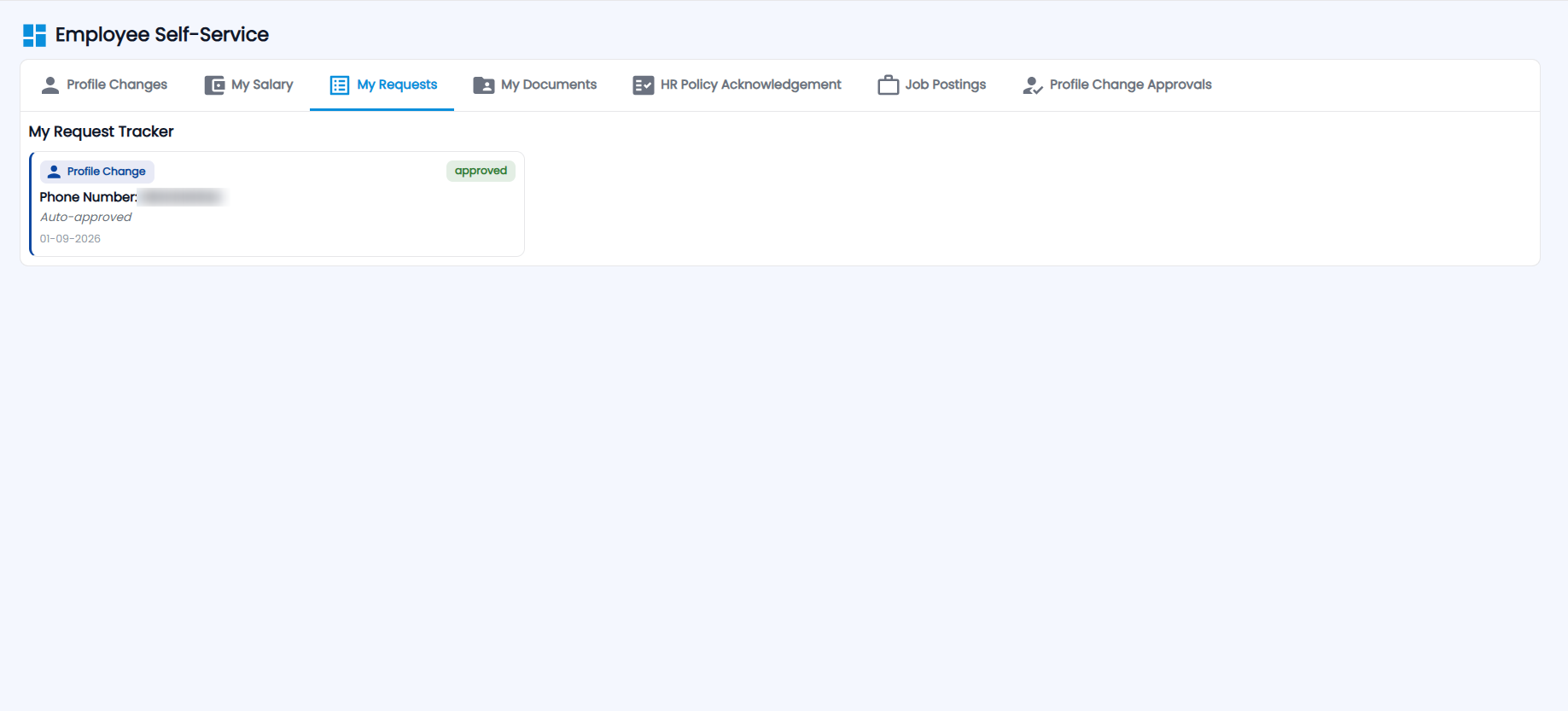
My Request Tracker lists your leave, permission and profile change requests with their type, details, status and date — for example a profile change marked approved and Auto-approved.
How do I upload a document HR has asked for?
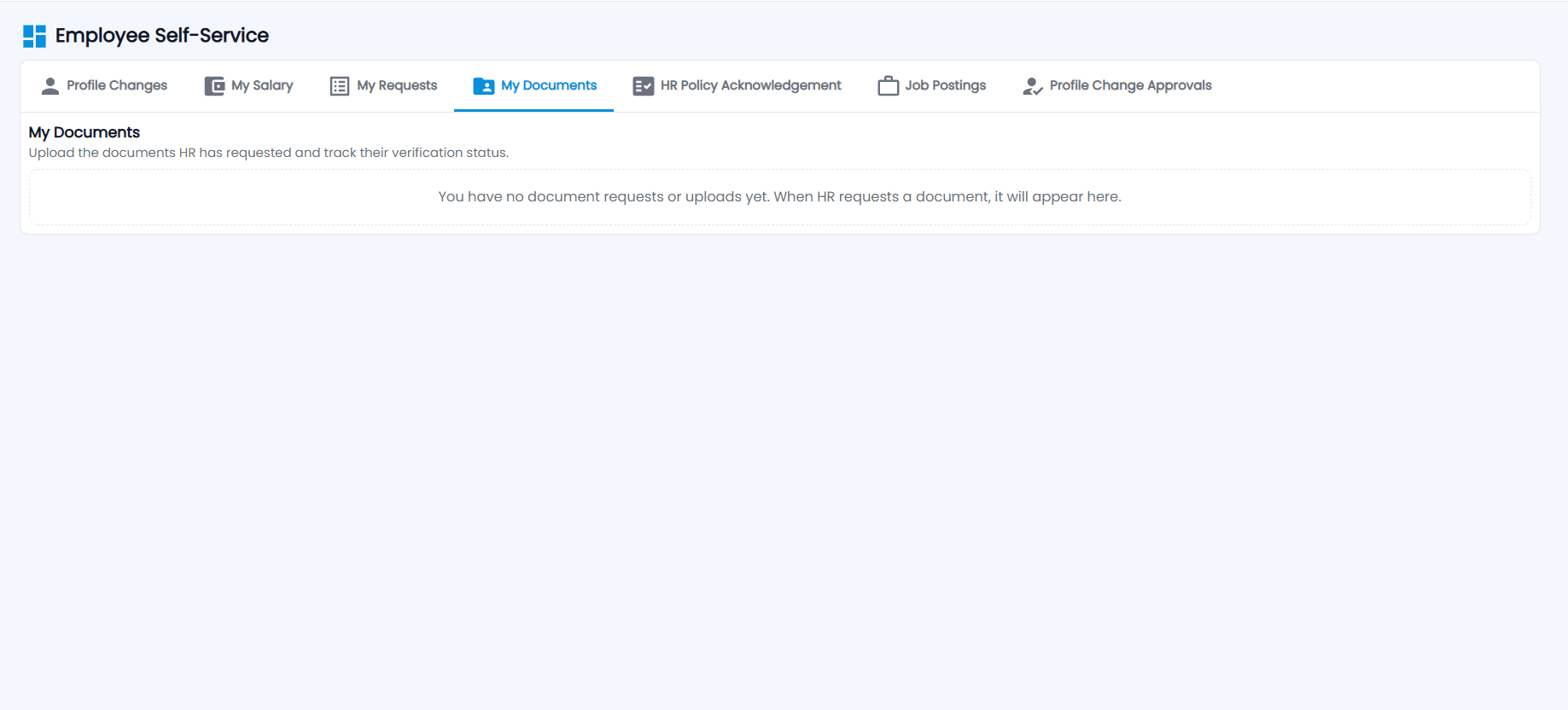
My Documents — "Upload the documents HR has requested and track their verification status." Requested documents appear here with their due date; upload each one and follow it from In review to Verified. Until HR requests one, it says you have no document requests yet.
How do I acknowledge an HR policy?
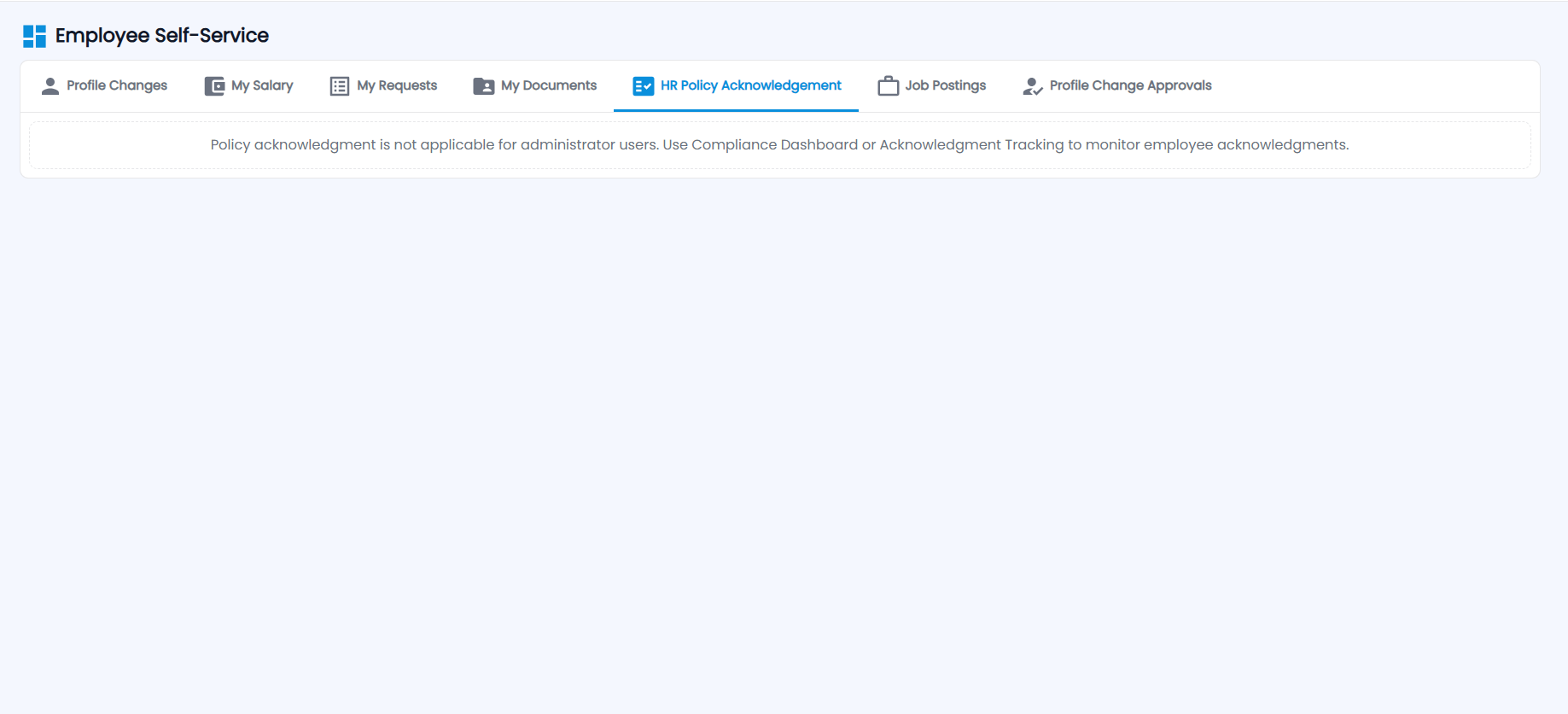
HR Policy Acknowledgement lists the policies assigned to you — open each, read it and click Acknowledge. Administrators do not acknowledge policies; the tab tells them to use the Compliance Dashboard or Acknowledgment Tracking in HR Policies instead.
How do I apply for an internal job?
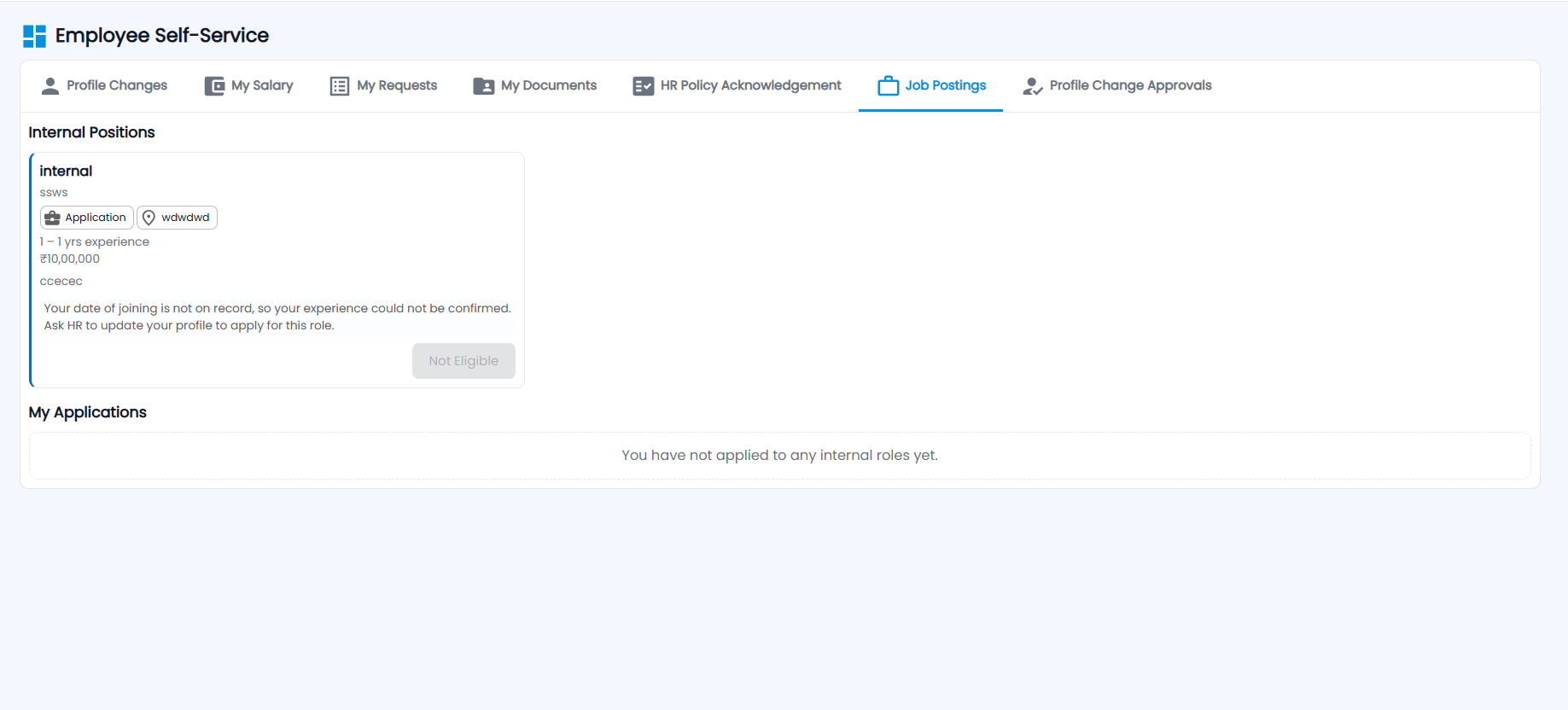
Job Postings lists Internal Positions — title, department, location, experience required and salary. Click Apply and say why you fit the role. If you do not meet the requirement, the card explains why and shows Not Eligible — for example when your date of joining is not on record, so your experience cannot be confirmed. Your applications are listed under My Applications.
How does HR approve a profile change request?
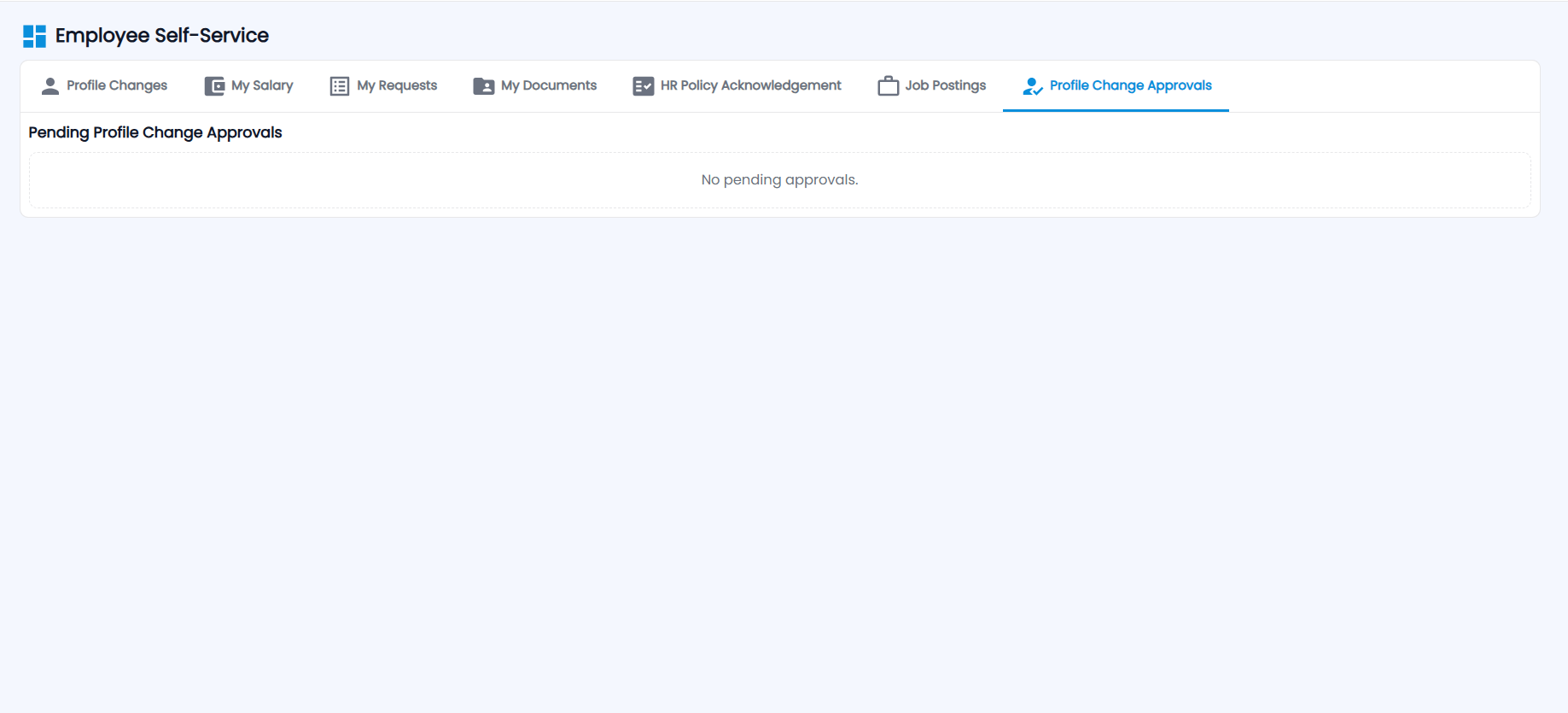
- Open Profile Change Approvals (Administrators). Pending Profile Change Approvals lists the requests, or "No pending approvals."
- Each request shows the current and requested value side by side; click View Proof to check the attachment.
- Click Approve or Reject on each change, or Approve All / Reject All. Rejecting asks for a reason.
Changes requested from Employee Profile arrive here too, and internal job applications reach HR in Recruitment → Internal Applications.