
What is Hire AI in Tazk POS?
Hire AI lets you add specialist AI assistants to your account, such as an AI Auditor, AI CFO, AI Chief Marketing Officer, AI Chief Sales Officer and AI Inventory Manager. Each one works from your own live data and only suggests — it never posts invoices, receipts or approvals on its own. Hire one from Settings → Hire AI and it turns on for your account straight away.
Which assistants are there?
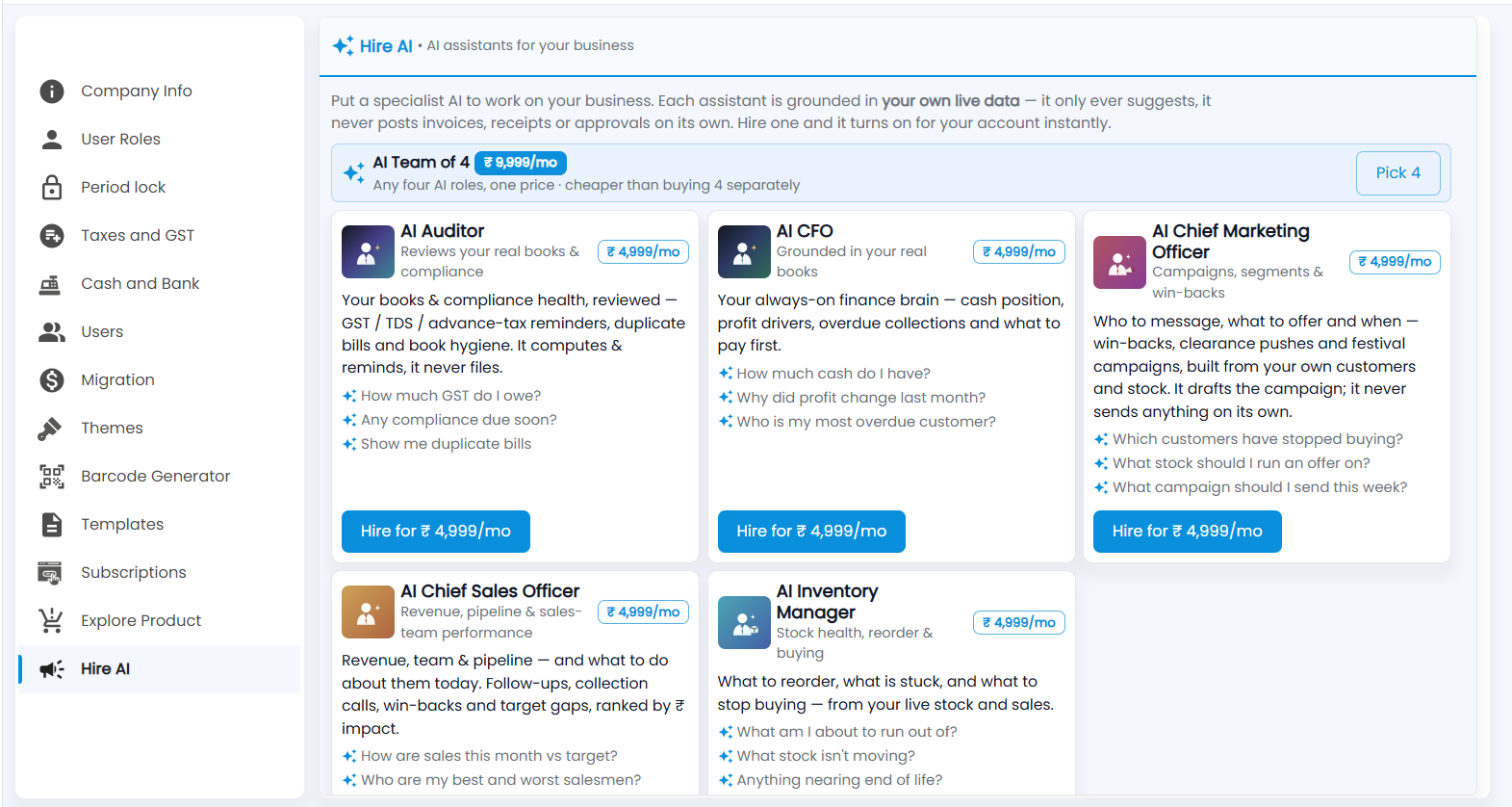
Open Settings → Hire AI (AI assistants for your business). Each card shows the assistant, its monthly price and a few questions you can ask it:
| Assistant | Helps with | Ask it, for example |
|---|---|---|
| AI Auditor | Books and compliance health — GST / TDS / advance-tax reminders, duplicate bills, book hygiene. It computes and reminds; it never files | How much GST do I owe? |
| AI CFO | Cash position, profit drivers, overdue collections and what to pay first | Who is my most overdue customer? |
| AI Chief Marketing Officer | Who to message, what to offer and when — win-backs, clearance pushes and festival campaigns. It drafts the campaign; it never sends on its own | Which customers have stopped buying? |
| AI Chief Sales Officer | Revenue, pipeline and sales-team performance — follow-ups, collection calls, win-backs and target gaps | How are sales this month vs target? |
| AI Inventory Manager | What to reorder, what is stuck and what to stop buying | What am I about to run out of? |
How do I hire one?
- Click Hire for ₹…/mo on the assistant's card.
- Or, for any four, click Pick 4 on the AI Team of 4 banner — one price, cheaper than buying four separately.
- Complete the payment. The assistant turns on for your account straight away.
Note: The prices shown on the screen are the current ones. Assistants read your data to answer; they never create or change transactions.