
How do I add another Tazk product to my account?
Open Settings → Explore Product and click Know more on a product, such as Payroll, CRM or Projects. You can see what it includes, start a trial or view its plans. Once added, it appears in your product switcher and walks you through its own quick setup the first time you open it.
Which products can I add?
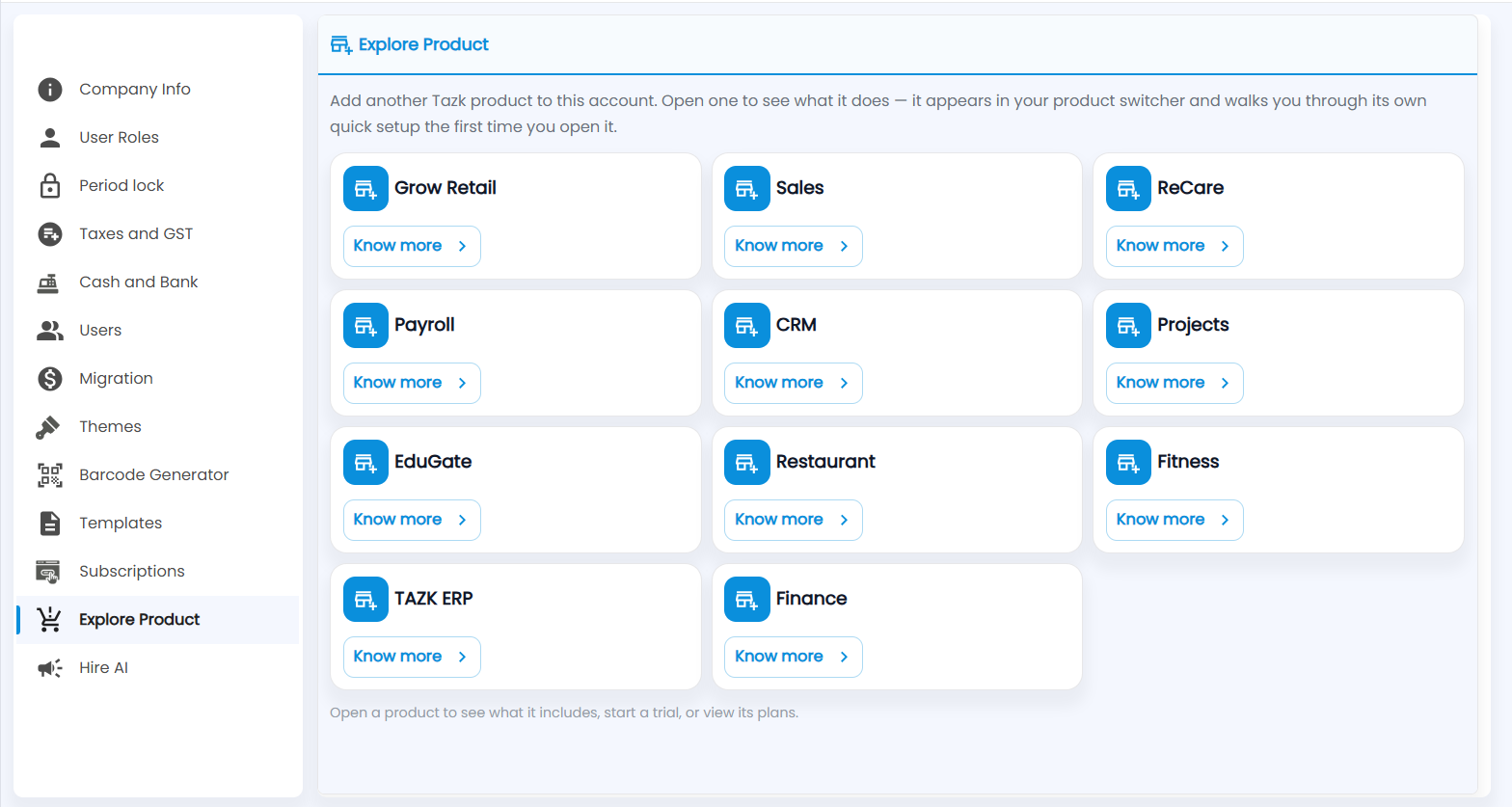
Open Settings → Explore Product. Each Tazk product has a card: Grow Retail, Sales, ReCare, Payroll, CRM, Projects, EduGate, Restaurant, Fitness, TAZK ERP and Finance. The list you see may differ.
- Click Know more on a card.
- Read what it does, then start a trial or choose a plan.
- Switch to it from the product switcher. It walks you through its own quick setup the first time you open it.