
How do I record marketing consent in Tazk CRM?
Indian law needs permission before marketing messages, and Marketing › Consent & Suppression is where it is recorded. Click + Record Opt-in, choose the channel, enter the contact's email or phone, set the status and click Save. Permission is recorded per channel. To stop someone receiving marketing, click Suppress.
What does the Consent & Suppression screen show?
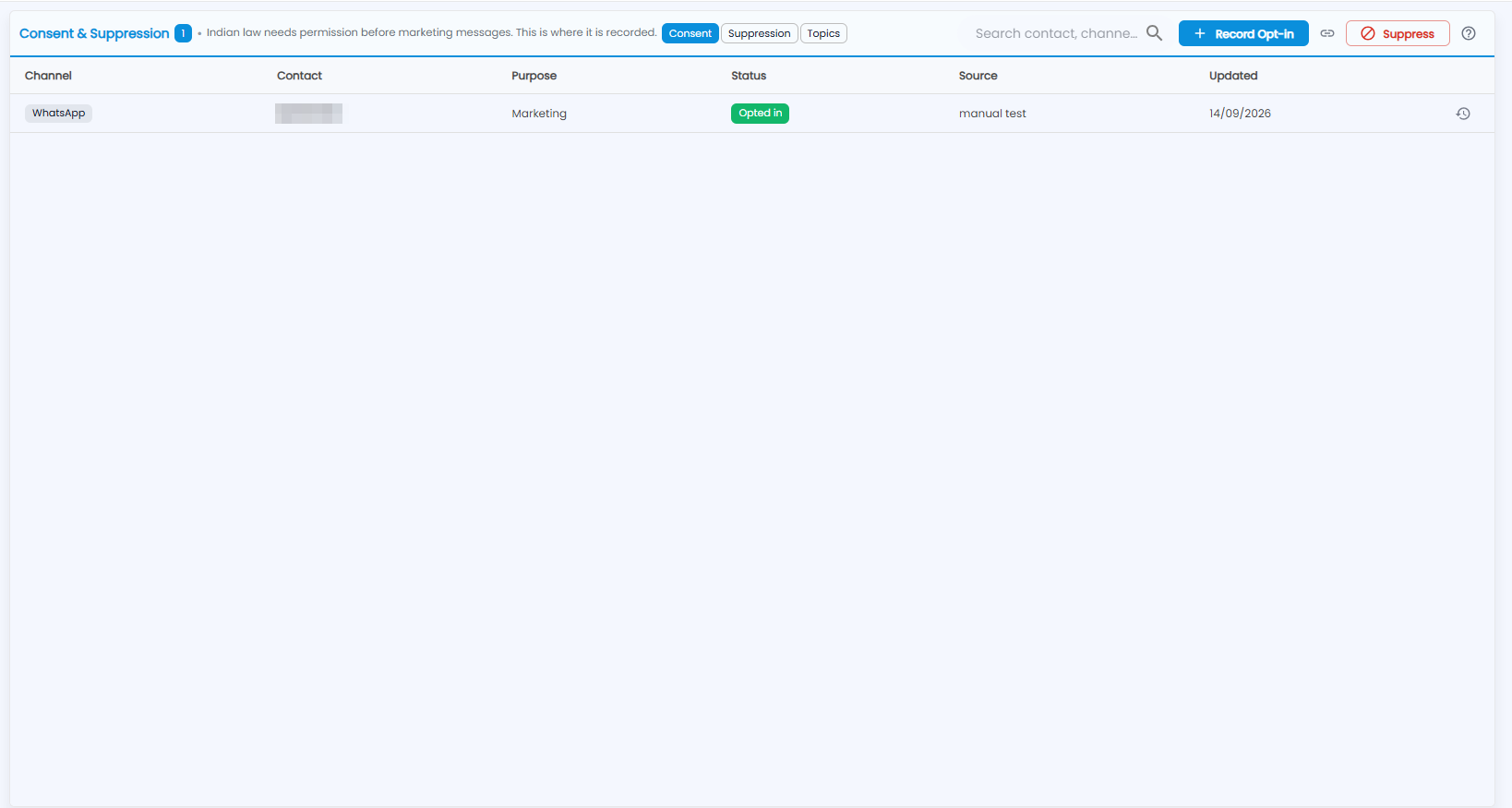
The number next to the title is how many records there are. Three tabs split them: Consent, Suppression and Topics. On the right are the search box (Search contact, channe…), + Record Opt-in, Suppress and the ? guide.
| Column | What it shows |
|---|---|
| Channel | WhatsApp, Email or SMS |
| Contact | The phone number or email address |
| Purpose | What the permission is for — for example Marketing |
| Status | Opted in or Opted out |
| Source | Where the permission came from |
| Updated | When it last changed |
The clock icon at the end of a row shows that contact's history — every change to their permission.
How do I record an opt-in?
Click + Record Opt-in.
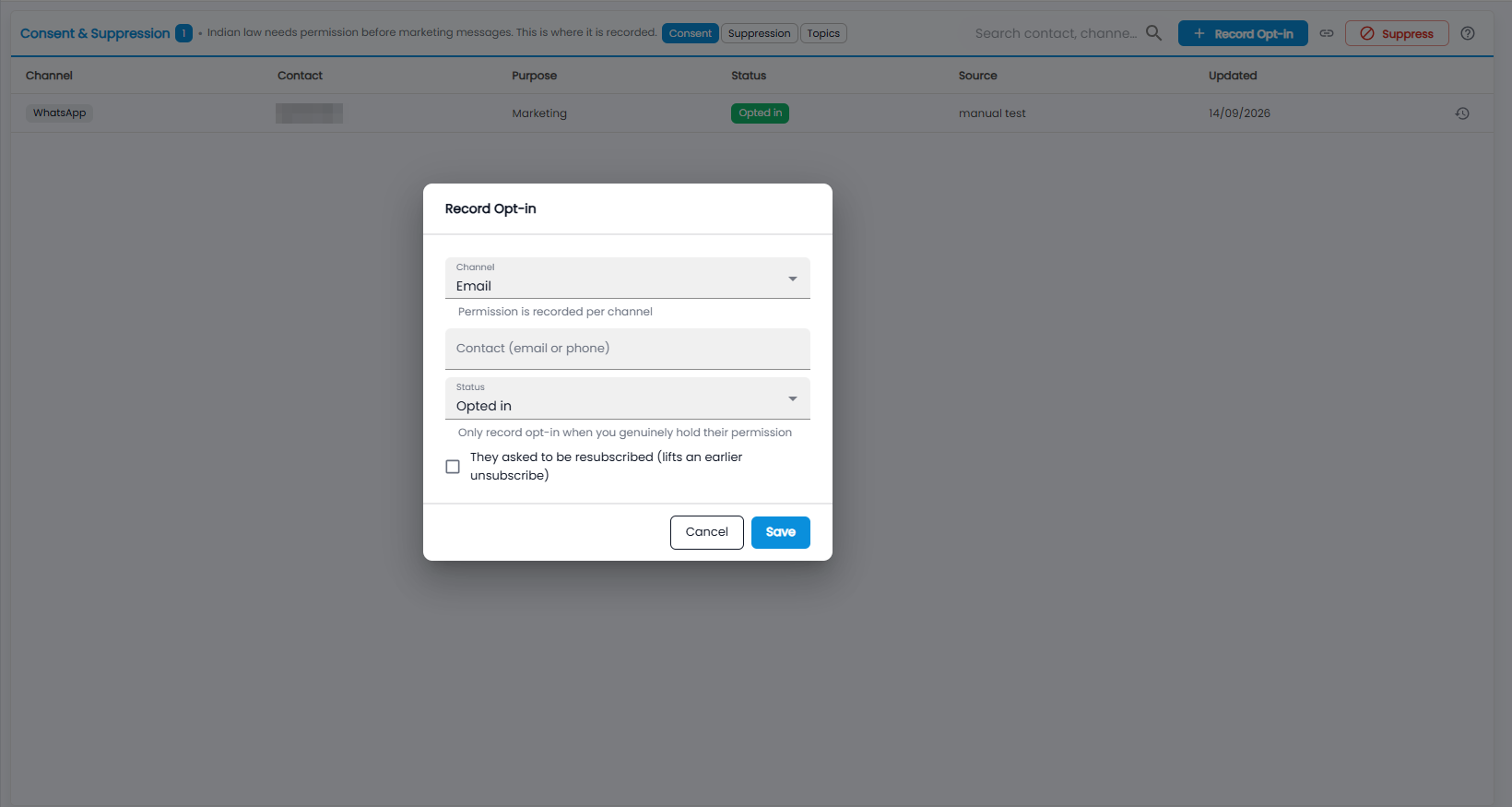
- Channel — for example Email. Permission is recorded per channel.
- Contact — the email address or phone number.
- Status — Opted in or Opted out. Only record an opt-in when you genuinely hold their permission.
- Tick They asked to be resubscribed only if they did — it lifts an earlier unsubscribe.
- Click Save, or Cancel.