
What is the Brand Kit in Tazk CRM?
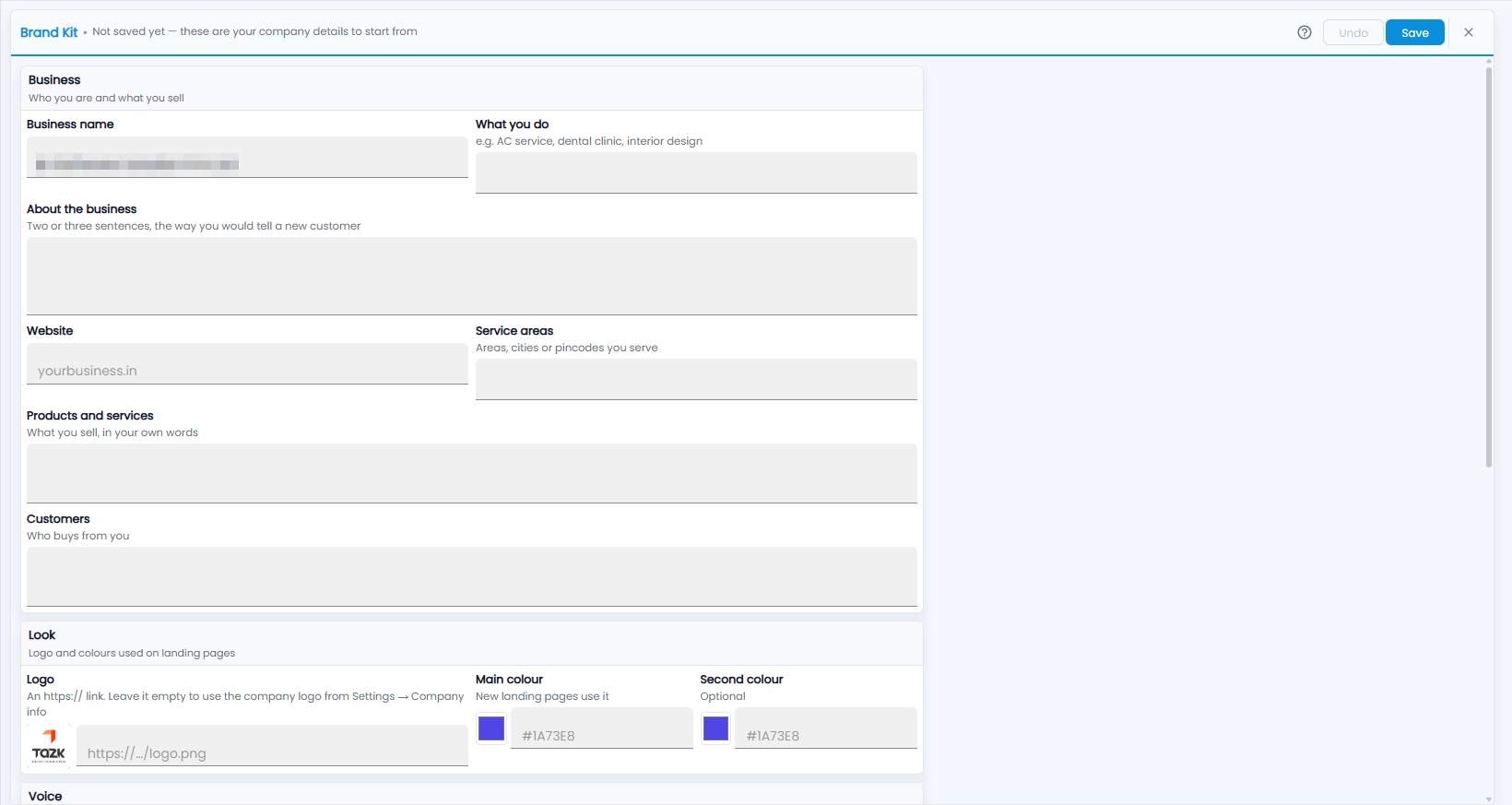
Marketing › Brand Kit holds who you are and what you sell, and the logo and colours used on landing pages. It starts from your company details. Fill in what you do, about the business, your website, service areas, products and services and customers, set your logo and colours, and click Save.
What goes in the Business section?
Who you are and what you sell. Until you save, the header says Not saved yet — these are your company details to start from.
- Business name.
- What you do — for example AC service, dental clinic, interior design.
- About the business — two or three sentences, the way you would tell a new customer.
- Website.
- Service areas — areas, cities or pincodes you serve.
- Products and services — what you sell, in your own words.
- Customers — who buys from you.
What goes in the Look section?
The logo and colours used on landing pages:
- Logo — an https:// link. Leave it empty to use the company logo from Settings → Company info.
- Main colour — new landing pages use it.
- Second colour — optional.
The Voice section follows below. Click Save when you are done; Undo takes back changes you have not saved.