
How do I create an audience in Tazk CRM?
Open Marketing › Audiences and click + New Audience. Give it a name you will recognise later, choose whether leads must match all of the rules or any of them, add rules from the dropdowns, press Preview Count to see how many leads match, and click Save. The audience keeps itself up to date as new leads arrive.
What is an audience?
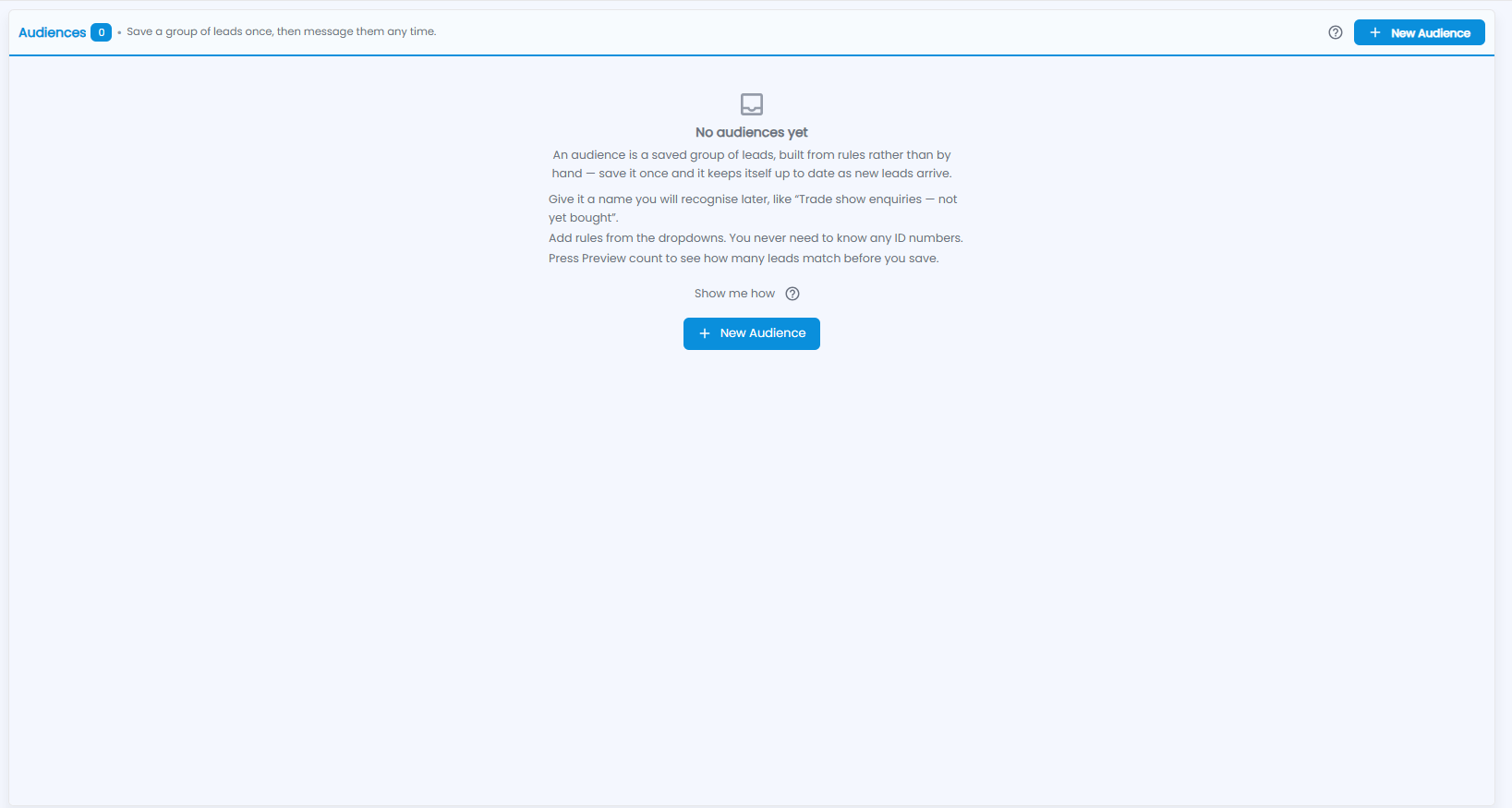
An audience is a saved group of leads, built from rules rather than by hand — save it once and it keeps itself up to date as new leads arrive. You can then message the group any time. The number next to the title is how many audiences you have; until you create one, the screen says No audiences yet and shows the steps:
- Give it a name you will recognise later, like “Trade show enquiries — not yet bought”.
- Add rules from the dropdowns. You never need to know any ID numbers.
- Press Preview count to see how many leads match before you save.
Click + New Audience to start, or Show me how for a walk-through. The ? at the top right is a short guide.
How do I create an audience?
Click + New Audience.
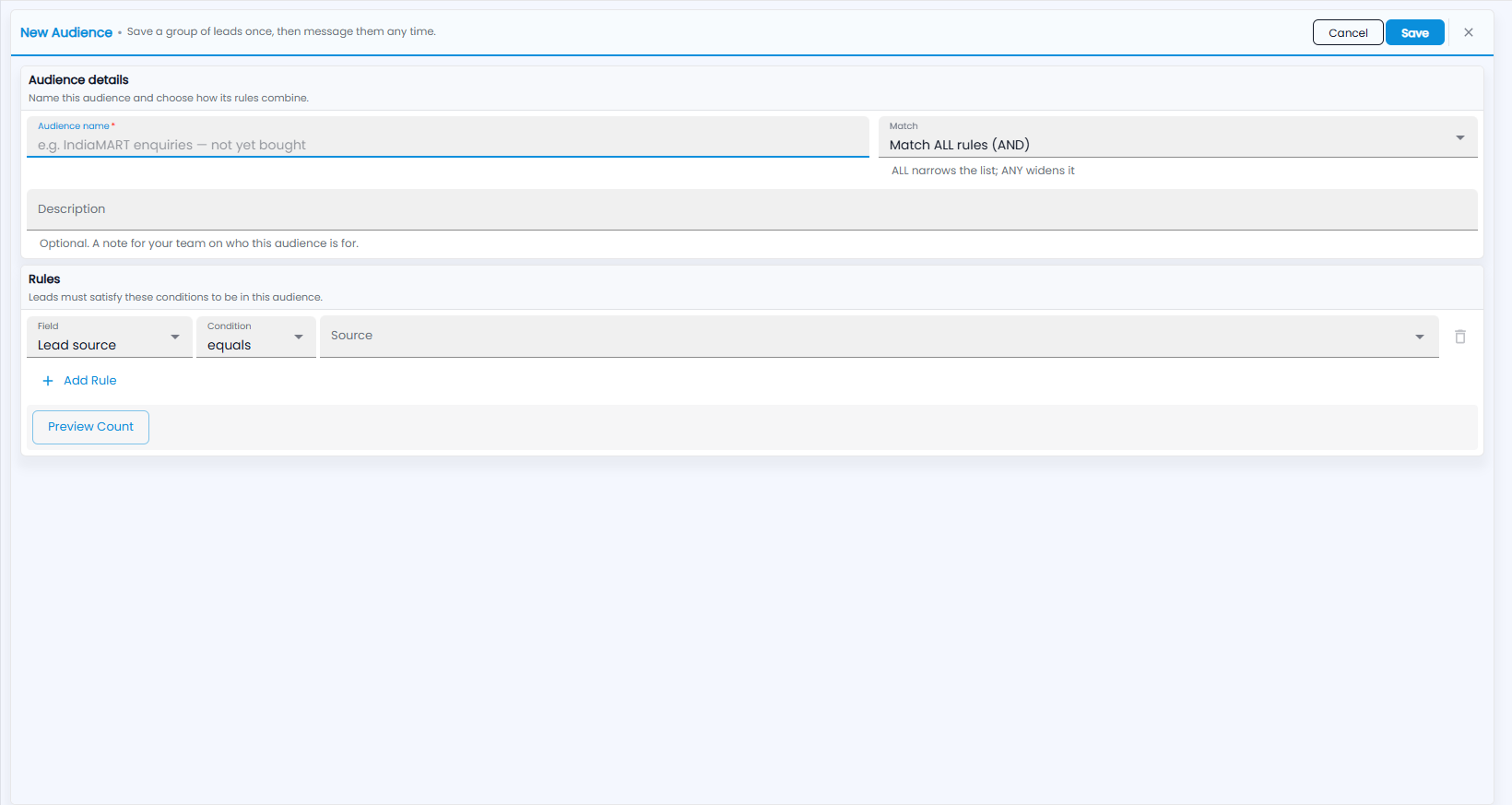
- Audience details — name this audience and choose how its rules combine:
- Audience name (required) — for example “IndiaMART enquiries — not yet bought”.
- Match — Match ALL rules (AND) or Match ANY rule (OR). ALL narrows the list; ANY widens it.
- Description — optional; a note for your team on who this audience is for.
- Rules — the conditions a lead must satisfy to be in this audience. For each rule, pick a Field (for example Lead source), a Condition (for example equals) and the value (for example a Source). Click + Add Rule for another, or the bin icon to remove one.
- Click Preview Count to see how many leads match.
- Click Save, or Cancel.
Rules can use the lead source, status, owner, lead score, estimated value, created date, last contacted date, whether the lead has a phone number or an email address, and whether it is already converted.