
How do I create an A/B test in Tazk CRM?
Open Marketing › A/B Tests and click +. Name the test, pick the channel and the metric the winner is judged on, and set up two or more variants — each with a key, a weight and its subject. Click Create. The test collects data only from campaigns sent with it attached, from Audiences.
What are A/B tests for?
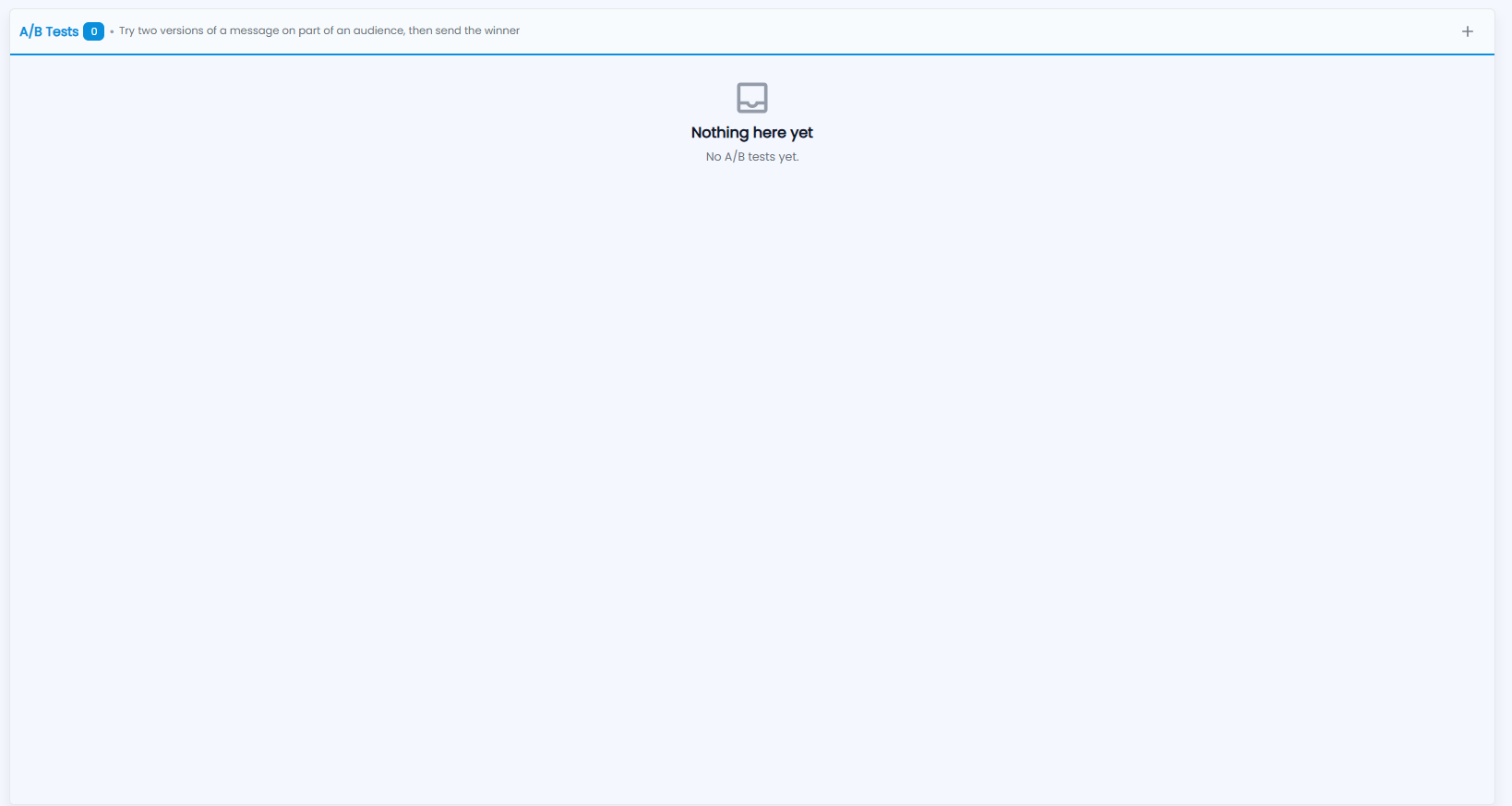
Try two versions of a message on part of an audience, then send the winner. The number next to the title is how many tests you have; until you create one, the screen says Nothing here yet — No A/B tests yet. Click + at the top right to create a test.
How do I create a test?
Click +. Set up two or more versions; the send splits recipients between them.
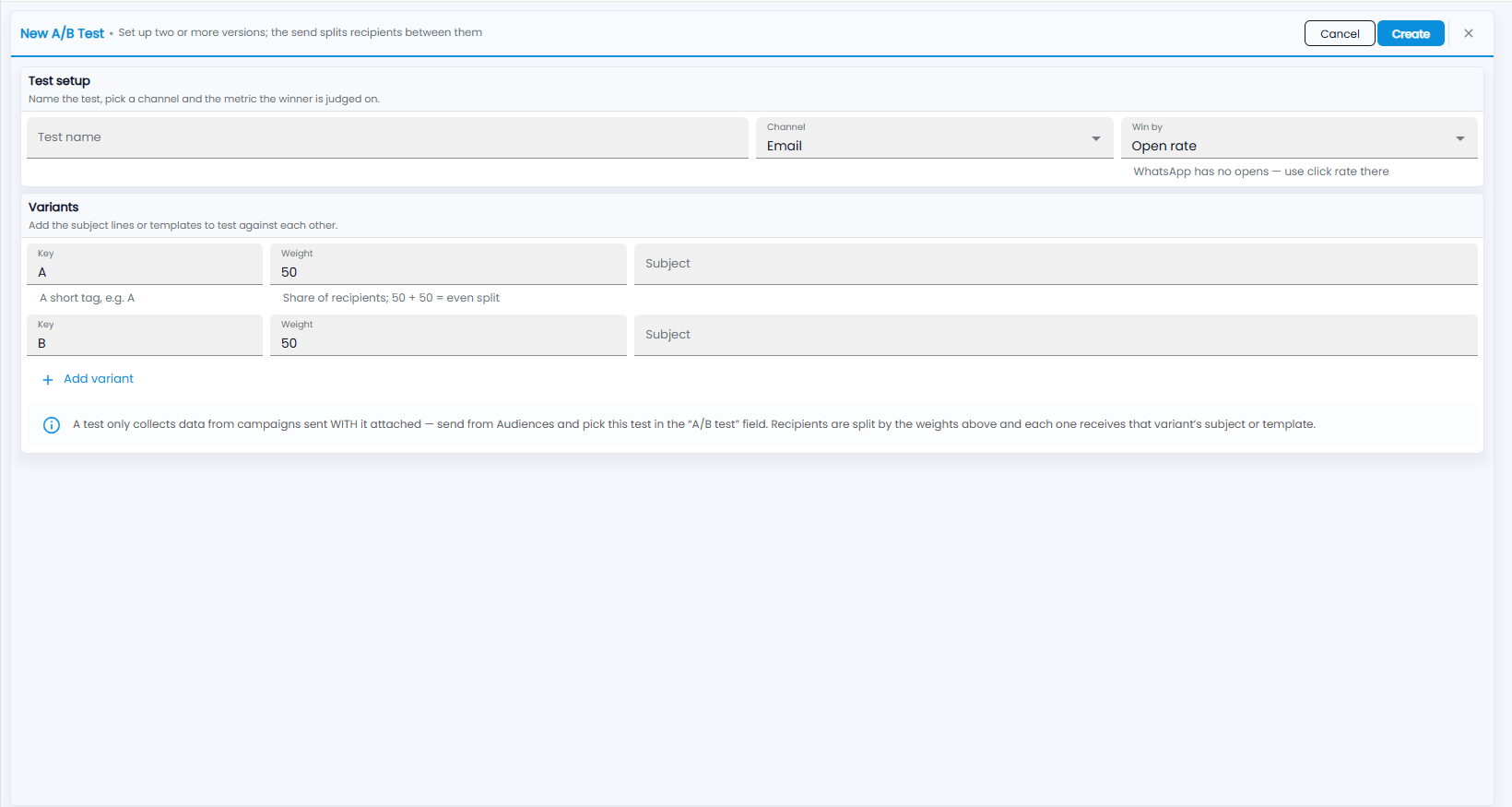
- Test setup — name the test, pick a channel and the metric the winner is judged on:
- Test name.
- Channel — Email or WhatsApp.
- Win by — Open rate or Click rate. WhatsApp has no opens — use click rate there.
- Variants — the subject lines or templates to test against each other. For each one:
- Key — a short tag, for example A.
- Weight — its share of recipients; 50 + 50 is an even split.
- Subject — the subject line this variant uses (for WhatsApp, the template).
- Click Create, or Cancel.
Note: A test only collects data from campaigns sent WITH it attached — send from Audiences and pick this test in the “A/B test” field. Recipients are split by the weights above, and each one receives that variant's subject or template.