Is the Free WhatsApp Business App Enough for Your Sales Team? When to Move to the API, and What It Really Costs
6 min read | By Tazk Team
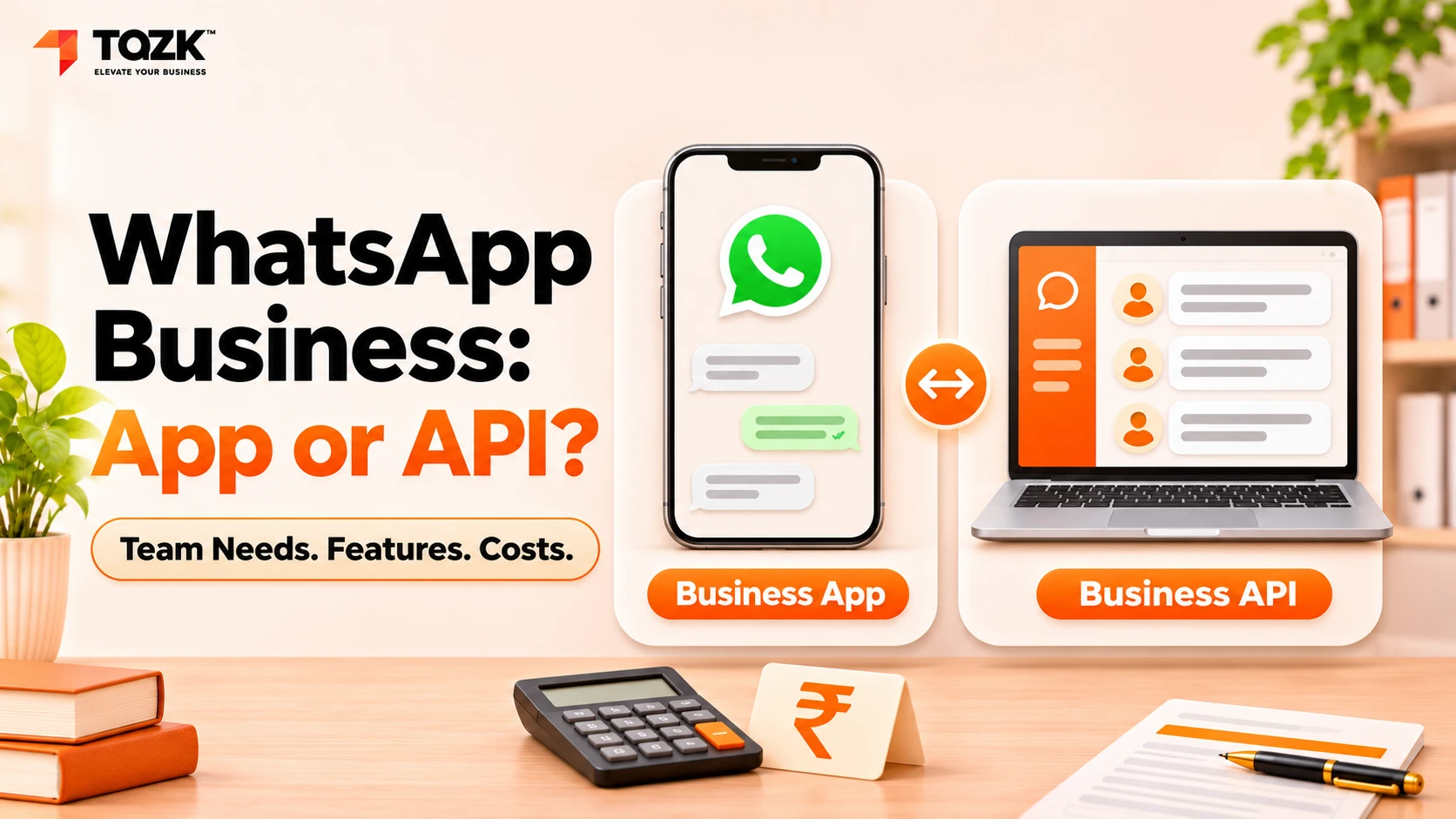
Table Of Contents
Social Media


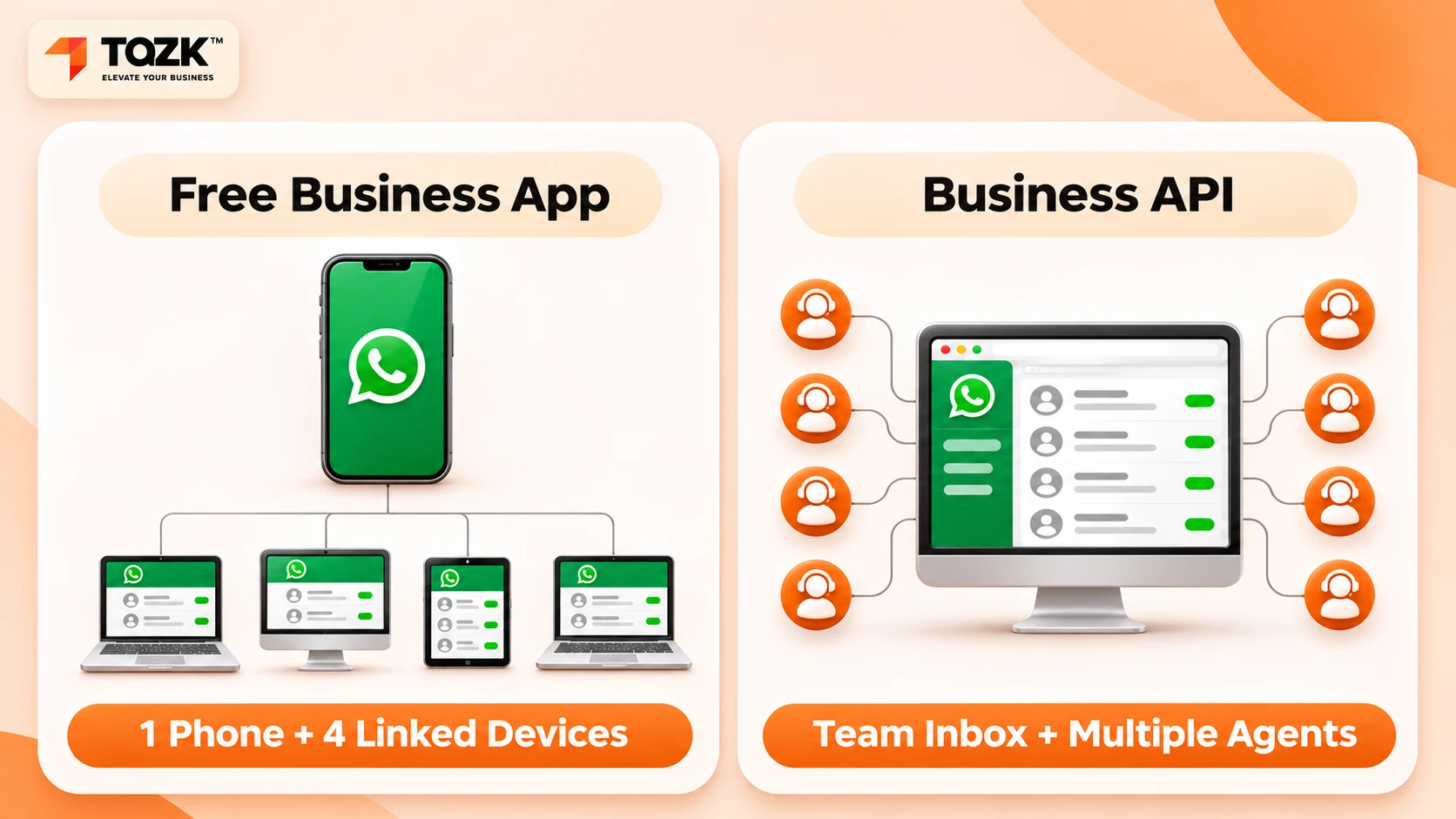
For one or two people, yes. The free WhatsApp Business app handles one phone plus up to four linked devices and broadcasts to 256 contacts. When several salespeople share a number and need chat assignment, automation or CRM sync, you need the API through a provider, billed per delivered template message.
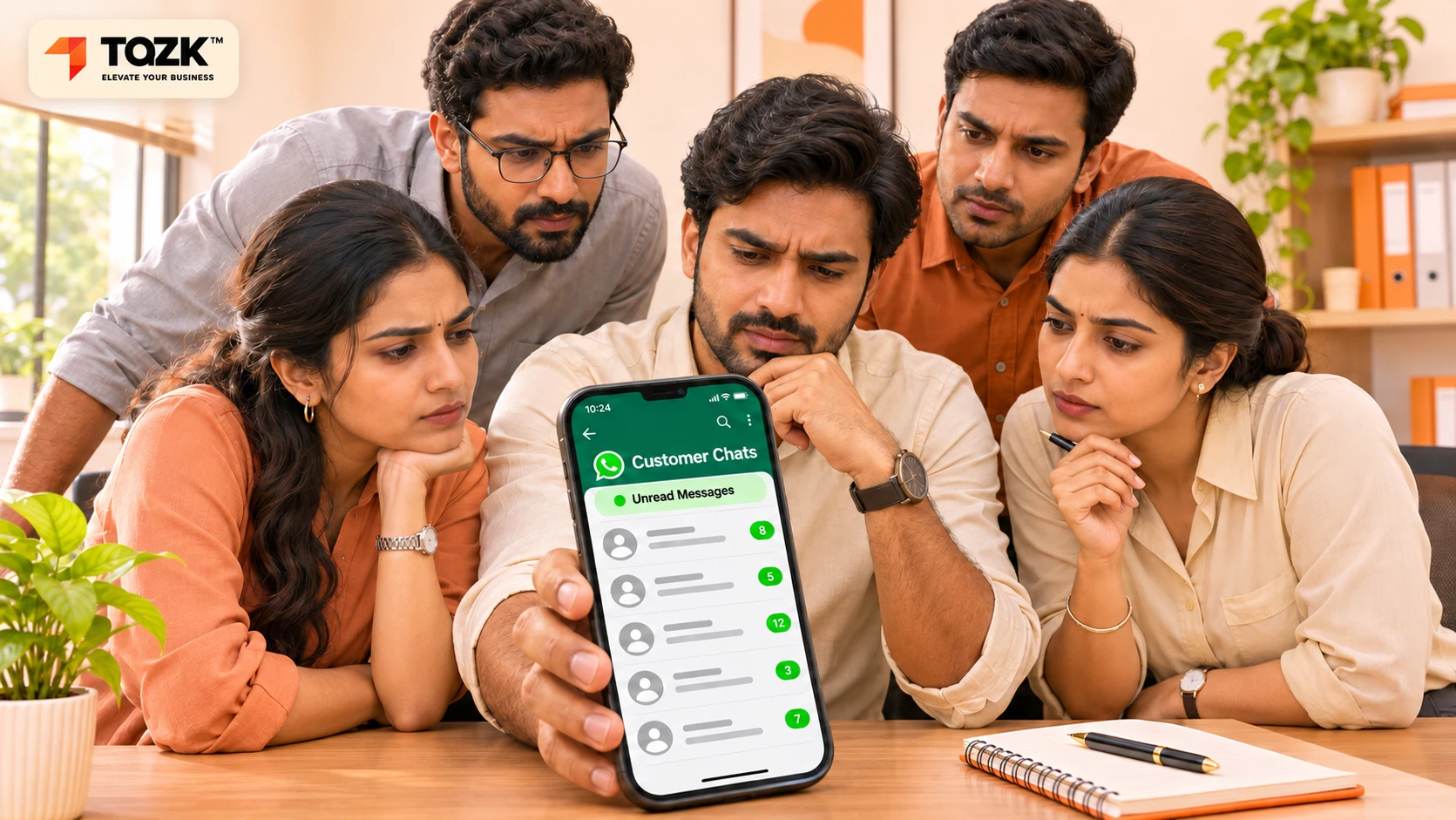
Picture a showroom with five salespeople and one WhatsApp number. A buyer sends a photo of a car, a ring or a flat. Two people reply with two different prices. A third never sees the chat. By evening the buyer has gone to the shop that answered first.
That is not a WhatsApp problem. It is a "one number, many people" problem. This guide explains the WhatsApp Business app vs API choice in plain words. It shows where the free app stops working, what the paid route needs, and how to count the cost before you commit. It is for founders, sales heads and business development managers in retail, auto, jewellery, real estate and electronics.
We build business software at Tazk, including a lead management and CRM tool , so we have a view. Where we describe Tazk, we only say what its page says. Prices and rules below change often. Always check the latest figures with Meta and your provider before you decide.
Is the free WhatsApp Business app enough for a sales team?
It is enough for a very small team. It stops being enough when more than two or three people need to answer customers on the same number.
Here are the WhatsApp Business app limits that matter most for a sales team.
| What you need | Free WhatsApp Business app | API through a provider |
|---|---|---|
| People on one number | One phone plus up to four linked devices | Many agents, on any device, through a team inbox |
| Broadcasts | A broadcast list holds up to 256 contacts, and only reaches people who saved your number | Template campaigns to opted-in contacts, with no 256 cap |
| Chat assignment | None. Labels exist, but they are manual | Possible, through the provider or a CRM |
| Automation | Quick replies, greeting and away messages | Workflows, chatbots and handoff to a person |
| CRM sync | None built in | Possible through the provider |
| Cost | Free to use | Provider fee plus a charge per delivered template message |
These figures come from two vendor blogs, Ozonetel (May 2026) and Blueticks (updated November 2026) . Both sell WhatsApp tools, so confirm the limits on WhatsApp's own help pages before you plan around them.
The broadcast list limit of 256 contacts is the first wall many teams hit, because a festive offer to 1,000 customers cannot go out in one go.
So when is the app enough? Use it if one or two people answer, chats are few, and nobody needs reports. Many small shops run well like this for years.
How many people can use one WhatsApp Business number?
On the app, one main phone and up to four linked devices. That sounds like five people, but it works like one inbox that everyone can see and nobody owns.
Linked devices let several people open the same chats. They do not give you chat assignment. The app does not know who is handling which customer. Three things go wrong as the team grows.
- Double replies. Two people answer the same buyer, with different prices or promises.
- Dropped chats. Everyone assumes someone else has it.
- Lost history. The number lives on one main phone. If that phone is lost or its owner leaves, the sales trail can leave with them.
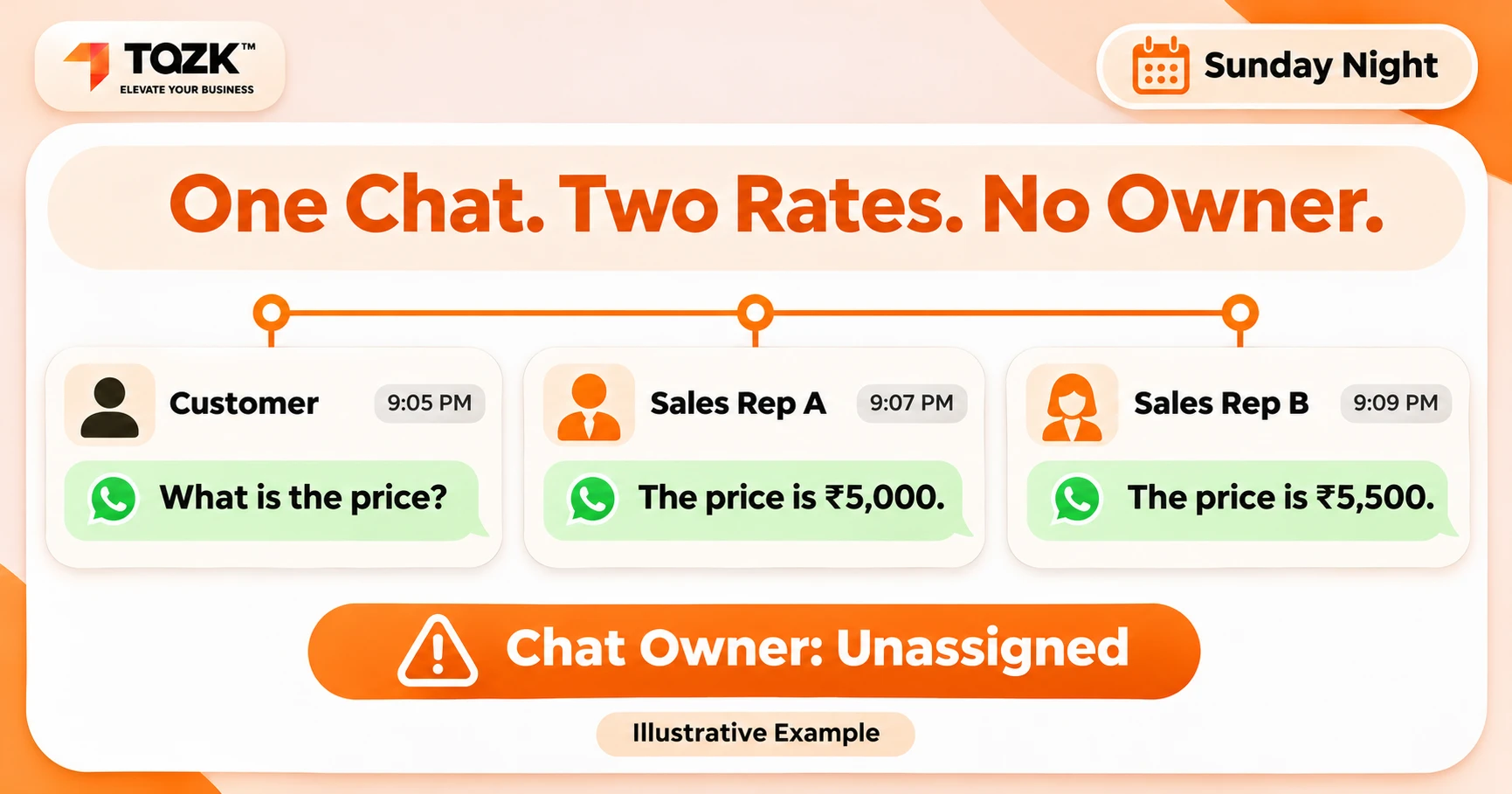
Now take a made-up example. Mr. Iyer, a jewellery buyer, messages at 8 pm on a Sunday. The shop's number is on Ravi's phone, but Ravi is off. Anita sees the chat on a linked device, replies with a rate, and forgets to tell anyone. On Monday Ravi sends a different rate. Nobody is lying. The system has no owner for the chat.
If you must stay on the app for now, these habits reduce the damage:
- Name one owner for each lead, and write it in a label or a shared sheet.
- Agree who answers on which days, so two people do not reply at once.
- Log every price you quote in one place.
- Keep the main phone with the business, not with one person.
This is the point where a WhatsApp shared inbox for a sales team starts to matter. A shared inbox shows who owns each chat, lets a manager move chats between people and keeps the record with the business, not with a phone. Our post on how Indian SMBs move from WhatsApp chaos to closed deals tells the same story from the lead-loss side.
What is the WhatsApp Business API, and who provides it?
The API is the version of WhatsApp that software can talk to. You do not install it like an app. You get it through a provider.
Meta, which owns WhatsApp, runs the WhatsApp Business Platform. Most small companies reach it through a business solution provider. The provider gives you the screens and tools: a team inbox, templates, campaign sending, reports and, often, a link to your CRM. Many providers also take a monthly fee.
Three terms are worth knowing.
- Template messages. These are pre-approved messages you can send to a customer, even if they have not written to you lately. Offers, reminders and order updates go out as templates. Meta reviews them first.
- The 24-hour service window. When a customer messages you, a 24-hour window opens. Inside it you can reply with ordinary messages, not only templates. After it closes, you need a template to start again.
- Opt-in consent. Customers should agree to hear from you on WhatsApp before you send them template messages. More on this below.
If you are looking at the WhatsApp Business API for small business use, you do not need to be technical. You need a provider you trust, a clear price list and an owner for the setup.
Before you sign with a provider, ask:
- What is the price per message in rupees, for each category?
- What is the monthly platform fee, and how many team seats does it include?
- Is GST extra, and are there set-up or template fees?
- Can we export our chats and contacts if we leave?
- Who gets our templates approved, and how long does it take?
What does the WhatsApp Business API really cost in India?
You pay for each template message that is delivered, plus whatever your provider charges for its platform. The WhatsApp Business API pricing in India has two layers, and people forget the second one.
Layer one: Meta's per-message charge. According to Meta's pricing page, pricing has been per message since 1 July 2025. Templates fall into categories such as marketing, utility and authentication. Marketing messages cost the most. Ordinary replies inside an open 24-hour service window have been free, and messages sent after a customer taps a Click to WhatsApp ad get a 72-hour free window.
Layer two: your provider. This can be a monthly fee, a markup on each message, or both. GST may apply on top.
Here the sources disagree, so be careful. Ozonetel quotes about ₹0.86 for a marketing message in India and about ₹0.115 for utility. AiSensy , a provider, listed about ₹1.09 for marketing and ₹0.145 for utility in June 2026. Rates changed in January 2026, and two Indian sources report another change from 1 October 2026 that makes some replies inside the service window chargeable. Meta's page, as we read it, did not show that change. The rate card is the final word, so check it, and ask your provider for the all-in price.
Here is a made-up example to show how to count. The rates are invented for the example and are not a quote.
| Item | Messages | Example rate | Cost |
|---|---|---|---|
| Marketing templates | 1,500 | ₹1.00 | ₹1,500 |
| Utility templates (order and visit updates) | 2,000 | ₹0.15 | ₹300 |
| Provider platform fee (example) | 1 month | ₹1,500 | ₹1,500 |
| Total before tax | ₹3,300 |
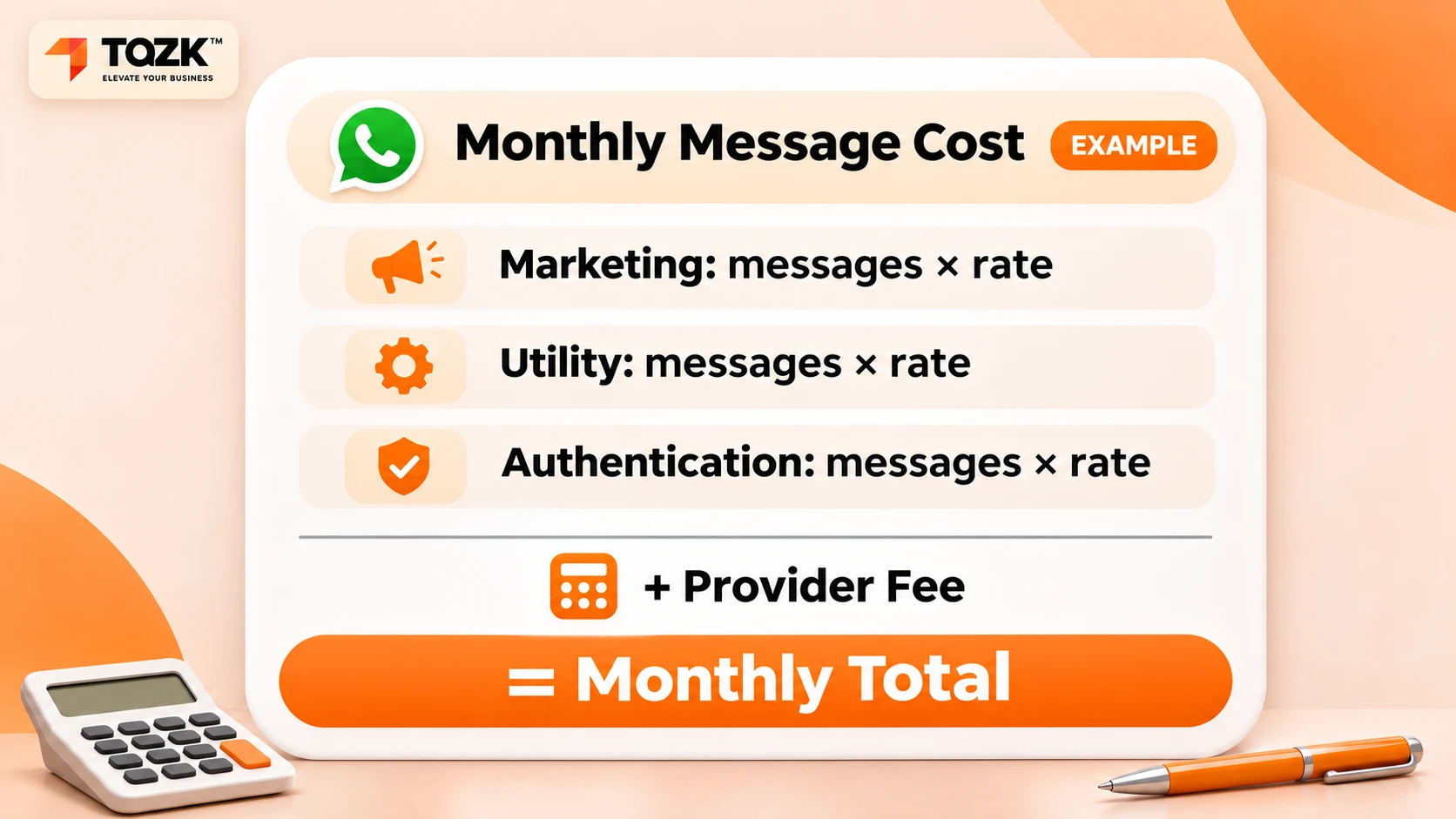
Your own monthly cost is the number of messages in each category times your rate, plus the provider fee, plus tax. Start with the messages you really send now. Then do the sum a second time with double the messages, because a working campaign grows. If the total still looks fine, the API will not surprise you. Also compare it with what one lost deal costs you. For many sales teams, a single recovered lead pays for months of messages.
When should a sales team move from the app to the API?
Move when the app starts costing you leads. Do not move because the API sounds modern.
Look for these signs:
- Three or more people answer customers on the same number.
- Customers get two different replies, or none.
- You want to send offers or reminders to more than 256 people.
- You cannot say who owns a lead, or how long it waited for a reply.
- You want every enquiry to land in your CRM without copying by hand.
- A salesperson leaving would take chats and contacts with them.
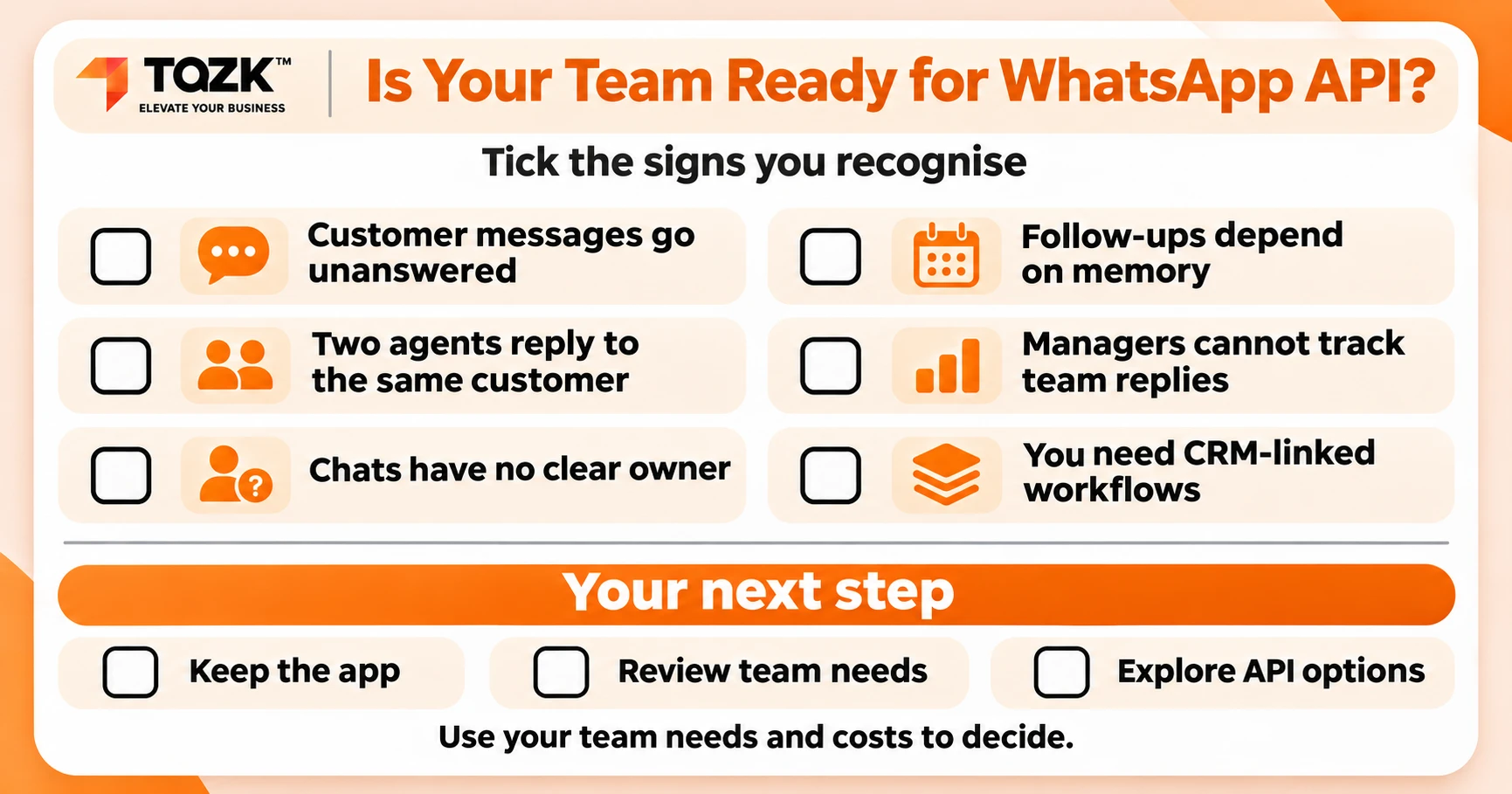
If two or three of these are true, plan the move. One vendor, Ozonetel, suggests the API usually makes sense at about 100 messages a day across three or more agents. That is one vendor's view, not a rule. Use your own numbers.
Before you switch, ask your provider whether you can keep your current number and what happens to chats on the app. Plan a quiet day for the change, and tell your team and top customers.
If none of them is true, stay on the free app. Spend the time on follow-up habits instead, such as reply times and notes after every call. The app works best when the process around it is clear
Do I need a CRM on top of the WhatsApp Business API?
Usually yes. The API gives you a pipe. A CRM gives you the order. Without it you can still end up with many chats and no clear owner.
A good setup does four things:
- Puts every WhatsApp enquiry into a lead record with a source.
- Assigns the lead to one person, by rules.
- Reminds that person to follow up, and alerts a manager if a reply is late.
- Shows the whole journey in one pipeline, from first message to sale.
Tazk's lead management page lists WhatsApp Business as one of the channels that capture leads. It lists ready WhatsApp, email and SMS templates sent in one click from the lead profile, and scheduled WhatsApp steps that pause when the lead replies. It also lists auto-assignment by round-robin or rules, guided follow-ups and alerts when a reply deadline is at risk. The page does not describe a shared inbox, or say how the WhatsApp connection is set up, so ask the Tazk team about both for your own number. Whatever tool you choose, keep the chat history with the business and not with a phone, and ask the same questions:
- Does it work with the WhatsApp API through a provider, and which providers?
- Can two people see who owns a chat?
- Does a late reply raise an alert?
- Where is the chat history stored if a salesperson leaves?
Do customers have to opt in before you send them WhatsApp messages?
For template and marketing messages, you should have clear permission first. Provider and Meta policies expect opt-in, and your own customers expect it.
Practical ways to collect opt-in consent:
- A tick box on your enquiry form or visit card that says what you will send.
- A message from the customer first, such as a tap on a Click to WhatsApp ad.
- A line on the invoice or booking form, with a way to say no.
Keep a record of when and how each customer agreed. Send only what you said you would send, and make stopping easy. Phone numbers are personal data, so see our DPDP readiness check for small businesses for your wider duties. This is general information, not legal advice. Show your consent wording to a lawyer.
Ready to see your enquiries in one place? See how Tazk CRM keeps WhatsApp enquiries in one pipeline, or start a free trial .
This guide is general information, not legal or financial advice. Rates in the example are made up. Check current prices with Meta's rate card and your provider