Can AI Catch Payroll Errors Before Salaries Go Out? What to Automate and What a Human Must Still Approve
6 min read | By Tazk Team
Table Of Contents
Social Media


It is the 30th of the month, 7 pm. The salary file has to go to the bank tomorrow morning. The payroll manager has an Excel sheet with 140 rows open, and is checking it line by line against last month. Her eyes are tired. Somewhere in those rows is one employee whose overtime was entered twice, and another whose bank account number is the same as a colleague's.
She will probably miss at least one of them. Not because she is careless, but because people are bad at checking 140 rows of numbers at night. Computers are very good at it.
That is the honest promise of AI in payroll today. Not an AI that runs payroll on its own, but one that reads every row before you pay and points at the ones that look wrong.
Why trust this guide?
This guide is written by the payroll team at Tazk. We build payroll and attendance software for Indian businesses, and we are rolling out AI roles that pre-check salary runs with human approval. We describe only what our product pages say is available, and we do not quote error-rate promises. We show the checks instead.
Can AI catch payroll errors before salaries are paid?
Yes, when it works as a checker, not as the decision-maker.
Most payroll errors are not complex. They are small slips that are easy to miss in a big sheet:
- A salary that jumped or dropped for no clear reason
- Attendance missing for a few days, so LOP was applied by mistake
- Overtime entered twice
- The same bank account used for two employees
- An employee who crossed the PF or ESI wage limit, but deductions did not change
- A new joiner with no salary structure assigned, or a leaver still being paid
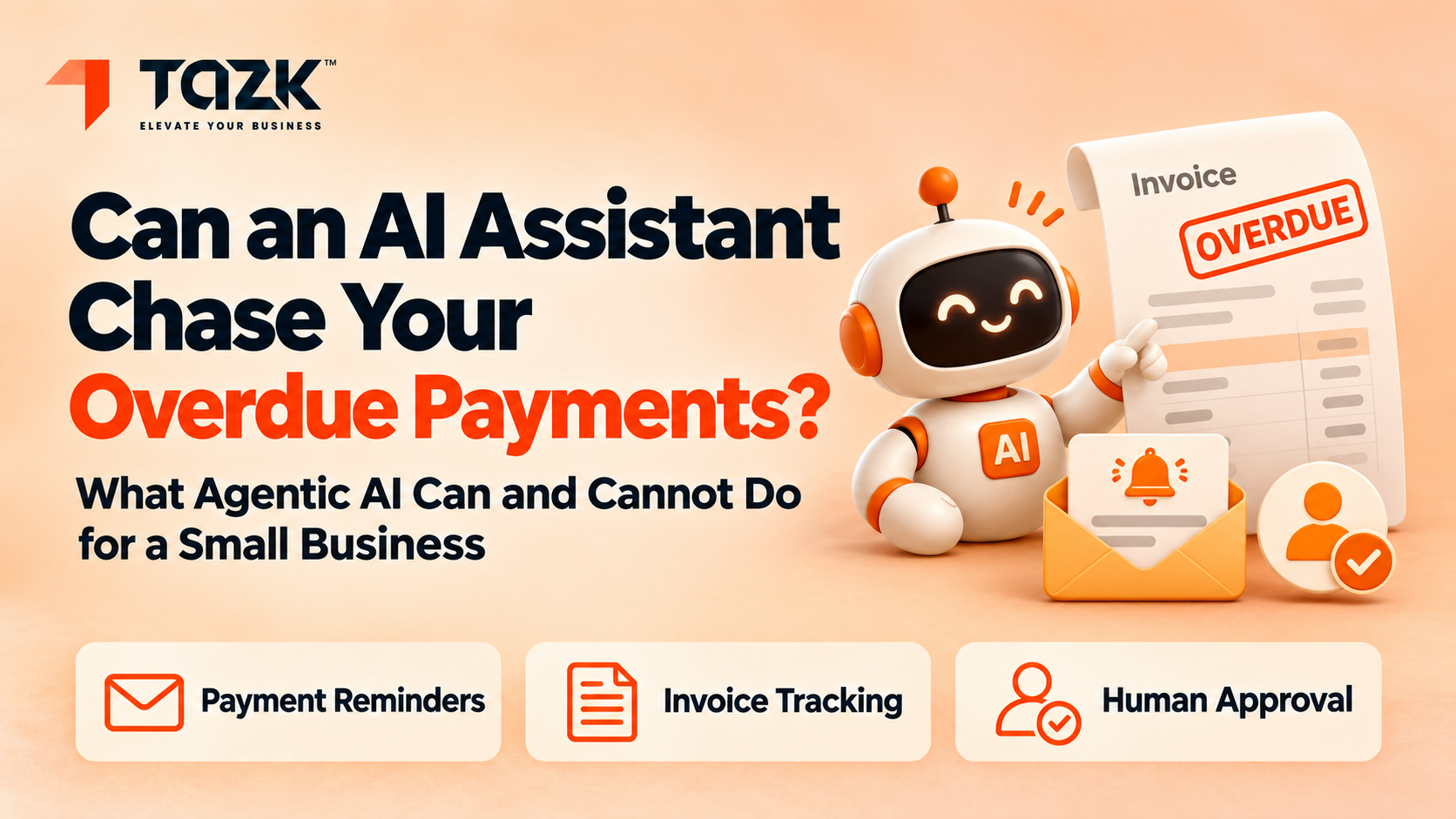
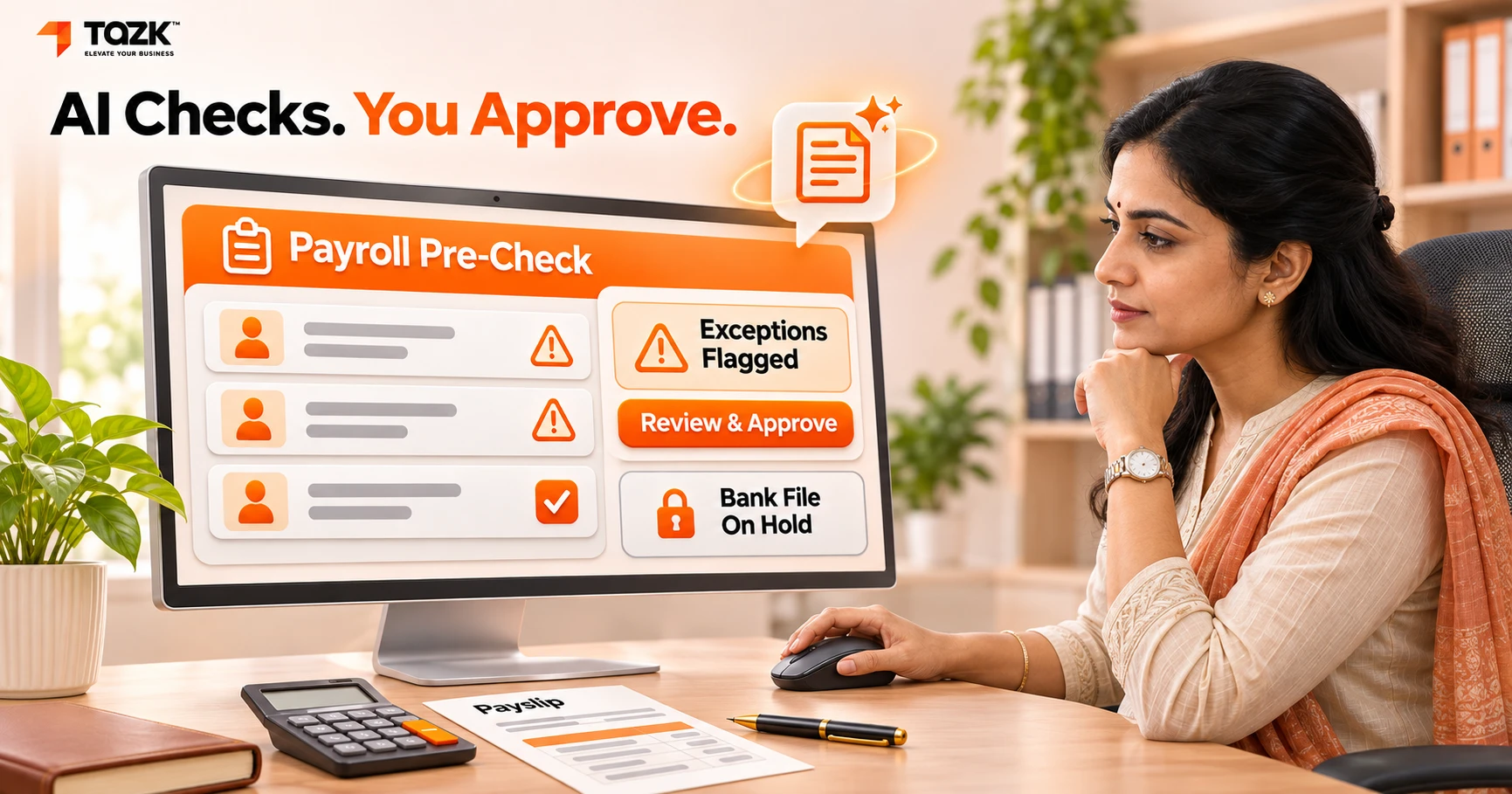
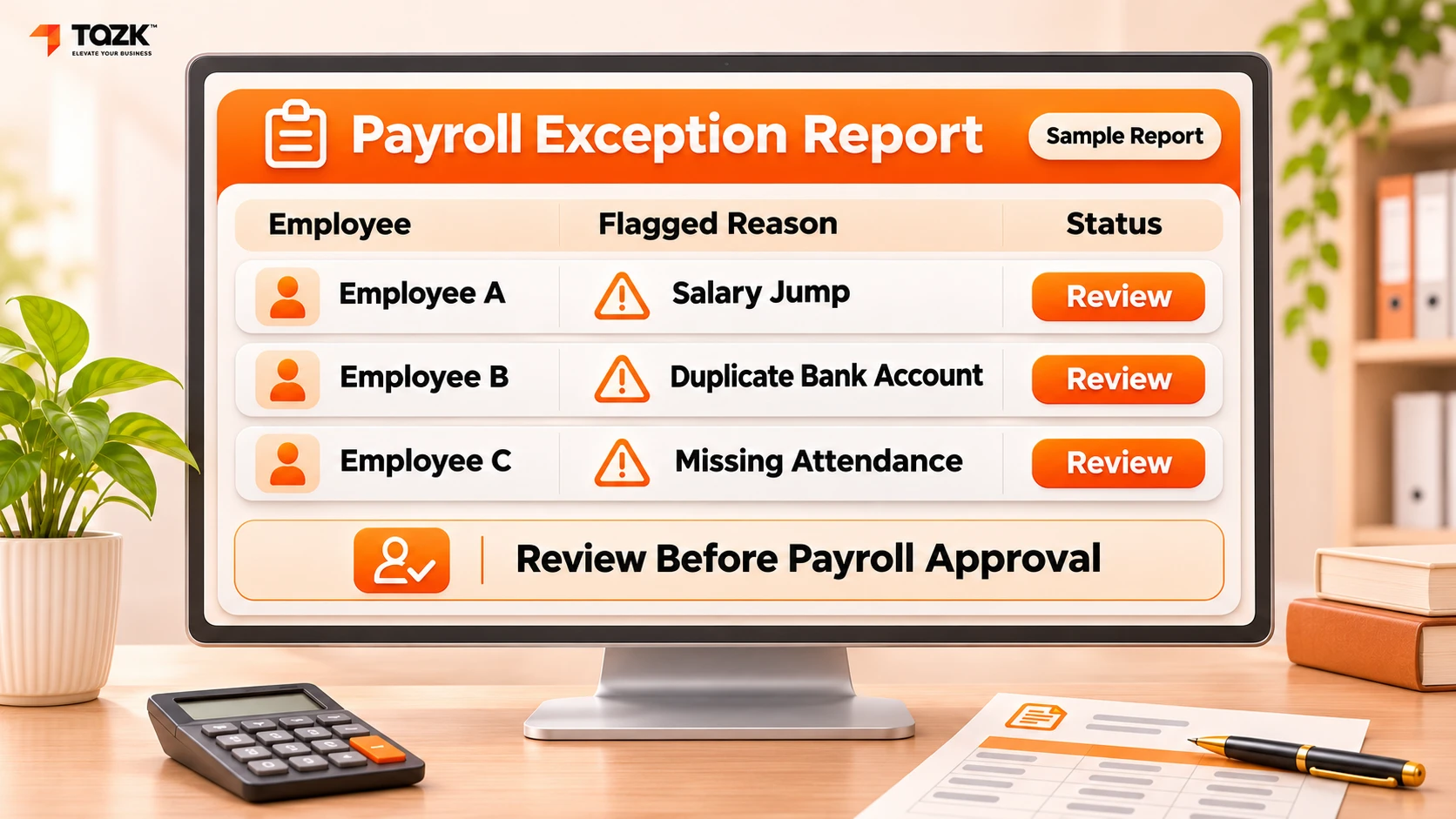
An AI pre-check reads the whole payroll run, compares it with past months and your rules, and produces a short exception report: a list of rows that need a human look, with a reason for each.
The payroll manager then reviews 8 flagged rows instead of 140 rows. That is the real time saving. If you still run payroll in spreadsheets, you will recognise many of these slips from our article on common payroll errors in spreadsheets.
Where Tazk is today: Tazk Agentic AI includes an AI Payroll Officer role that pre-checks every salary run for anomalies and keeps statutory deadlines visible. Every action needs human approval. It is rolling out to Tazk customers in batches, so it is currently early access.
Which payroll checks are safe to automate?
A check is safe to automate when it only reads and flags. It does not change pay, file anything or send money.
Here are 15 checks worth running before every salary run:
| S.No | Check | What it flags |
|---|---|---|
| 1 | Month-on-month variance | Net pay up or down by more than your set limit (for example 10%) |
| 2 | Missing attendance | Employees with blank days not marked as leave or holiday |
| 3 | LOP anomaly | LOP days that do not match attendance and leave records |
| 4 | Duplicate overtime | The same overtime hours entered twice |
| 5 | Duplicate bank account | Two employees with the same account number |
| 6 | Bank detail change | Bank details changed since last month (a common fraud point) |
| 7 | New joiner set-up | New employees without a salary structure or PF/ESI details |
| 8 | Leaver still paid | Exited employees still in the payroll run |
| 9 | PF wage limit crossing | Employees whose PF wages crossed the ceiling, or moved below it |
| 10 | ESI ceiling crossing | Employees whose gross pay crossed the ESI limit this month |
| 11 | PT slab check | Professional tax not matching the employee's state slab |
| 12 | TDS jump | Monthly TDS much higher or lower than last month |
| 13 | Loan EMI check | EMIs deducted after a loan is fully repaid, or missed |
| 14 | Arrears and increments | Increments applied from the wrong date |
| 15 | Statutory deadlines | PF, ESI, PT and TDS due dates coming up this month |
These are exactly the kind of checks a variance report and simple rules can do. AI adds value by ranking the flags (the most likely real errors first), explaining each one in plain words and learning what is normal for your company.
Tazk payroll software already runs automated variance checks that flag mismatches against the previous month before disbursement. The AI Payroll Officer builds on that by reading the whole run and drafting the exception list for you.
How can software flag PF and ESI threshold crossings from attendance data?
This is one of the most useful checks, and one of the hardest to do by hand.
The problem: Whether PF or ESI applies, and how much, depends on wages. Wages change every month because of overtime, incentives, LOP and arrears. So an employee can cross a statutory limit in one month without anybody noticing.
How the check works, step by step:
- Read attendance and overtime for the month from the attendance system.
- Calculate wages for the month using the salary structure.
- Compare wages with the limits: the PF wage ceiling and the ESI ceiling.
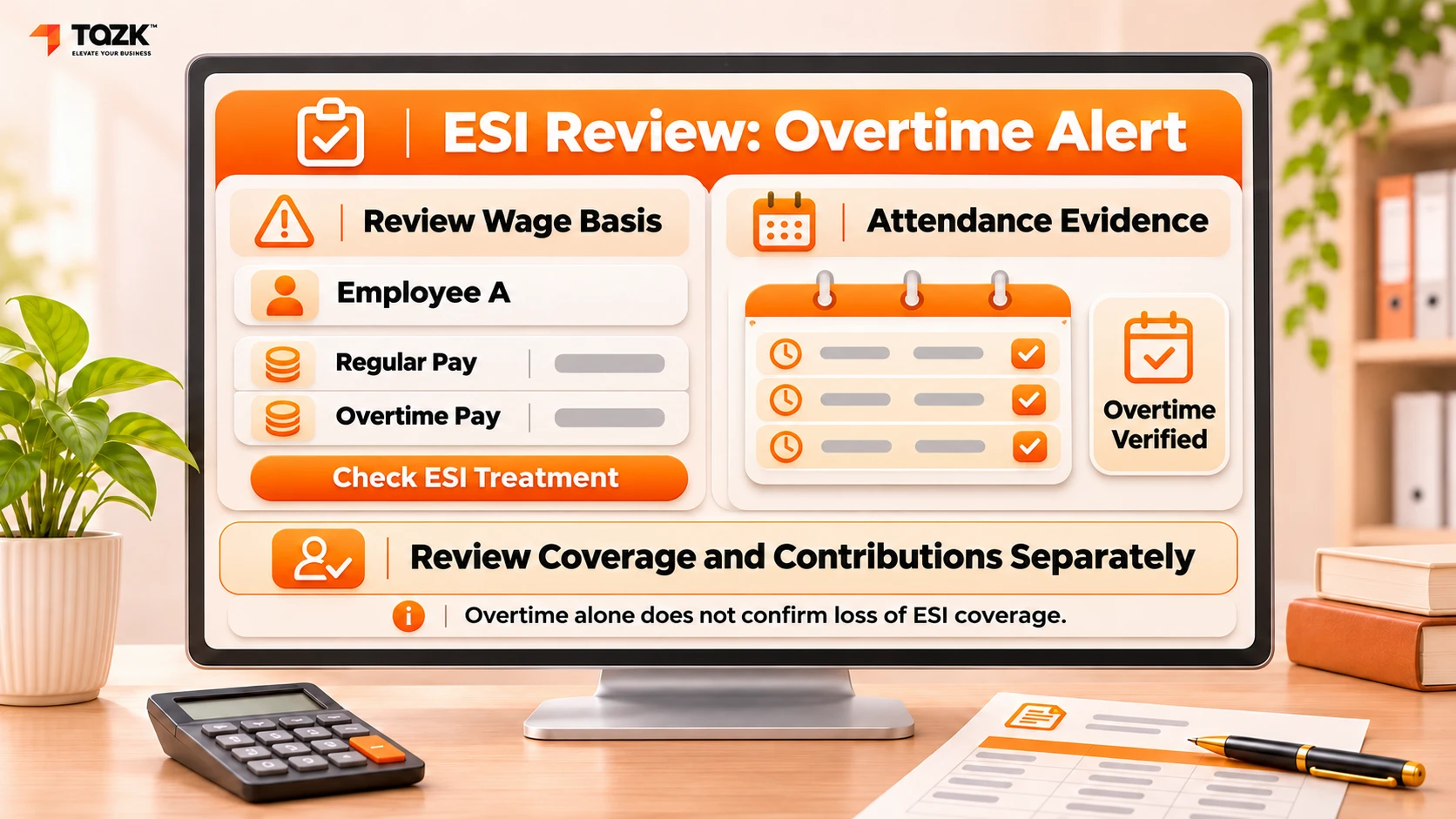
- Flag the change: for example, "Employee X crossed the ESI limit this month. Check the ESI contribution period rules before you change deductions."
- Show the evidence: the attendance, overtime and pay lines that caused the change.
Two examples:
- PF: When the PF wage ceiling was raised to ₹25,000, many payroll teams had to re-check who was affected and how. A threshold check finds those employees in seconds. Read more on how the ₹25,000 PF wage ceiling changes your payroll.
- ESI: An employee near the ESI ceiling does a lot of overtime in one month. Gross pay crosses the limit. ESI rules on contribution periods decide what happens next, so the software should flag it for a person to decide, not change it silently.
For the official rules, always refer to EPFO and ESIC .
This works best with payroll software that links attendance to salary , because the check needs clean attendance and pay data in one place.
What should a person still approve before the bank file goes out?
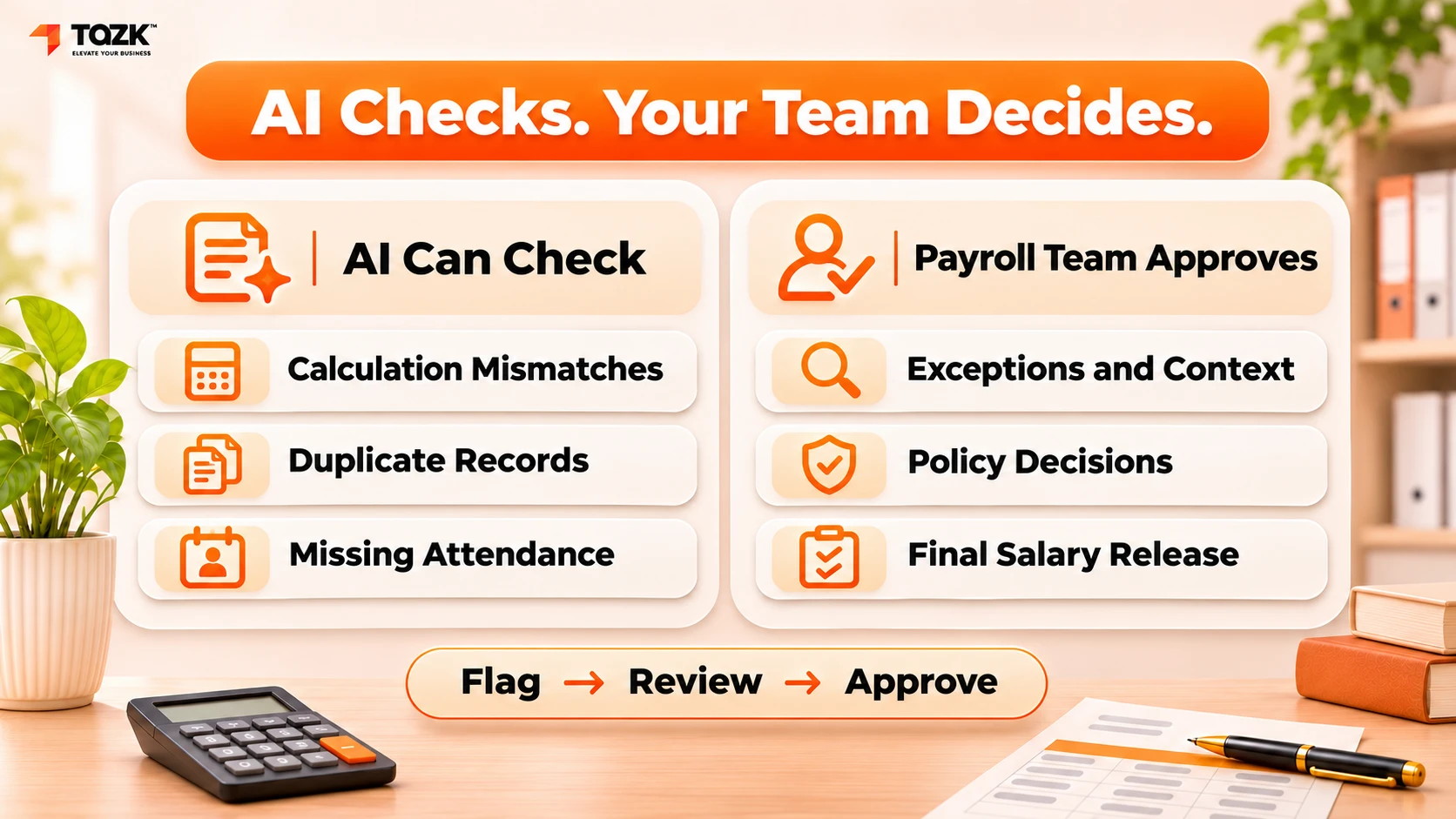
The rule is simple: AI can read and suggest. People decide anything that changes money or legal filings.
| Task | AI can do | A person must approve |
|---|---|---|
| Find unusual pay changes | Yes | Whether the change is correct |
| Explain why a row was flagged | Yes | The fix |
| Suggest a correction | Yes, as a draft | Applying the correction |
| Change an employee's pay or structure | No | Yes |
| Change bank details | No | Yes, with proof from the employee |
| Generate statutory returns (PF, ESI, PT, TDS) | Can prepare a draft | Final check and filing |
| Release the bank file | No | Yes, always |
Build a clear approval workflow:
- AI pre-check runs and produces the exception report.
- Payroll manager reviews each flag and marks it "OK" or "fixed".
- A second person (owner, HR head or finance head) approves the final run.
- Only then is the bank file released.
- Every step is saved in an audit trail: who approved what, and when.
This is how Tazk's AI Payroll Officer is designed to work: every draft lands in an approval queue, and nothing leaves without your approval.
Will AI replace the payroll team?
No. It changes what the payroll team spends time on.
What gets smaller:
- Line-by-line checking of every row
- Hunting for the cause of a variance
- Remembering every statutory due date
What stays, and becomes more important:
- Judgement: is this increment correct? Was this overtime approved?
- Talking to employees about their pay
- Handling exceptions, disputes and special cases
- Owning compliance and signing off filings
Think of it like a spell-checker. It catches typos, but nobody would let it write and send your letters. The same idea applies across the business: we explain what an AI assistant can and cannot do when chasing overdue payments, and the principle is the same. AI drafts, you decide.
Is employee data safe when an AI tool reads the payroll run?
It should be, if the tool is set up correctly. Payroll data is some of the most sensitive data a business holds: salaries, bank details, PAN and attendance.
Questions to ask any AI payroll tool:
- Is access read-only? A checker only needs to read the payroll run. It should not be able to change pay or send money.
- Who can see the results? Exception reports should be visible only to authorised payroll and HR users.
- Where is the data processed and stored? Ask about location and security.
- Is every action logged? You need an audit trail.
- Is the data used to train outside models? Get a clear answer in writing.
Data protection rules: India's data protection law covers employee data too. Payroll is part of normal employment, but you still need to keep it secure, limit who sees it and keep records. For the dates and duties, read our DPDP readiness check for small businesses.
On the Tazk Agentic AI page, connections stay read-only unless you approve an action, and every draft goes to your approval queue.
How do I start with one check instead of a full rollout?
Do not switch on everything at once. Start with one check, prove it works, then add more.
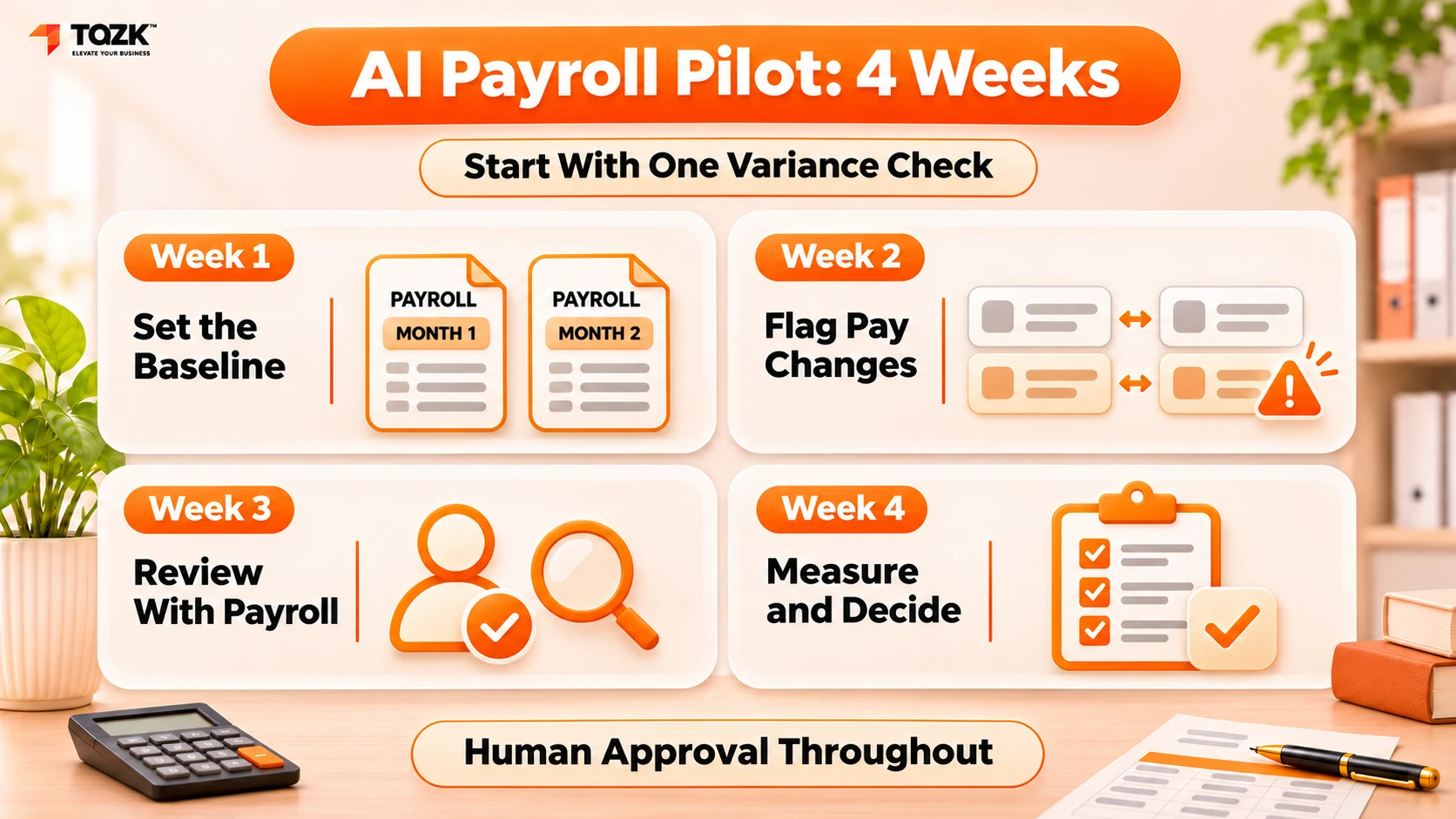
A simple four-week pilot:
Week 1: Pick one check. The best first check is usually month-on-month variance. It is simple, easy to understand and catches many errors.
Week 2: Run it alongside your current process. Keep checking the Excel sheet as usual. Compare what the check flagged with what you found.
Week 3: Review the results. How many real errors did it catch? How many false alarms? Adjust the limit (for example from 10% to 15%) if there are too many false alarms.
Week 4: Add the next check. Good next steps are duplicate bank accounts, missing attendance and PF/ESI threshold crossings.
After three months, you will have a pre-payout check that catches the most common errors before every salary run, with a person still approving every rupee.
Join the early-access list for Tazk Agentic AI, or book a payroll demo.
Find out how AI can flag payroll errors before salary release while keeping final approvals with your payroll team.
Tazk Agentic AI is currently rolling out in batches.