
Overview
Inventory Defect Approval asks for sign-off before defective goods are sent to a vendor from your own stock — rather than goods collected back from a customer. Open Configuration > Inventory Defect Approval.
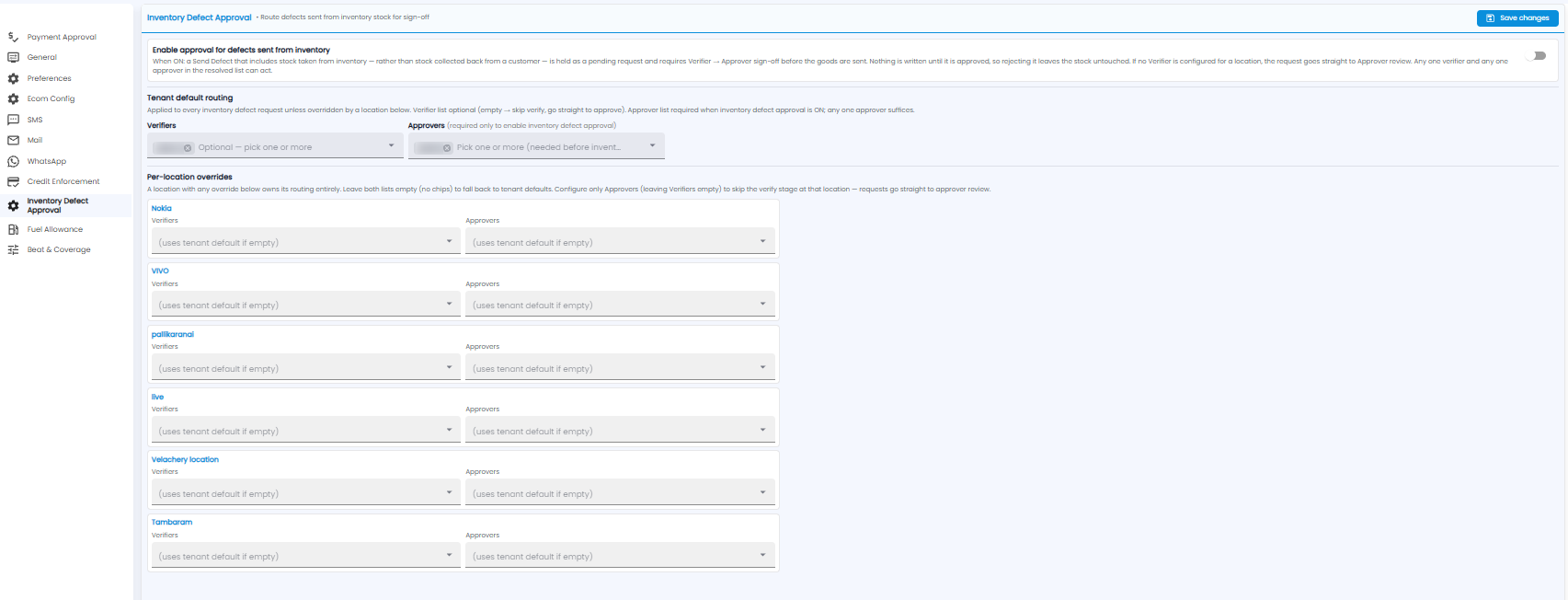
Turn on Enable approval for defects sent from inventory. From then on, a Send Defect that includes stock from inventory is held as a pending request, and needs a Verifier and then an Approver to sign off before the goods are sent. Nothing is recorded until it is approved, so rejecting it leaves your stock untouched.
- Tenant default routing — Verifiers (optional) and Approvers (required before approval can be turned on)
- Per-location overrides — different verifiers and approvers for a location; leave both empty to use the default
The routing works the same way as Payment Approval. Click Save changes.
Note: Defects are sent from Defects > Send Defects.