
Overview
Credit Enforcement blocks sales to customers who are over their credit limit or have overdue invoices, until someone signs them off. Open Configuration > Credit Enforcement.
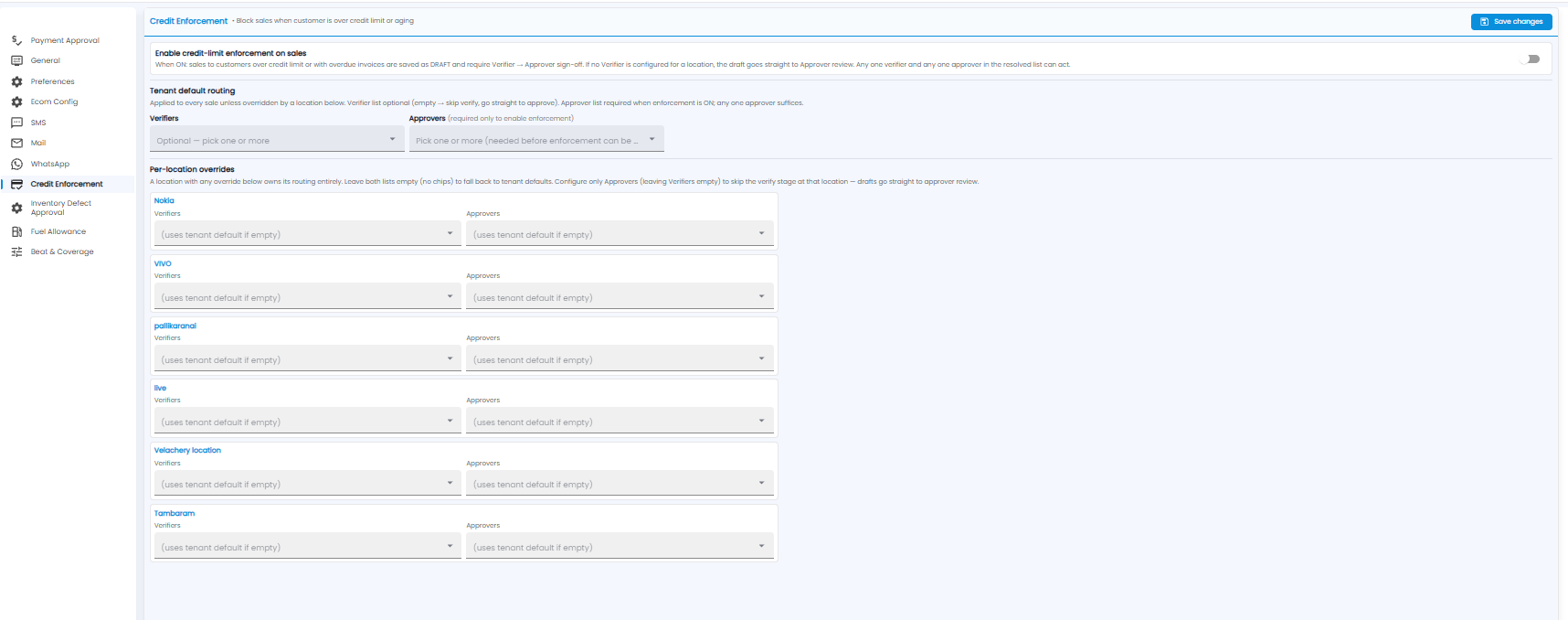
Turn on Enable credit-limit enforcement on sales. From then on, a sale to a customer over their credit limit, or with overdue invoices, is saved as a draft and needs a Verifier and then an Approver to sign off. If no verifier is set for a location, the draft goes straight to approver review. Any one verifier and any one approver can act.
- Tenant default routing — Verifiers (optional) and Approvers (required before enforcement can be turned on)
- Per-location overrides — different verifiers and approvers for a location; leave both empty to use the default
The routing works the same way as Payment Approval — see that article for details. Click Save changes.
Note: A customer credit limit and credit days are set on the customer record — see Customer Contacts. Requests appear on the Approvals page.