Is Excel Enough for Your Projects? 7 Signs You Need Project Software, and What It Should Cost in India
12 min read | By Lokesh A
Table Of Contents
Social Media


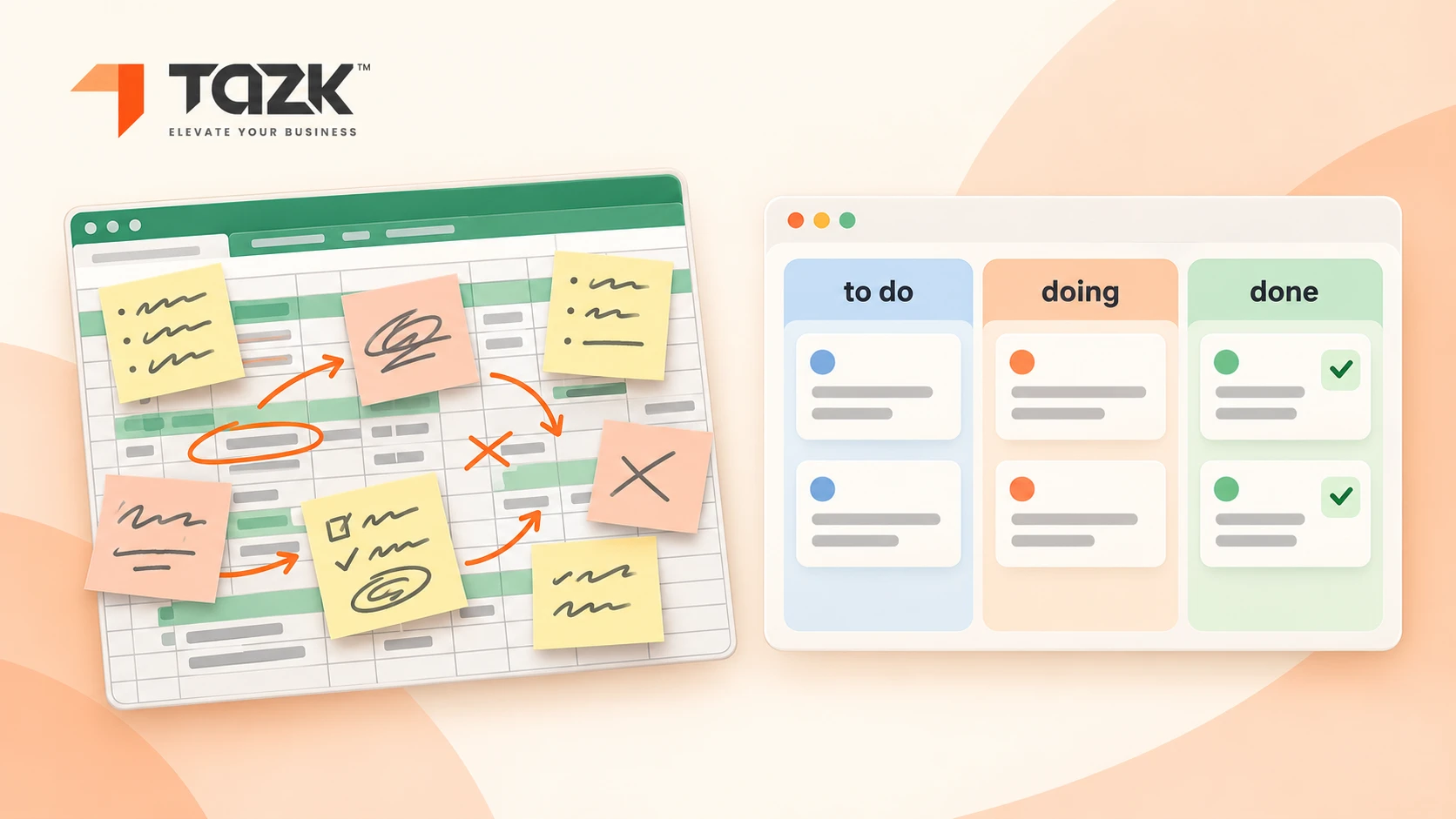
Think of a school notebook and a school timetable board. A notebook is perfect for one child's homework. But when a whole class has to share it, with ten subjects, deadlines and teachers asking who is late, the notebook gets messy. The board shows every subject, who is responsible and when it is due, and it rings a bell before the deadline.
Excel is the notebook, and project software is the board. Excel is often enough: for one person, a few projects and no invoicing from the sheet. This guide tells you honestly when that stops being true. It gives seven signs, the features that matter for a small business in India, what project software costs, how a task tool differs from a project tool, and how to move without upsetting your team.
The short answer
- Excel is enough when one person owns it, you have fewer than about five live projects and you do not invoice from the sheet.
- It is time to switch when more than two people edit the file, you keep chasing people for updates, or nobody can say in seconds who owns what and what is late.
- Spreadsheets hide mistakes. Research summarised by several sources finds that 88% to 94% of operational spreadsheets contain at least one error.
- Look for task assignment, deadlines and reminders, Excel import, roles and permissions, budgets and a workload view.
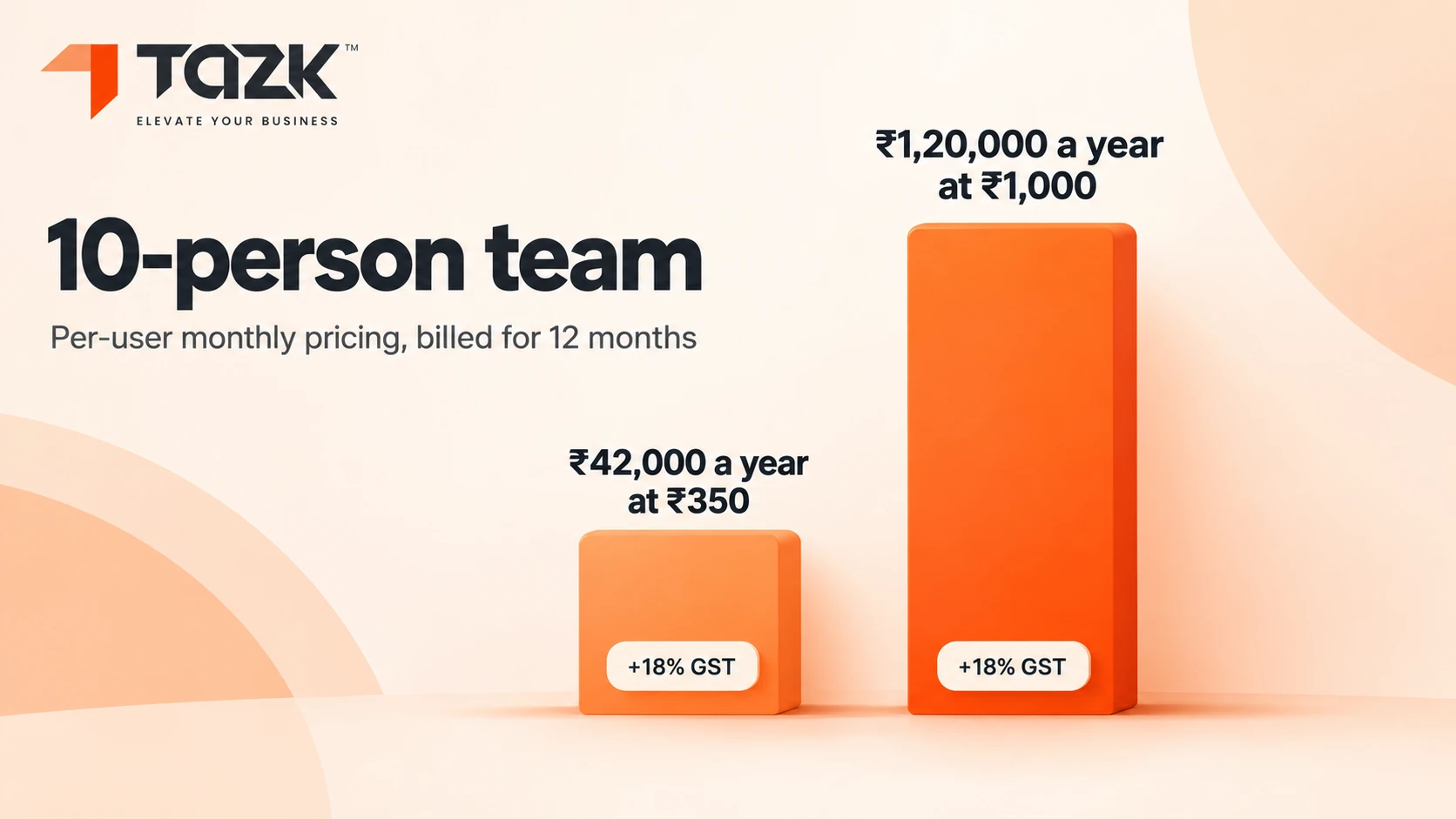
- Popular tools in India cost about ₹350 to ₹1,000 per user per month, so a 10-person team pays about ₹42,000 to ₹1,20,000 a year before GST. Check each plan and its seat minimum.
- Move in steps: clean your sheet, import it, pilot one project, and run both for two weeks.
Under each heading you will find In simple words. Read only those lines and you will still understand the story.
Is Excel enough to manage projects in a small business?
In the choice between Excel and project management software, Excel is often enough at the start. Excel is a good tool for one person tracking a few simple projects. Hyphen Digital says a spreadsheet is fine when one person owns it, the data does not drive invoicing and the list is short enough to hold in your head, which usually means fewer than five live projects and no team time tracking. A scheduling guide suggests staying on Excel with fewer than 30 mostly independent tasks and one owner of the schedule. Past that line, the problems pile up.
In simple words: A notebook is fine for one child's homework. It is not fine for the whole class.
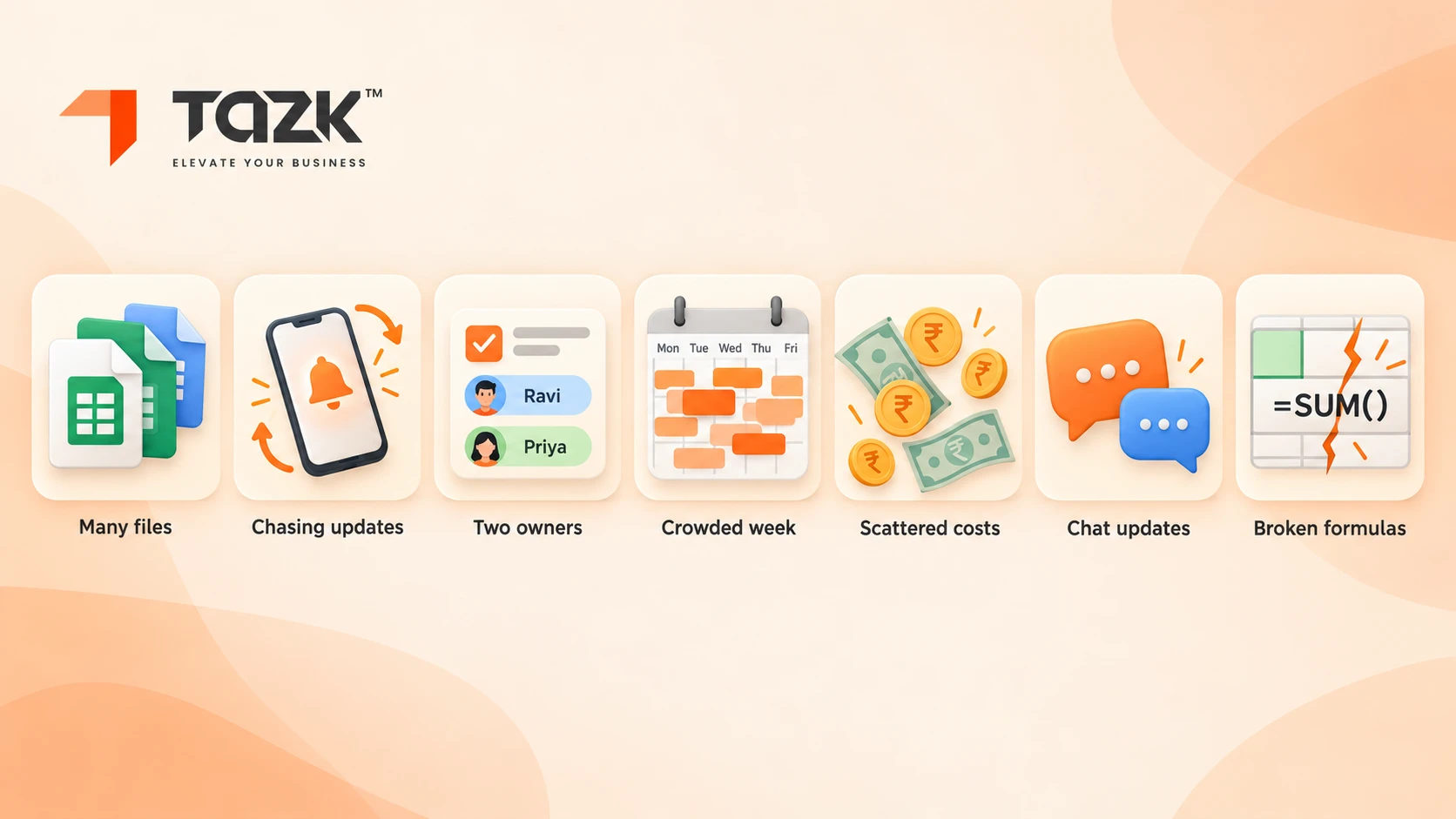
Here are seven signs Excel has run out:
| # | Sign | What it looks like | Why it hurts |
|---|---|---|---|
| 1 | Many people, many versions | “Plan_final_v4_new.xlsx”, and two people overwrite each other | Nobody knows which file is true, and Tempo notes a spreadsheet has no real version control |
| 2 | You chase people for updates | You ask “is it done?” on WhatsApp, because the sheet sends no reminders | Time drains away. A study cited by MadXR says project managers spend up to 25% of their time on admin tracking |
| 3 | No clear owner | A task has two names or none | Work falls between chairs |
| 4 | You cannot see workload | “Who is free next week?” needs three phone calls | Some people are overloaded and dates slip |
| 5 | Money lives in other files | Budget, hours and invoices sit in different sheets, or you invoice from the sheet | Margins stay invisible until it is too late |
| 6 | Approvals live in chat | Drawings, quotes and sign-offs sit in WhatsApp and email threads | Clients ask “where are we?” and nobody can answer fast |
| 7 | You no longer trust the sheet | Broken formulas and stale data | The scheduling guide cites research that 88% of production spreadsheets contain at least one error, and a 2009 audit found 94% |
Our rule of thumb: if three or more signs are true, try a tool. If one or two are true, tidy the sheet first, using the tracker columns later in this guide. See how the two compare on our Tazk vs spreadsheets page, and read what spreadsheets cost in payroll for the same problem in another area.
How do I track multiple projects and deadlines without missing follow-ups?
Give every task four things: an owner, a due date, a status and a next follow-up date. Keep all projects in one list. Look at that list at fixed times, and let a tool send the reminders so that you do not have to. That is what work planning software for Indian teams is for. Most missed follow-ups are not laziness. They happen because the next step has no date and nothing reminds anyone.
In simple words: A task with no owner and no date is a wish, not a plan.
Five steps make it work:
- One list of projects. Name, client, owner, start, due date and a green, amber or red status.
- One list of tasks for each project. Each task has an owner, a due date, a status and a next follow-up date.
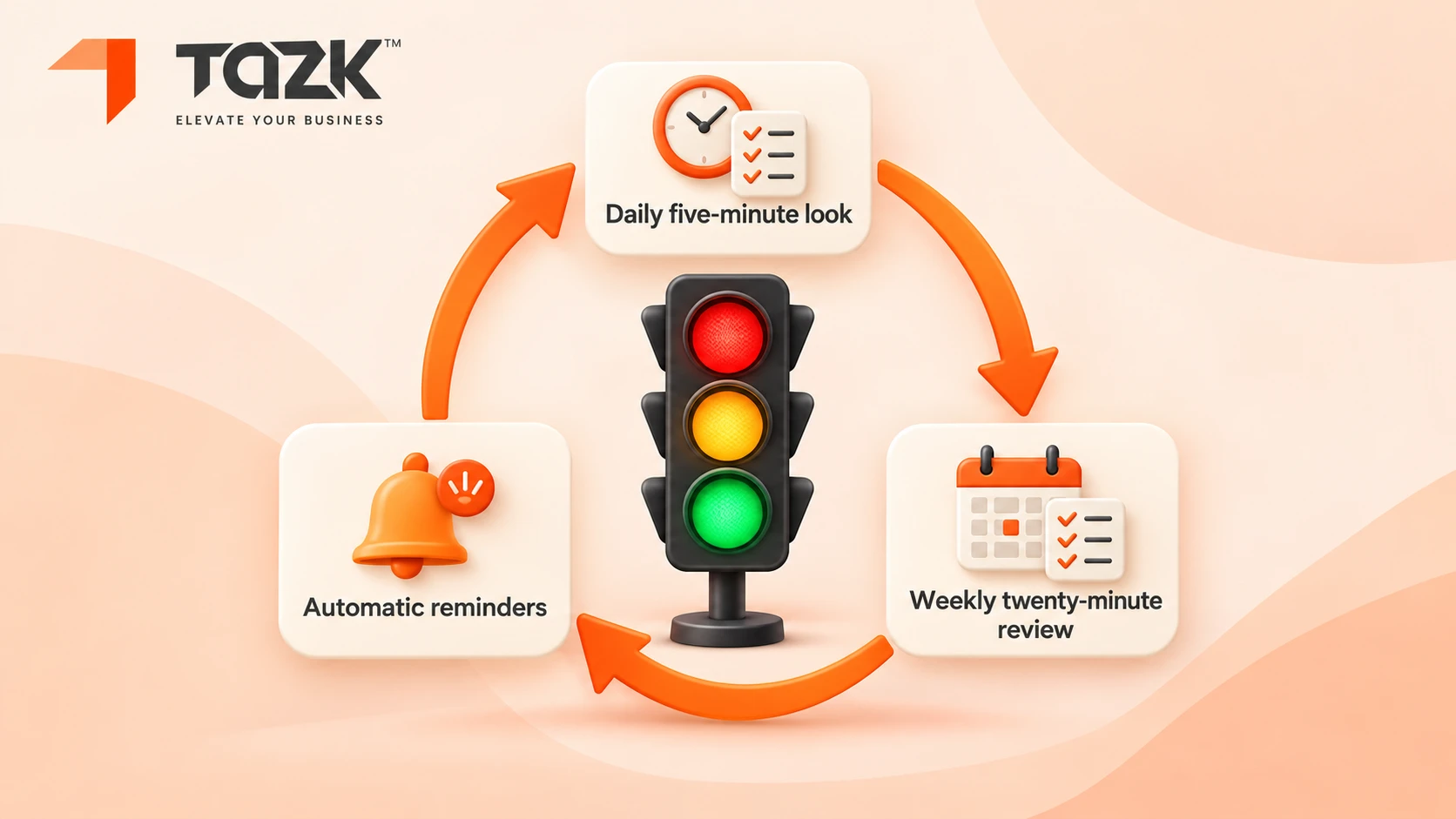
- A 20-minute weekly review. Look at red and amber first, reassign work and reset dates.
- A 5-minute daily look at “due today” and “overdue”.
- Automatic reminders to owners a day before and on the day, with a nudge to you if a task is two days late.
| Level | What to record |
|---|---|
| Project | Client, owner, start, due date, budget and status |
| Task | Owner, due date, status, what it depends on and notes |
| Follow-up | Who must reply, by when, and what happens if they do not |
Excel cannot send those reminders or update progress by itself. Tazk Projects can send reminders and lets you set roles for who sees and changes what. Read more about Tazk Project management software.
What features should project software for an Indian SMB have?
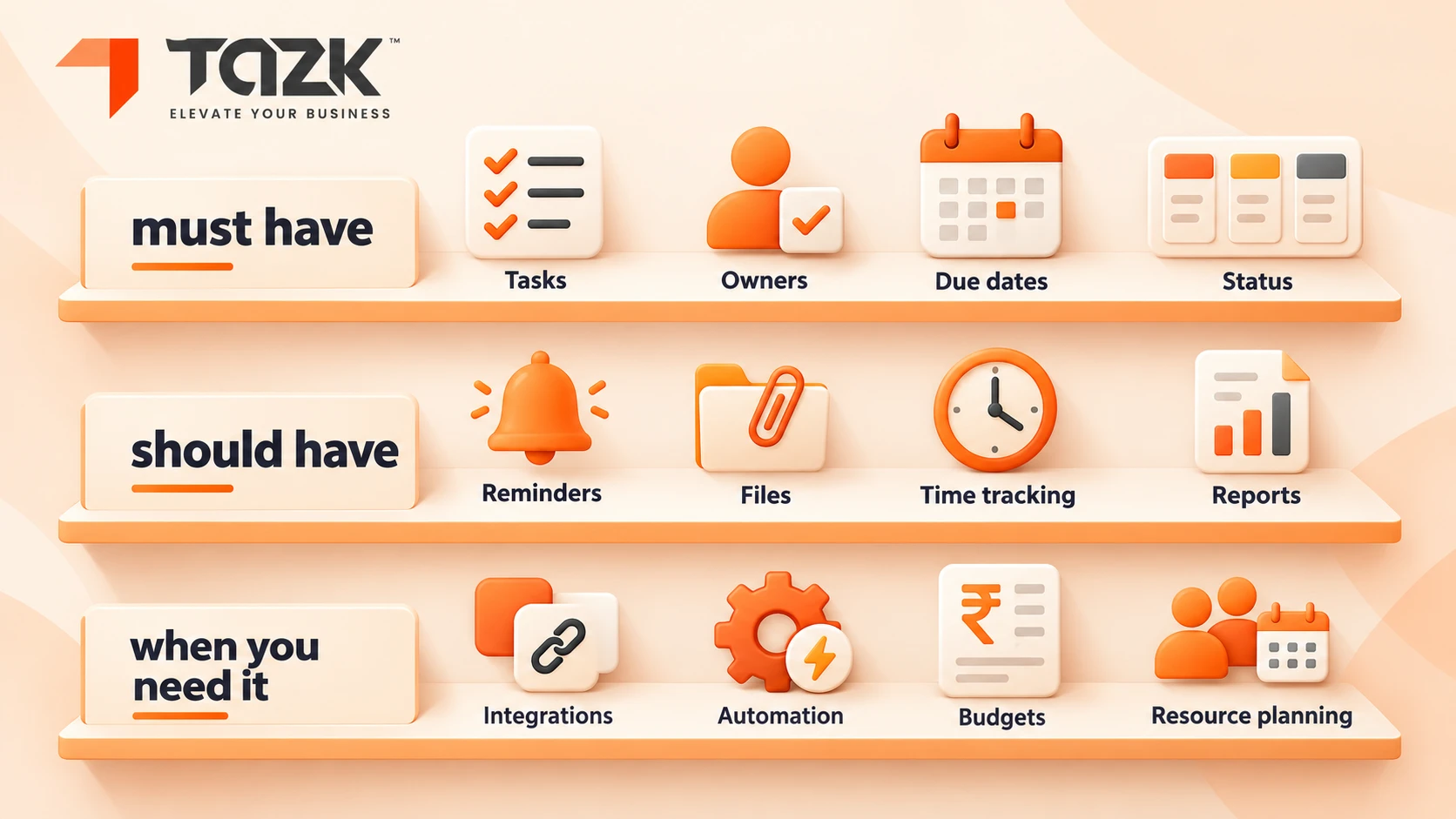
A good project management tool for a small business in India does a few basics very well. In order of importance: it assigns tasks to named people with due dates, it sends reminders, it imports your existing Excel sheet, and it uses roles so that staff and clients see only what they should. After that come budget against spend, a workload view, simple views such as lists and boards, and one place for client approvals. Gantt charts, time tracking and billing links matter only for some businesses. Not every small business needs all of them.
In simple words: Buy the bicycle you will ride every day, not the aeroplane you will use once.
| Feature | Why it matters | For most SMBs |
|---|---|---|
| Task assignment and due dates | Gives every task an owner and a date | Must have |
| Reminders | Stops the chasing | Must have |
| Excel or CSV import | You do not retype your tracker. Zoho Projects, for example, imports CSV and Trello and Asana files, as IT for SME notes | Must have |
| Roles and permissions | Staff and clients see only their parts | Must have |
| Budget against actual | Shows margin early | Should have |
| Workload view | Shows who is overloaded | Should have |
| List and board views | A simple picture of status | Should have |
| Client approvals and files | One place for sign-offs instead of chat threads | Should have |
| Mobile access and quick updates | Field and shop-floor teams update on the go | Should have |
| Gantt and dependencies | For work where one step blocks another | When you need it |
| Time tracking and milestone billing | Links work to invoices. IT for SME says Zoho Projects feeds time into Zoho Books for GST invoices, while ClickUp and Asana need a manual export | When you need it |
Tazk Projects supports Excel import, reminders and roles. For any other feature on this list, ask to see it live before you rely on it. Techjockey lists Tazk as an all-in-one platform that includes projects alongside POS, payroll and CRM, which matters if you want one login for the whole business.
How much does project management software cost in India?
For popular tools, expect about ₹350 to ₹1,000 per user per month for paid plans, plus 18% GST, with free tiers for very small teams. IT for SME lists Zoho Projects Premium at ₹350 per user per month, Trello from about ₹400, Asana from about ₹950 and monday.com from ₹1,000. Cloudfy Systems adds that monday.com needs a minimum of three seats. Global price trackers show per-user plans at about $0 to $45 a month, with a typical figure near $14, according toCostbench . Some tools charge a flat monthly fee for a whole team instead.
In simple words: Price per person, times the number of people, times twelve months. Then ask what is not included.
| Team size | At ₹350 per user per month | At ₹1,000 per user per month |
|---|---|---|
| 5 | ₹1,750 a month, ₹21,000 a year | ₹5,000 a month, ₹60,000 a year |
| 10 | ₹3,500 a month, ₹42,000 a year | ₹10,000 a month, ₹1,20,000 a year |
| 25 | ₹8,750 a month, ₹1,05,000 a year | ₹25,000 a month, ₹3,00,000 a year |
Add 18% GST to these figures. Then add the extras that change the total: seat minimums, extra seats for clients or guests, time tracking or Gantt views that sit on higher plans, setup and training, links to Tally or your billing, and storage limits. Tazk Projects pricing sits on the project pricing page, and we do not quote a figure here.
Here is a way to judge whether a tool is worth it, using made-up inputs. If an owner spends 5 hours a week chasing updates and an hour of that time is worth ₹1,000, the chasing costs ₹5,000 a week, or ₹2,60,000 a year (5 × ₹1,000 × 52). A tool at ₹42,000 a year for 10 people only has to win back a fraction of that time to pay for itself. Use your own numbers.
How is a task management system different from project management software?
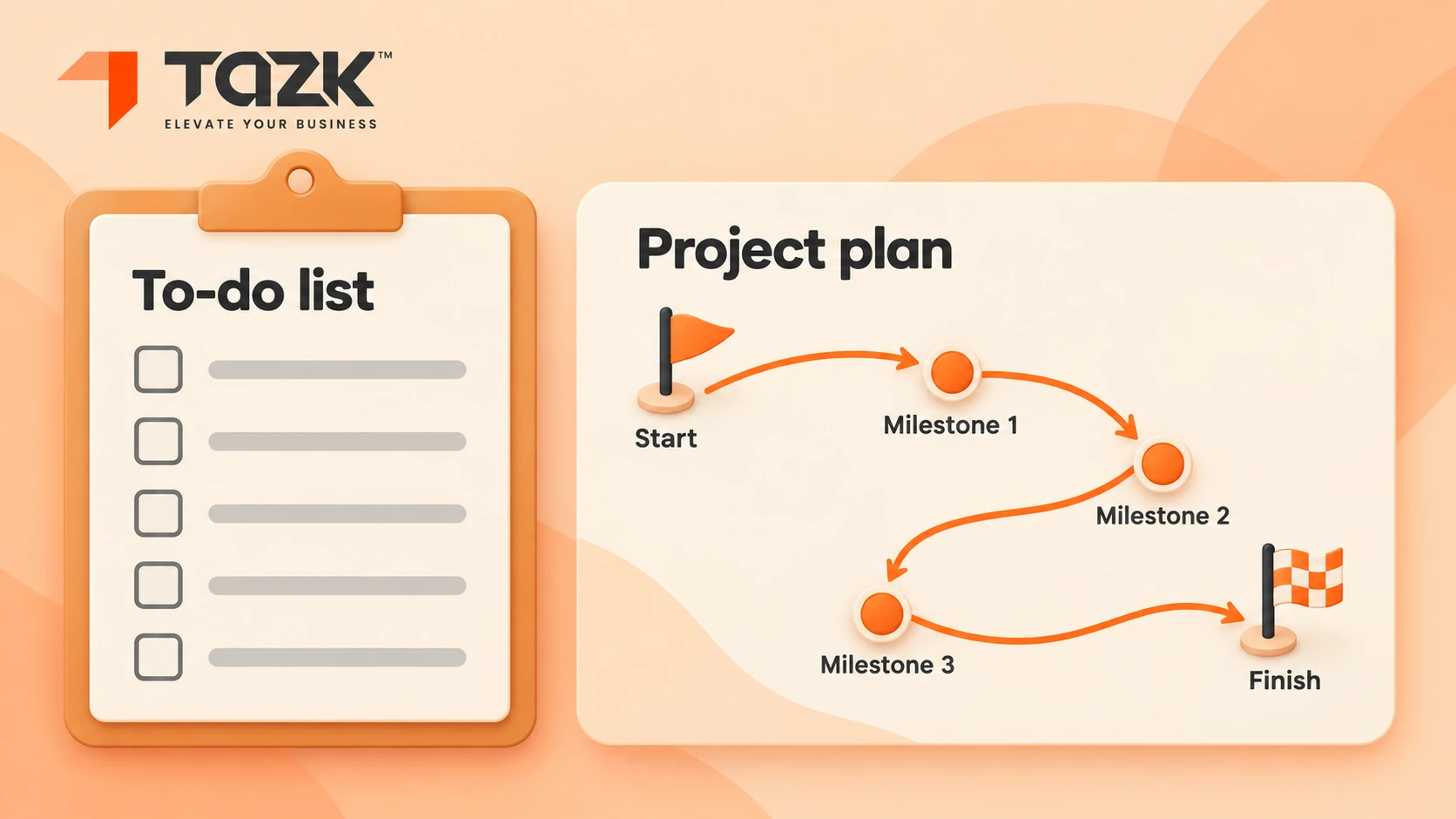
A task management system, the kind many Indian small businesses start with, tracks individual jobs: who does what, and by when. Project software tracks a connected set of jobs that must deliver one outcome, with a timeline, a budget, milestones and dependencies, meaning one step cannot start until another finishes. ONES and TechRepublic describe it this way, and ProofHub adds that project software does what a task tool does and more. For a small business the question is simple: do your tasks depend on each other and share a deadline and a budget? If yes, you need project software. If you only need a to-do list, a task tool is enough.
In simple words: A task tool is a to-do list. A project tool is a plan with a map.
| Task management | Project management | |
|---|---|---|
| Scope | One piece of work | Many connected pieces |
| Dependencies | Few or none | Central: step B waits for step A |
| Timeline | Short or ongoing | A start and an end date |
| Money | Rarely tracked | Budget and cost tracked |
| Outcome | A finished task | A delivered result, such as a job, an order or a launch |
| Small-business examples | Daily office jobs and reminders | A shop fit-out, a factory order, a website build or a client campaign |
Our rule of thumb: if you need milestones, a budget or stage-wise invoicing, choose project software. If you mainly need to remember to do things, a task tool will do. Some tools do both, as TechRepublic notes for Trello and Asana. Read more about Tazk project management software.
How do I move from spreadsheets to a project tool without disrupting the team?
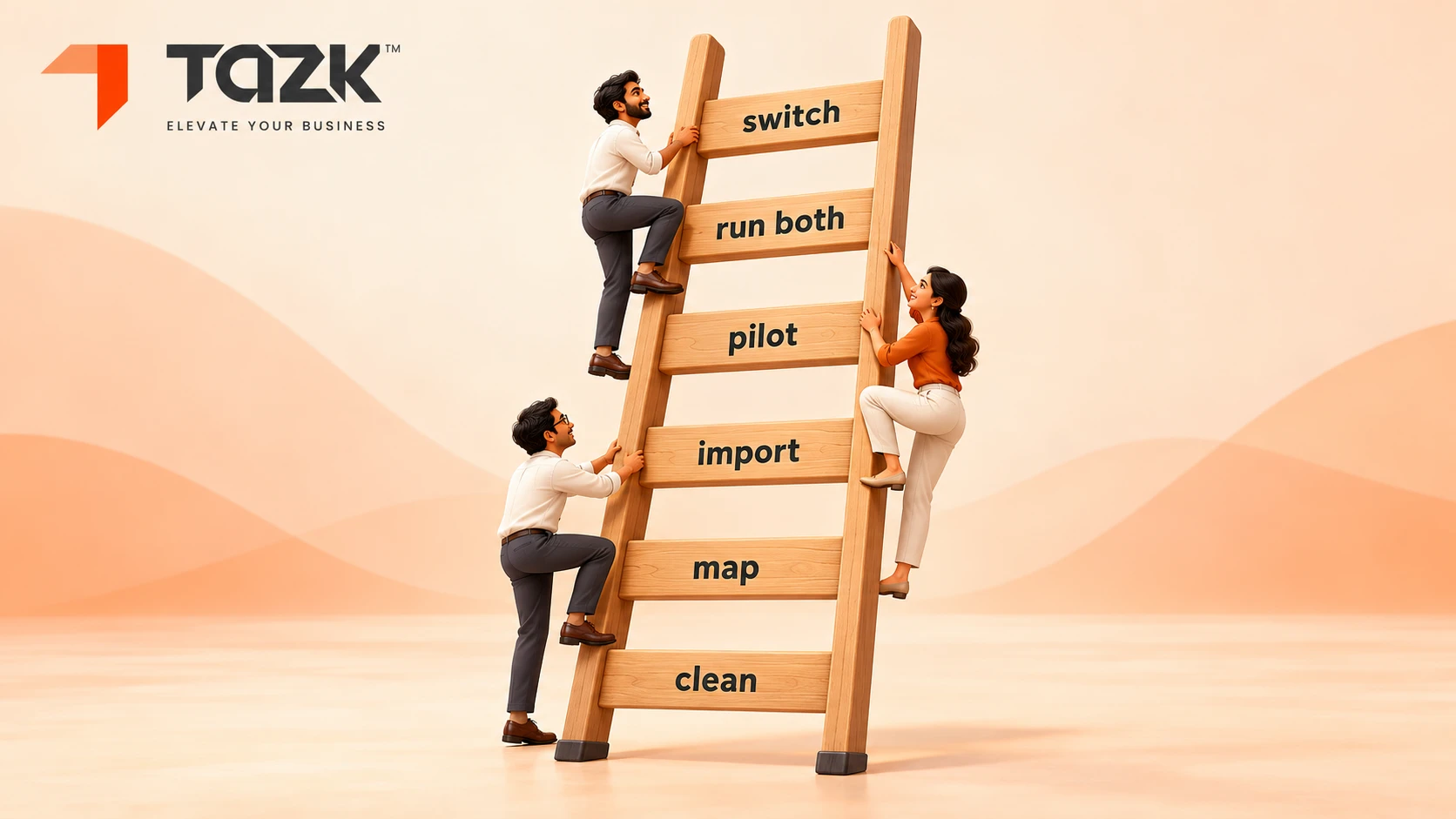
Move in small steps, and keep the old sheet alive until the new tool earns trust. The scheduling guide we cited earlier suggests two to four weeks from decision to full adoption for a small team of 5 to 15 people. Six steps cover it: clean the sheet, map the columns, import, pilot one project, run both for two weeks, then switch and archive.
In simple words: Learn to swim in the shallow end first.
| Step | What to do | What can go wrong |
|---|---|---|
| 1. Clean | Remove duplicates, fix names and dates, and make one row per task | A messy sheet makes a messy tool |
| 2. Map | Match your columns to the tool's fields: owner, due date, status, project and notes | Free-text columns that do not fit |
| 3. Import | Import the Excel file. Tazk Projects supports Excel import | Dates read in the wrong format, so check ten rows by hand |
| 4. Pilot | Move one live project and its team | Moving everything at once |
| 5. Run both | For two weeks, update the tool and glance at the sheet to compare | Double work for ever, so set an end date |
| 6. Switch | Freeze the sheet, archive it as read only and announce one rule: if it is not in the tool, it is not assigned | Old habits, such as assigning work only on WhatsApp |
The people side matters as much as the data. Pick a champion in the team, give a 30 minute training, keep the rules short, run the weekly review from the tool, and celebrate the first project delivered on time.
The Excel project tracker you can build today, and 6 mistakes to avoid
If you are not ready to switch, make your spreadsheet as strong as it can be. If you are ready, this layout also imports cleanly into a project tool. Build one workbook with three tabs. Use the same date format everywhere, use drop-down lists for status, freeze the header row and give the file one owner.
In simple words: Even a notebook works better when every page has the same columns.
| Tab | Columns to include |
|---|---|
| Projects | Project ID, project name, client, owner, start date, due date, budget (₹), spent so far (₹), status (green, amber or red), next review date |
| Tasks | Task ID, project ID, task, owner, due date, status (not started, doing, blocked or done), depends on (task ID), hours estimated, hours spent, notes |
| Follow-ups | Follow-up ID, task ID, who must reply, asked on, reply due by, chased on |
Five habits keep the workbook honest:
- One row for each task, never two tasks in one cell.
- A named owner on every row.
- A weekly 20-minute review of red and amber items.
- One shared copy, with a dated backup each week.
- No colours as data. Use a status column, because colours cannot be sorted or imported.
Six mistakes to avoid
- Adding too many columns that nobody fills in.
- Using free-text status such as “almost done”.
- Leaving out the owner column.
- Keeping several copies of the file in different folders.
- Skipping the review rhythm.
- Moving to a tool without cleaning the sheet first.
What happens next: project tools and small-business work in India, 2026 to 2027
Here is what we know, then expectations that we label as expectations.
| When | What happens | What to do |
|---|---|---|
| Now | Many small teams still run projects on Excel and chat | Count your signs from the first section, and set a decision date |
| 31 Mar 2027 | The financial year ends | Close projects and match budgets to invoices before the year-end rush |
| Mid-May 2027 | India's data protection duties on notice and consent become enforceable, as Legal 500 explains | Project files hold client and staff details, so use roles and limit who can see them |
What may come next (expectations, not promises):
- More small teams will move from Excel to a shared tool, because clients now expect live status, not a file by email.
- Tools will add helpers that summarise status and flag late tasks. Ask any vendor to show what is live, not what is planned.
- Updates will move to phones and chat-style messages, so choose a tool that works on mobile.
- Projects, billing and payroll will connect. Our guide to running billing, payroll and leads on one login shows the same idea for retail.