
Overview
Open Settings > Themes to change how the application looks. The page is titled Customize Themes.
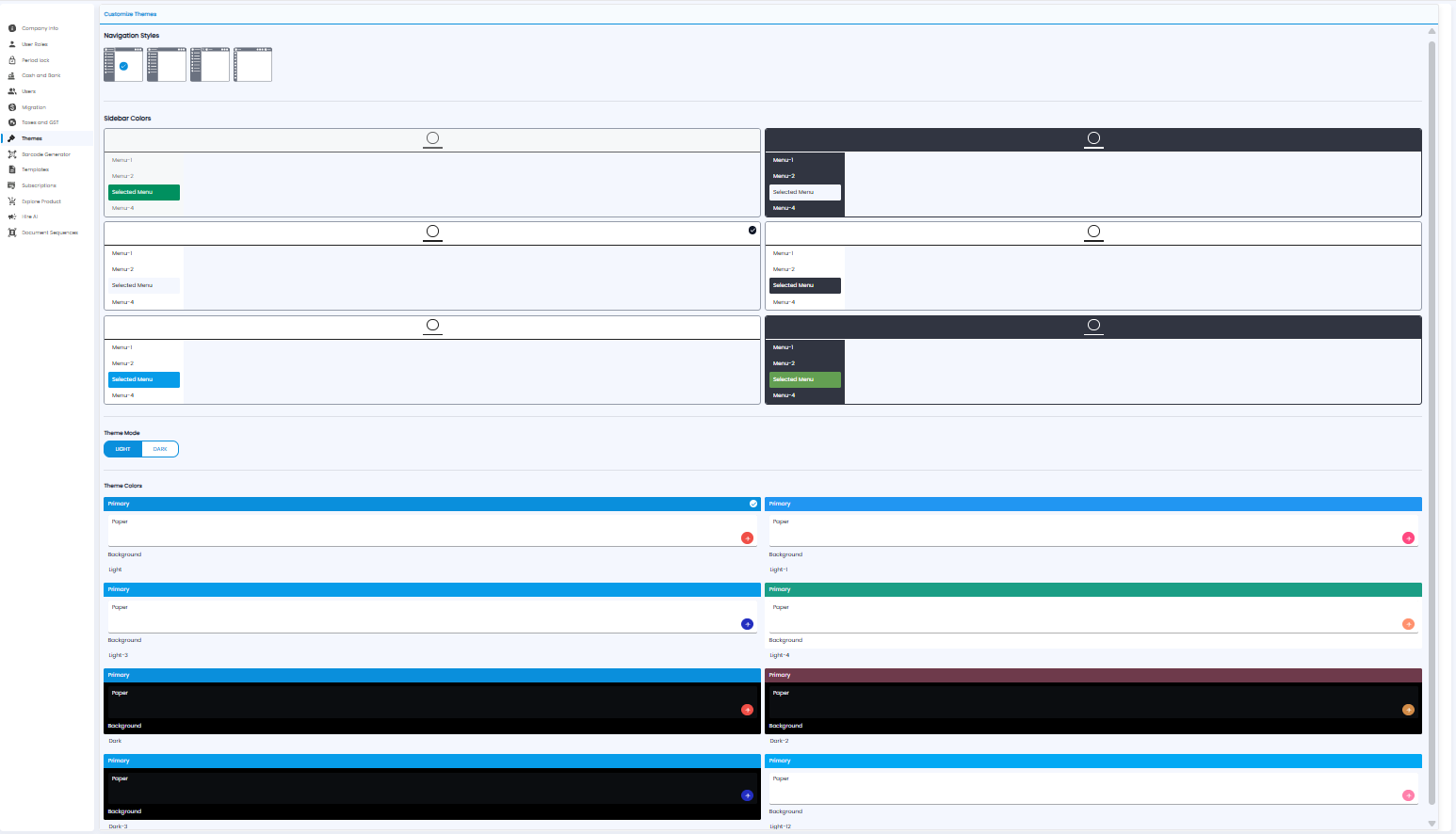
| Setting | What it changes |
|---|---|
| Navigation Styles | The layout of the menu — four styles to choose from |
| Sidebar Colors | The colour of the sidebar and of the selected menu item |
| Theme Mode | Light or Dark |
| Theme Colors | The main colour, page background, and button colours, in light and dark sets |
Click an option to choose it. A tick marks the one in use.