
Overview
Period Lock locks financial years so nobody can change the accounting entries in them — for example once the year's books are closed and returns are filed. A lock applies to every user, administrators included. Open Settings > Period lock.
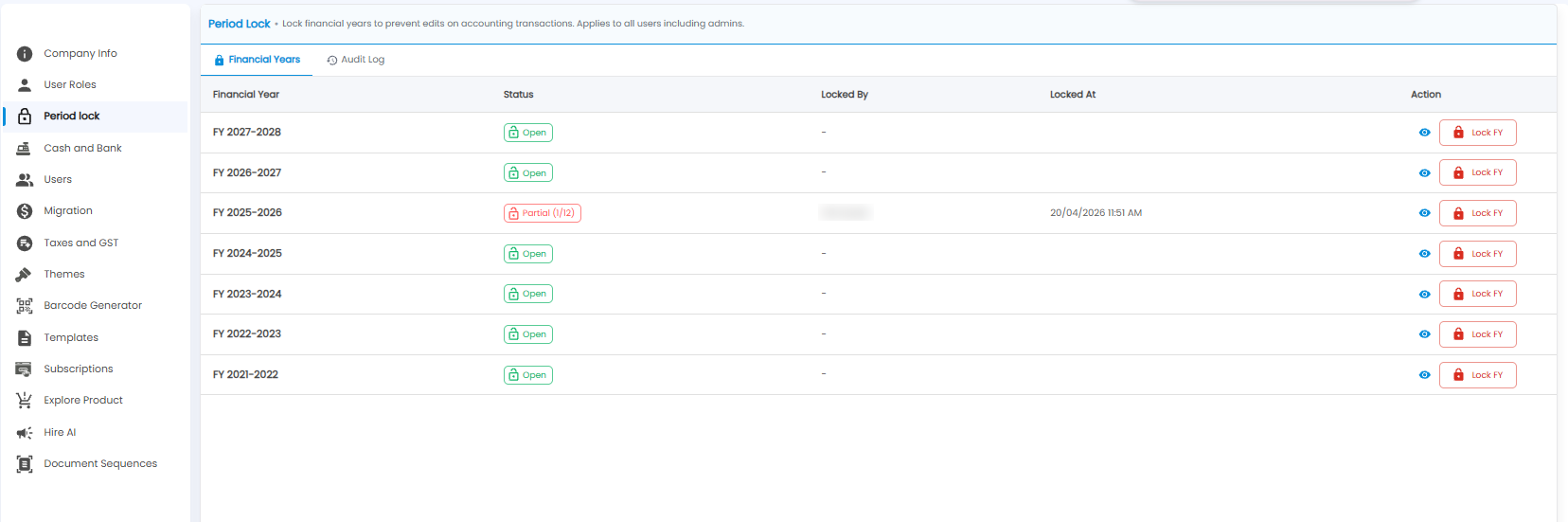
Financial Years
| Column | What it shows |
|---|---|
| Financial Year | For example FY 2025-2026 |
| Status | Open (green) — entries can be changed; Partial (1/12) (red) — some months are locked, here 1 of 12 |
| Locked By / Locked At | Who locked it, and when |
| Action | The eye shows the year in detail; Lock FY locks the whole year |
The Audit Log tab records every lock and unlock.
Important: Lock a year only when its books are final — after that, mistakes in it cannot be corrected by editing the entries.