
How do I make fields required before a stage in Tazk CRM?
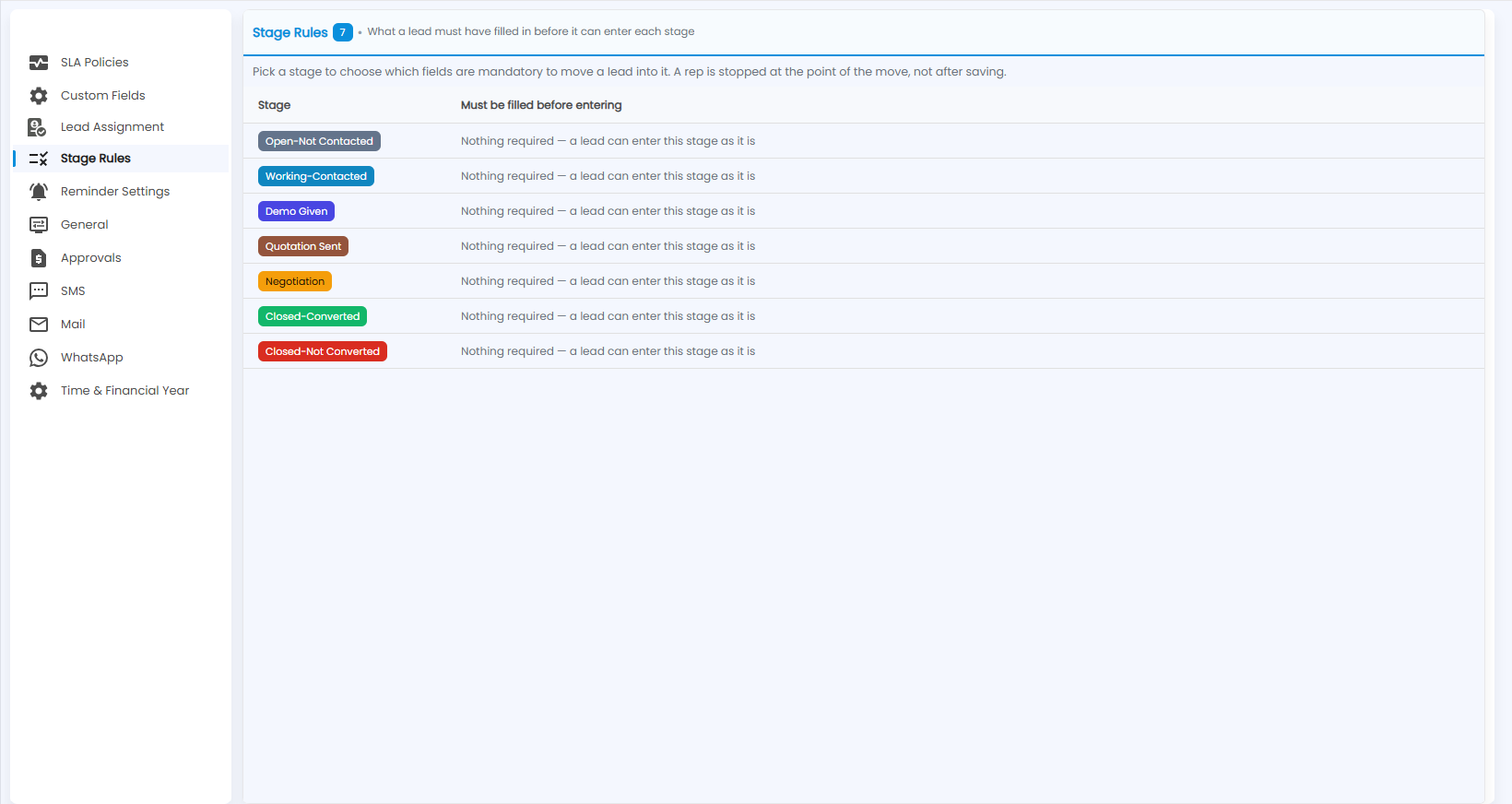
Open Configuration › Stage Rules. Every lead stage is listed with what must be filled in before a lead can enter it. Click a stage and choose which fields are mandatory. A rep is then stopped at the point of the move, not after saving.
What does Stage Rules show?
What a lead must have filled in before it can enter each stage; the number next to the title is how many stages there are. Each Stage — for example Open-Not Contacted, Working-Contacted, Demo Given, Quotation Sent, Negotiation, Closed-Converted and Closed-Not Converted — is listed with what Must be filled before entering, or Nothing required — a lead can enter this stage as it is.
How do I set a rule?
Pick a stage to choose which fields are mandatory to move a lead into it. A rep is stopped at the point of the move, not after saving.