
How do I set up employee codes in Tazk CRM?
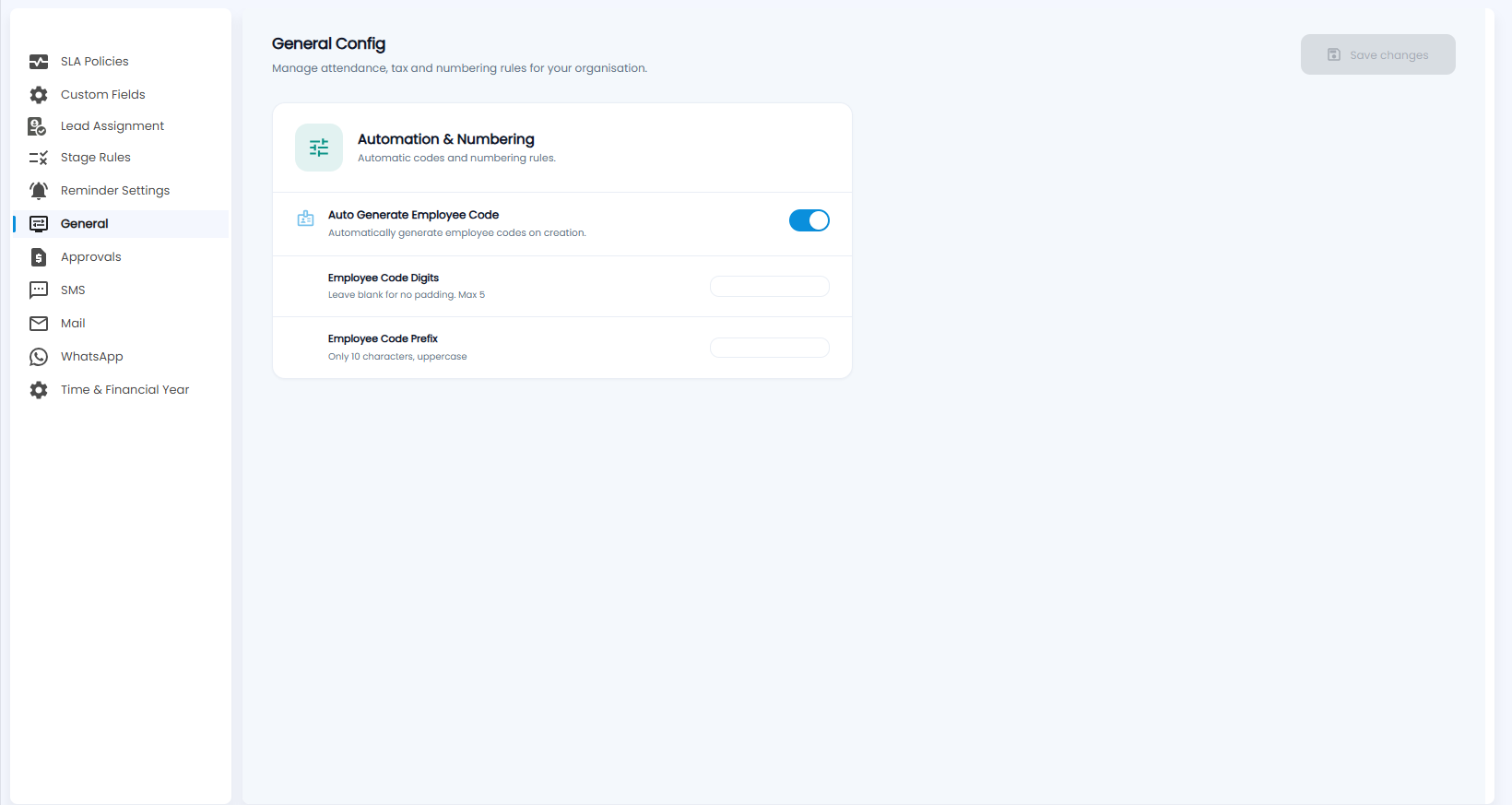
Open Configuration › General. In the Automation & Numbering card, switch on Auto Generate Employee Code, set the number of digits and the prefix, and click Save changes. New users then get their employee code automatically.
What is in Automation & Numbering?
Automatic codes and numbering rules for the people you add as users:
- Auto Generate Employee Code — automatically generate employee codes on creation.
- Employee Code Digits — leave blank for no padding; at most 5.
- Employee Code Prefix — up to 10 characters, uppercase.
Click Save changes.