
Overview
Travel History shows the route each field salesman travelled on a day, on a map. Open Sales Man > Travel History.
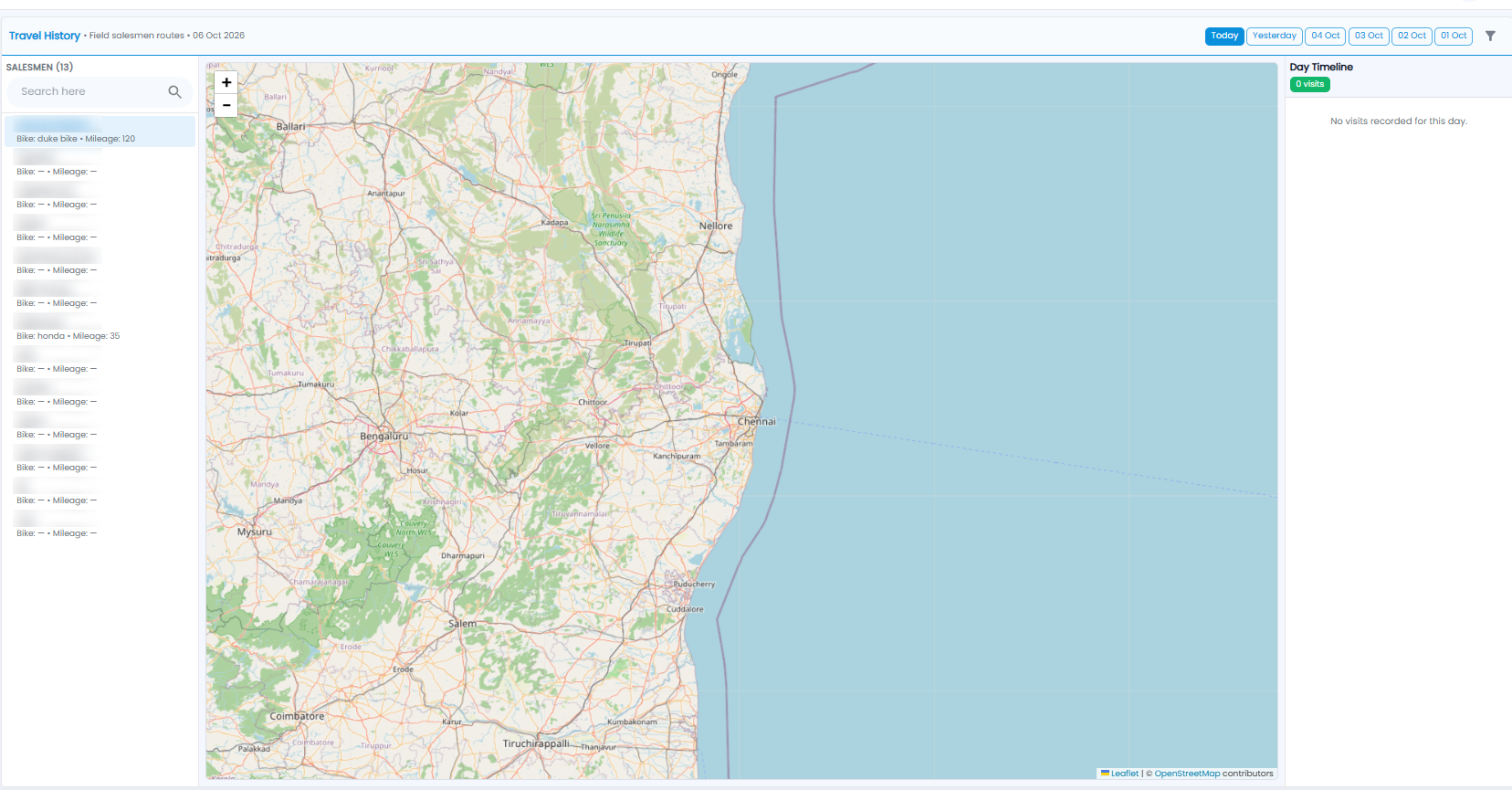
- Choose the day with Today, Yesterday, or one of the earlier dates at the top right, or the filter icon for another day
- Click a salesman on the left. Their Bike and Mileage are shown under their name. Use Search here to find one
- The map shows their route. Use + and − to zoom, and drag to move around
- Day Timeline on the right lists their visits for the day in order, with the count. It says No visits recorded for this day when there are none
Note: Fuel Allowance uses the same GPS distance to check fuel claims.