
Overview
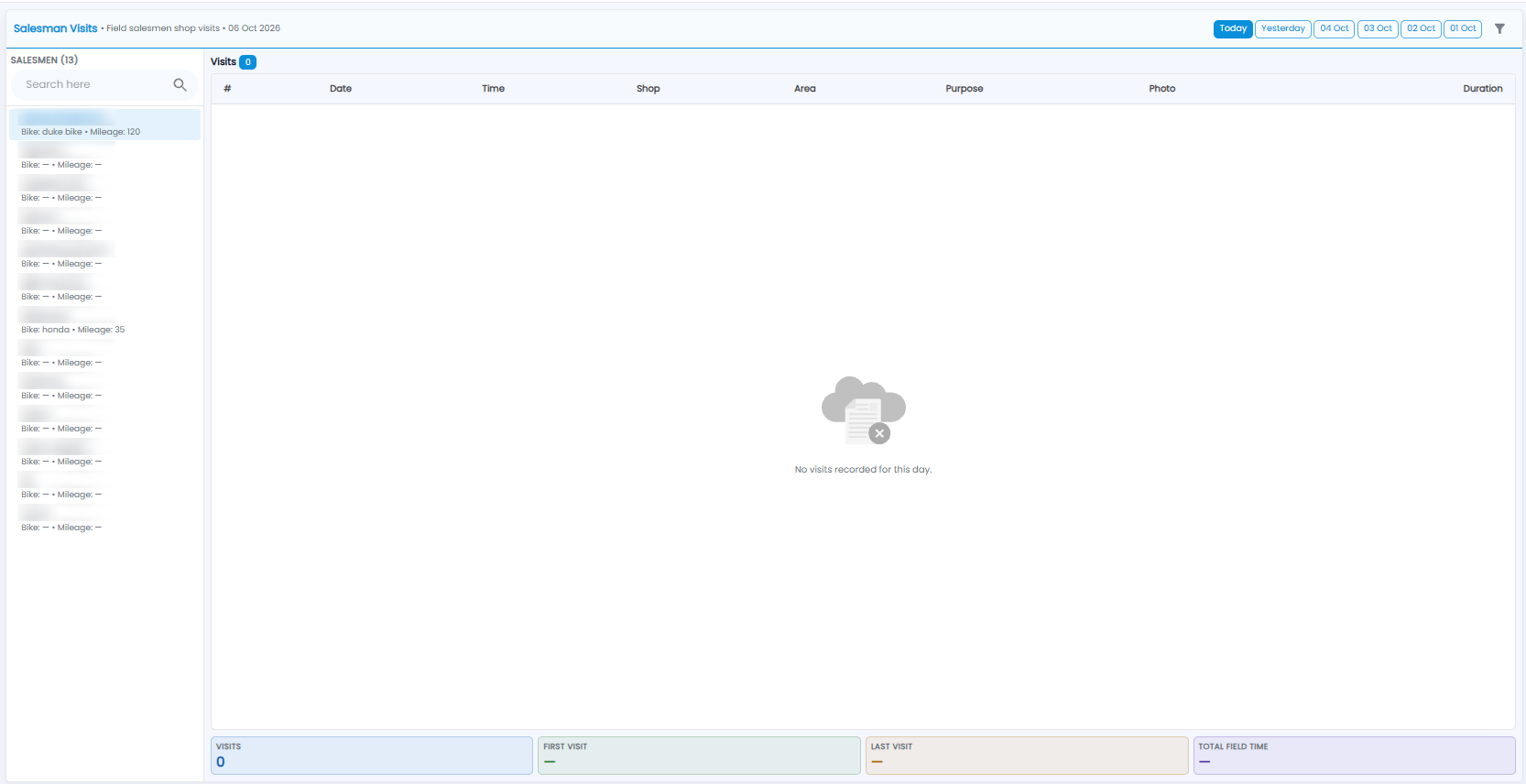
Salesman Visits shows the shop visits your field salesmen record, day by day. Open Sales Man > Visits.
Choosing a Day
The line under the title shows the day you are looking at. Click Today, Yesterday, or one of the earlier dates at the top right, or use the filter icon for another day.
Salesmen
The left side lists your salesmen, with the count in the heading. Each shows their Bike and Mileage where set. Click a salesman to see their visits, or use Search here to find one.
Visits
The Visits table shows each visit with its Date, Time, Shop, Area, Purpose, Photo, and Duration. It says No visits recorded for this day when there are none.
The tiles at the bottom add up the day: Visits, First Visit, Last Visit, and Total Field Time.
Note: To see the route a salesman took between visits, use Sales Man > Travel History.