
Overview
DC Reconciliation is where you settle the open delivery challans of a dealer — working out what has been sold, what is coming back, and what is still with them. Open Sales Man > DC Reconciliation. You can also reach it from Quick Access on the Salesman Dashboard.
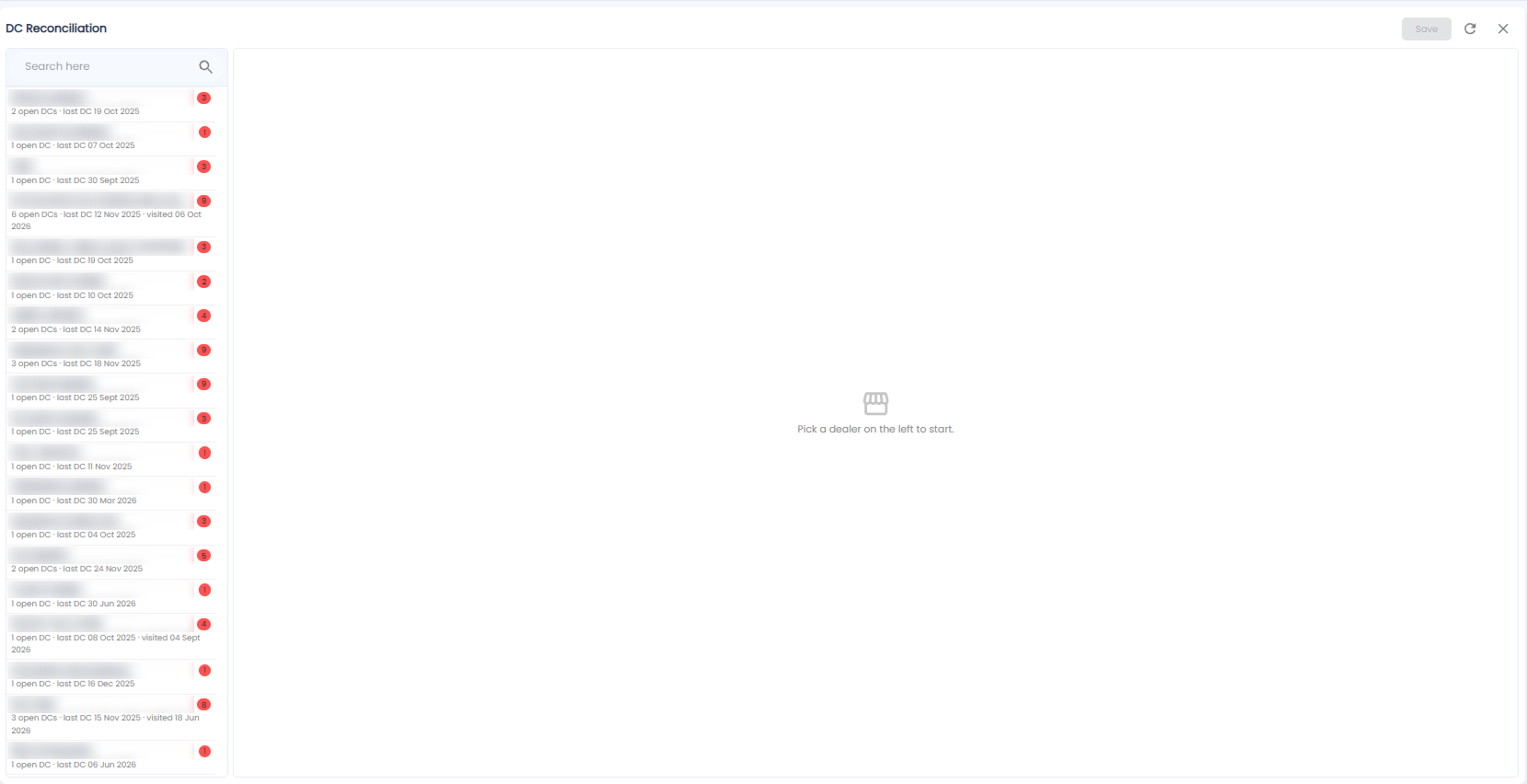
Dealers
The left side lists every dealer with open challans. Each shows:
- The number of open DCs, and the date of the last DC
- When a salesman last visited, where recorded (for example visited 06 Oct 2026)
- A red badge with the count of open items
Use Search here to find a dealer.
Reconciling a Dealer
- Click a dealer on the left. Until you do, the right side says Pick a dealer on the left to start
- Work through their open challans on the right
- Click Save at the top right. It stays greyed out until there is something to save
Use the refresh icon to reload, and × to close.
Note: DC Aging shows how long each challan has been open — use it to decide which dealers to reconcile first.