
Overview
Daily Collections shows the money each salesman collected from customers, day by day. Open Sales Man > Daily Collections. The page is titled Salesman Collections.
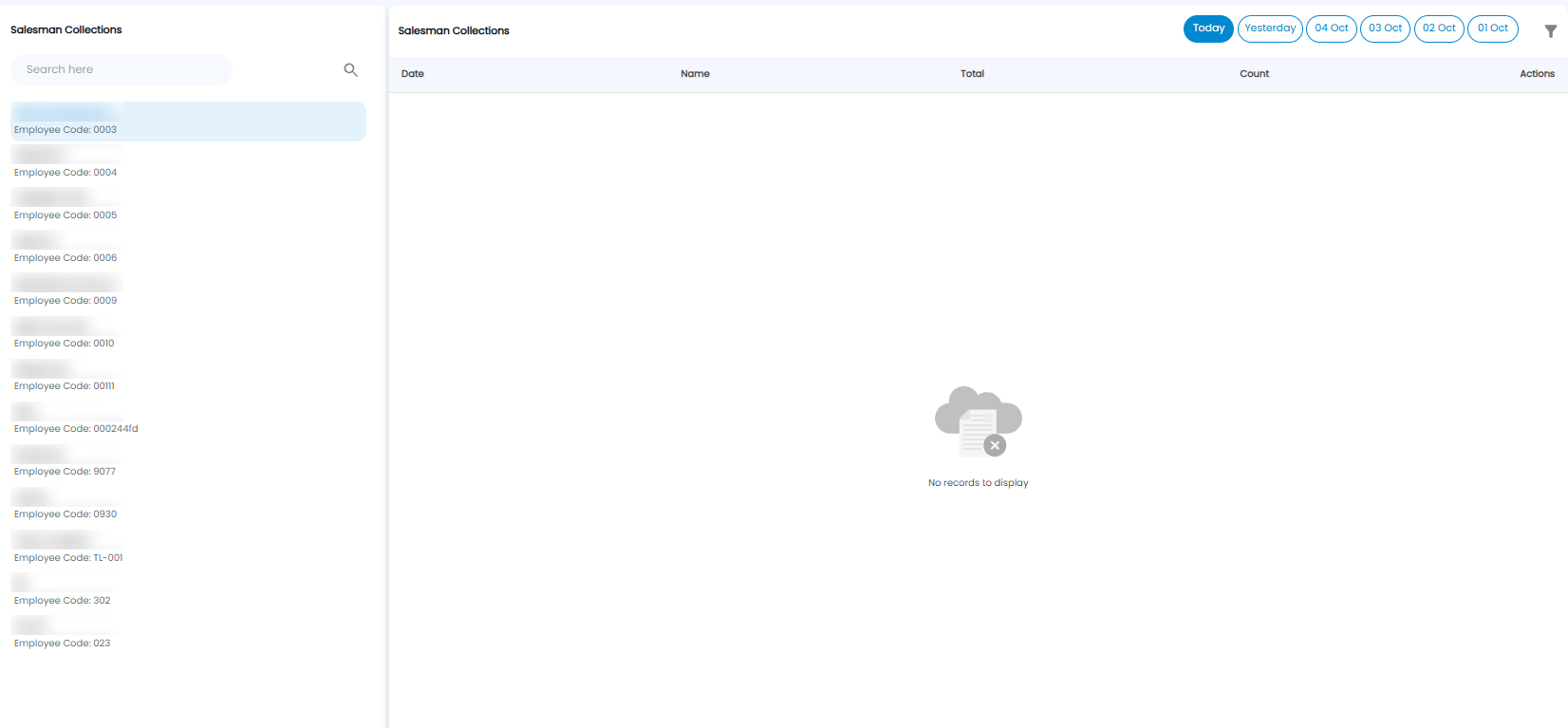
- Click a salesman on the left. Each shows their Employee Code. Use Search here to find one
- Choose the day with Today, Yesterday, or one of the earlier dates at the top right, or the filter icon for another day
- The table lists their collections with the Date, Name, Total, and Count. Use Actions to work with an entry. It says No records to display when nothing was collected
Tip: Check each salesman's collections at the end of the day against the cash and cheques they hand in.