
Overview
Achievement compares target with achieved for a period. Switch between Salesman, Company, and Vendor with the tabs, and pick the period at the top right.
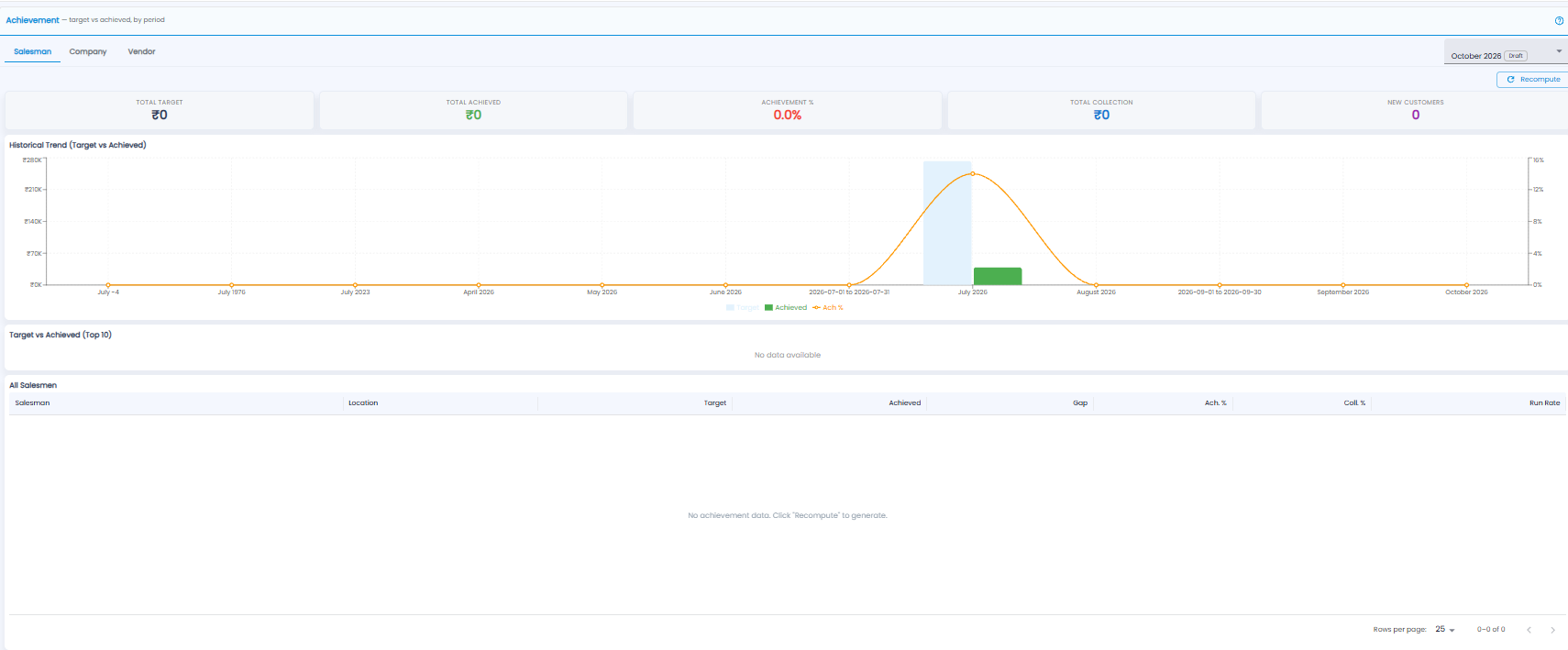
Tiles
Total Target, Total Achieved, Achievement %, Total Collection, and New Customers for the period.
Charts
- Historical Trend (Target vs Achieved) — target and achieved bars for each period, with the achievement % as a line
- Target vs Achieved (Top 10) — the ten with the biggest numbers
All Salesmen
| Column | What it shows |
|---|---|
| Salesman / Location | Who, and where |
| Target / Achieved / Gap | The target, what was achieved, and what is still to go |
| Ach. % / Coll. % | Sales achievement and collection achievement |
| Run Rate | The pace of sales needed to reach the target |
Important: Achievement figures are worked out when you click Recompute. If the page says No achievement data, click Recompute at the top right.