
Overview
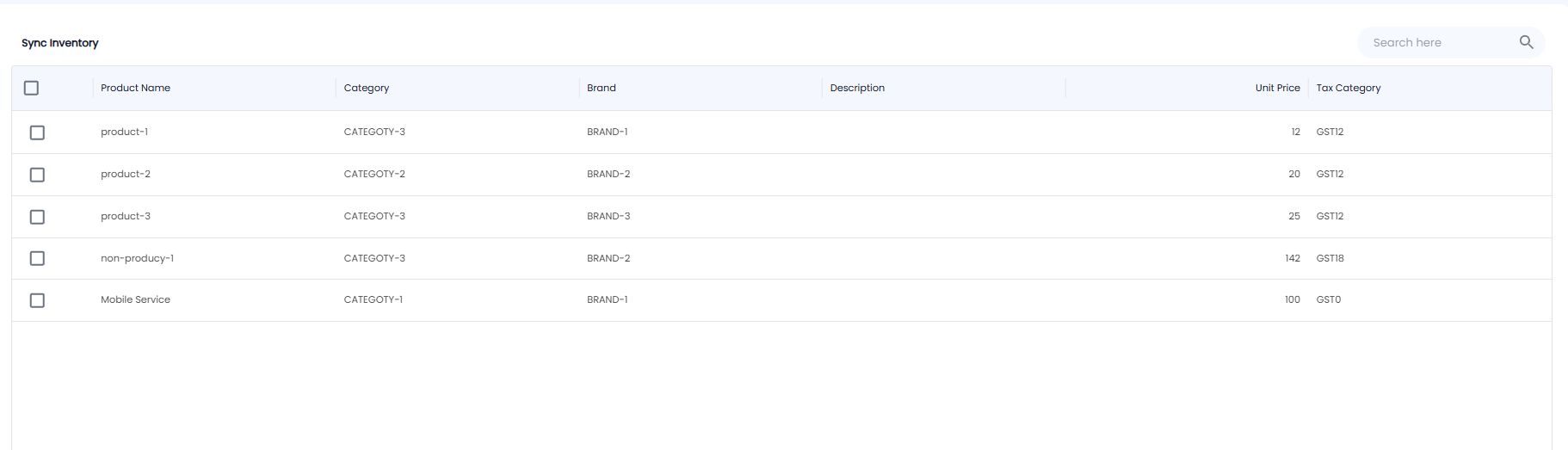
Sync Inventory lists every product in your catalogue — goods and services together — so you can choose which ones to sync. Open Inventory > Sync Inventory.
The List
| Column | What it shows |
|---|---|
| Tick box | Select the product. The box in the heading selects them all |
| Product Name | The product or service, for example product-1 or Mobile Service |
| Category / Brand / Description | As set in Product Master |
| Unit Price | The selling price |
| Tax Category | The GST category, for example GST12 |
Use Search here to find a product.
Note: The details shown here come from Inventory > Product Master. To change a price, category, or brand, edit the product there.