
Overview
Lot Movement / Traceability lists every lot and serial number you have bought, with where it is now and what has happened to it. Use it to answer questions like Do we still have serial 00000005? or Which customer did this unit go to? Open Inventory > Lot Traceability.
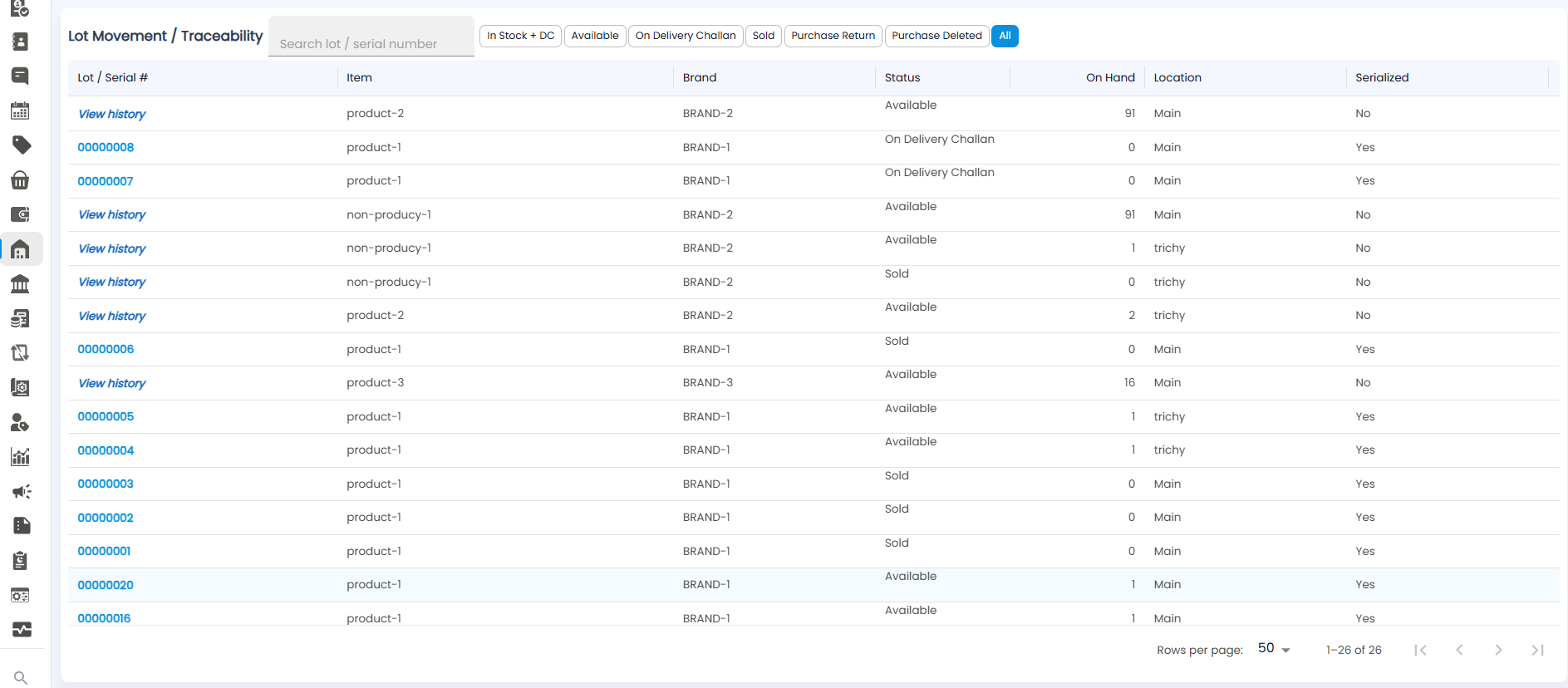
Finding a Lot or Serial Number
Type in Search lot / serial number at the top to go straight to one unit or lot — for example a serial number a customer reads out from a product they bought.
Filters
The buttons next to the search box narrow the list by status. The one you are on is blue.
| Filter | Shows |
|---|---|
| In Stock + DC | Everything you still own — Available, plus anything out on a delivery challan |
| Available | Stock on hand, ready to sell |
| On Delivery Challan | Units sent out on a delivery challan and not yet invoiced |
| Sold | Units that have been invoiced to a customer |
| Purchase Return | Units sent back to the vendor |
| Purchase Deleted | Units from a purchase bill that was deleted |
| All | Every lot and serial number, whatever its status |
The List
| Column | What it shows |
|---|---|
| Lot / Serial # | For a serialized product, its serial number, for example 00000008. For a product not tracked by serial, a View history link instead. Click either to see that stock's history |
| Item / Brand | The product and its brand |
| Status | Where it stands now — Available, On Delivery Challan, or Sold |
| On Hand | How many are physically with you. It is 0 for anything sold or out on a challan |
| Location | Where it is, for example Main or trichy |
| Serialized | Yes if each unit has its own serial number (one row per unit, On Hand 1 or 0), No if not (one row per product at each location, with the full quantity) |
The list shows 50 rows per page; change this at Rows per page and use the arrows at the bottom to move between pages, or jump to the first or last page.
In Stock + DC
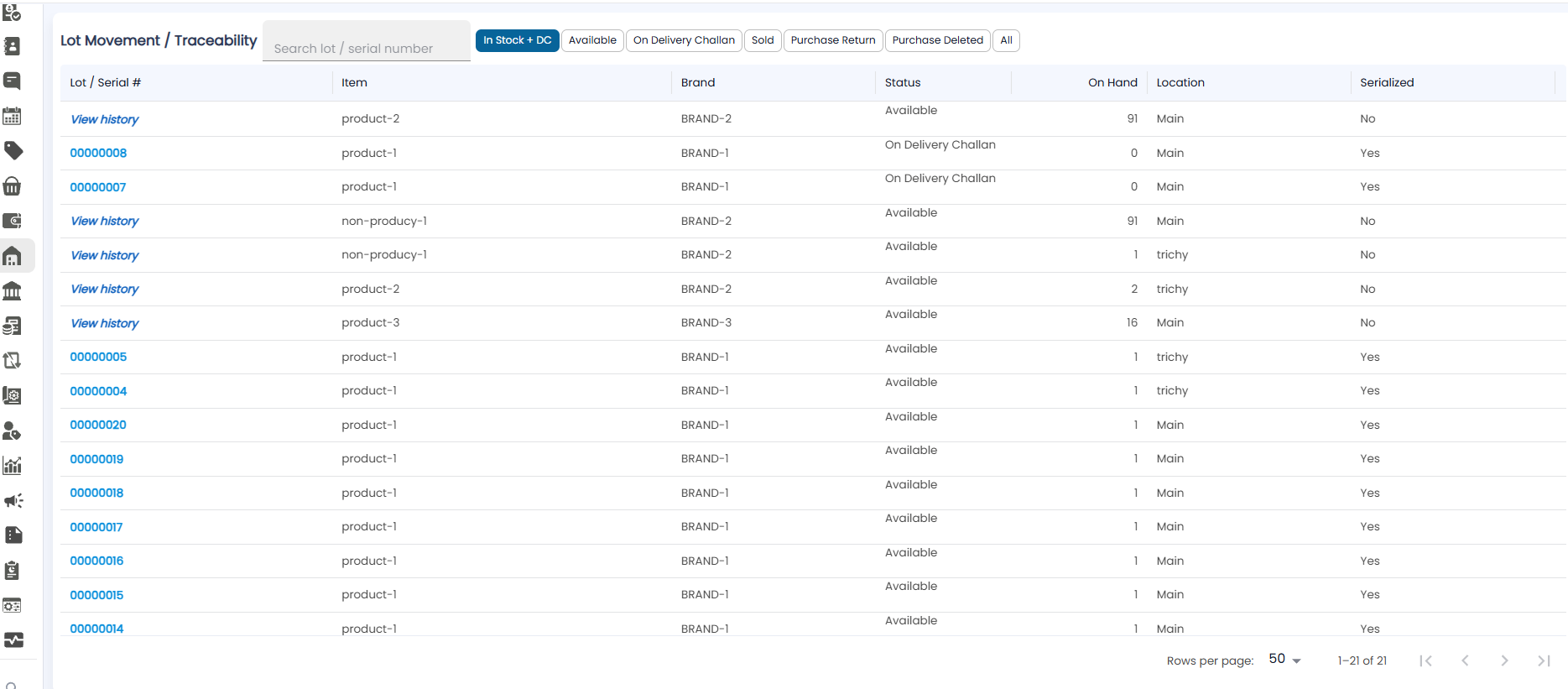
Everything that is still yours, wherever it is. The count at the bottom is Available plus On Delivery Challan — in the example, 19 + 2 = 21.
Available
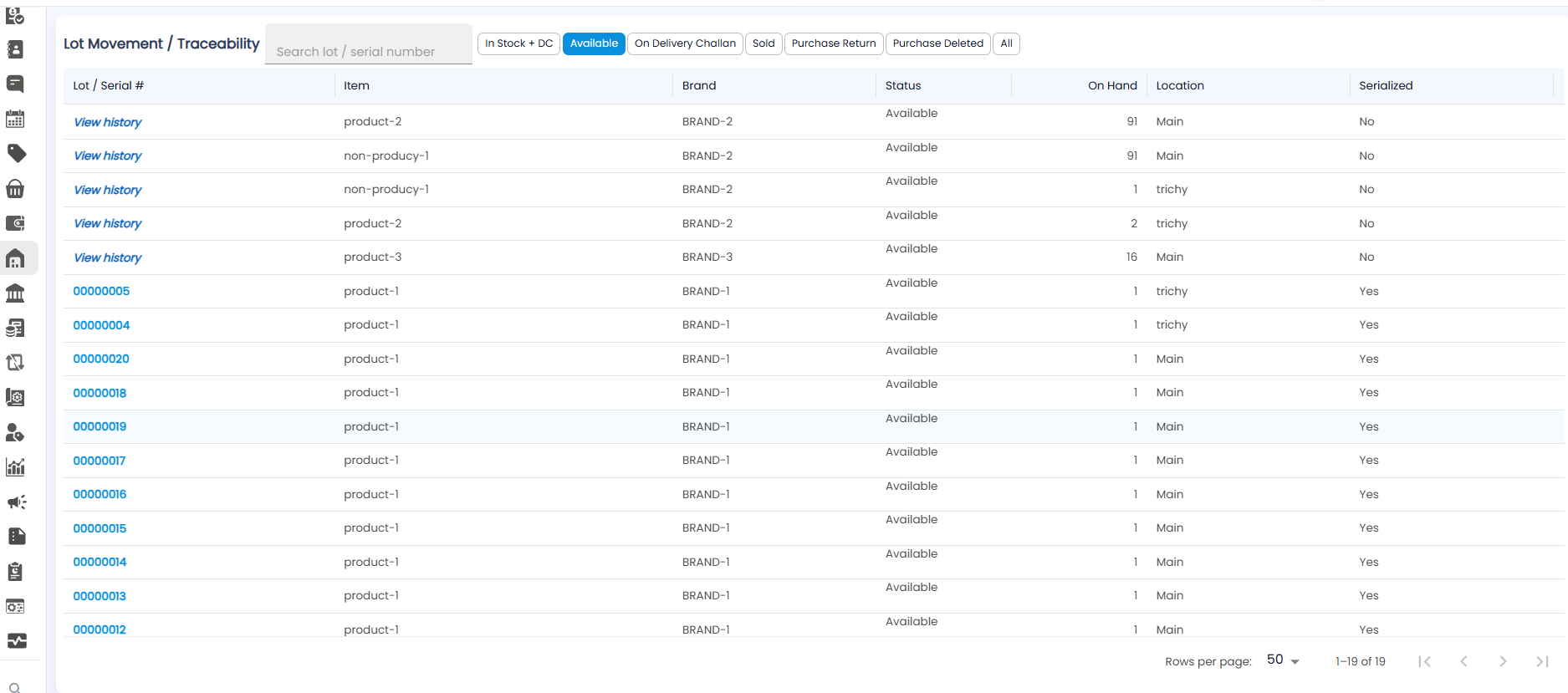
Only stock that is on hand and ready to sell, at every location. Non-serialized products show one row per location — for example non-producy-1 with 91 at Main and 1 at trichy.
On Delivery Challan
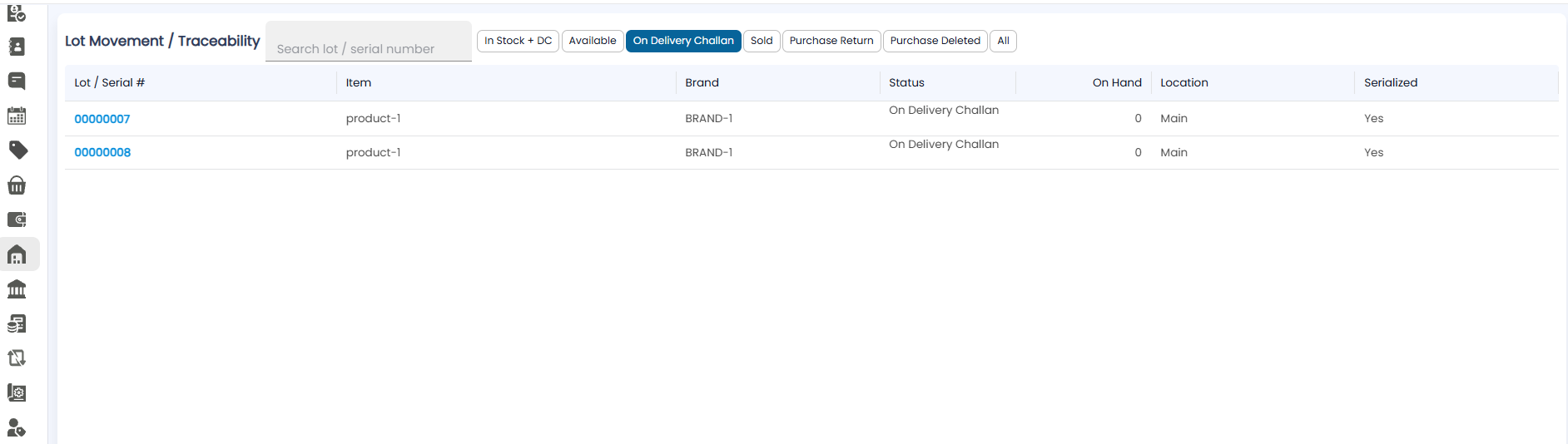
Units that have left on a delivery challan but have not been invoiced. On Hand is 0, because the goods are with the customer or dealer, but they are still your stock.
Sold
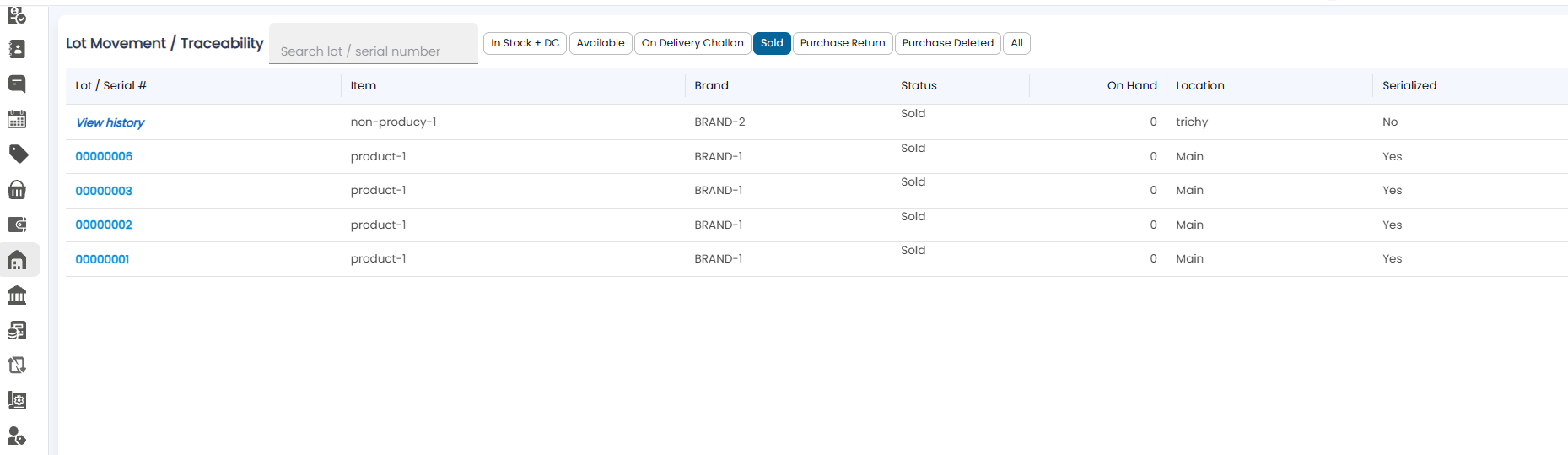
Units that have been invoiced. Click a serial number, or View history, to trace where it went.