
Overview
Stock Receive lists the stock transfers sent between your locations, so the receiving location can confirm what arrived. Transfers are created on Inventory > Stock Transfer. Open Inventory > Stock Receive.
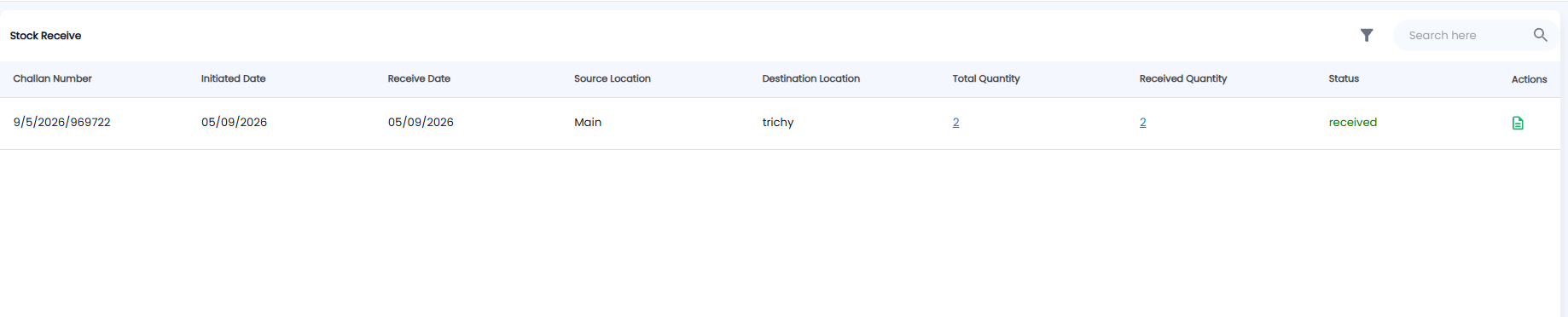
The Stock Receive List
| Column | What it shows |
|---|---|
| Challan Number | The transfer challan, the same number as on Stock Transfer |
| Initiated Date / Receive Date | When the stock was sent, and when it was received |
| Source Location / Destination Location | Where it came from, and where it went |
| Total Quantity | How many units were sent. Click the number to see the products |
| Received Quantity | How many units have been received. Click the number to see them |
| Status | For example received (green) |
| Actions | The document icon opens the transfer |
Use Search here to find a transfer and the filter icon to narrow the list. There is no + here — transfers start on Stock Transfer.
Note: Stock only counts at the destination once it has been received. Until then it does not show as available there on Inventory > Stocks.