
Where do I update my company details in Tazk CRM?
Open Settings › Company Info. The General tab holds your company profile, logo, bank details and address — click the pencil at the top right to edit. Departments lists your departments, and LOV holds the lists used in drop-downs, such as departments and lead sources.
What is on the General tab?
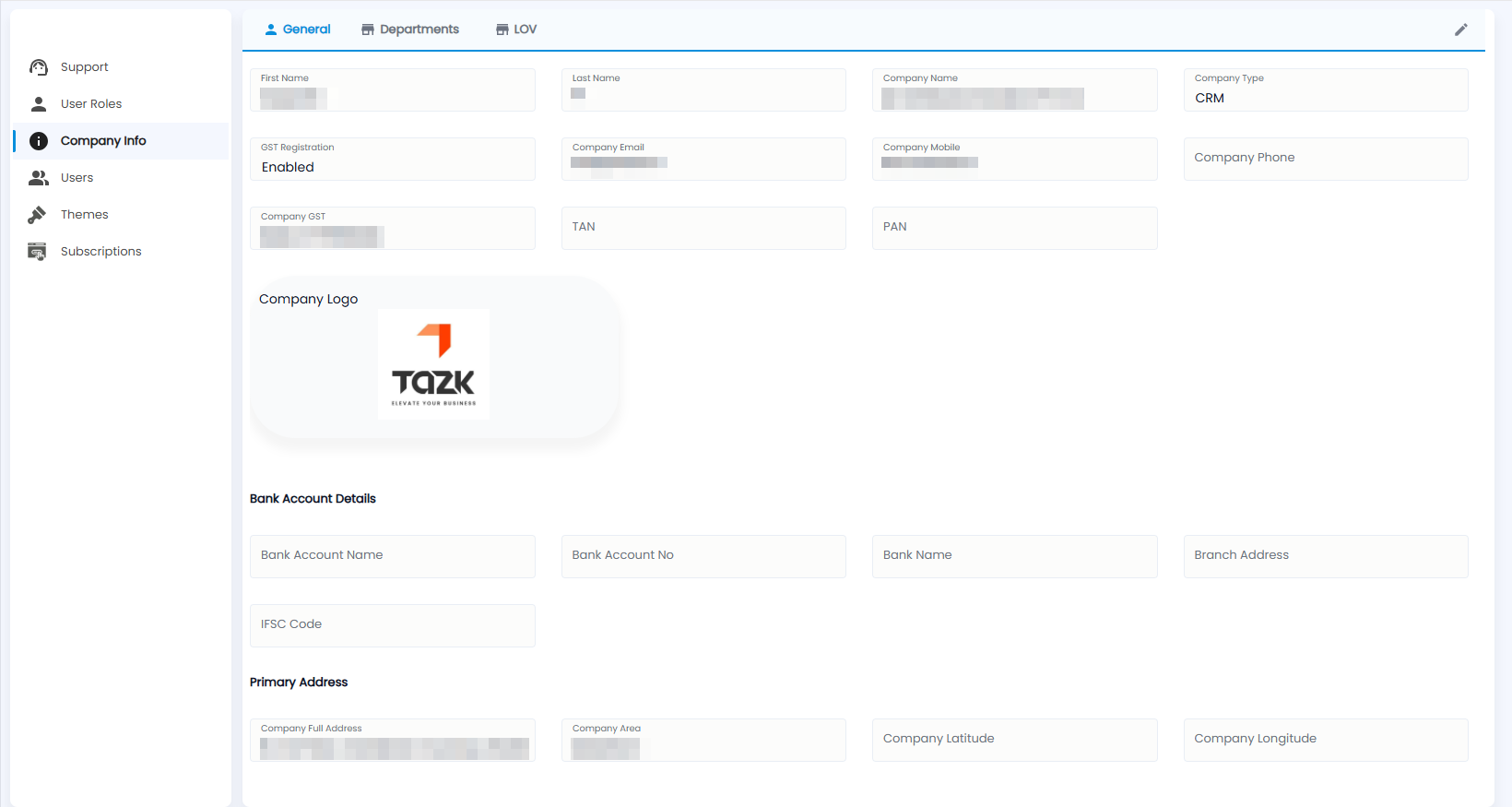
- First Name and Last Name, Company Name and Company Type (CRM).
- GST Registration, Company Email, Company Mobile, Company Phone, Company GST, TAN and PAN.
- Company Logo.
- Bank Account Details — bank account name and number, bank name, branch address and IFSC code.
- Primary Address — the full address, area, latitude and longitude.
Click the pencil at the top right to edit.
How do I manage departments?
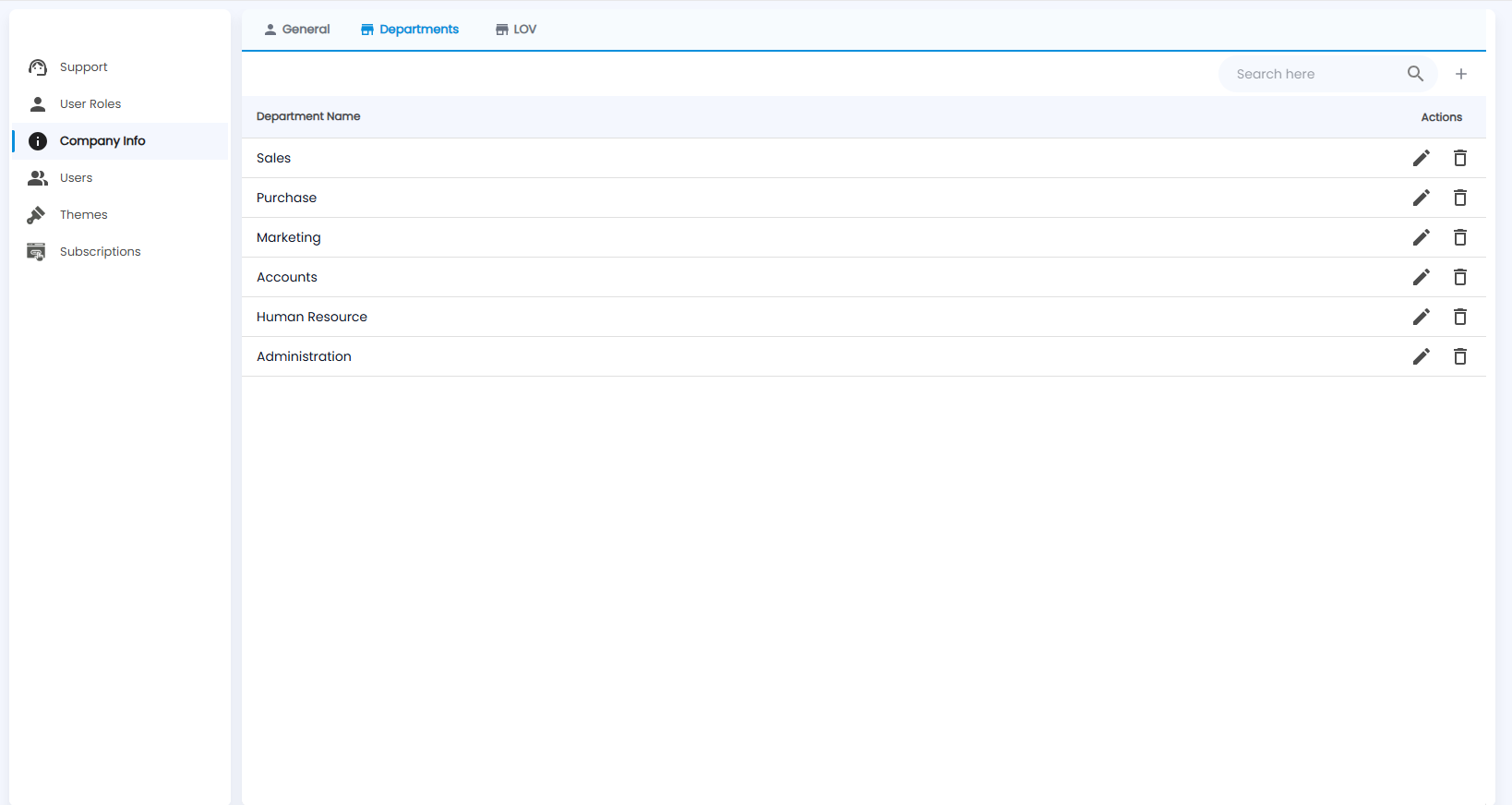
The Departments tab lists your departments, with edit and delete on each and Search here to find one. Click + to add one.
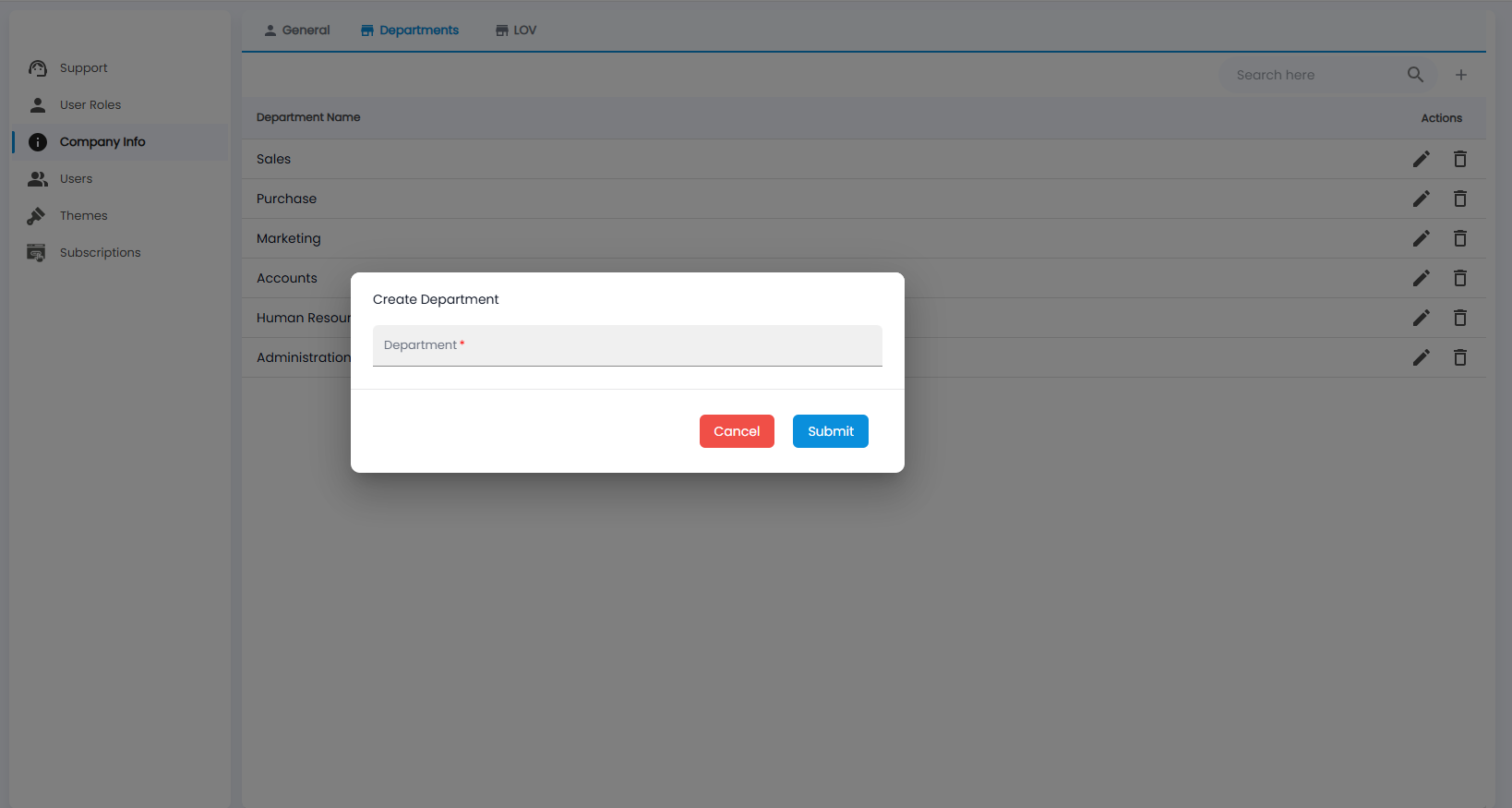
In Create Department, enter the Department name and click Submit, or Cancel.
What is the LOV tab?
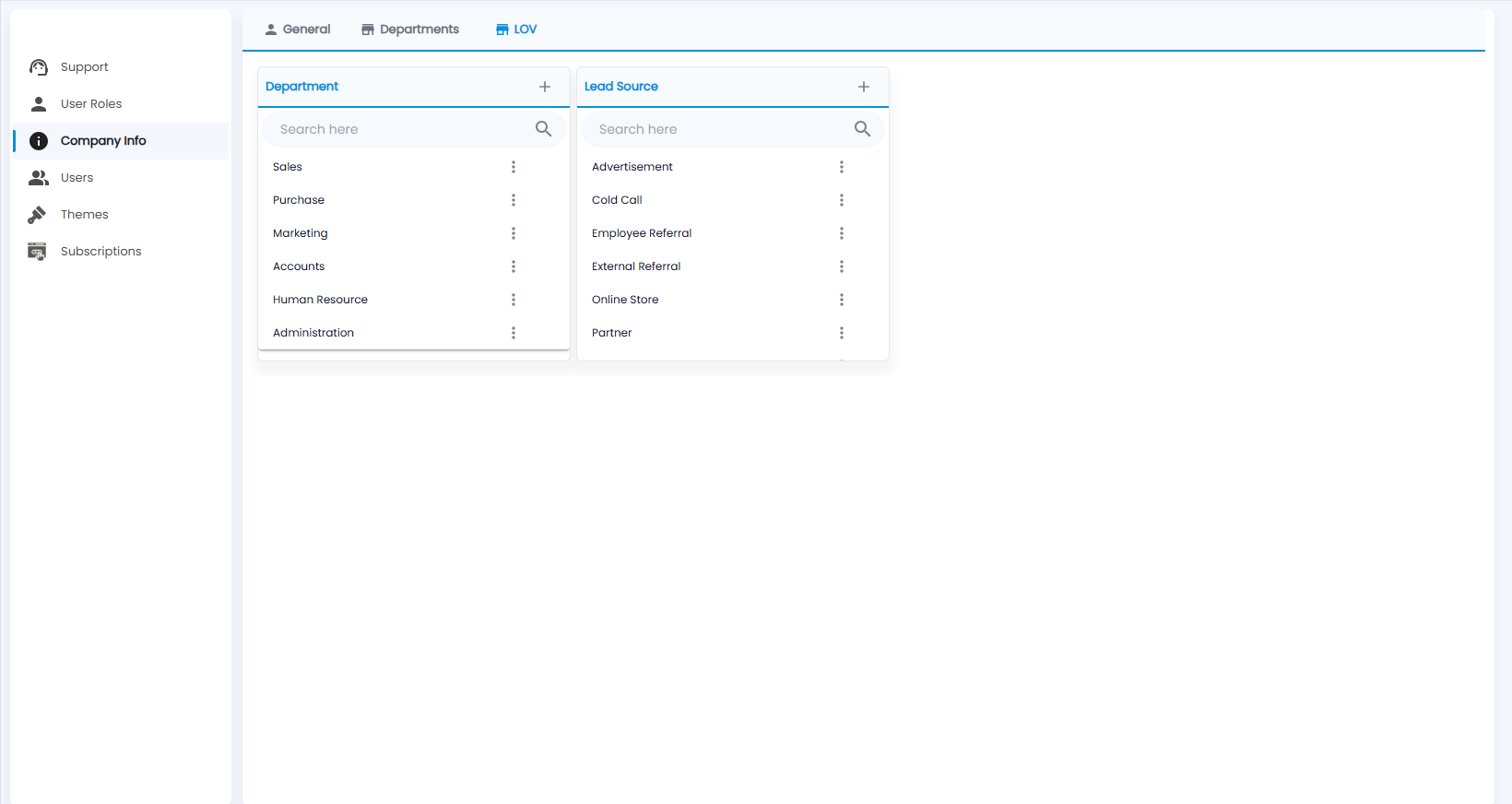
The lists of values used in drop-downs. Department and Lead Source (for example Advertisement, Cold Call, Employee Referral, Partner) each have + to add a value, a search box, and a ⋮ menu on each value.