
How do I add another Tazk product to my account?
Open Settings → Explore Product. Each card describes a Tazk product. Click Know more to see what it does and add it. The product then appears in your product switcher, and the first time you open it, it walks you through its own quick setup.
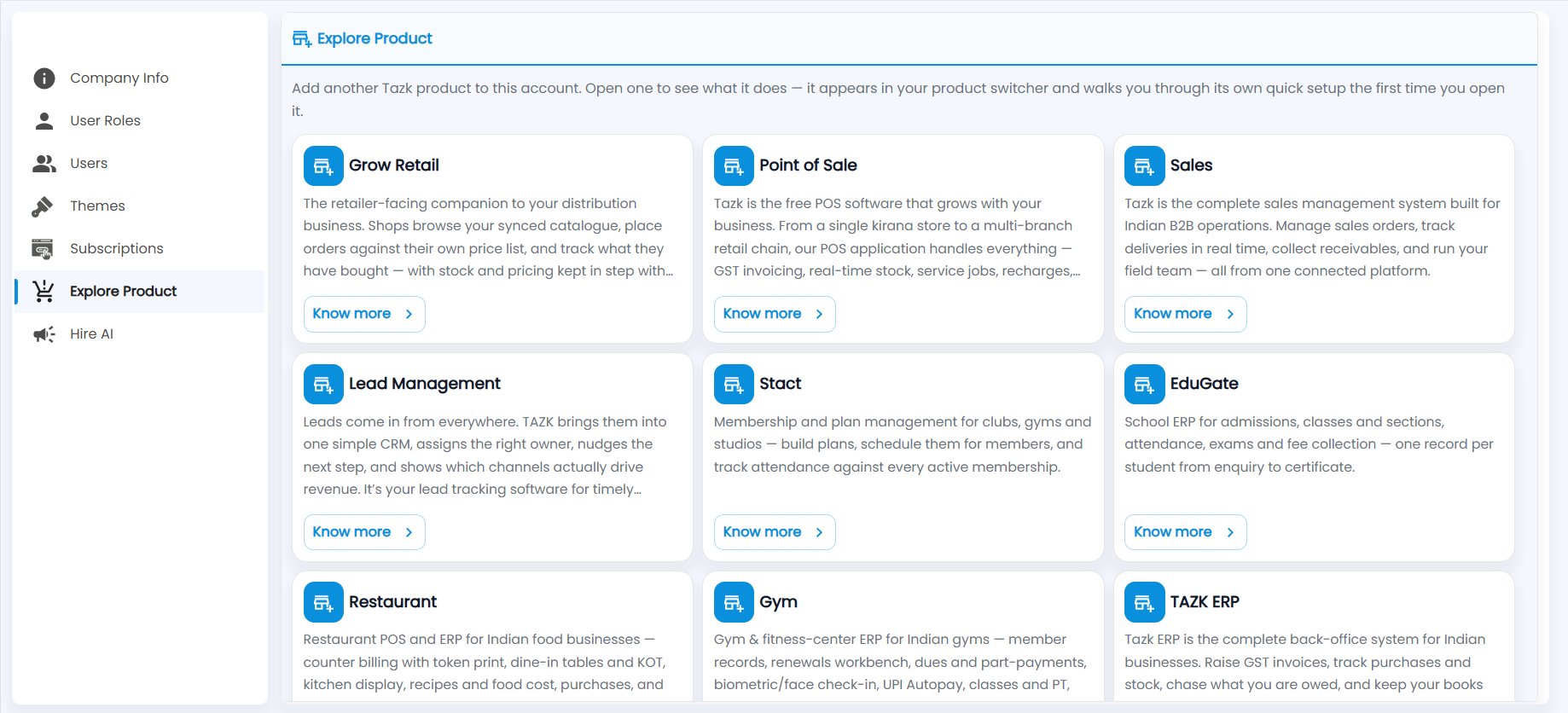
Which products can I add?
| Product | What it is for |
|---|---|
| Grow Retail | A retailer-facing companion to a distribution business: shops browse your catalogue, order against their own price list and track what they have bought. |
| Point of Sale | Free POS software for anything from a single kirana store to a multi-branch chain: GST invoicing, real-time stock, service jobs and recharges. |
| Sales | Sales management for Indian B2B businesses: sales orders, real-time deliveries, receivables and the field team. |
| Lead Management | A simple CRM that gathers leads from every channel, assigns an owner, nudges the next step and shows which channels drive revenue. |
| Stact | Membership and plan management for clubs, gyms and studios, with attendance tracked against each membership. |
| EduGate | School ERP for admissions, classes and sections, attendance, exams and fee collection. |
| Restaurant | Restaurant POS and ERP: counter billing with token print, dine-in tables and KOT, kitchen display, recipes and food cost, and purchases. |
| Gym | Gym and fitness-centre ERP: member records, renewals, dues and part-payments, biometric or face check-in, UPI Autopay, classes and personal training. |
| TAZK ERP | The complete back office: GST invoices, purchases and stock, receivables and the books. |
Scroll down for any further products.