
Overview
Use the Bulk Generate tab to create many codes at once. Each row in your file becomes one code.
Open it from Codes > Bulk Generate.
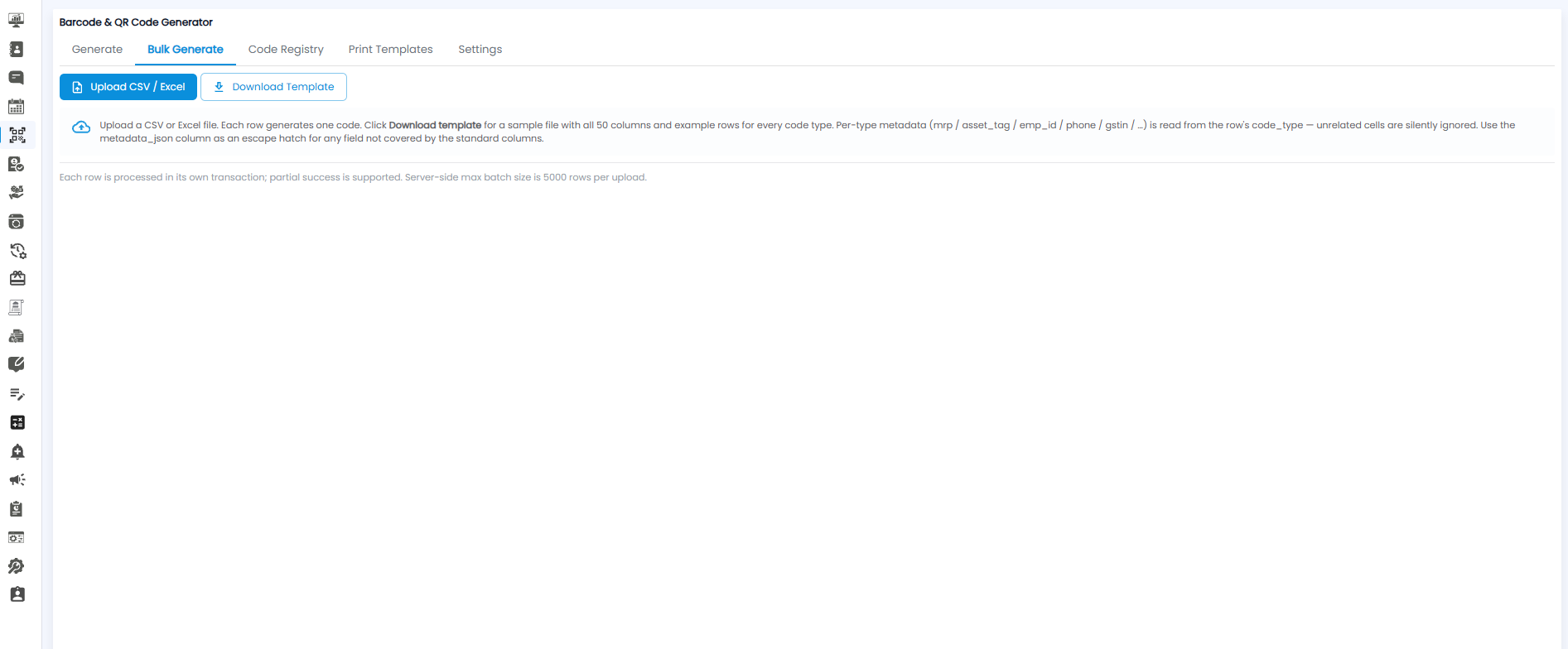
Generating Codes in Bulk
- Click Download Template to get a sample file. It has all 50 columns and example rows for every code type
- Fill in one row for each code you need. Set each row's code_type (for example asset, product, or employee)
- Save the file as CSV or Excel
- Click Upload CSV / Excel and choose your file
The new codes appear in the Code Registry tab.
How Columns Are Read
- Per-type details — columns such as mrp, asset_tag, emp_id, phone, and gstin are read according to the row's code_type. Cells that do not apply to that type are ignored.
- metadata_json — use this column for any extra detail that the standard columns do not cover.
Limits
- Up to 5,000 rows per upload.
- Each row is processed on its own. If some rows fail, the others are still created.
Tip: Start from the downloaded template rather than your own file — the column names must match exactly.