
Overview
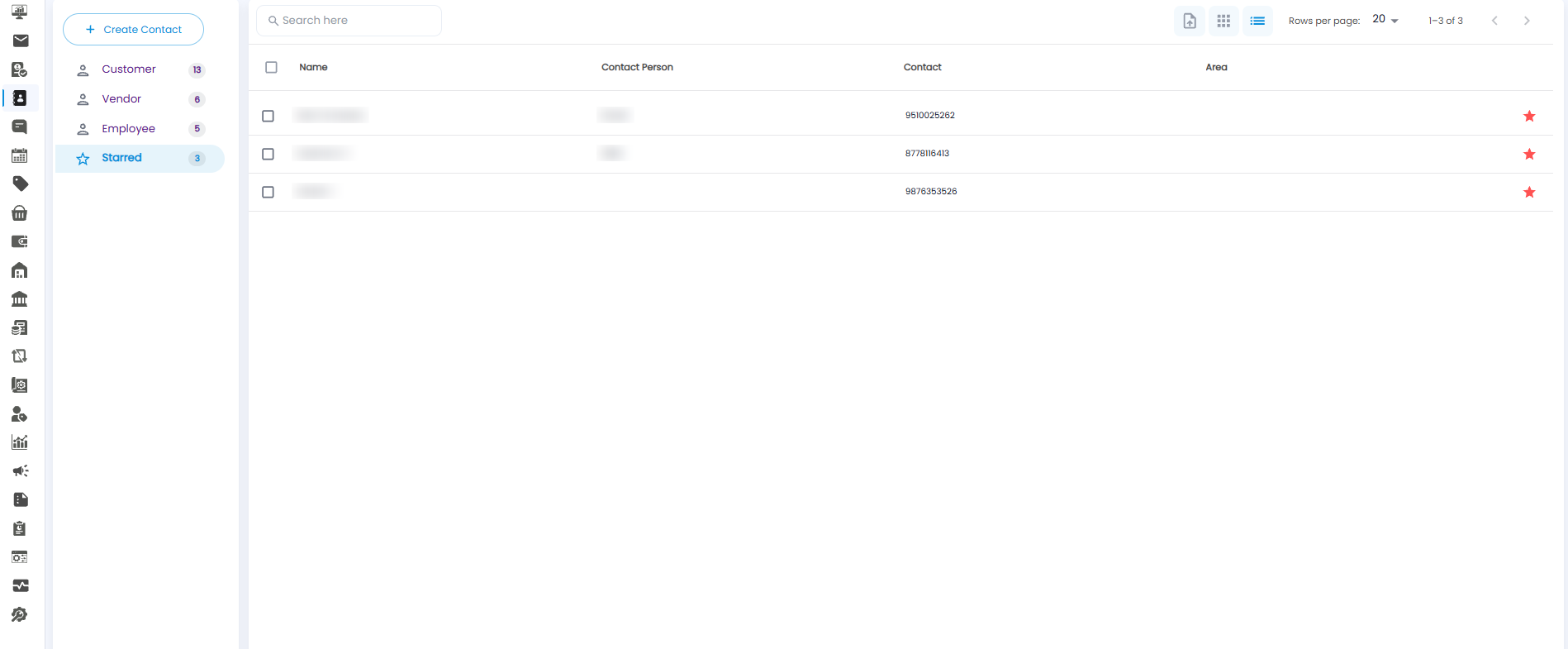
The Starred tab collects the contacts you have marked with a star — customers, vendors, and employees together — so the ones you use most are always one click away. Open Contacts from the sidebar and select Starred. The count beside it shows how many contacts are starred.
Starring and Unstarring a Contact
- On the Customer, Vendor, or Employee tab, click the empty star at the end of a row. It fills in, and the contact is added to Starred.
- Click a filled star again to remove the contact from Starred.
The Starred List
The list has the same columns as the Customer and Vendor tabs — Name, Contact Person, Contact, and Area — and the same toolbar: Search here, the Grid / List views, and Rows per page.
Tip: Star your regular customers and key vendors — it is the fastest way to reach them when you are billing or placing an order.