
Overview
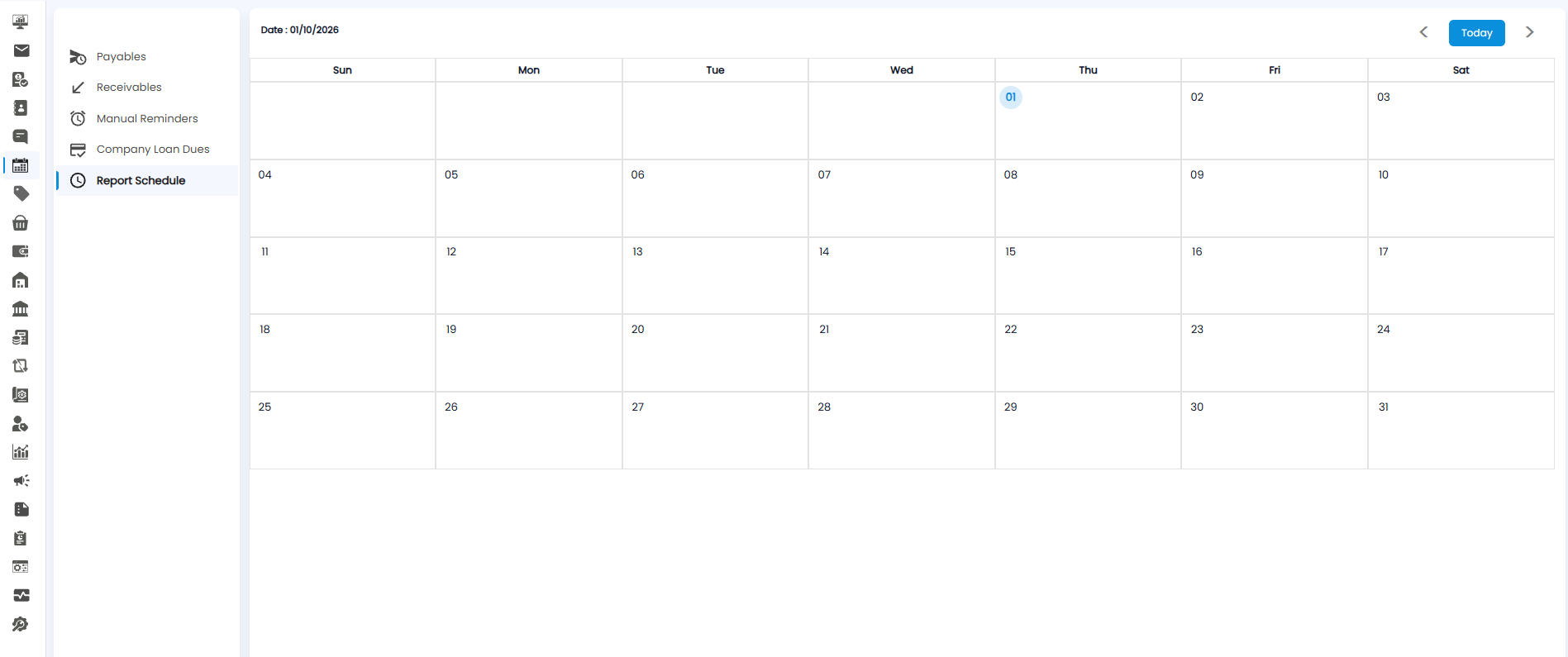
Report Schedule shows the reports that are scheduled to run, on the day each one is due. Open Calendar from the sidebar and click Report Schedule in the left panel.
Reading the View
Each scheduled report appears on its run date. If nothing is scheduled for the month, the calendar is empty, as in the screenshot above.
Use <, >, and Today to move between months.
Tip: Check Report Schedule before a month-end review to see which reports will be ready and when.