
Overview
Receivables shows the payments your customers owe you, on the day each one falls due. Open Calendar from the sidebar and click Receivables in the left panel.
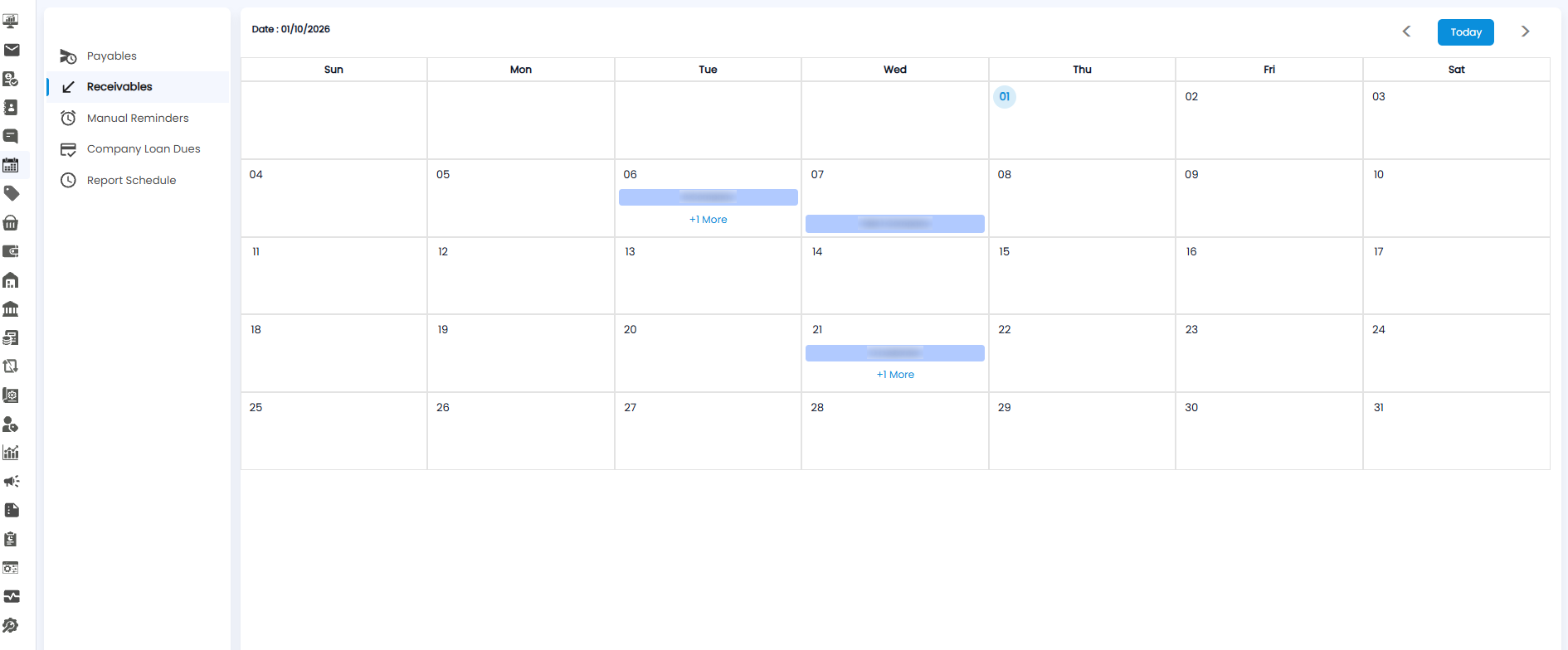
Reading the Receivables View
- Each blue bar is a payment due from a customer, showing the customer's name — for example B Company on the 6th and Test 1 Company on the 7th.
- When several customers are due on the same day, the first one is shown with +1 More (or more) underneath. Click it to see them all.
Use <, >, and Today to move between months, the same as in every Calendar view.
Tip: Use Receivables to plan your collection calls — follow up with customers a day or two before their payment is due.