
Overview
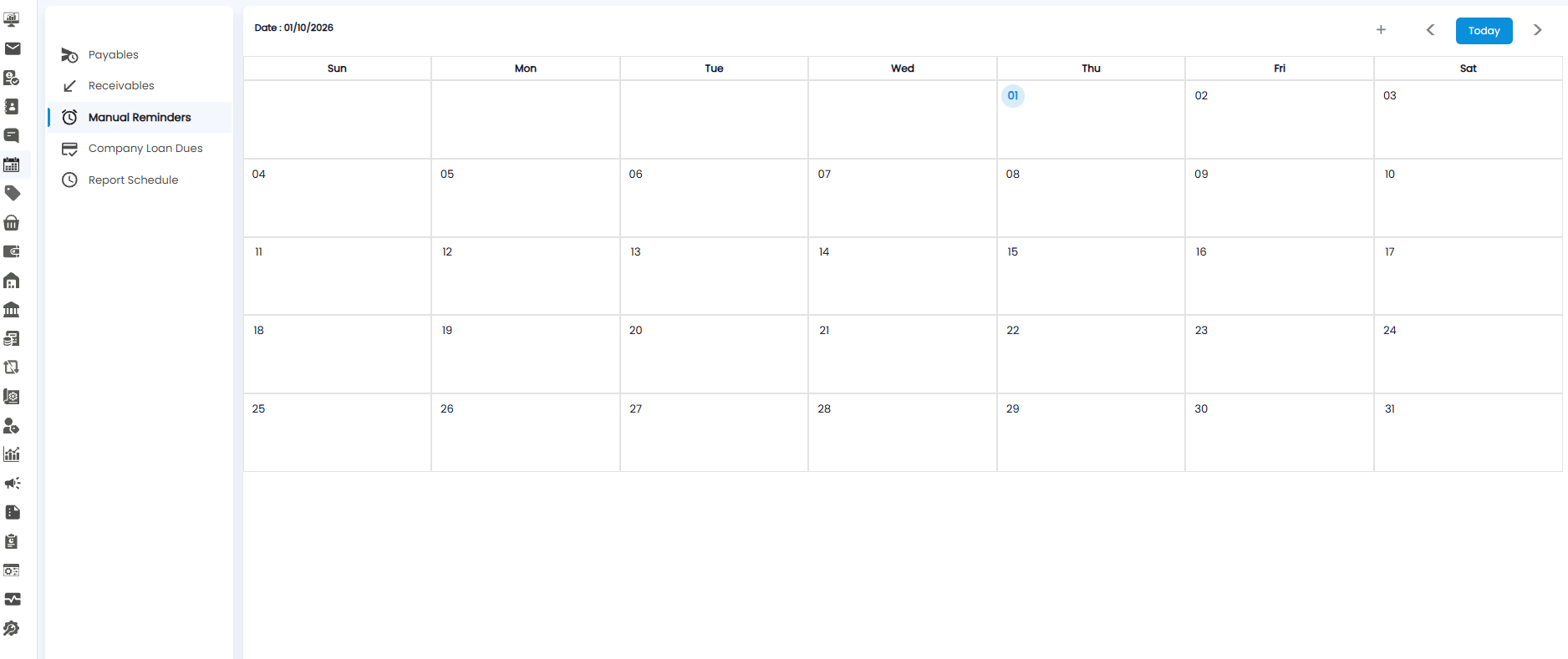
Manual Reminders is for reminders you add yourself — a follow-up call, a meeting, or anything else you need to remember on a particular day. Open Calendar from the sidebar and click Manual Reminders in the left panel.
Adding a Reminder
Click the + button at the top right, next to the month arrows, and fill in the reminder. It then appears on the calendar on the day you chose.
This is the only Calendar view with a + button — the other views fill in on their own from your bills, invoices, loans, and report schedules.
Viewing Your Reminders
Use <, >, and Today to move between months. If a day has more reminders than fit, click +1 More to see the rest.
Tip: Add a reminder for anything that is not already in Tazk — for example a promised call-back to a customer.