
Themes
Open Settings > Themes to change how the application looks. The page is titled Customize Themes.
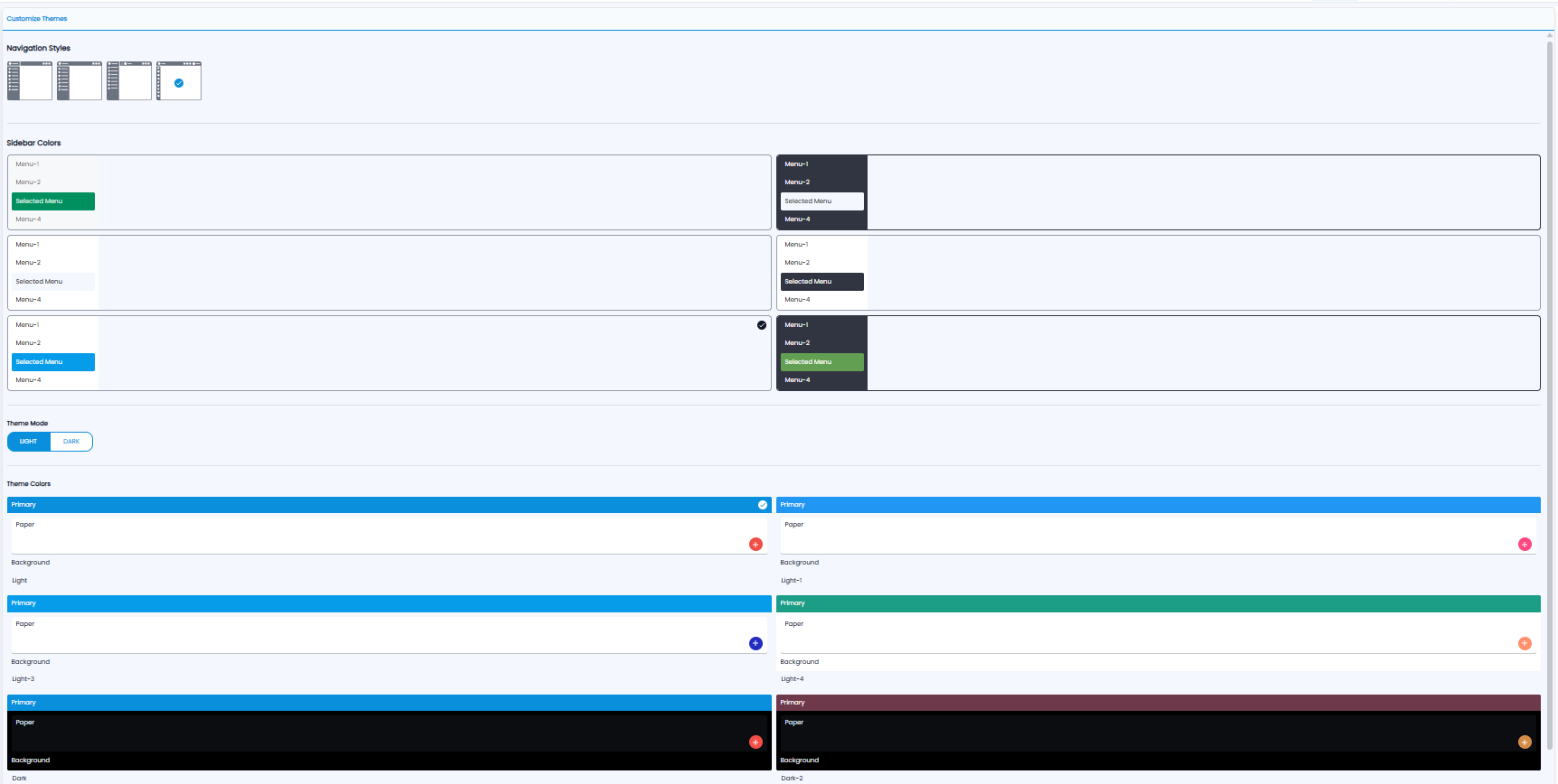
| Setting | What it changes |
|---|---|
| Navigation Styles | The layout of the menu — four styles |
| Sidebar Colors | The colour of the sidebar and the selected menu item |
| Theme Mode | Light or Dark |
| Theme Colors | The main colour, page background, and button colours |
Click an option to choose it. A tick marks the one in use.
Subscriptions
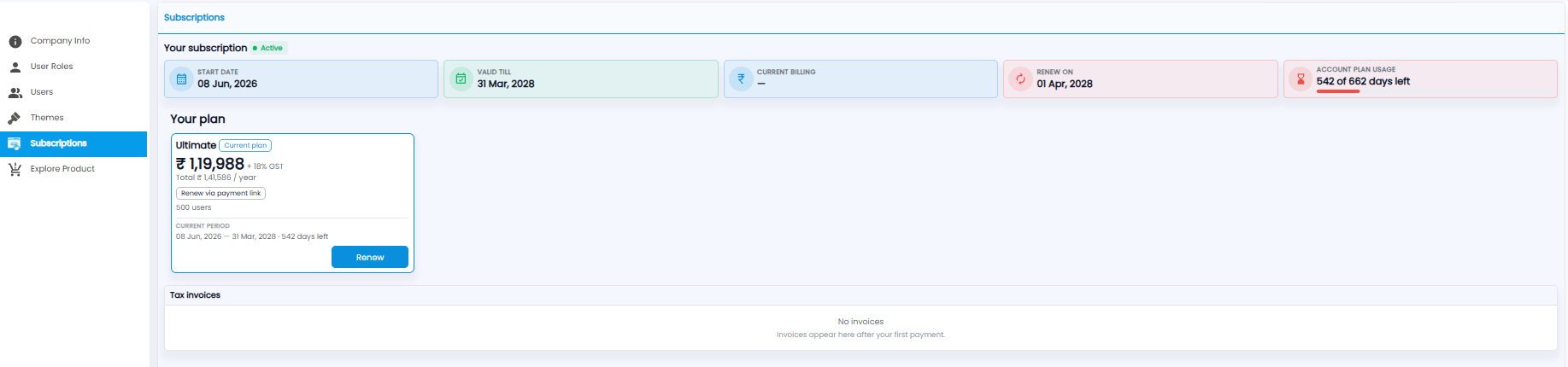
- Your subscription — Start Date, Valid Till, Current Billing, Renew On, and Account Plan Usage (days left, with a bar)
- Your plan — the plan name (marked Current plan), its price plus 18% GST and the yearly total, how many users it allows, and the current period. Click Renew, or Renew via payment link
- Tax invoices — a GST invoice for every payment, listed after your first payment
Explore Product
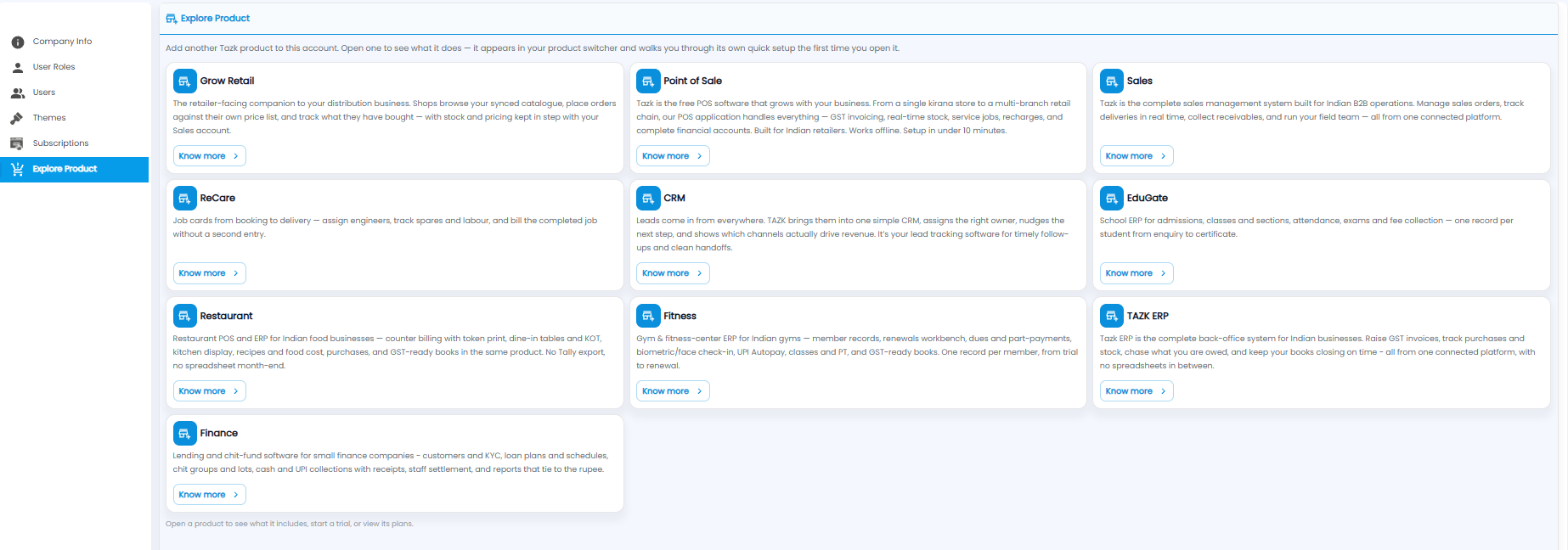
Add another Tazk product to this account — for example Sales, Point of Sale, CRM, TAZK ERP, ReCare, Grow Retail, EduGate, Restaurant, Fitness, or Finance. Click Know more to see what a product includes, start a trial, or view its plans. Once added, it appears in your product switcher and walks you through its own quick setup the first time you open it.