
The Settings Page
Click Settings in the sidebar. The sections are listed on the left:
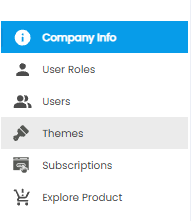
| Section | What it is for |
|---|---|
| Company Info | Company details, departments, locations, department heads, and lists of values (this article) |
| User Roles | What each role can see and do |
| Users | The people who can sign in |
| Themes | How Tazk Projects looks |
| Subscriptions | Your Tazk plan |
| Explore Product | Other Tazk products you can add |
Company Info
Open Settings > Company Info. It has five tabs: General, Departments, Locations, Departments Head, and LOV.
General
Your company's details. Click the pencil at the top right to edit them.
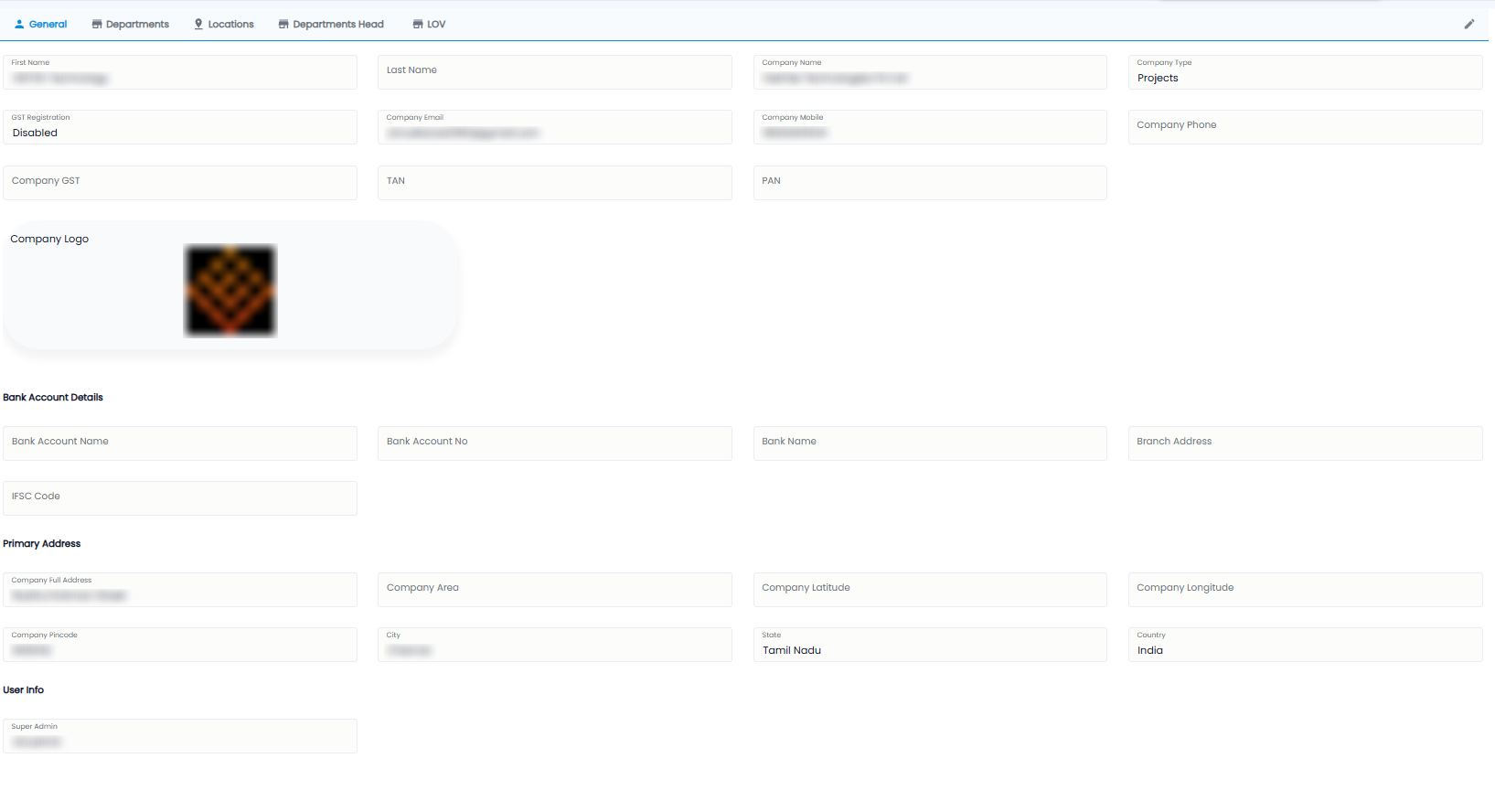
| Section | Fields |
|---|---|
| Company | First Name and Last Name, Company Name, Company Type (for example Projects), GST Registration, Company Email, Company Mobile, Company Phone, Company GST, TAN, PAN, and the Company Logo |
| Bank Account Details | Bank Account Name, Bank Account No, Bank Name, Branch Address, IFSC Code |
| Primary Address | Company Full Address, Area, Latitude / Longitude, Pincode, City, State, Country |
| User Info | The Super Admin user name |
Departments
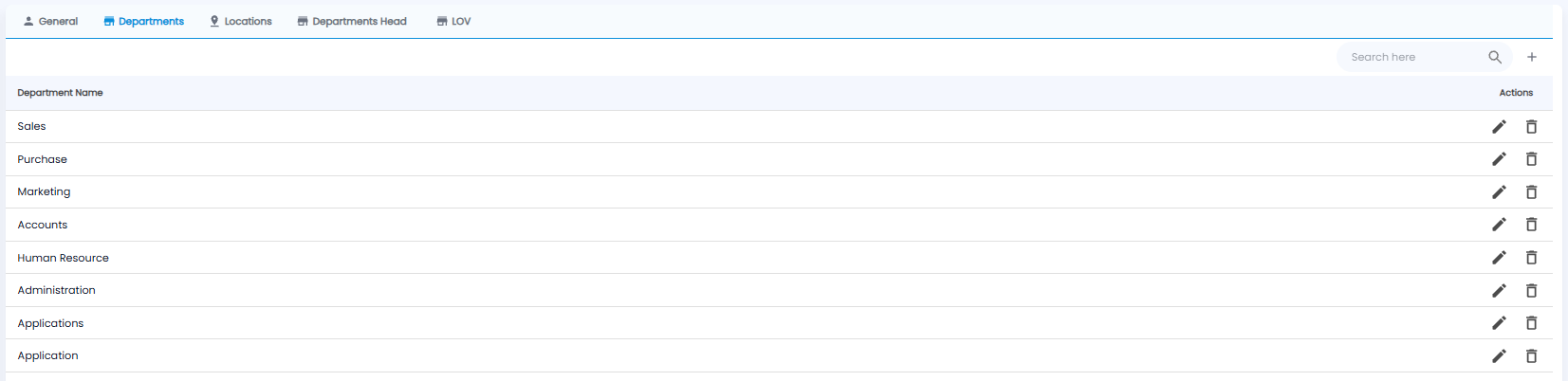
Your departments, for example Sales, Accounts, or Applications. Click + to add one, the pencil to rename it, and the bin to delete it. Departments are used for employees, department heads, and announcements.
Locations
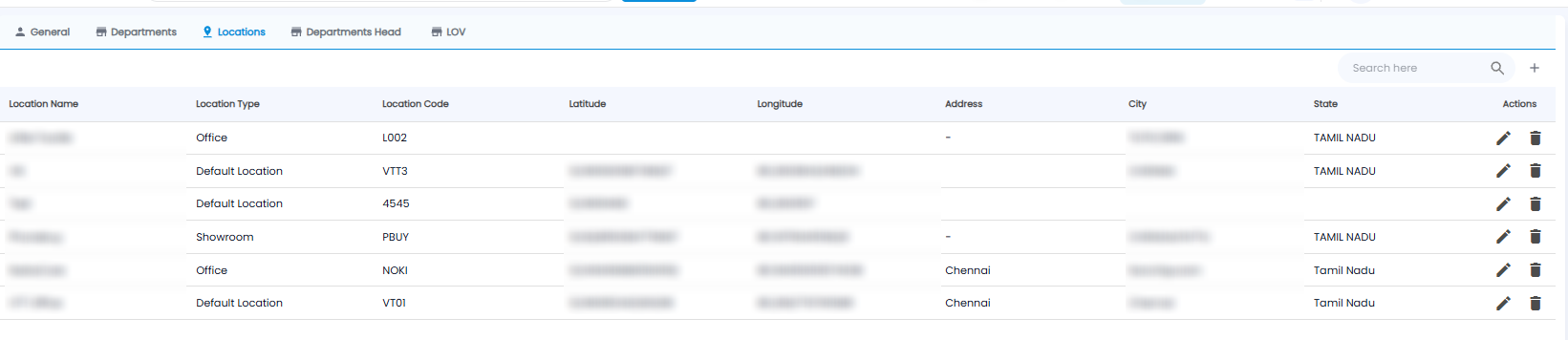
Every office or site your team works from. Each row shows the Location Name, Location Type (for example Office, Showroom, or Default Location), Location Code, Latitude / Longitude, Address, City, and State. Click + to add one:
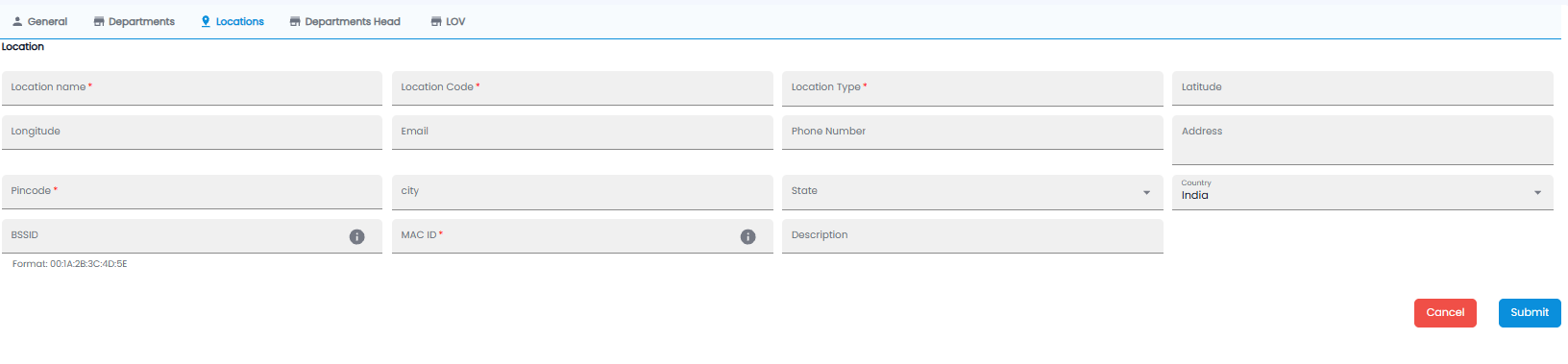
| Field | Required | Description |
|---|---|---|
| Location name / Location Code / Location Type | Yes | The name, a short code, and the kind of location |
| Latitude / Longitude | No | The location on the map |
| Email / Phone Number / Address | No | Contact details |
| Pincode | Yes | The pincode |
| City / State / Country | No | Country is India by default |
| BSSID | No | A network identifier, in the format 00:1A:2B:3C:4D:5E. Hover the ⓘ for details |
| MAC ID | Yes | A device network identifier. Hover the ⓘ for details |
| Description | No | Any notes |
Click Submit, or Cancel.
Departments Head
Who leads each department. The tab lists each department with its head and their role. Click + to add one:
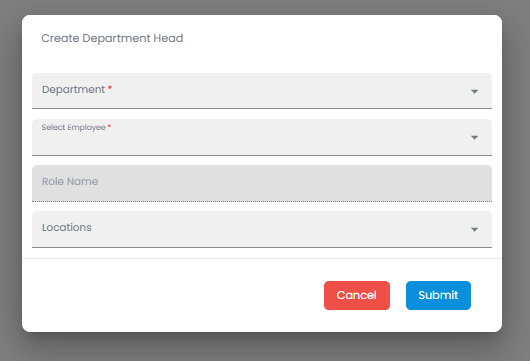
- Pick the Department*
- Pick the employee under Select Employee*. Their Role Name fills in by itself
- Pick the Locations they head the department for
- Click Submit, or Cancel
LOV (Lists of Values)
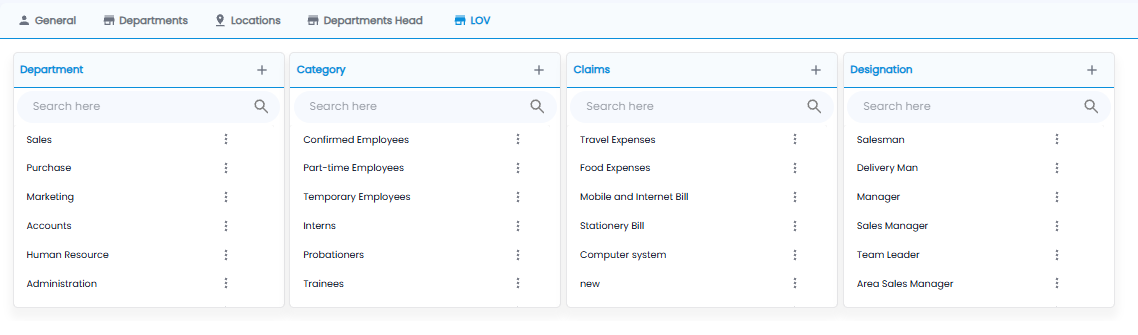
LOV holds the lists that fill drop-downs across Tazk Projects. Each list has its own + to add a value, a search box, and ⋮ next to each value to edit or remove it.
| List | Used for |
|---|---|
| Department | Departments, for example Sales or Human Resource |
| Category | Employee categories, for example Confirmed Employees, Interns, or Trainees |
| Claims | Expense claim types, for example Travel Expenses or Food Expenses |
| Designation | Job titles, for example Manager or Team Leader |