
How do I sign in to Tazk CRM?
Open app.tazk.in in your browser, enter your User Name, which starts with your company's prefix (for example jps.priya), and your Password, then click Sign In. If multi-factor authentication is on for your account, enter the one-time code sent to your email and click Verify OTP. You land on the CRM dashboard. If you forget your password, click Forget Your Password? to reset it with a code sent to your email.
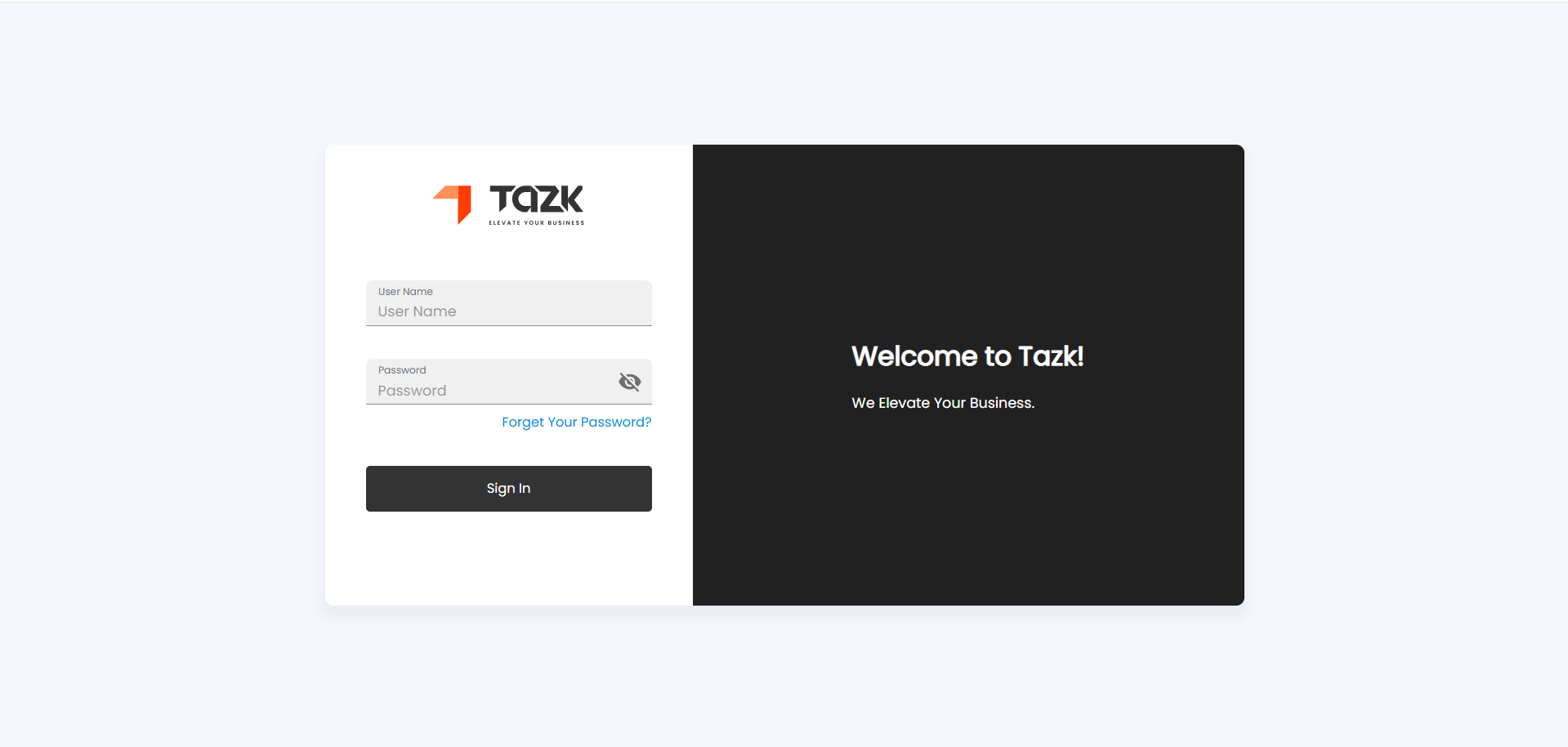
How do I sign in?
- Open app.tazk.in.
- Enter your User Name. It starts with your company's prefix and a dot — for example jps.priya. Your Administrator gives it to you.
- Enter your Password. Click the eye icon to check what you typed.
- Click Sign In.
You land on the Dashboard — see Dashboard Overview. The first time an Administrator signs in to a new company, a welcome screen (Let's get started) and a short setup come first.
Why am I asked for an OTP?
Your account has multi-factor authentication switched on. After you click Sign In, a code is sent to the email address on your account.
- Type the code into OTP.
- Click Verify OTP.
- No email? Wait for Resend OTP to become available (30 seconds) and click it.
You can switch multi-factor authentication on or off for yourself in My Account — see Managing Your Account.
How do I reset a forgotten password?
- On the sign-in page, click Forget Your Password?.
- Enter your Username and click Send OTP. A six-digit code goes to the email address on your account.
- Enter the code and click Verify OTP.
- Type your New Password twice and click Update Password. You are taken back to the sign-in page.
A new password needs at least 8 characters, with an upper-case letter, a lower-case letter, a number and a special character (such as # ? ! @ $ % ^ & * -).
What do the sign-in messages mean?
| Message | What to do |
|---|---|
| Username Or Password Invalid | Check the company prefix in your user name and the password, then try again. |
| Too many failed attempts. Please try again after 15 minutes. | Three wrong passwords lock sign-in for 15 minutes. Wait, or reset your password. |
| Invalid OTP.Please Try Again | Type the latest code from your email, or click Resend OTP. |
| Subscription Required or Permission Denied | Your company's plan or your role does not include this app. Ask your Administrator. |
Why do colleagues see different menus?
What you see depends on your role. Tazk CRM starts with Administrator, Manager, Salesman and Employee, and an Administrator can also use Marketing Manager and Telecaller. With the Service Desk add-on there are also Service Admin, Support Manager and Support Agent. Your company's plan decides which menus exist at all.