
Overview
Change History is the audit log for depreciation. It lists every event for a financial year — such as applying depreciation, correcting a figure by hand, locking, or reopening the year — so you can see what changed, who changed it, and why.
Open it from the sidebar: Depreciation > Change History.
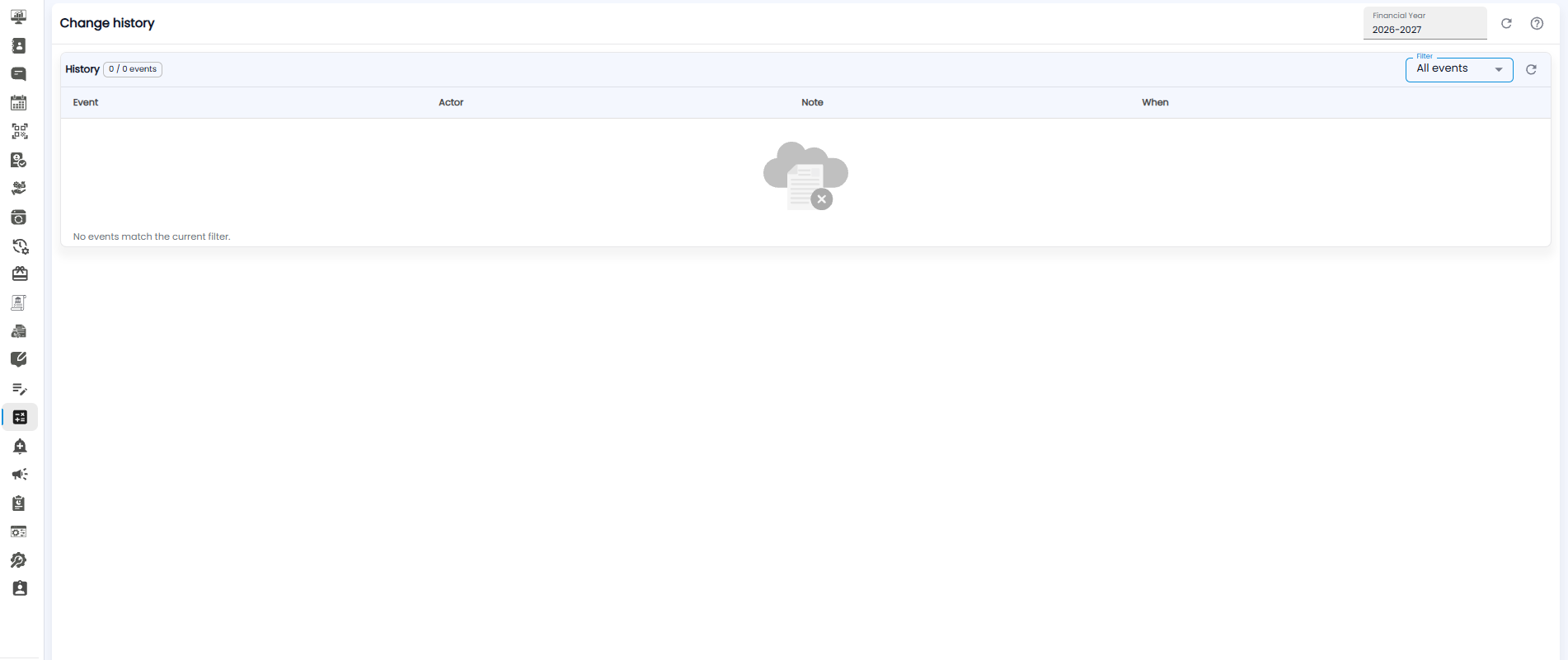
Choosing the Year and Filtering
- Financial Year — at the top right, pick the year whose history you want to see.
- Filter — choose which kind of event to show. All events is selected by default.
- Refresh icons — reload the history.
The badge next to History shows how many events are listed out of the total, for example 0 / 0 events.
History Columns
| Column | What it shows |
|---|---|
| Event | What happened |
| Actor | Who did it |
| Note | The reason or comment given, for example the reason for reopening a locked year |
| When | The date and time it happened |
If nothing matches the year and filter, the page shows No events match the current filter.
Note: A locked year can only be reopened with a reason. That reason appears here in the Note column, so every change to a finalized year can be traced.