The Cash & Bank Menu
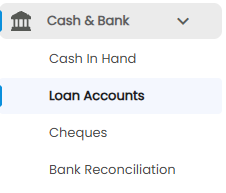
Click Cash & Bank in the sidebar to expand it. It has four sub-menus, each covered by its own article:
| Sub-menu | What it is for |
|---|---|
| Cash In Hand | Balances and entries for your cashboxes and bank accounts (this article) |
| Loan Accounts | Loans your company has taken, with EMIs and what is still outstanding |
| Cheques | Cheques received from customers, and where each one stands |
| Bank Reconciliation | Matching your entries against the bank statement |
The Cash In Hand Page
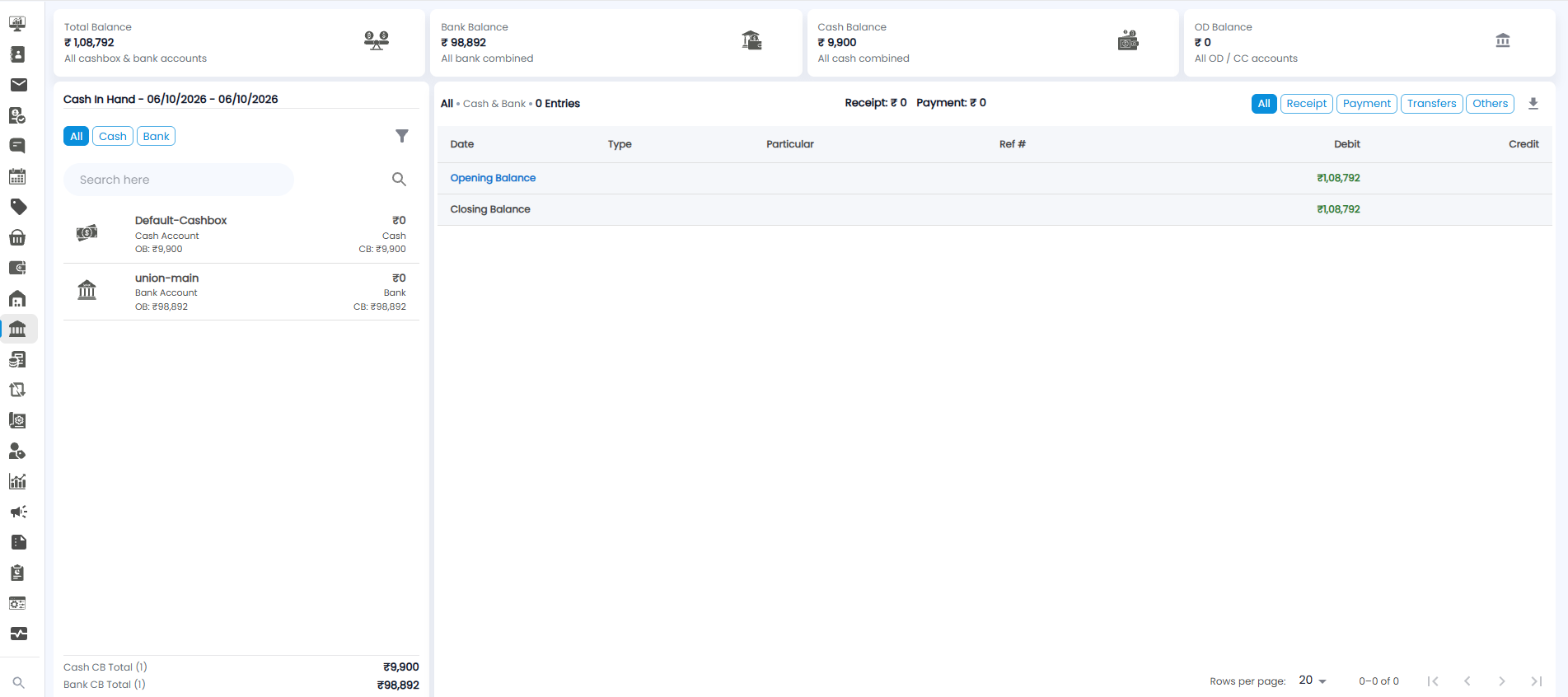
Open Cash & Bank > Cash In Hand. The page has three parts: balance tiles across the top, your accounts on the left, and the entries on the right.
Balance Tiles
| Tile | What it shows |
|---|---|
| Total Balance | All your cashboxes and bank accounts together |
| Bank Balance | All bank accounts combined |
| Cash Balance | All cash accounts combined |
| OD Balance | All overdraft (OD) and cash credit (CC) accounts |
Your Accounts
The heading shows the period, for example Cash In Hand - 06/10/2026 - 06/10/2026. Use the filter icon to change it, and Search here to find an account.
Each account shows its name (for example Default-Cashbox or union-main), its type (Cash Account or Bank Account), and:
- OB — the opening balance at the start of the period
- The amount at the top right — the movement in the period
- CB — the closing balance at the end of the period
At the bottom, Cash CB Total and Bank CB Total add up the closing balances, with the number of accounts in brackets.
Entries
The right side lists the entries for what you have chosen on the left. The heading shows your choice and the number of entries, for example All • Cash & Bank • 0 Entries, with the period's total Receipt and Payment.
- Filter by type with All, Receipt, Payment, Transfers, and Others
- The columns are Date, Type, Particular, Ref #, Debit, and Credit
- Opening Balance is the first line and Closing Balance the last, with the entries in between
- The download icon downloads the list. It shows 20 rows per page
Cash Only
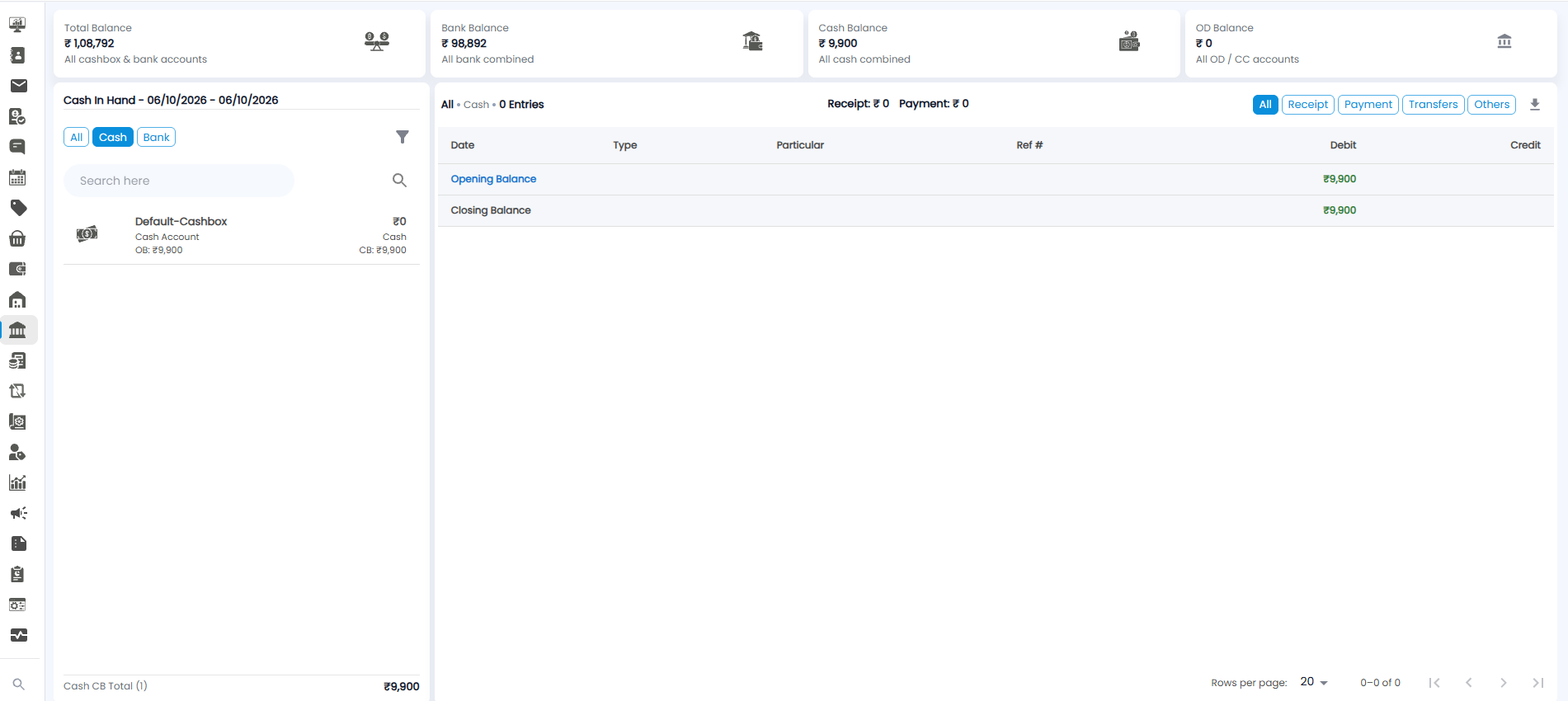
Click Cash on the left to see only your cash accounts. The entries heading changes to All • Cash, and only Cash CB Total is shown at the bottom.
Bank Only
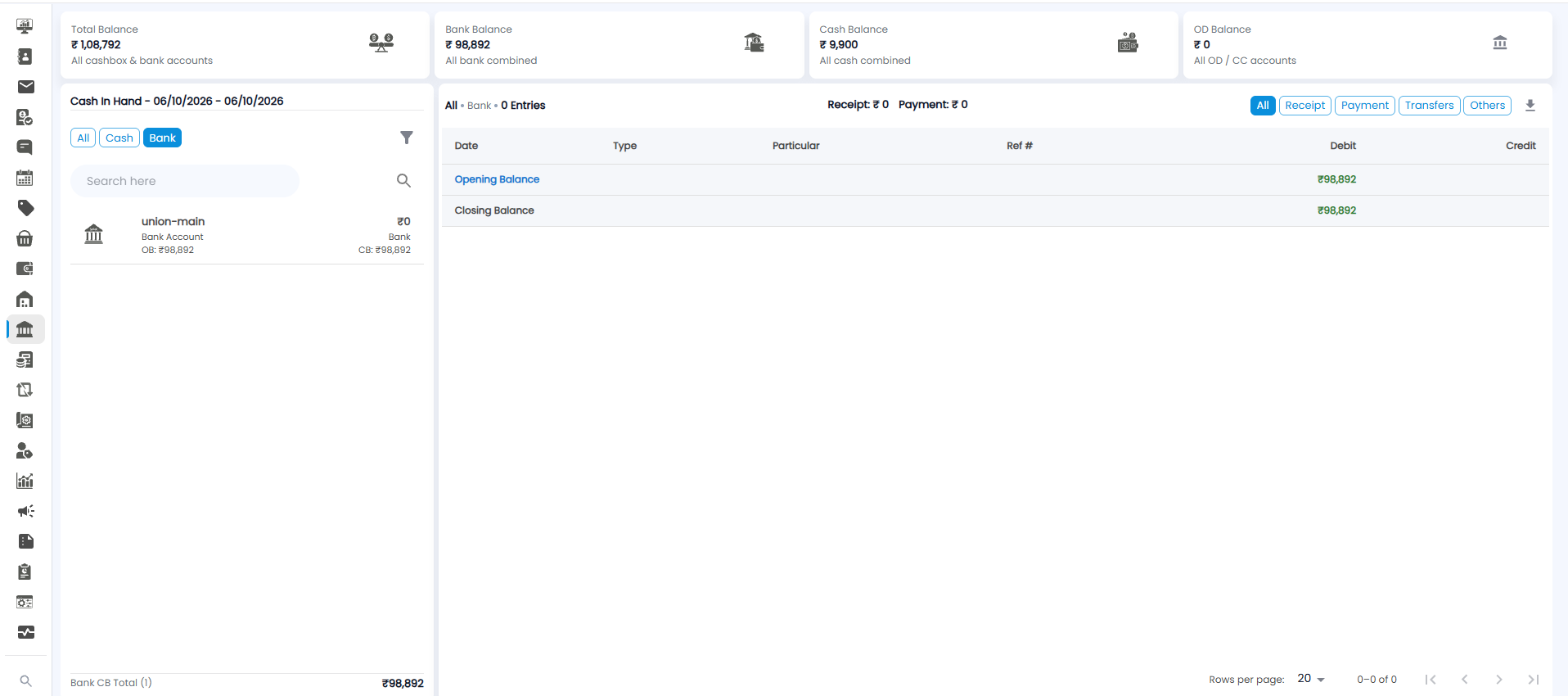
Click Bank to see only your bank accounts. The entries heading changes to All • Bank, and only Bank CB Total is shown at the bottom.