
How do I create a report in Tazk CRM?
Open Reports and click +. Give the report a name and choose its type — for example Deal Forecast — and click Create. Then run it from the ⋮ menu on its row to see the result. Results always respect what each person may see.
What does the Reports screen show?
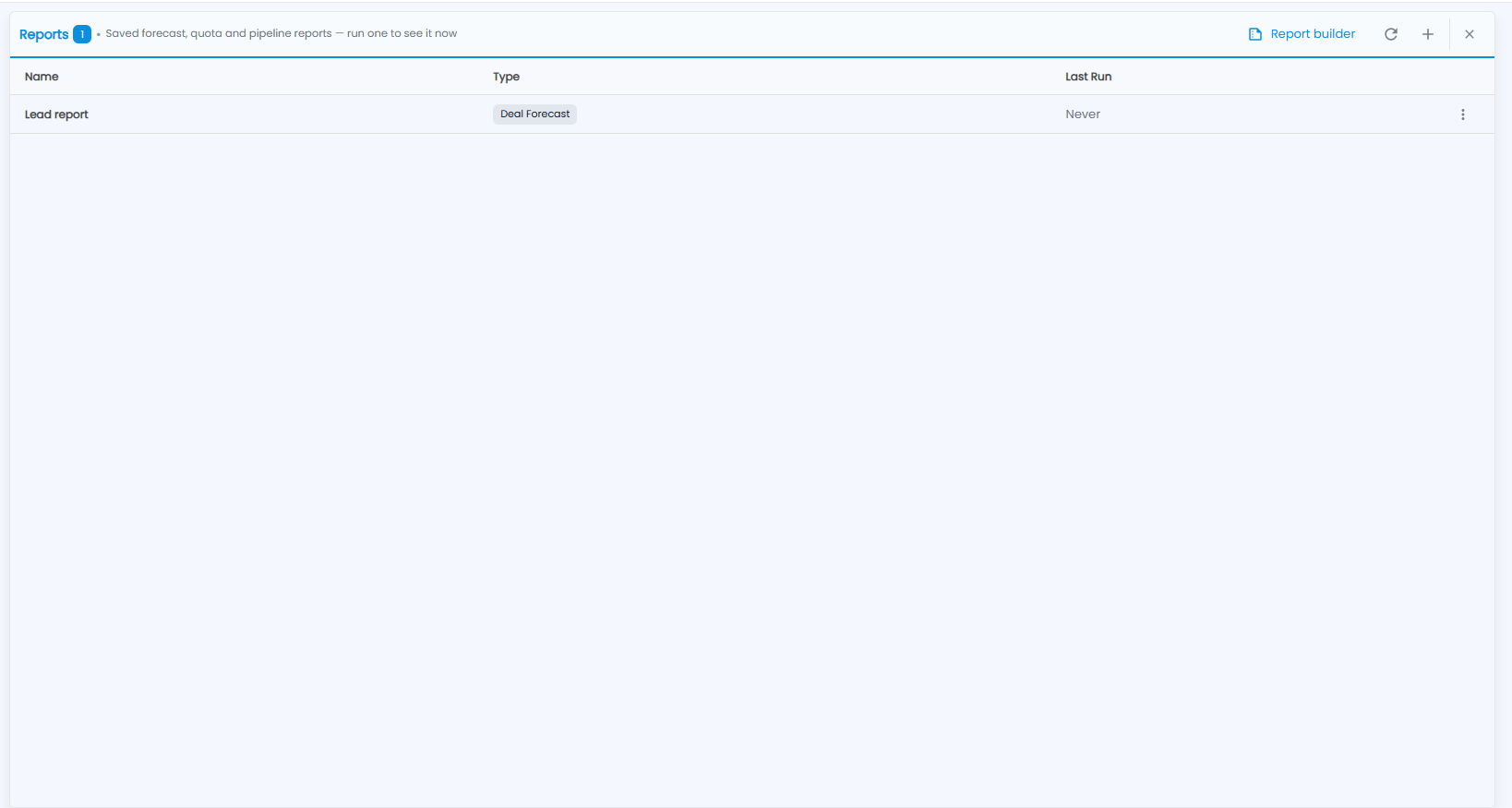
Saved forecast, quota and pipeline reports — run one to see it now. The number next to the title is how many reports are saved. Each row shows the Name, the Type and Last Run (Never until it has been run), with a ⋮ menu to run or delete it.
At the top right are Report builder (for designing your own report), refresh and + for a new report.
How do I create a report?
Click +. Pick what to measure; results always respect what each person may see.
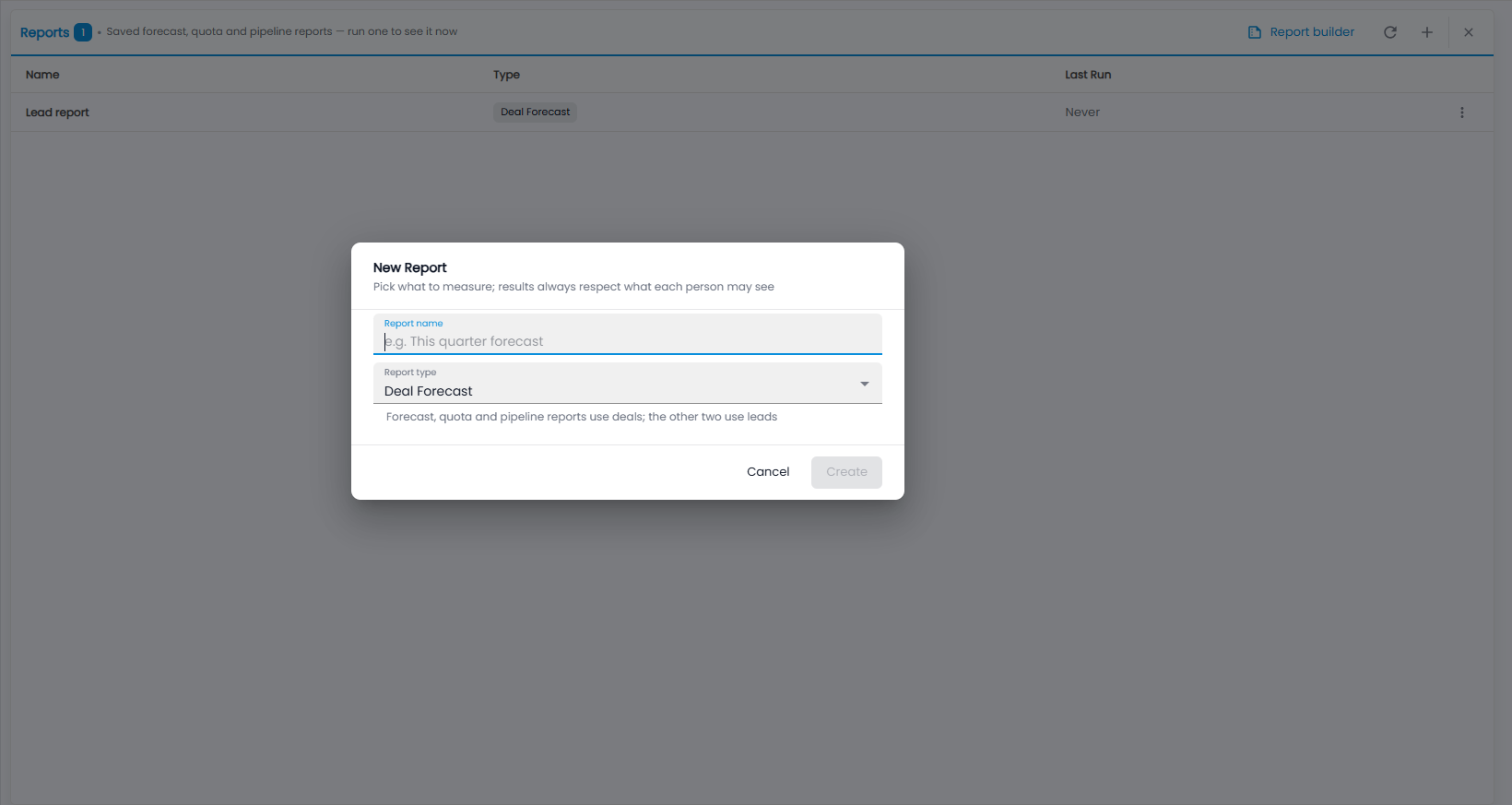
- Report name — for example “This quarter forecast”.
- Report type — Deal Forecast, Quota Attainment, Pipeline Summary, Leads by Source or Leads by Lost Reason. Forecast, quota and pipeline reports use deals; the other two use leads.
- Click Create, or Cancel.
Then open the report's ⋮ menu and run it.