
The Schemes Menu
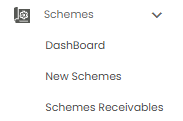
A scheme is an offer from a vendor or brand: reach a target in a period — for example buy between 100 and 200 units — and the vendor pays you an award. Click Schemes in the sidebar to expand it. It has three sub-menus, each covered by its own article:
| Sub-menu | What it is for |
|---|---|
| DashBoard | Your schemes for a month at a glance (this article) |
| New Schemes | Your list of schemes, and adding a new one |
| Schemes Receivables | Scheme awards still to be received |
The Scheme Dashboard
Open Schemes > DashBoard. The page is titled Scheme Dashboard.
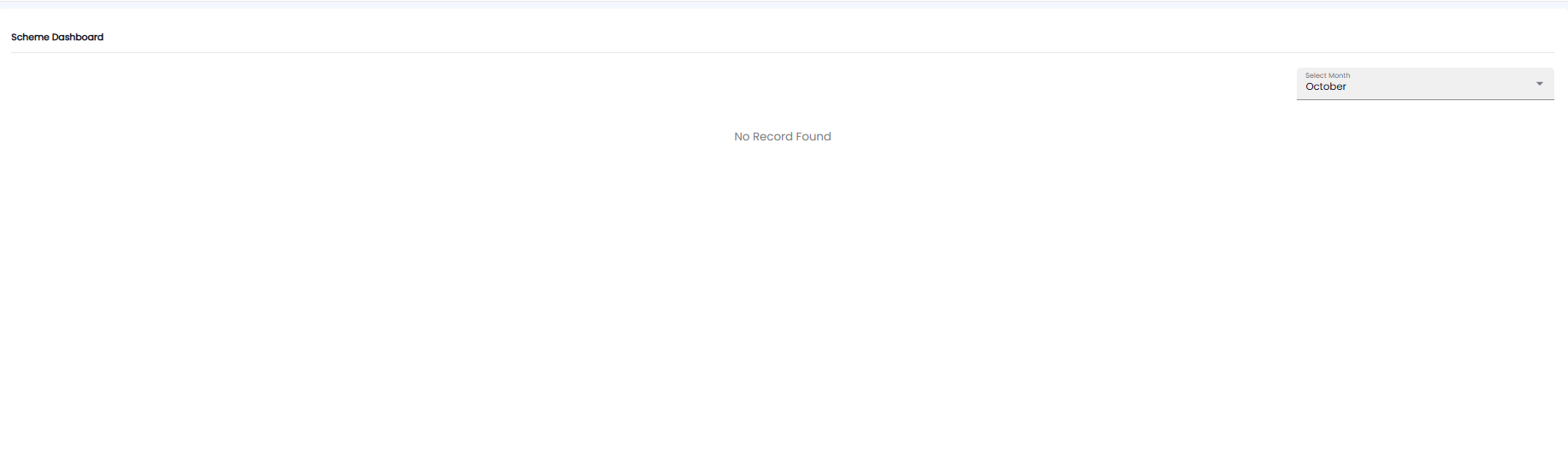
Pick a month from Select Month at the top right — the current month is chosen for you. The dashboard shows the schemes running in that month. If there are none, it says No Record Found.
Tip: If the dashboard is empty, check the From and To dates of your schemes on New Schemes — a scheme only shows in the months it runs.