
Overview
Delivery Planning is where a delivery person plans their route and marks deliveries. Open Sales > Delivery Planning.
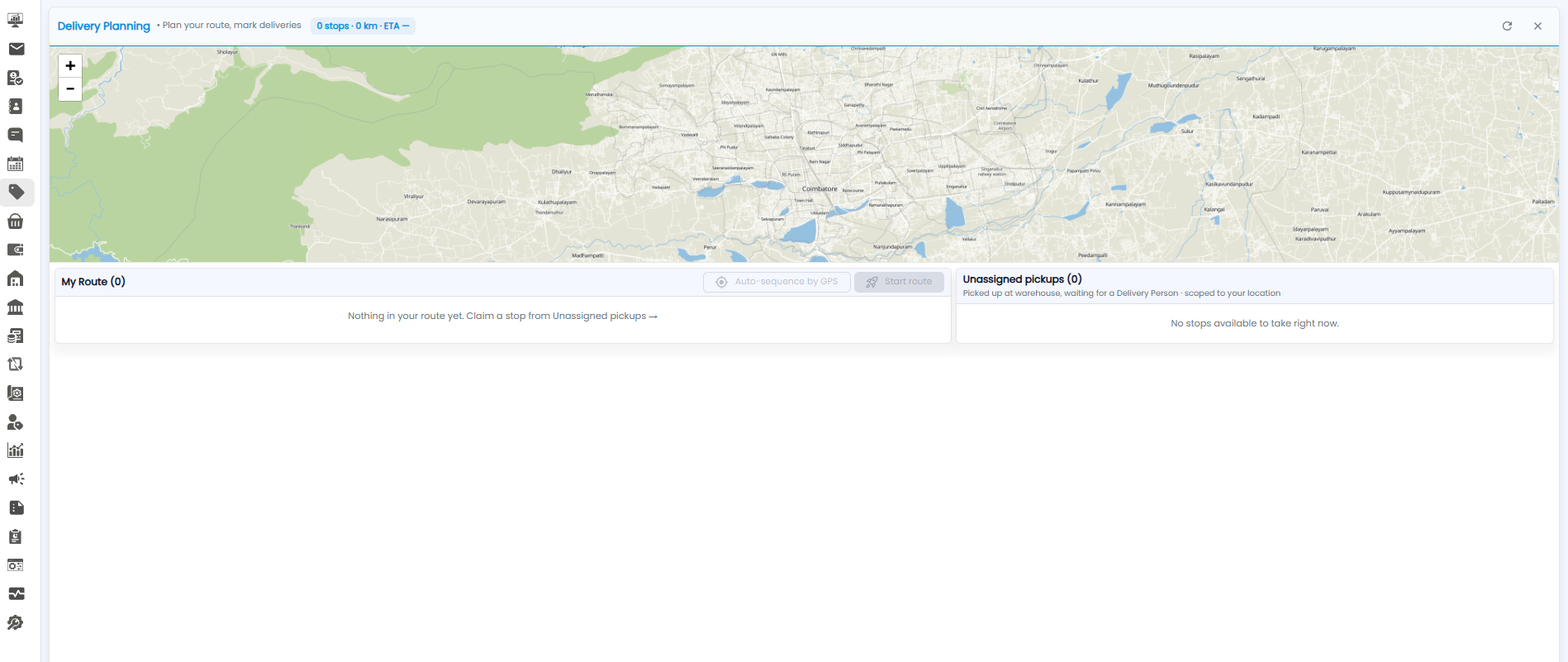
The Screen
- Route summary — next to the title, for example 0 stops · 0 km · ETA —.
- Map — shows your stops. Use + and − to zoom.
- My Route — the stops you have taken on, with the count in brackets.
- Unassigned pickups — items picked up at the warehouse and waiting for a delivery person, for your location.
Planning a Route
- Claim stops from Unassigned pickups — they move into My Route
- Click Auto-sequence by GPS to put the stops in the best order
- Click Start route when you set off
If nothing is waiting, the panels say Nothing in your route yet and No stops available to take right now. Click the refresh icon at the top right to check again.
Tip: Use Auto-sequence by GPS before you start — it saves driving time on routes with several stops.