
What is My Beat in Tazk POS?
My Beat is a salesman's plan for the day. It lists their shops with the reason each needs a visit — Deliver, Close DC, Collect, Sales down or Not visited — and builds Today's plan from must-visit shops and the most urgent ones. Tiles at the top count deliveries, DCs to close, money to collect, shops with falling sales and shops not visited lately. Click a reason to act on it. Managers can pick a salesman and view their beat.
Who sees what on My Beat?
| User | What they see |
|---|---|
| Salesman / field sales executive | Their own shops ("Your shops to visit today") with all five reasons |
| Delivery person | "Today's deliveries" — only Deliver and Close DC |
| Sales manager / administrator | A salesman picker, read-only, with Today's list and Visit progress views |
What do the tiles show?
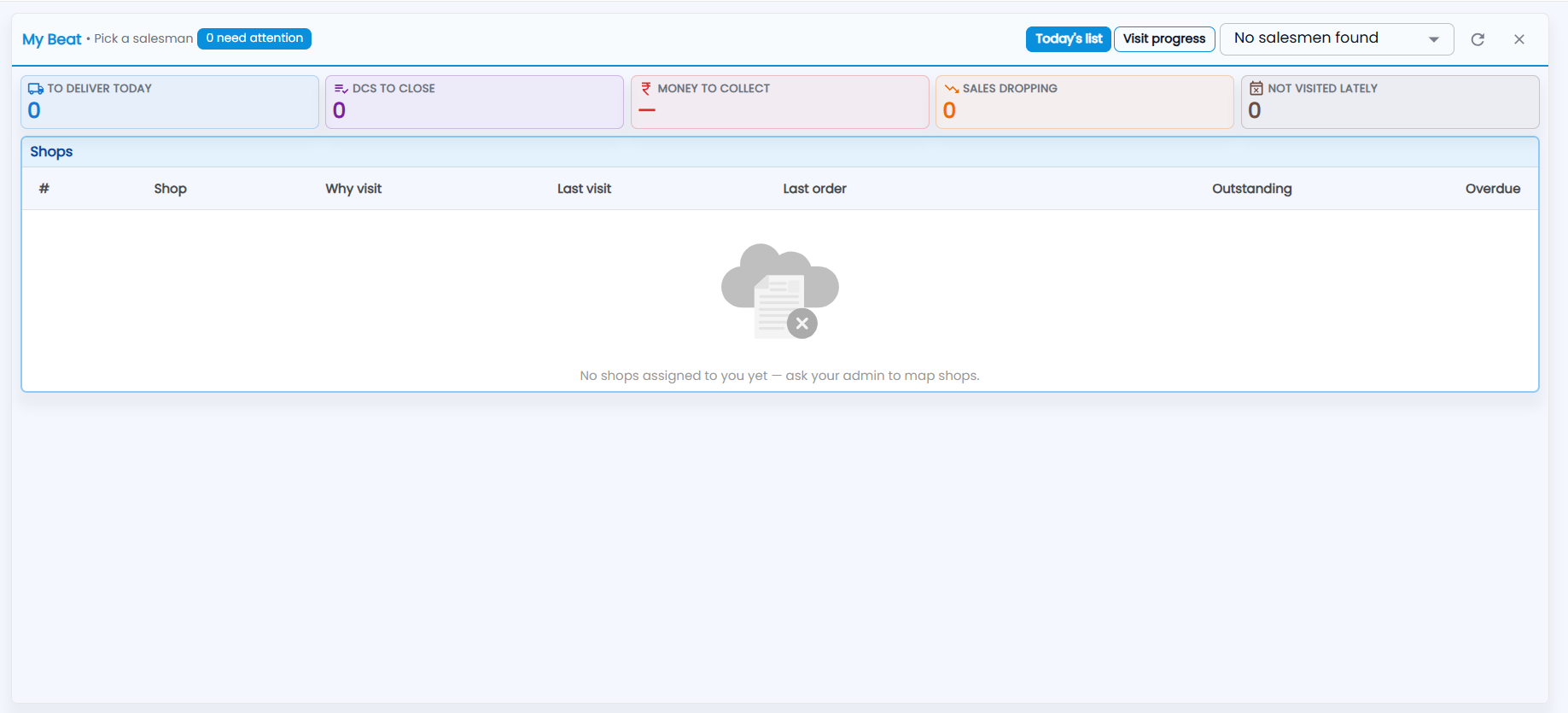
Open My Beat in the sidebar. The title row shows how many shops need attention (for example 0 need attention), the Today's list / Visit progress switch, the salesman picker (managers only — Pick a salesman; it says No salesmen found when none are set up), refresh and close. Click a tile to show only those shops; click again to clear. The small launch icon on a tile opens the related page.
| Tile | What it counts | Launch opens |
|---|---|---|
| To deliver today | Invoices and DCs you have picked up for delivery | Delivery planning |
| DCs to close | Shops with open DCs | DC Aging (open DCs) |
| Money to collect | ₹ due from your shops | Receipts |
| Sales dropping | Shops ordering less often than usual | — |
| Not visited lately | Shops past their visit cycle | Visit history |
What does each reason on a shop mean?
| Reason | Shows | Click to |
|---|---|---|
| Deliver | Number of deliveries | Mark them delivered (with OTP if your company uses delivery OTP) |
| Close DC | Open DCs, quantity and oldest days | Open DC Reconciliation for this shop |
| Collect | Amount due and days overdue | Open Receivables for this shop |
| Sales down | Days since last invoice vs their usual gap | Open the customer's Transactions in Customer Contacts |
| Not visited | Days since the last visit, or "never" | Open the shop |
How is Today's plan built?
The table is split into Today's plan and Other shops ("more shops you could visit if time allows, sorted by urgency"). Today's plan always includes deliveries you are carrying and the shops scheduled as must-visit for today (★). It is then filled with the most urgent shops up to about a day's capacity. When shop locations are known, the plan is put in a sensible route order and kept within the daily driving limit.
The Shops table has the columns #, Shop, Why visit, Last visit, Last order, Outstanding and Overdue. If no shops are mapped to the salesman yet, it says No shops assigned to you yet — ask your admin to map shops. Chips mark a shop as must-visit, planned for today, or "not on today's plan but urgent". If planned shops were missed yesterday, a banner lists them at the top ("N shops from yesterday still need a visit"); a missed must-visit shop is pinned until visited.
What is Visit progress?
Shops are grouped as A (top shop, visit every week), B (middle, every 2 weeks) and C (small, every month). The Visit progress strip shows the % of each group visited within its cycle — green at 80% or more, orange from 50%, red below. A manager's Visit progress view shows a salesman's planned, visited and missed shops by day for recent weeks, with overall and must-visit progress.