
What is DC Reconciliation in Tazk POS?
DC Reconciliation is the page a salesman uses at a dealer's shop to check the stock sent on delivery challans. Pick the dealer, then mark each IMEI or lot as Sold, Still on Shelf or Not on Shelf, and click Save. Marking a lot Sold records it as activated, so it becomes To be Invoiced on DC Aging; Not on Shelf flags it for follow-up.
How do I open DC Reconciliation?
Click DC Reconciliation in the sidebar (on some menus it sits under Sales Man), or click Close DC on a shop in My Beat to land straight on that dealer.
What is in the dealer list?
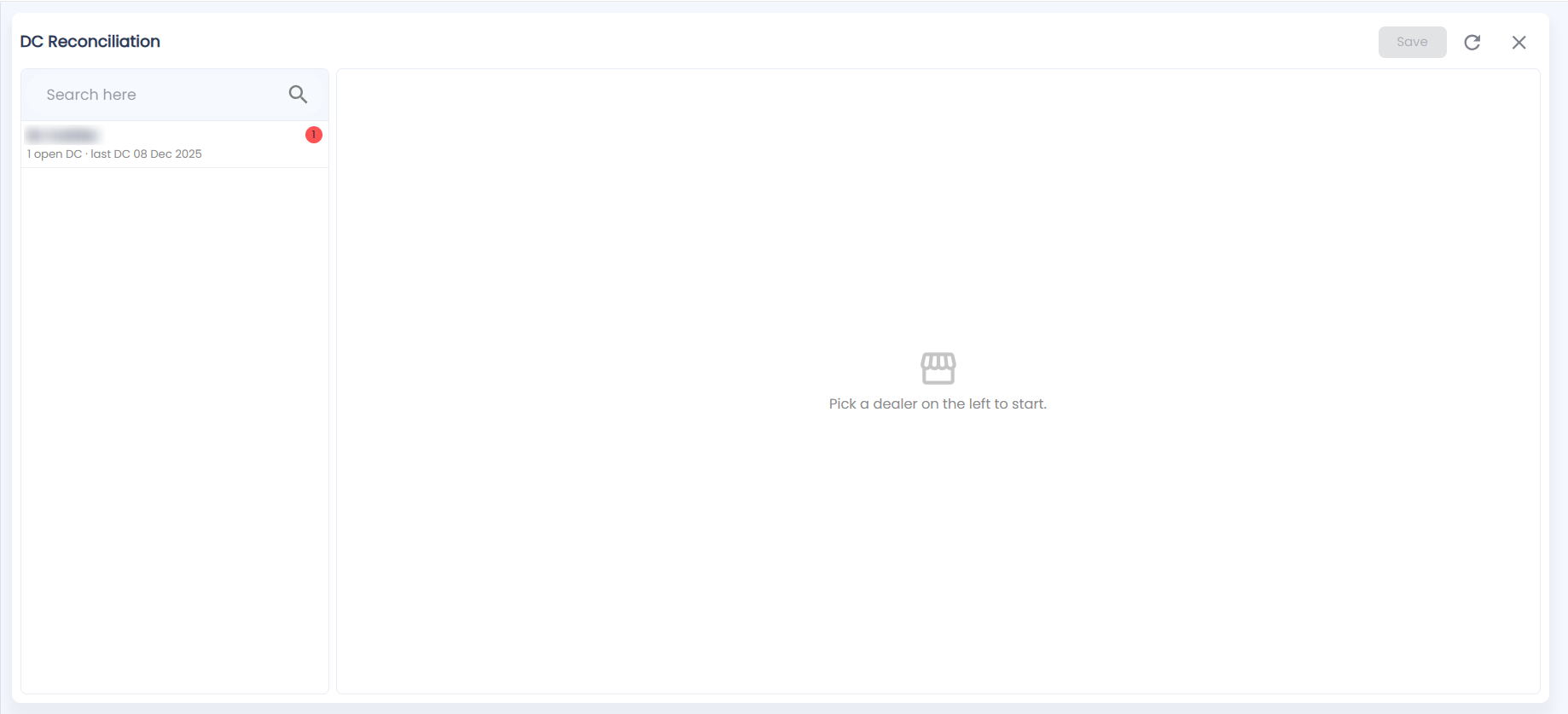
The left pane lists the dealers in your scope; until you pick one, the right side says Pick a dealer on the left to start. Search by name. Each dealer shows a red badge with the number of lots to mark, and a line such as 1 open DC · last DC 08 Dec 2025. The list can also show when each dealer was last visited. If nobody needs work you see "No dealers with work in your scope."
What do I see for a dealer?
Click a dealer. The title row shows the dealer's name, a Last visit (or Never visited) chip and the number of pending marks. The To mark list shows every lot sent to the dealer on a DC:
| Column | What it shows |
|---|---|
| IMEI / Lot / Item | The serial or lot number and the product |
| DC # / DC date / Days | The challan and how long ago it went out |
| Last mark | The last mark made on this lot; hover for who marked it and when |
| Mark as | Where you pick today's mark |
How do I reconcile a dealer's stock?
- Walk the dealer's shelf with the list open.
- For each lot, choose in Mark as:
- Sold — the dealer has sold it.
- Still on Shelf — it is there, unsold.
- Not on Shelf — you cannot find it.
- Click Save at the top right (it is greyed out until you mark something, and shows the number of pending marks). A message confirms what was saved, for example "Saved: 3 sold, 1 not on shelf."
Lots you leave on "— Pick —" are not changed. Use Refresh to reload, and Close to go back.
What happens after I save?
- Sold lots are recorded as activated, so on DC Aging their DC Status becomes To be Invoiced and they can be billed to the dealer on Invoices.
- Every mark shows in the Recon Status and Recon By columns on DC Aging.
- Not on Shelf lots are counted in the Not on Shelf tile so the office can follow up.