
What is a prospect in Tazk CRM?
A prospect is someone you may approach who is not a lead yet — usually a contact list you bought or collected, as an Excel file. Open Leads › All Prospects, import the list with a name so you know where these people came from, or add someone by hand with + Add prospect. Then market to them, and convert the people who respond into leads.
What is on the Prospects screen?
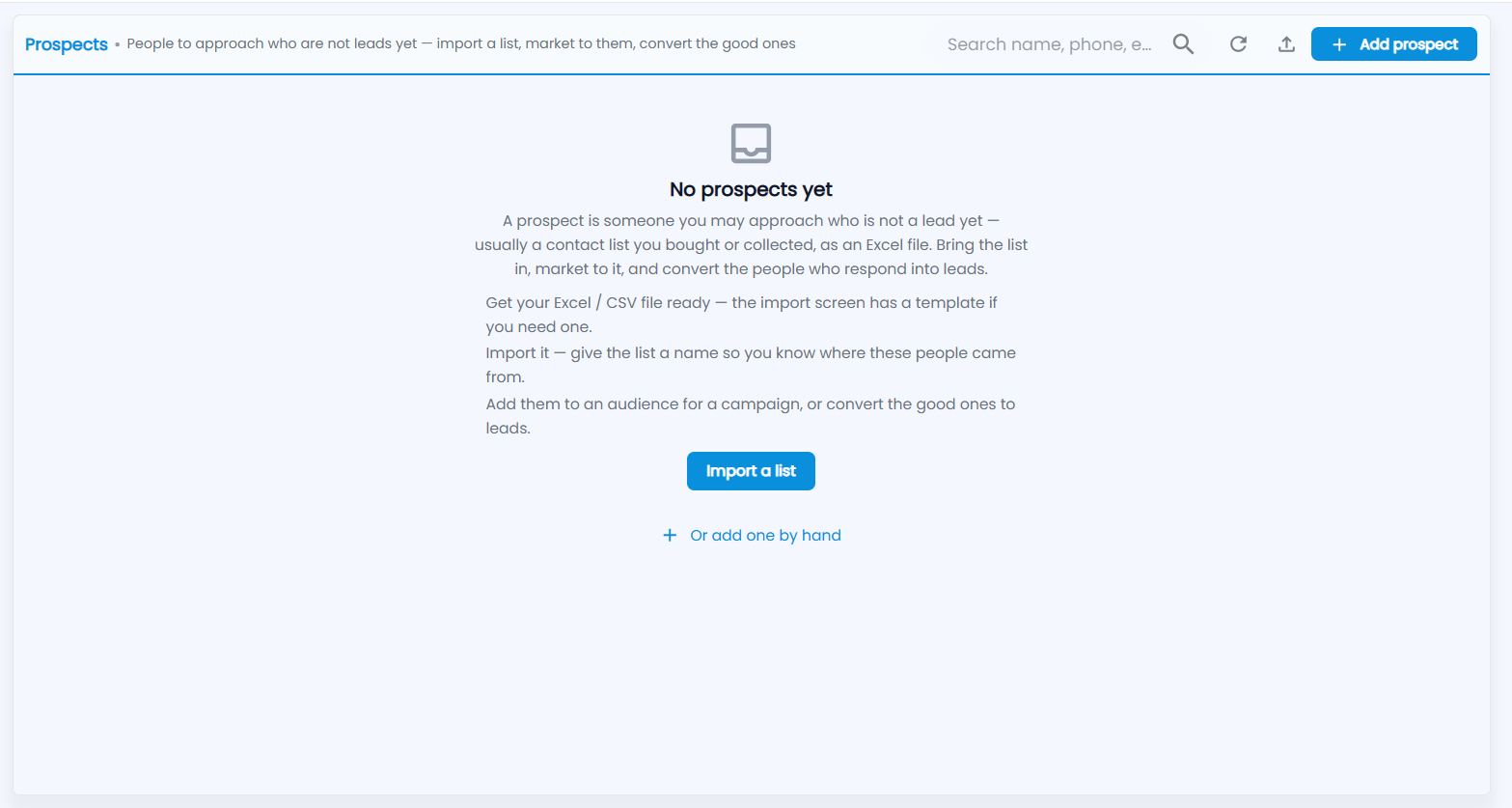
The header has a search box (Search name, phone, e…), a refresh button, an upload button to import a list, and + Add prospect. Until you add anyone, the screen says No prospects yet and shows the three steps:
- Get your Excel or CSV file ready — the import screen has a template if you need one.
- Import it — give the list a name so you know where these people came from.
- Add them to an audience for a campaign, or convert the good ones to leads.
Click Import a list to start, or Or add one by hand.
How do I add a prospect by hand?
Click + Add prospect. The form is for someone to approach later — not a lead yet.
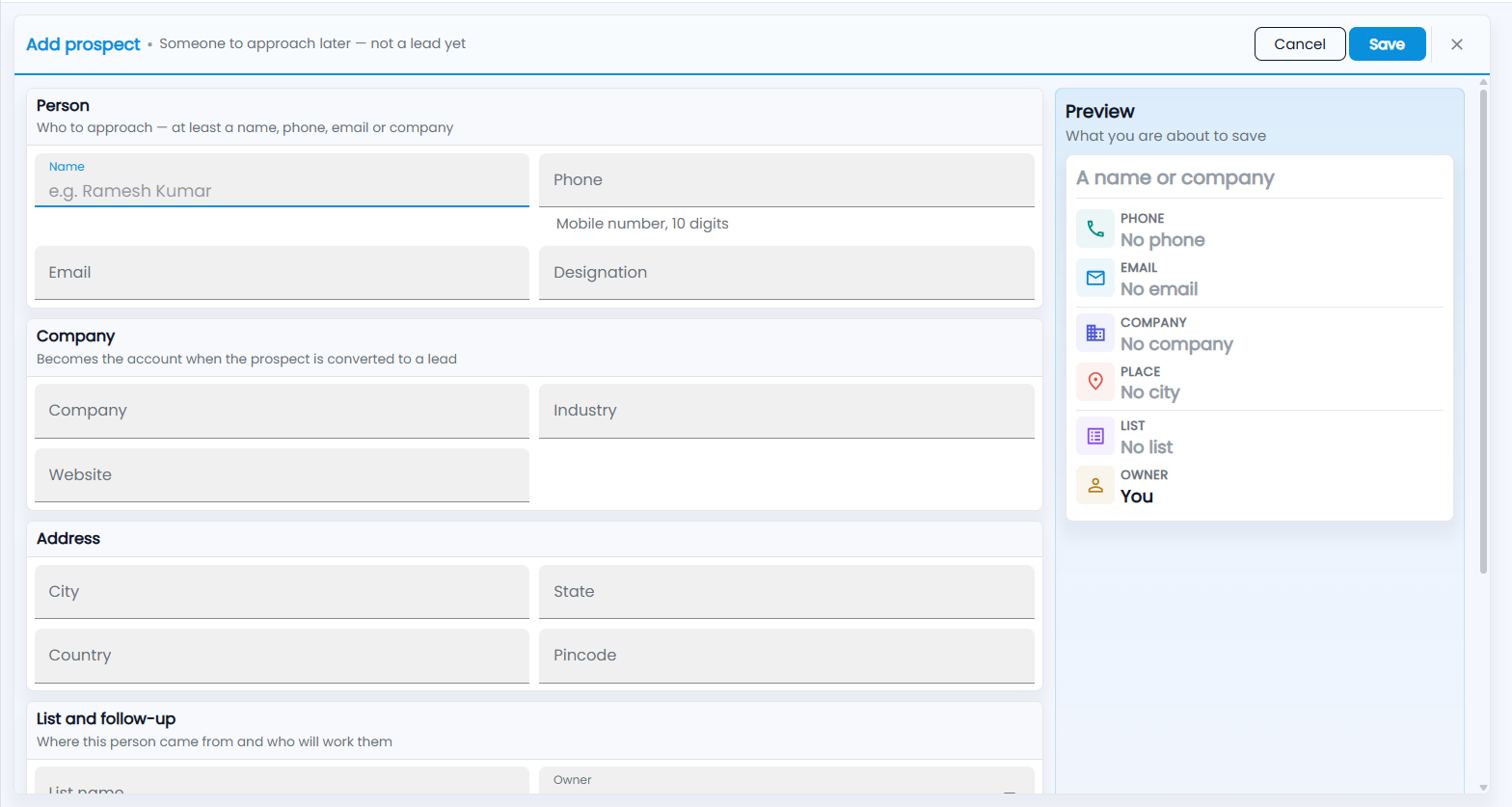
- Person — who to approach: Name, Phone (a 10-digit mobile number), Email and Designation. You need at least a name, phone, email or company.
- Company — Company, Industry and Website. The company becomes the account when the prospect is converted to a lead.
- Address — City, State, Country and Pincode.
- List and follow-up — where this person came from (List name) and who will work them (Owner).
The Preview on the right shows what you are about to save — phone, email, company, place, list and owner (You unless you change it). Click Save, or Cancel.