
What does the Calendar show in Tazk CRM?
Calendar puts dated CRM work on a month grid. The left panel has up to three views: Events (company holidays and team members' personal events), Lead Task (the due dates of tasks on your leads) and Meetings Calendar (meetings by start time). Use the arrows to change month and Today to come back to the current month.
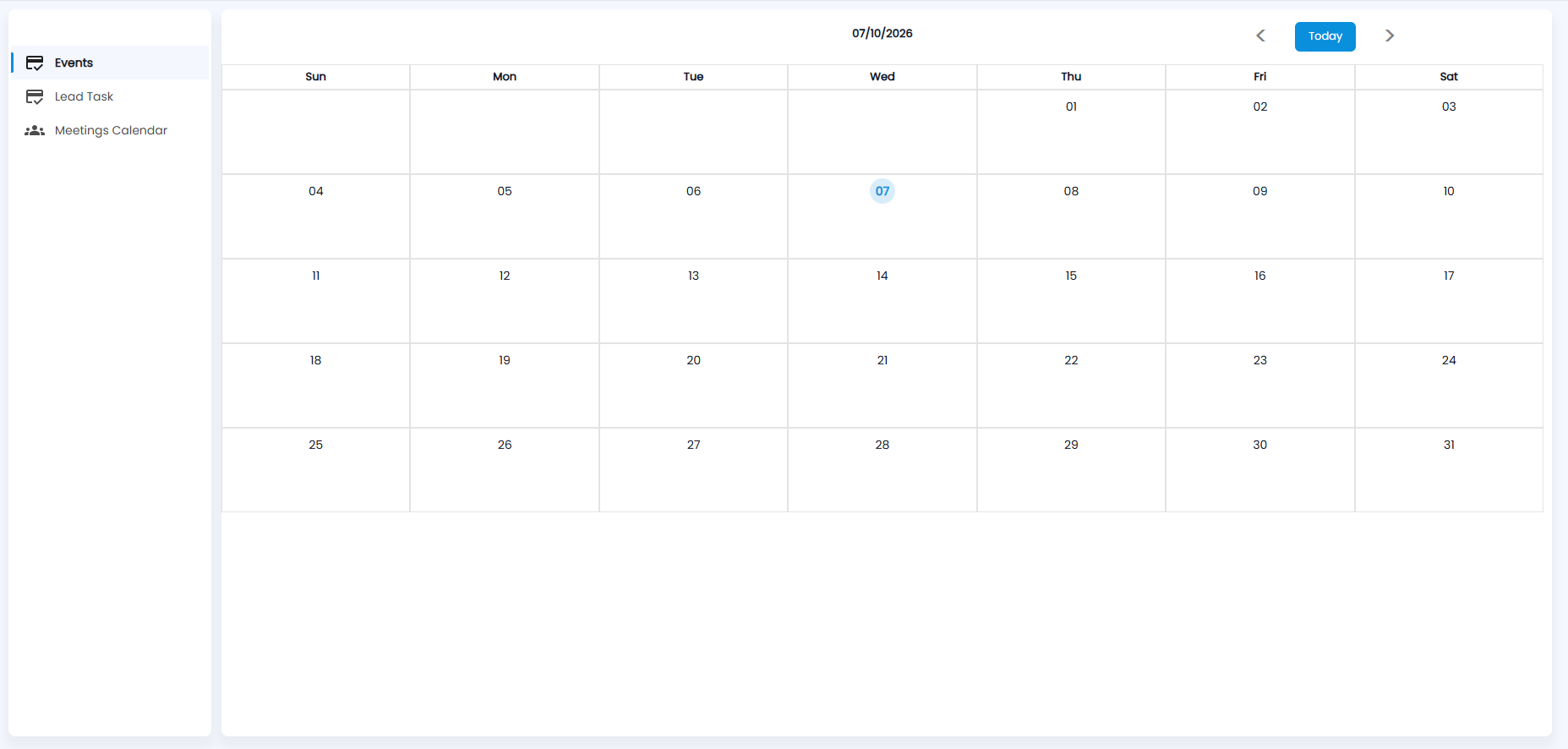
Which calendar views does Tazk CRM have?
Open Calendar from the sidebar. The panel on the left lists the views your role can open — Events, Lead Task and Meetings Calendar. Click one to switch. Each view shows one month, Sunday to Saturday, with today's date circled.
Your administrator decides which views each role can open. If you can open Calendar but none of its views, the page says You don't have access to any calendar view. Contact your administrator.
What does the Events view show?
Company holidays (for example Holiday - Diwali), personal events recorded on team members' profiles such as birthdays (Birthday - Meera), and approved time off recorded for your company. Personal events repeat on the same day every year. A month with none of these shows an empty grid, as in the picture above.
What does the Lead Task view show?
Every task on a lead, on its due date, as Due Date - <task owner> — for example Due Date - Meera or Due Date - Sales Team. The date you are on shows at the top as Date : DD/MM/YYYY.
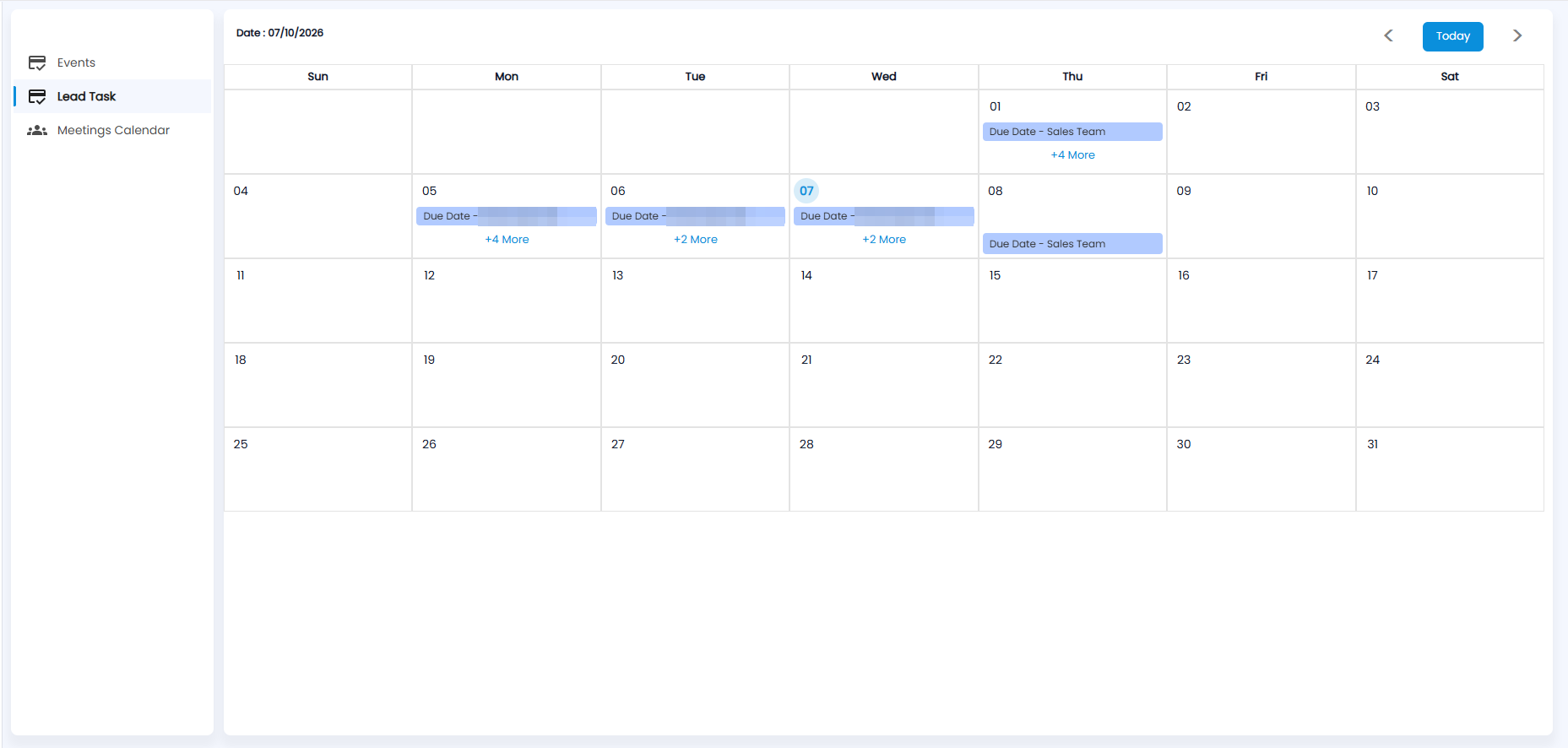
A day shows its first task. When there are more, a link such as +4 More appears under it. Click a task or the link to open a panel on the right listing every task due that day, with its owner and due date.
What does the Meetings Calendar show?
Meetings on the day they start, each with its start time and subject — for example 12:30 PM Product demo. A camera icon marks an online meeting and a pin marks one with a physical venue. Meetings that have already passed show in a lighter colour.
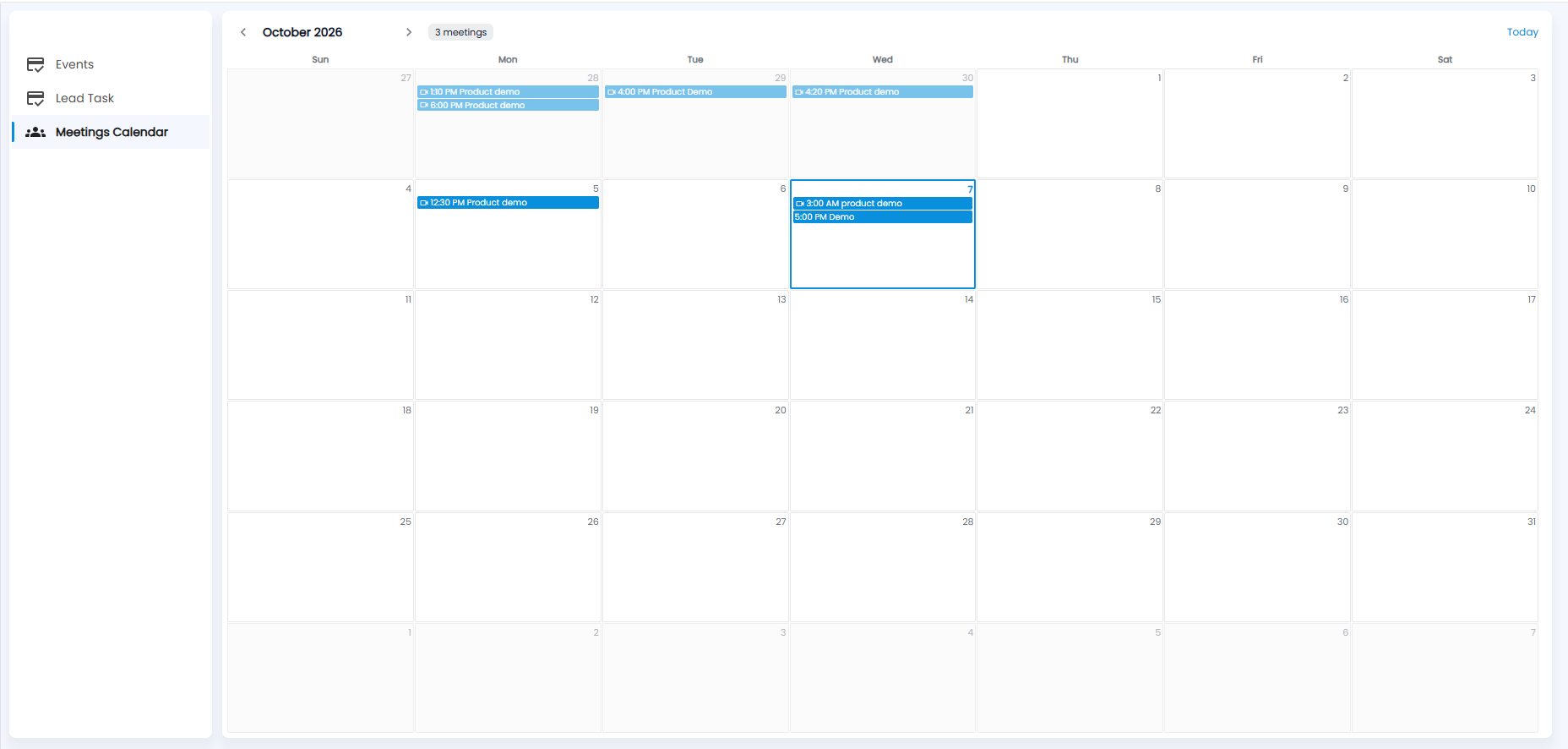
- The chip next to the month name counts the meetings in that month — 3 meetings in the picture. Days from the months before and after are greyed out and are not counted.
- Hover over a meeting to see its subject, time and lead. Click it to open the Meetings list, where you can open, edit or reschedule it.
How do I move between months?
- In Events and Lead Task, use the < and > buttons on either side of Today. Click Today to come back to the current month.
- In Meetings Calendar, use the arrows on either side of the month name, and Today at the top right to come back.
How do I add something to the calendar?
You can't create entries on the Calendar page itself. It reads from the records you already keep:
- Give a task a due date on a lead and it appears in Lead Task.
- Schedule a meeting and it appears in Meetings Calendar on its start date.
- Holidays and personal events come from your company setup and team members' profiles.