
What does the Activity page show in Tazk CRM?
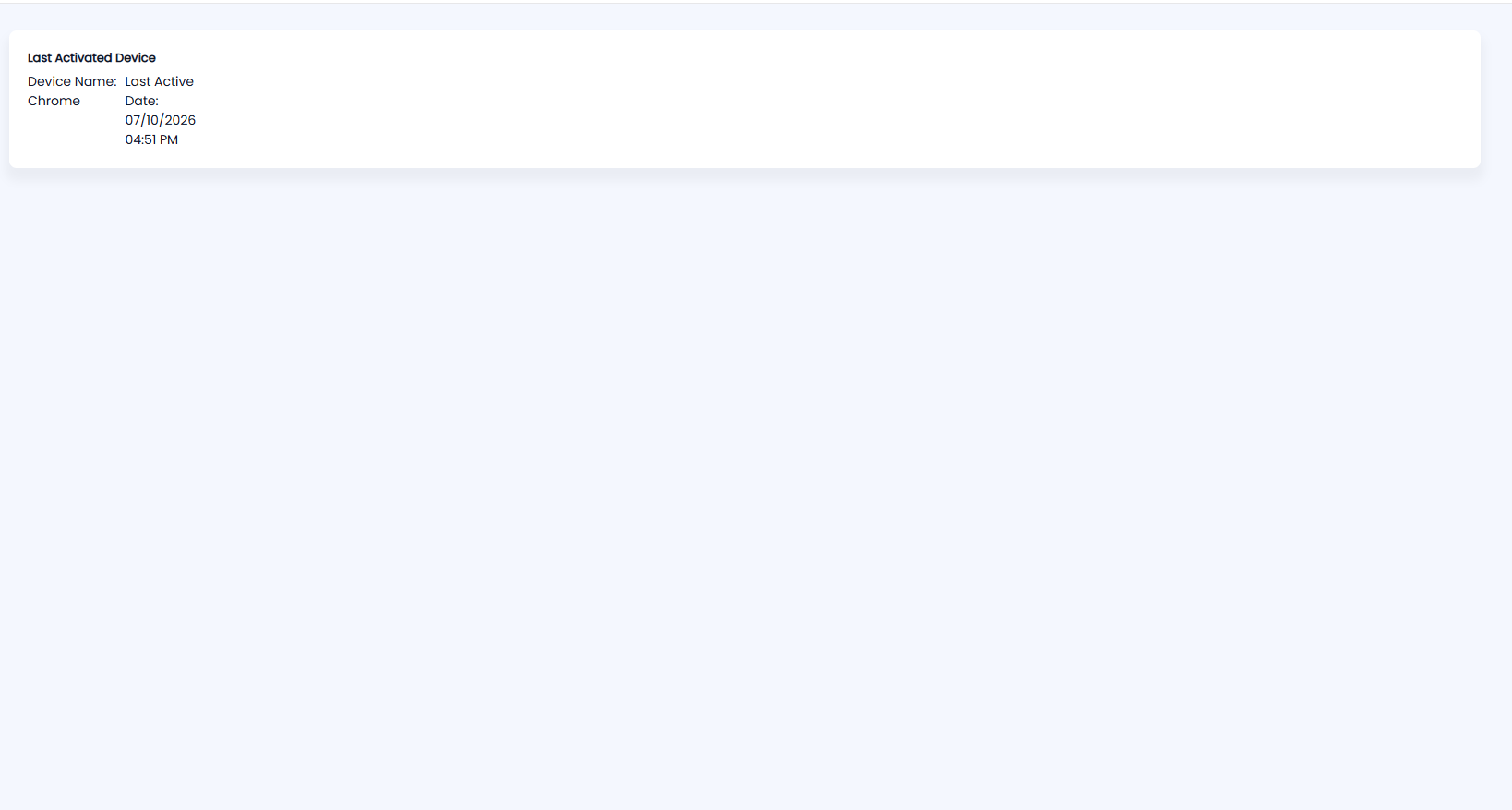
Activity shows your own Last Activated Device card: the Device Name (the browser or app you last worked in) and the Last Active Date and time. Tazk updates it automatically while you work, so you can check when and where your account was last used.
What is on the Activity page?
Open Activity from the sidebar. The Last Activated Device card has two fields:
| Field | Meaning |
|---|---|
| Device Name | The browser you last used Tazk in on the web (for example, Chrome), or the device name sent by the Tazk mobile app. |
| Last Active Date | When you were last active, as DD/MM/YYYY hh:mm AM/PM. Shows N/A if nothing has been recorded yet. |
The page shows only your own activity, not other users'.
How is my activity recorded?
You don't need to do anything. While you use Tazk, it records your activity at most once every five minutes, along with the browser you are using. Just opening a screen counts as activity.
If you use more than one Tazk product or company with the same login, the page shows the most recent activity across all of them.
When is the Activity page useful?
- To check when you last used your account, and on which browser.
- To spot activity you don't recognise. If the last active time or device doesn't match your own use, change your password and tell your administrator.